10 Platform-as-a-Service Providers for App Dev in 2026

By Jess Lulka
Content Marketing Manager
- Updated:
- 20 min read
From Heroku to Render, platform-as-a-service (PaaS) providers have made it so developers no longer need to provision servers or manage infrastructure directly. Instead, they can push code and let the platform handle the runtime environment, deployment pipeline, and scaling underneath. These platforms provide managed runtime environments with support for a range of programming languages, container-based workloads, and event-driven architectures. They also integrate with the broader stack, connecting to managed databases, messaging systems, and observability tools.
Using platform-as-a-service providers for application development makes it easier for individuals and small teams to take full ownership of their application throughout the entire lifecycle. It also aligns with the growing expectation that developers control release velocity, environment promotion, and day-to-day application lifecycle tasks. Not all PaaS providers are the same, though. Some are standalone platforms built for simplicity, while others are tied to ecosystems that bundle in storage, networking, and other services. Read on for a breakdown of the top providers, including the DigitalOcean App Platform.
Key takeaways:
-
Platform-as-a-service offerings let organizations deploy applications without managing servers or infrastructure. Cloud providers manage networking, databases, computing power, and regular updates.
-
Development teams that use PaaS offerings benefit from faster time-to-deployment, scalability, reduced infrastructure management, cost-effectiveness, and improved collaboration.
-
When running a PaaS comparison process, consider technology stack support, operational responsibility, developer experience, security, and scalability.
-
Cloud PaaS solutions include DigitalOcean App Platform, Heroku, Vercel, Netlify, Render, AWS Lambda, Google App Engine, Azure App Service, Red Hat OpenShift, and Railway.
What is platform-as-a-service?
PaaS is a category of cloud computing that allows developers to use deployment platforms to build, deploy, and scale their applications. A developer only thinks about code when using this setup, as the cloud provider provisions and manages all the backend infrastructure. This includes networking, middleware, servers, storage, virtualization, OSes, and runtime environments. This means that users can expect pre-configured runtime environments and predictable scaling, storage, and security options. Developers still get some control over libraries, tools, and settings, but they can’t modify the underlying operating system or network configuration.
PaaS vs IaaS: Key differences
With PaaS, you deploy code, and the platform handles the underlying infrastructure, giving you a ready-made environment without the operational overhead.
IaaS takes a different approach, providing raw building blocks like compute, storage, and networking that you provision and manage yourself. The tradeoff is flexibility: IaaS gives you full control over the stack, while PaaS limits what you can customize in exchange for speed and simplicity. The two aren’t mutually exclusive, either. A team might use PaaS to deploy their web application while relying on IaaS to run a custom-configured database or GPU workload that needs more hands-on tuning.
Benefits of PaaS providers
When your platform handles the operational heavy lifting, the benefits may go beyond just saving time:
-
Faster deployment and development: Many PaaS tools include pre-built templates and libraries that make it easier for developers to integrate features and launch code. A team can connect a GitHub repo, push a commit, and have a new version live in minutes without touching a deployment script.
-
Scalability: Most PaaS platforms include autoscaling so their resources can automatically scale up or down to accommodate application requirements. And the cloud provider will keep an eye on overall resource management.
-
Less infrastructure management: A big plus of using PaaS is that it removes the need to constantly configure infrastructure, perform server maintenance, or security updates. That’s all managed by the cloud provider, so users can focus on their application code.
-
Cost effectiveness: Most PaaS providers operate on a pay-as-you-go model, though some offer pricing caps and discounts for extended use. This removes the overall hardware cost and lowers the cloud total cost of ownership.
-
Improved collaboration: A unified tool and PaaS system enable teams to collaborate and work from a single interface—regardless of geographic location. Shared access controls, role-based permissions, and centralized secrets management mean teams don’t have to pass around credentials or worry about inconsistent environments across contributors.
Selection criteria for PaaS vendors
Choosing a PaaS provider is a bit like picking a framework: the best option depends on what you’re building and how much control you want over the details. Here are a few things to evaluate:
-
Technology stack support: Check if you can connect your PaaS to the tools you use, especially for managed databases, framework languages, and software integrations. For example, if your team runs Python on PostgreSQL, make sure the platform supports both natively rather than requiring workarounds.
-
Broader ecosystem: Consider whether the provider offers complementary services that integrate natively with the platform. A PaaS that connects to the same provider’s managed databases, object storage, and monitoring tools means less time stitching together third-party services and fewer integration headaches.
-
Developer experience: Look at the day-to-day workflow the platform actually gives you. Git push deploys, built-in log streaming, one-click staging environments, and a clean dashboard all make a real difference in how quickly your team can ship and debug.
-
Security: Check which compliance certifications the platform holds, like SOC 2, ISO 27001, and whether features like SSL/TLS encryption, DDoS protection, and network firewalls are included by default. These should be baked into the platform from the start, not bolted on after deployment.
-
Scalability: Find out whether the platform can auto-scale based on traffic or resource usage, or if you need to manually resize. An auto-scaling application platform that adjusts compute and memory on its own during demand spikes will save your team from scrambling during a launch or traffic surge.
10 top PaaS providers developers can use for application development
Whatever type of PaaS you’re looking for, there are several market options designed for individual developers, digital-native enterprises, and companies with extensive ecosystem investment in a single cloud provider or programming standards.
Pricing and feature information in this article are based on publicly available documentation as of February 2026 and may vary by region and workload. For the most current pricing and availability, please refer to each provider’s official documentation.
*This “best for” information reflects an opinion based solely on publicly available third-party commentary and user experiences shared in public forums. It does not constitute verified facts, comprehensive data, or a definitive assessment of the service.
| Solution | Best for* | Key features | Pricing |
|---|---|---|---|
| DigitalOcean App Platform | Hybrid deployment and AI/ML support | Git-based auto deploys; component-based architecture (services, workers, static sites); built-in HTTPS + global CDN; integrated app-level logs & performance insights; tight integration with GPU and AI inference services | Free tier; paid plans from $5/month with scaling and dedicated CPU options |
| Heroku | AI application support and development tools | Dyno-based scaling; Cloud Native Buildpacks; add-on marketplace; Heroku Private Spaces for network isolation; Heroku Shield for compliance workloads | From $7/month for basic dynos; higher tiers for private and GPU-backed environments |
| Vercel | Next.js and JAMstack application support | Automatic preview deployments per PR; edge network with serverless & edge functions; AI SDK for multi-LLM integration; streaming-first React support | Free tier; Pro from $20/month; Enterprise custom with SLA |
| Netlify | Shareable pull request previews and a global CDN | Deploy Previews with PR feedback sync; serverless & edge functions; built-in identity & auth; global CDN; AI agent–assisted builds and deploys | Free tier; Personal $9/month; Pro $20/user/month; Enterprise custom |
| Render | Management for static sites and web services | Native cron jobs & background workers; managed PostgreSQL/Redis; private internal networking; Infrastructure as Code via render.yaml; preview environments | Free tier; paid plans from $19/month per user plus usage-based compute |
| AWS Elastic Beanstalk | Global availability and Amazon integrations | Managed application platform for Java, Python, Node.js, Ruby, Go, .NET, PHP, and Docker; automatic environment provisioning; integrated load balancing and autoscaling; built-in monitoring via Amazon CloudWatch; seamless integration with AWS services such as RDS, S3, and CloudFront | No additional charge for Elastic Beanstalk itself; users pay for underlying AWS resources such as EC2, storage, and networking |
| Google App Engine | Programming language flexibility and Google Cloud integration | Standard & flexible runtime environments; service versioning with independent scaling; built-in task queues & schedulers; automatic load balancing & HTTPS | $0.05–$0.10/hour per instance, depending on environment (Standard or Flexible) and instance class, with free tier quotas available |
| Azure App Service | Microsoft-focused infrastructure and connectivity | Deployment slots for zero-downtime releases; built-in authentication with Azure AD; VNet integration for hybrid access; multi-language & container support | $0 for F1 Free Plan; $9.49/month per site for D1 Shared Plan |
| Red Hat OpenShift | Kubernetes-based workflows and hybrid deployments | Operator Framework & OperatorHub; built-in routing with TLS; integrated CI/CD; cluster monitoring with Prometheus; RBAC and enterprise security controls | Worker nodes available starting at $0.171/4vCPU/hour |
| Railway | Full open-source capabilities | Git, container, or local deploys; managed databases & persistent volumes; advanced private networking & TCP proxies; unlimited preview environments; rollbacks & observability | Free trial; usage-based Hobby & Pro tiers; Enterprise custom |
PaaS featuring a streamlined developer experience
If you’re looking at PaaS for developers, check out PaaS options from DigitalOcean, Heroku, Vercel, Netlify, and Render. These options are designed to provide a smooth developer experience and easily integrate with the latest AI standards and tooling.
1. DigitalOcean App Platform featuring hybrid deployment and AI/ML support
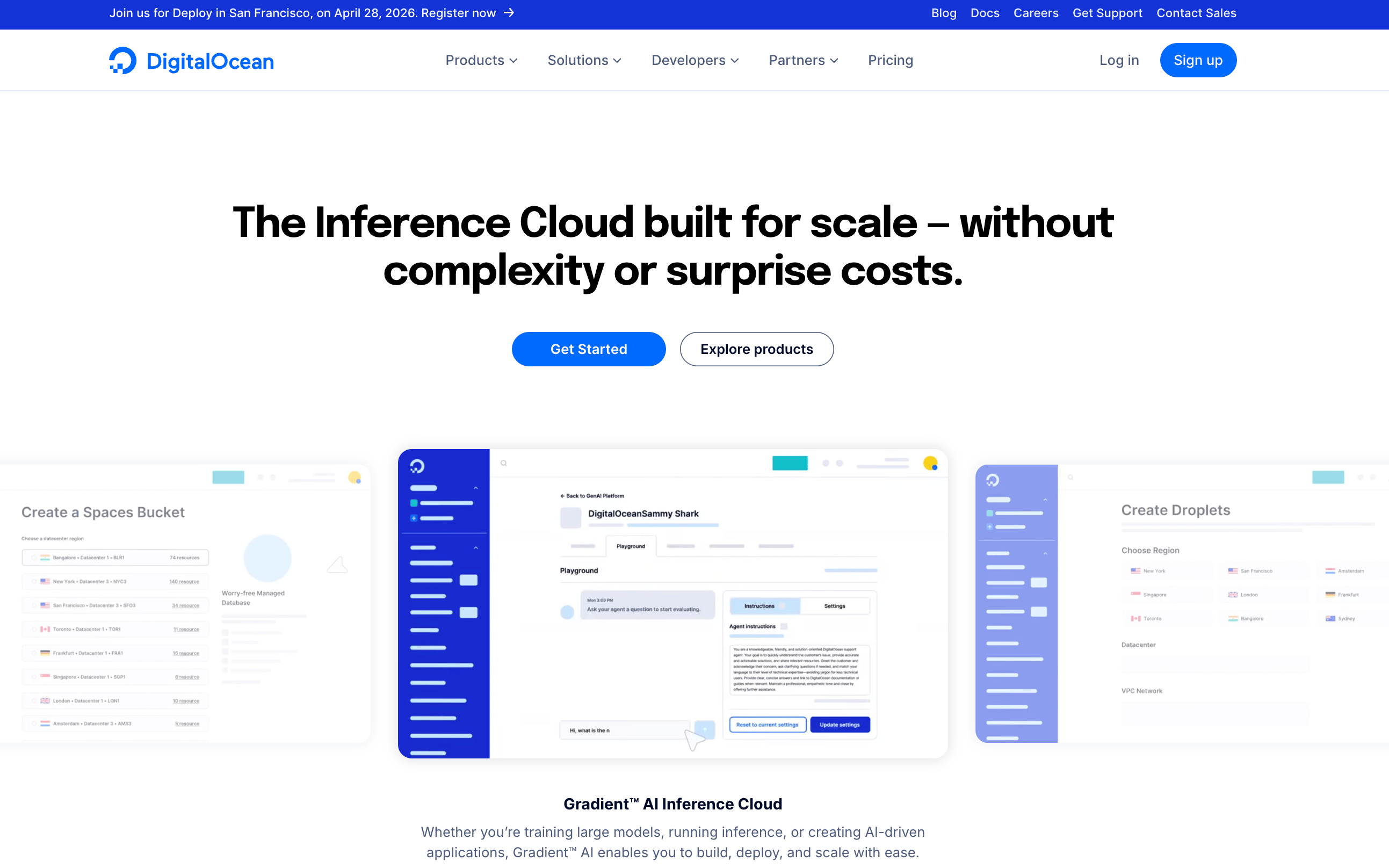 DigitalOcean’s managed PaaS offering, App Platform, supports hybrid development workflows that may require cloud-hosted builds, containers, serverless functions, or dedicated CPU resources. It’s designed so developers can create staging, production, and preview environments directly from GitHub, GitLab, other Git repositories, or pre-built container images from Docker registries. The platform supports common application frameworks and runtimes, including Node.js, Python, PHP, Ruby, Go, Java, .NET, and static site generators such as Gatsby, Hugo, Jekyll, and React.
The company’s AI/ML offerings include GPU Droplets® and DigitalOcean Gradient™ AI Inference Cloud for building and deploying AI agents and inference services. These services operate alongside App Platform and the broader cloud environment, allowing teams to incorporate AI workloads into application architectures without adopting a separate provider. For teams evaluating PaaS providers, DigitalOcean combines managed application deployment with core cloud infrastructure and AI capabilities within a unified environment.
DigitalOcean key features:
-
Built-in HTTPS with automatic TLS certificate provisioning and renewal for custom domains, reducing the need for external certificate management.
-
Component-based architecture that allows mixing static sites, services, workers, and jobs within a single application configuration.
-
Integrated observability tools, including application-level logs and performance insights accessible directly from the control panel and API.
DigitalOcean App Platform pricing:
-
Free Tier - Starting at $0/month. Includes 3 applications with static sites, deployment from GitHub and GitLab, automatic HTTPS, custom domain, global CDN, DDoS migration, and 1GiB data transfer allowance per app with static sites.
-
Paid Tier - Starting at $5/month ($60/year). All “Free Tier” features above, plus deployment from container registries, shared and dedicated CPU, horizontal and vertical scaling, automatic OS patching, development and production databases, and up to 10 revisions for rollbacks.
Both pricing plans are subject to applicable terms, conditions, and configuration requirements here._
2. Heroku with AI application support and development tools
Heroku is a PaaS provider that offers options for integrating the model context protocol (MCP) and managed inference to support AI application development. Heroku introduced the dyno-based model for scaling applications and supports multiple programming languages through Cloud Native Buildpacks (scripts that turn code into a deployable artifact with minimal configuration). The platform includes managed PostgreSQL databases, an add-on marketplace for third-party services, and an integrated CI/CD platform. However, Heroku has moved to a “sustainable engineering” model, with limited new feature development and a focus on stability and operational continuity. For teams evaluating modern PaaS providers, Heroku remains a mature and developer-friendly option, though its current roadmap reflects a more incremental evolution compared to earlier phases of rapid platform expansion.
Heroku key features:
-
An add-on marketplace that integrates third-party services such as monitoring, caching, search, and messaging directly into applications.
-
Heroku Private Spaces provide isolated runtime environments within dedicated virtual networks for applications requiring enhanced network segmentation and compliance controls.
-
Heroku Shield, a compliance-focused offering that includes enhanced security controls and is designed to support regulated workloads such as those subject to HIPAA requirements.
-
Cedar Dyno (Basic) - $7/month. Includes 0.5 GB of RAM and 1x-4x compute.
-
Fir Dyno (Classic) - $25/month. Includes 0.5 GB of RAM, 1 vGPU, and requires Private Spaces to run.
Choosing the right platform for your apps means understanding how they differ in day-to-day use. This DigitalOcean vs Heroku comparison breaks down differences in control, deployment workflows, and operational overhead—helping you decide which environment fits your team’s experience and goals without unnecessary complexity.
3. Vercel featuring Next.js and JAMstack application support
Vercel is a frontend-focused PaaS for deploying and scaling Next.js web applications. The platform emphasizes edge delivery, automatic preview deployments, and a Git-based workflow. Vercel provides globally distributed infrastructure, serverless functions, edge functions, and integrated content delivery to optimize end-user performance. Its developer experience centers on automated builds, environment management, and tight integration with frontend tooling ecosystems. For teams building composable, API-driven, or headless applications, Vercel offers a managed deployment layer optimized for frontend performance.
Vercel key features:
-
Automatic preview deployments for every pull request, enabling isolated testing environments tied to Git workflows.
-
AI SDK that provides a unified interface for integrating large language models (LLMs) from multiple providers into frontend and full-stack applications.
-
Streaming-first architecture support that enables real-time token streaming responses in React and Next.js applications.
-
Hobby - $0. Repository importing, automatic CI/CD, web app firewall, global automated CDN, DDoS mitigation, plus traffic and performance insights.
-
Pro - $20/month ($240/year). Hobby features plus $20 of usage credit, advanced spend management, cold start prevention, faster build, and no queue time, plus team collaboration features.
-
Enterprise - Custom pricing. Pro features plus guest and team access controls, SCIM and directory sync, managed WAF rulesets, multi-region compute and failover, advanced support, and 99.99% SLA.
Exploring Vercel alternatives helps you find platforms that better match your team’s needs for control, networking flexibility, and deployment workflows. This article walks through options with different balances of simplicity and operational depth—so you can pick an environment that aligns with how your team builds and ships apps.
4. Netlify with shareable pull request previews and a global CDN
Netlify is an integrated environment where developers can create, preview, and deploy all within one platform. Its platform streamlines web application production through automated builds, Deploy Previews that generate browser-accessible versions of pull requests, and feedback synchronization with connected repositories. Netlify combines a globally distributed CDN with serverless functions, edge functions, and serverless storage to support dynamic, API-driven architectures without requiring server management. The platform also includes primitives for building interactive and data-driven applications, enabling teams to extend static frontends with backend logic and distributed execution. Developers can also access the Claude Code, Codex, and Gemini AI agents from the Netlify dashboard to support code development.
Netlify key features:
-
Tools designed around composable architectures and API-driven frontend development.
-
Netlify Identity provides built-in user authentication and role-based access control for web applications without requiring a separate authentication provider.
-
Netify CLI that runs local development servers, local builds and plugins, and deploys your site.
-
Free - $0. Deploy from AI, Git, or API, unlimited deploy previews, build with Agent Runners, Functions & AI models, global CDN, firewall traffic rules, basic rate limiting, and 300 credits per month to use for production deploys, compute, AI inference, bandwidth, web requests, and form submissions.
-
Personal - $9/month; $9/month ($108/year). Everything included in Free, plus secret detection, priority email support, 7-day analytics and metrics, and 1K credits per month.
-
Pro - $20/user/month; $20/month ($240/year). Everything in Personal, plus private organization repositories, shared env variables, 30-day analytics and metrics, and 3K credits per month.
-
Enterprise - Custom pricing. Everything in Pro plus a 99.99% SLA, enterprise networking, high-performance builds, SSO & SCIM, organization management, log drains, and dedicated support.
The Netlify extension on DigitalOcean helps connect your Git workflow directly to your deployment pipeline, making it easier to automate builds, generate previews, and manage updates without juggling multiple tools. It’s a streamlined way to run modern frontend workflows on DigitalOcean while keeping infrastructure and deployments tightly aligned.
5. Render featuring management for static sites and web services
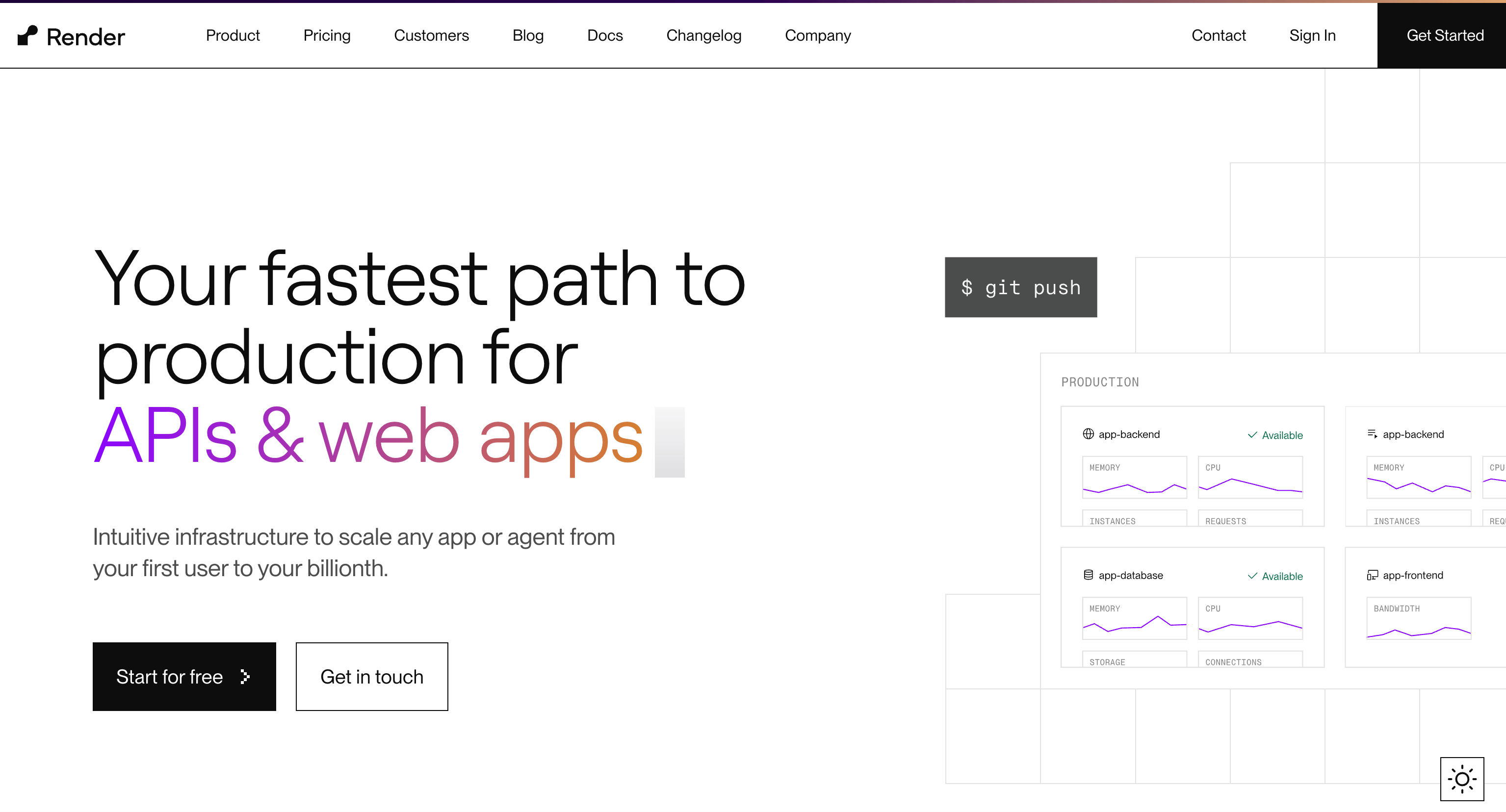
Render’s PaaS supports deployment for web services, static sites, background workers, and databases. Designed to simplify application hosting, Render supports Git-based deployments with automated builds and integrated continuous delivery workflows. The platform offers managed PostgreSQL, Redis, and object storage services, along with container-based application hosting, enabling teams to run full-stack applications within a single environment. Render also includes autoscaling and preview environments to support staging and production workflows. For teams seeking a managed alternative to self-hosted infrastructure or standalone PaaS tools, Render combines application deployment and core infrastructure services within a unified platform.
Render key features:
-
Native support for background workers and cron jobs, enabling scheduled tasks and asynchronous processing within the same deployment environment as web services.
-
Private networking that allows internal services and databases to communicate securely without exposing endpoints to the public internet.
-
Infrastructure as Code support via render.yaml, which allows teams to define services, databases, background workers, and environment settings declaratively within a version-controlled configuration file.
-
Hobby - $0. Fully managed datastores, full-stack application deployment, custom domains, global CDN with regional hosting, and email support.
-
Professional - $19/user/month; $19/month ($228/year). Everything in Hobby, plus 500 GB of bandwidth, collaboration with 10 team members, horizontal autoscaling, unlimited projects and environments, test with preview environments, private link connections, and chat support.
-
Organization - $29/user/month; $29/month ($348/year). Everything in Professional, plus 1TB of bandwidth, unlimited team members, audit logs, a SOC 2 Type II certificate, and an ISO 27001 certificate.
-
Enterprise - Custom pricing. Everything in Organization, plus centralized team management, guest users, SAML SSO & SCIM, guaranteed uptime, premium support, and customer success support.
All Render pricing lists are for monthly subscriptions. Computing costs are billed separately.
Finding the right Render alternatives comes down to balancing simplicity, control, and long-term scalability. Our article shows platforms with different approaches to deployment workflows, networking, and operational overhead—helping you choose an environment that fits your team’s style without adding unnecessary complexity.
Hyperscaler PaaS options
AWS, Google Cloud, and Microsoft Azure all offer PaaS capabilities and functionality if you decide to go with a setup that integrates directly with their hyperscaler clouds.
6. AWS Elastic Beanstalk with global availability and Amazon integrations
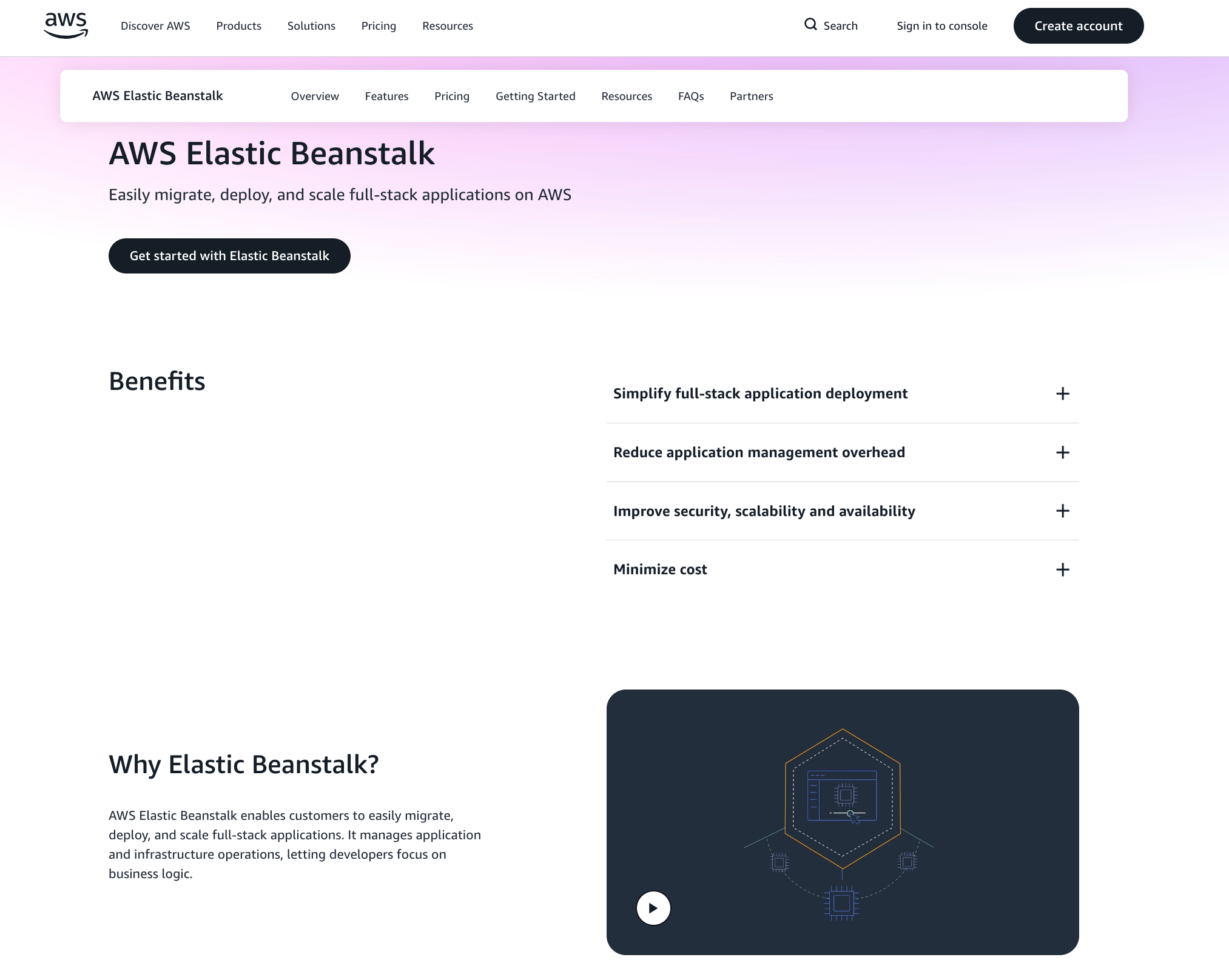
AWS Elastic Beanstalk is Amazon’s main product for web application deployment and management. It uses EC2, Elastic Container Service, AWS Auto Scaling, and Elastic Load Balancing to host your code, provision new container instances, distribute network resources, and enable you to run your application across the globe. It supports Java, .NET, Node.js, PHP, Ruby, Python, and Docker, and enables you to deploy your application via the CLI, Visual Studio, and Eclipse. It’s designed for teams that want a more guided deployment and operations path than assembling individual AWS services directly, while still remaining within the broader AWS ecosystem.
AWS Elastic Beanstalk key features:
-
Define repeatable environment customization using .ebextensions configuration files, including creating additional AWS resources through CloudFormation templates.
-
Support for blue/green release workflows by cloning environments and swapping environment URLs to shift production traffic between versions.
-
Run asynchronous background processing using Worker Environments, which integrate with Amazon SQS and a host-level daemon that retrieves messages for processing.
AWS Elastic Beanstalk pricing:
There are no additional fees for using AWS Elastic Beanstalk. Users are billed only for the AWS resources their applications require, such as EC2 instances, storage, and data transfer.
7. Google App Engine with programming language flexibility and Google Cloud integration
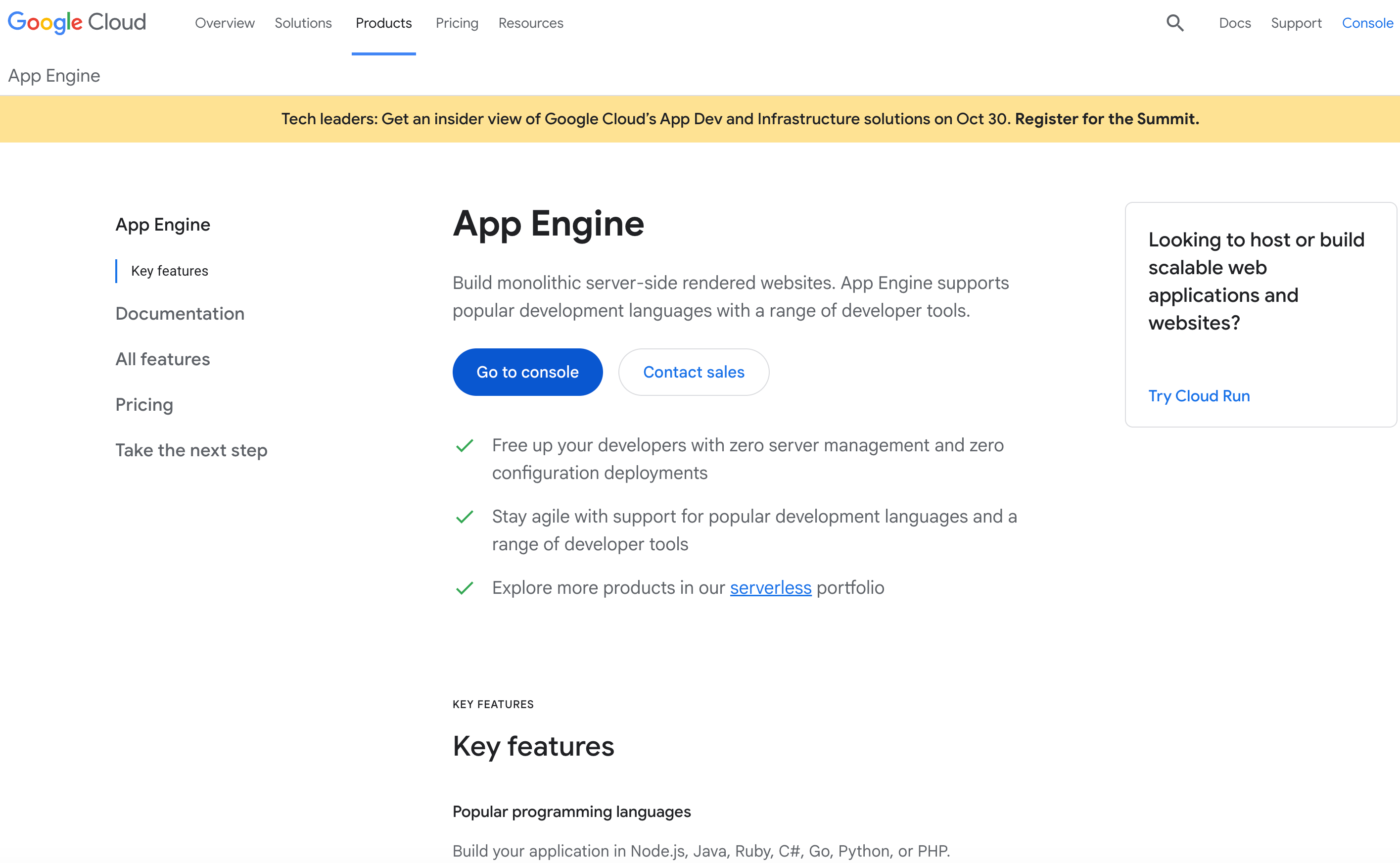
Google App Engine is an ideal PaaS option for development teams already plugged into the Google Cloud ecosystem and running scalable web and service-based architectures. It supports multiple programming languages (Node.js, Java, Ruby, C#, Go, Python, or PHP) and provides both a standard environment with preconfigured runtimes and a flexible environment based on custom containers. App Engine integrates with other Google Cloud services, including Cloud SQL, Firestore, Cloud Storage, and Pub/Sub, to support web applications, APIs, and event-driven workloads. The platform automatically handles scaling, load balancing, and application health management.
Google App Engine key features:
-
Built-in service versioning with independent scaling policies, allowing multiple services (microservices) within the same application to scale separately and be updated without affecting other components.
-
Integrated task queues and scheduled jobs via Cloud Tasks and Cloud Scheduler, enabling background processing and time-based execution without managing separate worker infrastructure.
-
Automatic HTTPS provisioning with managed SSL certificates for custom domains, including certificate renewal handled by the platform.
- $0.05–$0.10/hour per instance, depending on environment (Standard or Flexible) and instance class, with free tier quotas available
Looking for Google App Engine alternatives that give you more control and clearer networking? This overview walks through options for routing, traffic management, and infrastructure simplicity—helping you find a platform that matches your workflow and app requirements without unnecessary complexity.
8. Azure App Service with Microsoft-focused infrastructure and connectivity
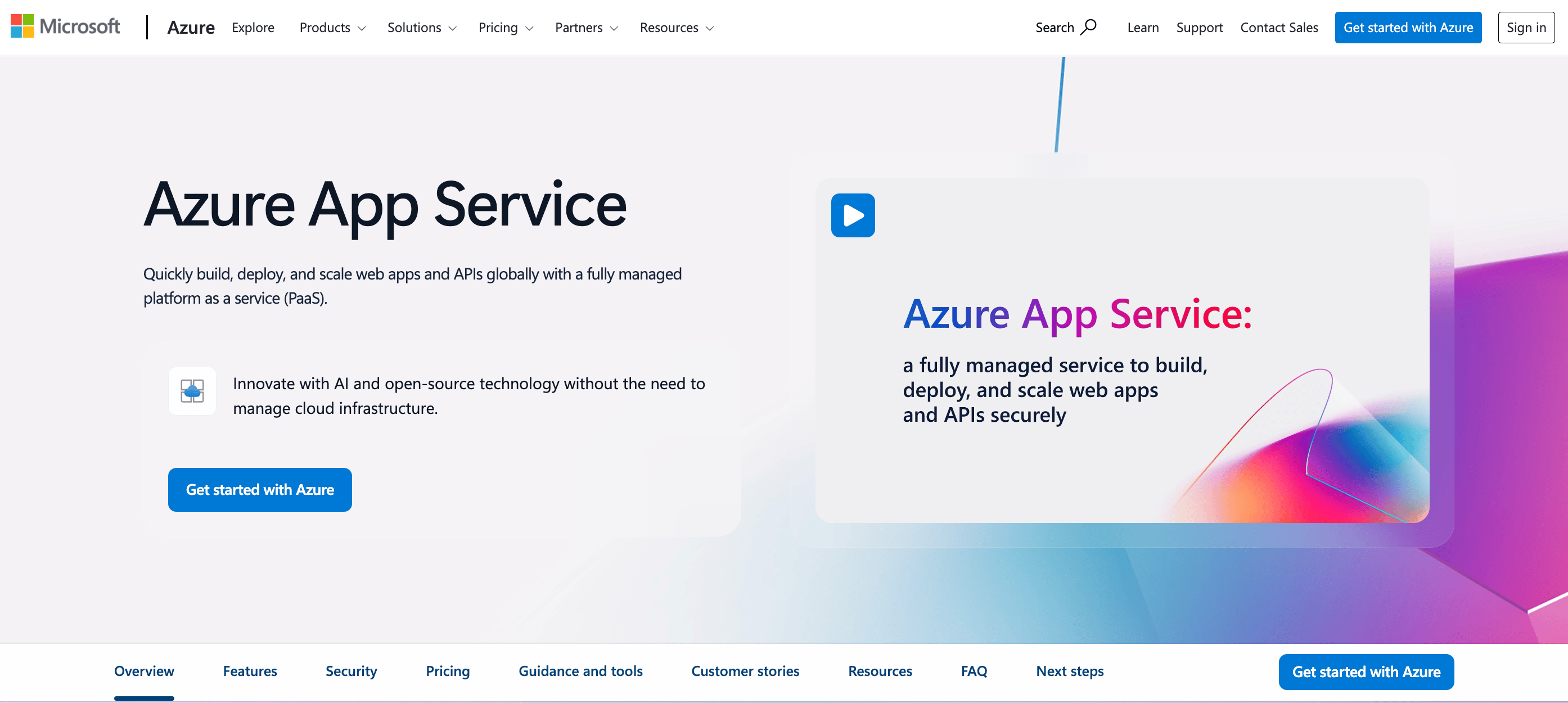
Azure App Service is a fully managed platform-as-a-service offering within Microsoft Azure for building, deploying, and scaling web applications and APIs. It supports multiple programming languages, including .NET, Java, Node.js, Python, and PHP, and provides both code-based and container-based deployment models. Azure App Service integrates with other Azure services such as Azure SQL Database, Azure Storage, and Azure Active Directory, enabling enterprise-oriented application architectures. The platform includes built-in autoscaling, load balancing, and DevOps integrations through GitHub, Azure DevOps, and other CI/CD tools.
Azure App Service key features:
-
Deployment slots that allow staging and production environments within the same app instance, supporting zero-downtime swaps and controlled releases.
-
Built-in authentication and authorization that integrates with Azure Active Directory, Microsoft accounts, and third-party identity providers without requiring a custom auth code.
-
Hybrid connectivity through Azure Virtual Network (VNet) integration, enabling secure access to on-premises resources and private Azure services.
- $0 for F1 Free Plan; $9.49/month per site for D1 Shared Plan
If you’re considering other options beyond Azure App Service, we walk through other platforms and patterns that offer different balances of control, simplicity, and scalability. For example, you might choose DigitalOcean App Platform or Render for straightforward autoscaling without the overhead of a hyperscaler.
PaaS providers with open source compatibility
If you want more granular control (or open source compatibility) with your PaaS setup, consider these options from Red Hat and Railway.
9. Red Hat OpenShift featuring K8-based workflows and hybrid deployments
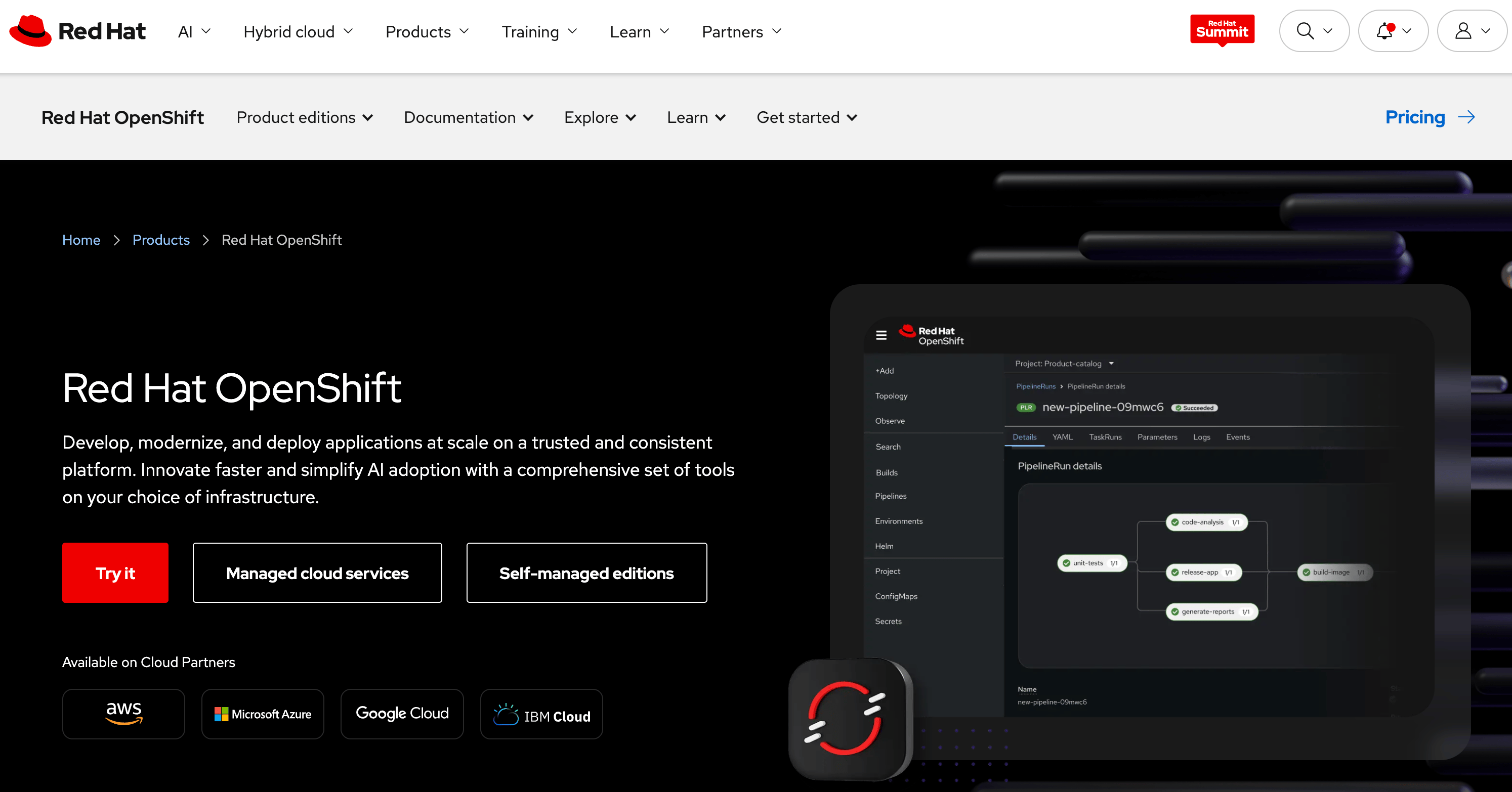
Red Hat OpenShift is a solid choice for container-first and hybrid cloud organizations. OpenShift is a Kubernetes-based application platform for building, deploying, and managing containerized applications across hybrid and multi-cloud environments. Built on upstream Kubernetes, it adds enterprise tooling for developer workflows, security controls, and cluster operations, providing an opinionated distribution that standardizes container orchestration. The platform supports automated CI/CD pipelines, integrated container registries, and role-based access controls to manage application lifecycles at scale. OpenShift can be deployed on-premises, in public clouds, or consumed as a managed service through offerings such as Red Hat OpenShift Service on AWS (ROSA) and Azure Red Hat OpenShift.
Red Hat OpenShift key features:
-
Operator Framework and OperatorHub, which provide a curated marketplace of Kubernetes Operators for managing complex stateful applications (such as databases and middleware) through automated lifecycle management.
-
OpenShift Routes, a built-in ingress and routing layer that exposes services externally with integrated TLS termination and traffic management without requiring separate ingress controller configuration.
-
Cluster monitoring and logging stack powered by Prometheus, Alertmanager, and optional centralized logging integrations, providing built-in observability for workloads and cluster health.
Red Hat OpenShift pricing:
RedHat OpenShift Dedicated (hosted on GCP or AWS):
-
Hourly: Starting at $0.171/4vCPU/hour
-
1-year commitment: Starting at $0.114/4vCPU/hour for worker nodes
-
3-year commitment: Starting at $0.076/4vCPU/hour for worker nodes
Microsoft Azure Red Hat OpenShift:
-
Dsv3 series - $321.20/month. Includes 8 vCPUs and 32 GB of RAM.
-
Dsv4 series - $316.82/month. Includes 8 VCPUs and 32 GB of RAM.
10. Railway with full open-source capabilities
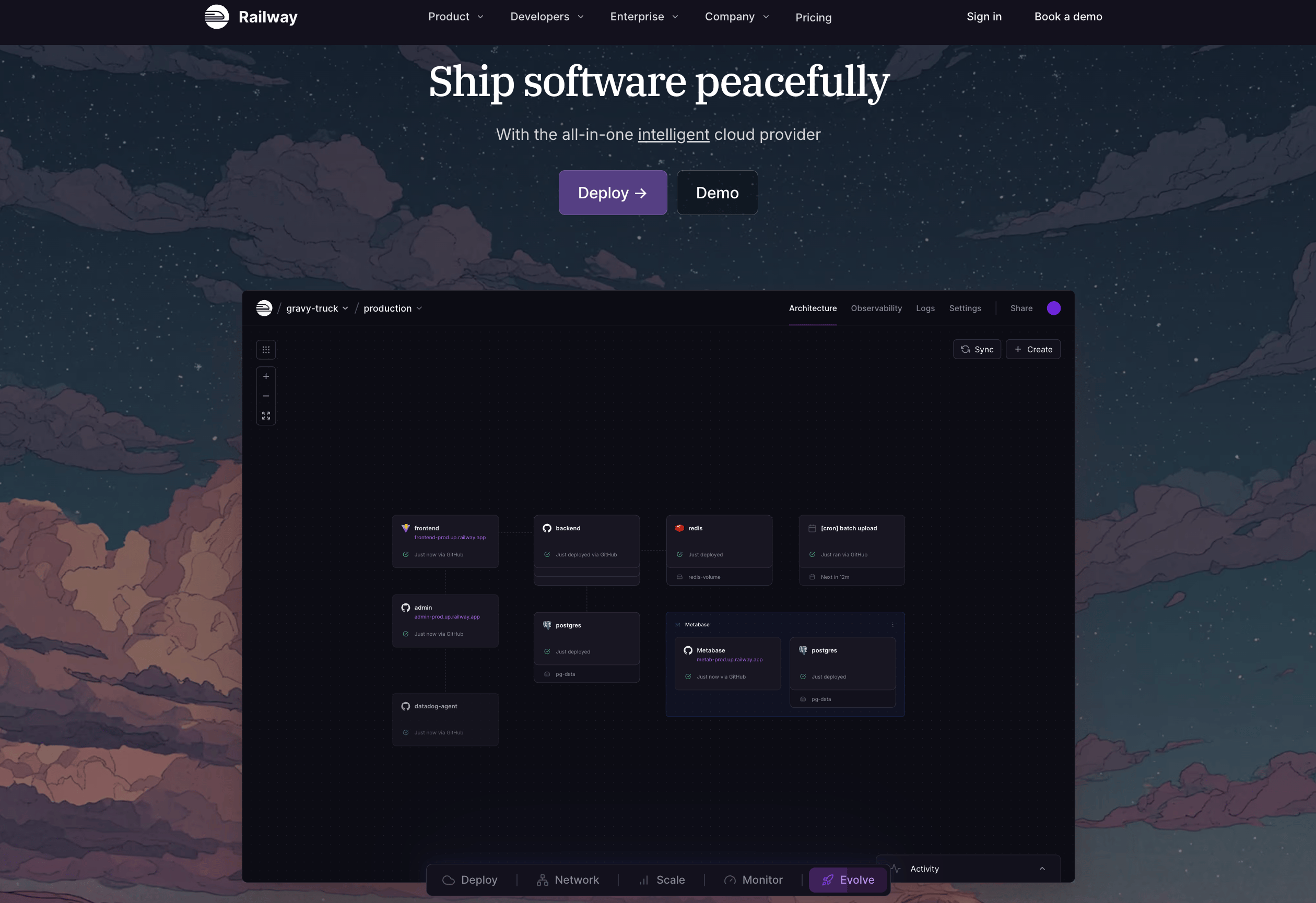
Railway is an open-source compatible PaaS option for teams with deep technical knowledge who want to quickly provision infrastructure. Developers can deploy from Git repositories, local code, or container images while provisioning managed services such as PostgreSQL, MySQL, MongoDB, Redis, and persistent storage volumes. The platform includes built-in networking with public and private connectivity, automatic HTTPS with managed TLS certificates, support for cron jobs, and structured environment variable management. Railway also provides unlimited isolated environments, preview deployments for pull requests, and one-click rollbacks to support collaborative development workflows. Integrated observability tools—including dashboards, logs, alerts, and health checks—help teams monitor service performance and reliability.
Railway key features:
-
Managed persistent volumes with performance visibility that can be attached across services to support stateful workloads.
-
Advanced networking capabilities, including L4/L7 load balancing, high-speed internal private networking, customizable TCP proxies, and unlimited custom domains with wildcard support.
-
Collaborative lifecycle tooling such as unlimited environments, automatic branch-based preview deployments, deployment rollbacks, and API/CLI access for automation.
-
Free - $0/30 days. Up to 0.5GB of RAM, 1vCPU per service, and 0.5GB of volume storage.
-
Hobby - $5 minimum usage. $5 of usage credits, up to 8GB RAM/8 vCPU per service, single developer workspace, community forum support, and global regions.
-
Pro - $20 minimum usage. $20 of usage credits, up to 32GB RAM/32 vCPU per service, unlimited workspace seats, priority support, concurrent global regions, and granular access control.
-
Enterprise - Custom pricing. SSO, audit logs, HIPAA BAAs, support SLOs, 90-day log history, dedicated VMs, and bring your own cloud.
Platform-as-a-service providers for application development FAQ
What are the best PaaS platforms in 2025? DigitalOcean App Platform is a top choice for developers seeking a streamlined, cost-effective way to build and scale applications. Other leading platforms include Heroku, Vercel, Netlify, and Render, alongside enterprise PaaS providers like AWS Lambda and Google App Engine. These providers stand out by offering automated scaling, integrated security, and support for a wide range of popular programming languages.
Which deployment platform is most beginner-friendly? DigitalOcean App Platform is a beginner-friendly deployment platform because it provides CI/CD pipelines, autoscaling capabilities, SSL certificates, and AI assistant integrations out of the box. Developers can simply connect their GitHub or GitLab repositories to enjoy automatic builds and deployments without touching a server. Already having these capabilities upon log-in (along with integration of its Gradient AI Platform) makes it easy and intuitive to get projects off the ground and into production.
Which deployment service works best with React/Node.js apps? DigitalOcean App Platform provides excellent support for React and Node.js applications with built-in CI/CD and fully managed infrastructure. Other effective services for these frameworks include Vercel and Netlify, which are optimized for frontend and full-stack JavaScript development.
What is the cheapest PaaS provider? DigitalOcean App Platform offers a highly competitive, predictable pricing model with a free tier for static sites to help developers get started. While providers like Render and Railway also offer affordable entry-level plans, DigitalOcean App Platform has predictable monthly costs (subject to configuration) that may help prevent unexpected billing spikes as applications scale.
What are the main advantages of PaaS? DigitalOcean App Platform and other PaaS solutions accelerate development by reducing the need for manual server maintenance and infrastructure management. Advantages include automatic scalability, faster deployment times through integrated pipelines, and improved team collaboration within a unified interface.
Build with DigitalOcean App Platform
DigitalOcean App Platform is the easiest way to build, deploy, and scale apps without managing servers, containers, or complex infrastructure. Push your code to GitHub or GitLab and let App Platform automatically build, deploy, and run your application using a fully managed, globally distributed infrastructure. From web apps and APIs to background workers and static sites, App Platform gives you a streamlined developer experience with predictable pricing, integrated security, and hands-off operations.
Key features:
-
Automatic deployments from GitHub and GitLab with built-in CI/CD
-
Fully managed infrastructure with zero-config scaling and high availability
-
Support for major languages and frameworks: Python, Node.js, Go, PHP, Ruby, and more
-
App autoscaling, horizontal scaling, and performance monitoring
-
Easy database integration with managed PostgreSQL, MySQL, and Redis
-
Global CDN and HTTPS built in for fast, secure delivery
-
Environment variables, secrets management, and private services
-
Rollbacks, deploy previews, and infrastructure as code via API and Terraform
Get started with DigitalOcean App Platform and ship your next application faster.
DISCLAIMER: Any references to third-party companies, trademarks, or logos in this document are for informational purposes only and do not imply any affiliation with, sponsorship by, or endorsement of those third parties.
About the author

Jess Lulka is a Content Marketing Manager at DigitalOcean. She has over 10 years of B2B technical content experience and has written about observability, data centers, IoT, server virtualization, and design engineering. Before DigitalOcean, she worked at Chronosphere, Informa TechTarget, and Digital Engineering. She is based in Seattle and enjoys pub trivia, travel, and reading.
Start building today
From GPU-powered inference and Kubernetes to managed databases and storage, get everything you need to build, scale, and deploy intelligent applications.
