
Fly.io is a platform-as-a-service designed for running applications across multiple geographic regions, allowing teams to deploy application logic close to users while maintaining long-lived execution environments. Its global routing model simplifies multi-region deployments behind a single application endpoint, making it a strong option for teams building distributed applications that need consistent behavior across regions. As applications mature, however, Fly.io’s operational model and pricing structure may not suit your particular workload or team.
In 2026, teams evaluating Fly.io alternatives often focus on execution and regional workload distribution, while considering the level of operational control a platform provides. Some platforms give fine-grained control over scaling and runtime behavior, enables teams to optimize performance for specific workloads. Others handle infrastructure automatically and manage deployment behind the scenes, reducing operational overhead. The range of available options gives teams the flexibility to choose a platform that aligns with their technical requirements and growth plans.
Key takeaways:
-
Fly.io alternatives provide flexible platforms for global app deployment, which may help teams optimize latency, improve developer productivity, and reduce operational overhead. These platforms allow developers to focus on building and delivering applications rather than managing complex infrastructure.
-
Key considerations in considering Fly.io alternatives typically include simple deployment workflows, multi-region support, managed databases, and predictable pricing, which can enable teams to deliver globally distributed applications with reduced operational complexity.
-
Choosing the right platform typically comes down to workload type, deployment model, and latency requirements. Teams should evaluate whether their apps benefit most from serverless edge functions, managed PaaS, containerized microservices, or self-managed infrastructure to meet performance, scalability, and operational goals.
-
Popular Fly.io alternatives include DigitalOcean App Platform, Render, Railway, Coolify, Vercel, Netlify, Cloudflare Workers, AWS Lambda, Google Cloud Run, and Kuberns.
What is Fly.io?
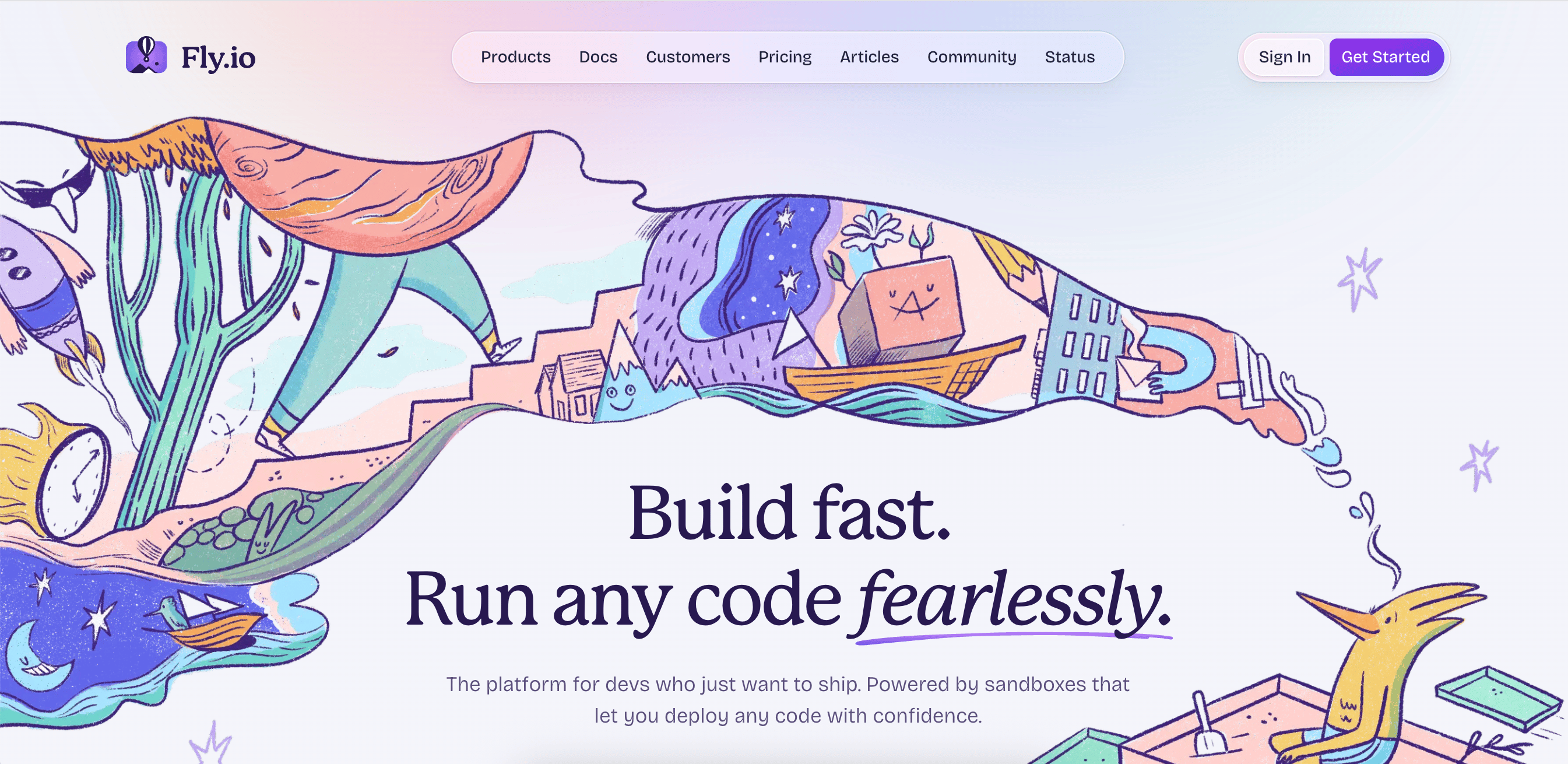
Fly.io is a global PaaS platform that deploys applications as micro-virtual machines across multiple geographic regions. Instead of abstracting execution into short-lived functions, Fly.io runs long-lived application instances that behave more like traditional servers while still supporting multi-region app deployment. Applications are packaged and deployed using a CLI-based deployment tool, giving teams direct control over runtime behavior and process lifecycle. This makes Fly.io attractive for APIs and background workers that require predictable execution environments across regions. Common use cases include applications that handle real-time user requests, transactional workloads, or critical background jobs. However, if your workload requires dynamic scaling with minimal operational overhead, a serverless or fully managed PaaS alternative may provide a simpler model than Fly.io’s long-running, region-aware instances.
Fly.io key features:
-
Runs applications in lightweight virtual machines rather than containers or ephemeral functions, helping to enable long-lived processes and predictable runtime characteristics across regions.
-
Assigns a single Anycast IP per application and routes requests to region-local instances without requiring external load balancers or separate edge layers.
-
Developers can control where workloads run and how they scale, rather than relying on autoscaling or platform-managed placement decisions.
- Pay-as-you-go pricing
How to choose the ideal Fly.io alternative
Choosing a Fly.io alternative requires more than comparing feature lists; it’s about how well a platform aligns with your application architecture and latency requirements. The best choice depends on your app’s execution model and persistence needs:
-
Global region availability: Different platforms provide varying coverage across continents. Evaluate whether the provider operates in regions near your primary users or offers built-in edge networks to reduce latency.
-
Stateful vs. stateless workloads: Some alternatives excel at serverless edge deployment (e.g., Vercel or Cloudflare Workers), while others offer managed cloud infrastructure with persistent volumes and globally distributed databases (e.g., DigitalOcean App Platform or Render). Your workload type should influence which model best suits you.
-
Developer experience and tooling: Evaluate how each platform supports your workflow. Features such as CLI tools, Git-triggered deployments, container support, observability dashboards, and automation pipelines can significantly improve productivity and operational efficiency.
-
Deployment experience: Whether workflows center on containerized deployments integrated with CLIs or Git-based pipelines, this execution model influences how teams release updates and operate applications across environments. The specific deployment experience highlights differences in control and workflow flexibility across platforms.
-
Pricing transparency: As applications scale globally, predictable billing often becomes crucial. Look for platforms that clearly separate compute and storage costs, or offer tiered pricing with clearly disclosed limits to avoid unexpected charges.
Benefits of Fly.io alternatives
Teams may explore Fly.io alternatives to better align their deployment platform with their performance and operational requirements. Depending on workload characteristics, alternative platforms may provide different tradeoffs in terms of latency and scalability, along with operational control.
-
Serverless edge deployment: Fly.io is built around long-running application instances with explicit process and lifecycle management. Some alternatives, such as Cloudflare Workers or Vercel, instead execute code only in response to requests or events, removing the need to manage application processes or idle capacity.
-
Globally distributed databases: Fly.io provides globally distributed databases and persistent volumes, but responsibility for replication topology, failover behavior, and backup policies largely falls on the developer. Alternatives like DigitalOcean App Platform or Render offer managed databases with automated replication, simplifying state management.
-
Flexible deployment models: Fly.io emphasizes micro-VMs and region-aware deployments. Alternatives range from edge functions for lightweight request handling to multi-region container apps for complex backends, enables you to choose the architecture that best suits your app.
-
Latency and networking models: Fly.io uses Anycast networking and micro-VMs for low-latency performance. Other platforms rely on CDNs or regional replication, which can simplify networking while still delivering fast responses to users worldwide.
-
Operational simplicity and automation: Many alternatives abstract infrastructure and monitoring. Features such as automatic SSL and integrated logging reduce operational overhead, helping teams focus on development rather than on global infrastructure management. Fly.io places less emphasis on these capabilities and favors a hands-on approach.
Top 10 Fly.io alternatives
Pricing and feature information in this article are based on publicly available documentation as of February 2026 and may vary by region and workload. For the most current pricing and availability, please refer to each provider’s official documentation.
Teams evaluating Fly.io often compare it with platforms that take different approaches to global application deployment. Some prioritize edge-based execution or serverless functions, while others focus on managed containers or simplified PaaS workflows and tighter integration with specific provider ecosystems. The following comparison highlights a range of Fly.io alternatives, from developer-friendly platforms to fully managed serverless runtimes.
| Provider | Best for* (use cases) | Key features | Pricing |
|---|---|---|---|
| Fly.io | Stateful, latency-sensitive applications | Micro-VMs, explicit region placement, Anycast routing | Pay-as-you-go |
| DigitalOcean App Platform | Managed PaaS for full-stack applications | Git and Docker deployments, built-in scaling, managed runtime | Free; paid plans from $5/month |
| Render | Preview and staging environments | Project-based environments, pull request previews, temporary production replicas | Hobby - $0/user/month; Professional - $19/user/month; Organization - $29/user/month; Enterprise - Custom pricing |
| Railway | CLI-first deployment experience | CLI-based workflows, managed databases, project cloning | Free; Hobby - $5/month; Pro - $20/month; Enterprise - Custom pricing |
| Coolify | Self-managed infrastructure | Git-based deployments, infrastructure control, self-managed hosting | Self-hosted - $0/month; Cloud - $5/month base price ($60/year) |
| Vercel | Frontend-heavy applications | Edge functions, framework-optimized builds, preview deployments | Hobby - $0/month; Pro - $20/month ($240/year); Enterprise - Custom pricing |
| Netlify | CDN-backed application delivery | Git-based builds, edge delivery, preview environments | Free; Personal - $9/month ($108/year); Pro - $20/member/month ($240/year); Enterprise - Custom pricing |
| Cloudflare Workers | Edge middleware and routing logic | Global edge execution, Durable Objects | Free; Paid - $0.30 per million requests |
| AWS Lambda | Event-driven serverless execution | Function-based execution, event integrations, managed scaling | Pay-as-you-go ($0/year) |
| Google Cloud Run | Scale-to-zero container workloads | Serverless containers, scale-to-zero, regional deployments | Free; Paid - $0.000018 per vCPU-second |
| Kuberns | Kubernetes-style workflows | Managed Kubernetes workflows, reusable deployment patterns | Starter - $10/month; Basic - $15/month; Standard - $20/month; Performance - $30/month; Pro - $55/month |
*This “best for” information reflects an opinion based solely on publicly available third-party commentary and user experiences shared in public forums. It does not constitute verified facts, comprehensive data, or a definitive assessment of the service.
Git- and CLI-based PaaS for rapid app deployment
These platforms prioritize the developer experience through Git-based deployment and CLI-driven workflows. They emphasize fast iteration and preview environments, along with automatic SSL certificates. This category often aligns closely with the needs of startup and product-focused teams, where speed and predictable costs typically matter more than fine-grained networking.
1. DigitalOcean App Platform as a managed PaaS for full-stack applications
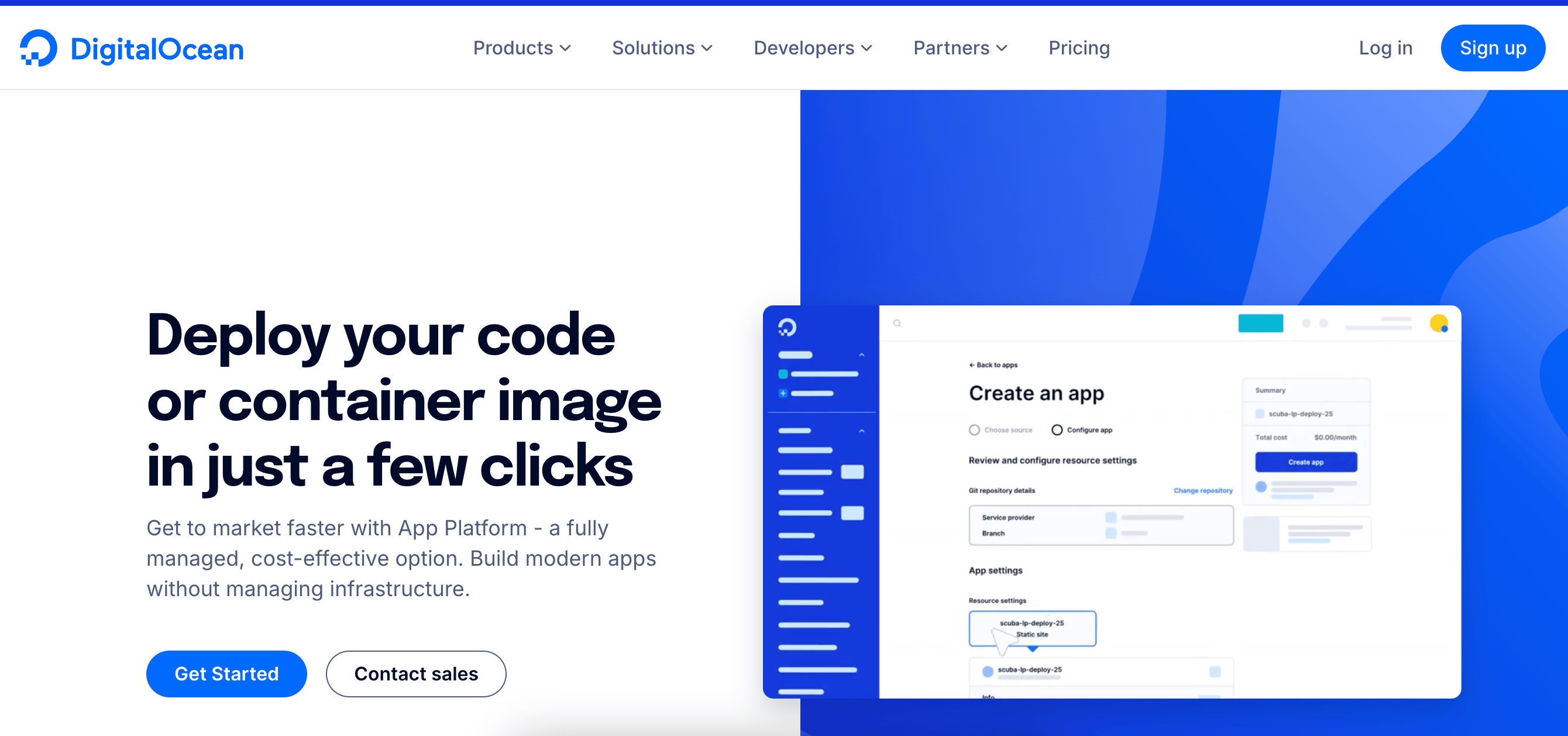
DigitalOcean App Platform is a fully managed PaaS for deploying web applications, APIs, microservices, and static sites without managing servers or infrastructure. Developers can deploy directly from source code or Docker images, while the platform handles deployments, scaling, and monitoring automatically. App Platform is often ideal for teams that appreciate a simplified deployment experience and predictable operations. It includes a free tier for hosting up to three static sites and supports both horizontal and vertical scaling, helping applications to adjust capacity and resource allocation as traffic changes.
DigitalOcean App Platform key features:
-
Automatically builds and deploys applications from GitHub and GitLab repositories with staging environments and rollback support, reducing the need for manual deployment steps.
-
Directly connect to PostgreSQL, MySQL, or Redis instances with automated backups, horizontal replication, and performance tuning without manual configuration.
-
Supports horizontal container scaling and vertical CPU/memory adjustments based on traffic patterns, with granular thresholds for each service, allowing teams to set clear scaling limits and better predict how usage translates into cost.
DigitalOcean App Platform pricing:
-
Free - $0/month
-
Paid - $5/month
Blub Blub scaled their popular speech therapy app, Speech Blubs, with DigitalOcean App Platform. Instant deployments, flexible Droplets, and built-in monitoring reduced infrastructure complexity and costs while accelerating feature development.
2. Render with preview and staging environments
Render is a managed cloud platform and PaaS deployment solution for deploying and scaling web applications and services with minimal infrastructure setup. It enables teams to organize services into projects and define environments such as production and staging, helping standardize deployment workflows across teams. Render includes built-in support for collaboration through preview environments, enables temporary production replicas for validation. The platform emphasizes simplified workflows and platform-managed operations, which can simplify application delivery but may be less suitable for teams that need broader infrastructure customization beyond application-level services.
Render key features:
-
Organizing services into projects with clearly defined production and preview environments enables consistent deployment patterns across teams.
-
Use the fully managed runtime to handle scaling and restarts automatically, minimizing hands-on infrastructure management compared to VM- or CLI-driven platforms.
-
Run services with built-in zero-config HTTPS and automatic service restarts, reducing the need for custom networking or operational tooling.
-
Hobby - $0/user/month
-
Professional - $19/user/month
-
Organization - $29/user/month
-
Enterprise - Custom pricing
Render provides a straightforward way to deploy apps, but you’ll want to consider factors such as supported languages and scaling options before committing. Evaluating Render alternatives can help find a solution that aligns with your project’s needs and budget.
3. Railway with a CLI-first deployment experience
Railway is a developer-first cloud platform focused on rapid prototyping and streamlined deployments for full-stack applications. It provides managed databases and a simple CLI and dashboard interface, requiring teams to manage servers or clusters directly. Railway primarily targets single-region deployments with predictable networking and resource usage, making it attractive for startups and small teams experimenting with prototypes or early-stage applications. Its platform currently emphasizes simplified deployment workflows rather than multi-region routing or advanced traffic configurations.
Railway key features:
-
Spin up services from the CLI, whether they are databases or APIs, without dealing with server provisioning.
-
Provision PostgreSQL, MySQL, and Redis directly from the dashboard without managing external infrastructure.
-
Clone projects, including services and databases, for staging or experimentation.
-
Free - $0/month
-
Hobby - $5/month minimum usage
-
Pro - $20/month minimum usage
-
Enterprise - Custom pricing
-
Usage-based rates - $0.00000386 per GB/sec memory, $0.00000772 per vCPU/sec, $0.00000006 per GB/sec volume, $0.05 per GB egress, $0.015 per GB-month object storage (free egress).
4. Coolify with support for self-managed infrastructure
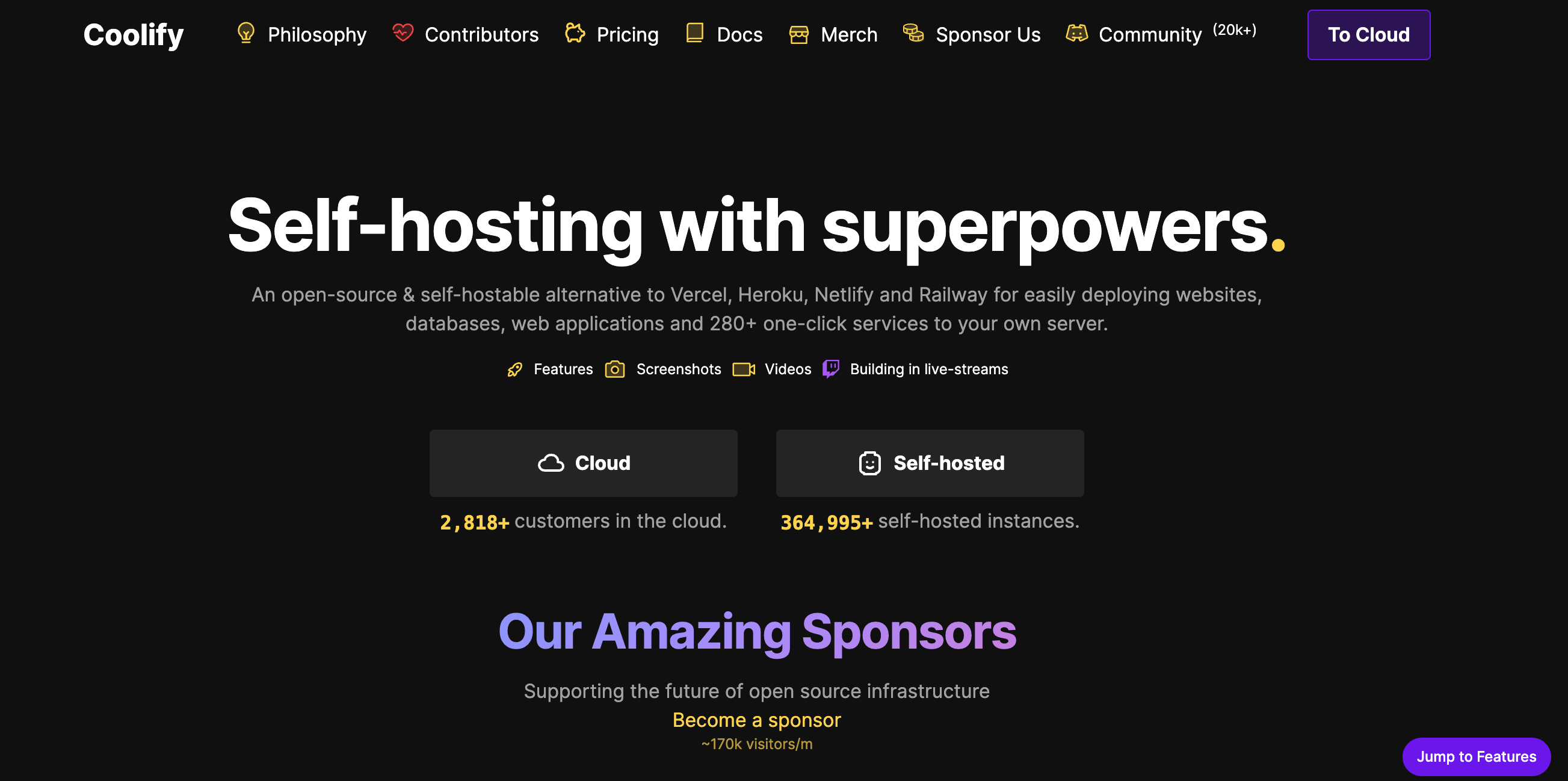
Coolify is an open-source, self-hostable platform that acts as an alternative to managed PaaS services. It supports a wide range of programming languages and frameworks, enables the deployment of static sites and APIs directly to your own servers or cloud providers. Coolify requires teams to manage their own infrastructure and deployment targets. This model provides direct control over infrastructure configuration and supports decentralized deployment architectures, while still offering automated build and deployment workflows. Its push-to-deploy model and Git integration simplify CI/CD pipelines for teams deploying multiple applications.
Coolify key features:
-
Deploy applications to a single/multiple servers, or Docker Swarm clusters based on workload needs.
-
Supports push-to-deploy workflows from GitHub, GitLab, Bitbucket, or self-hosted Git platforms.
-
Provides automatic database backups to S3-compatible storage and sets up Let’s Encrypt SSL certificates for secure connections.
-
Self-hosted - $0/month
-
Cloud - $5/month base price ($60/year) + $3/month per additional server
Manage containers, Git deployments, HTTPS, and secrets from a single dashboard, no complex Docker or CI/CD setup needed. Learn how to deploy applications with Coolify on your own infrastructure.
Edge and request-driven architecture
These platforms focus on executing application logic close to users or in response to individual requests. This reduces latency while improving responsiveness, enables applications to scale dynamically based on demand rather than running persistent services. They abstract away regional placement and infrastructure management in favor of fast global delivery and automatic scaling. Teams may choose these tools when frontend performance or stateless workloads are the primary concern.
5. Vercel with support for frontend-heavy applications
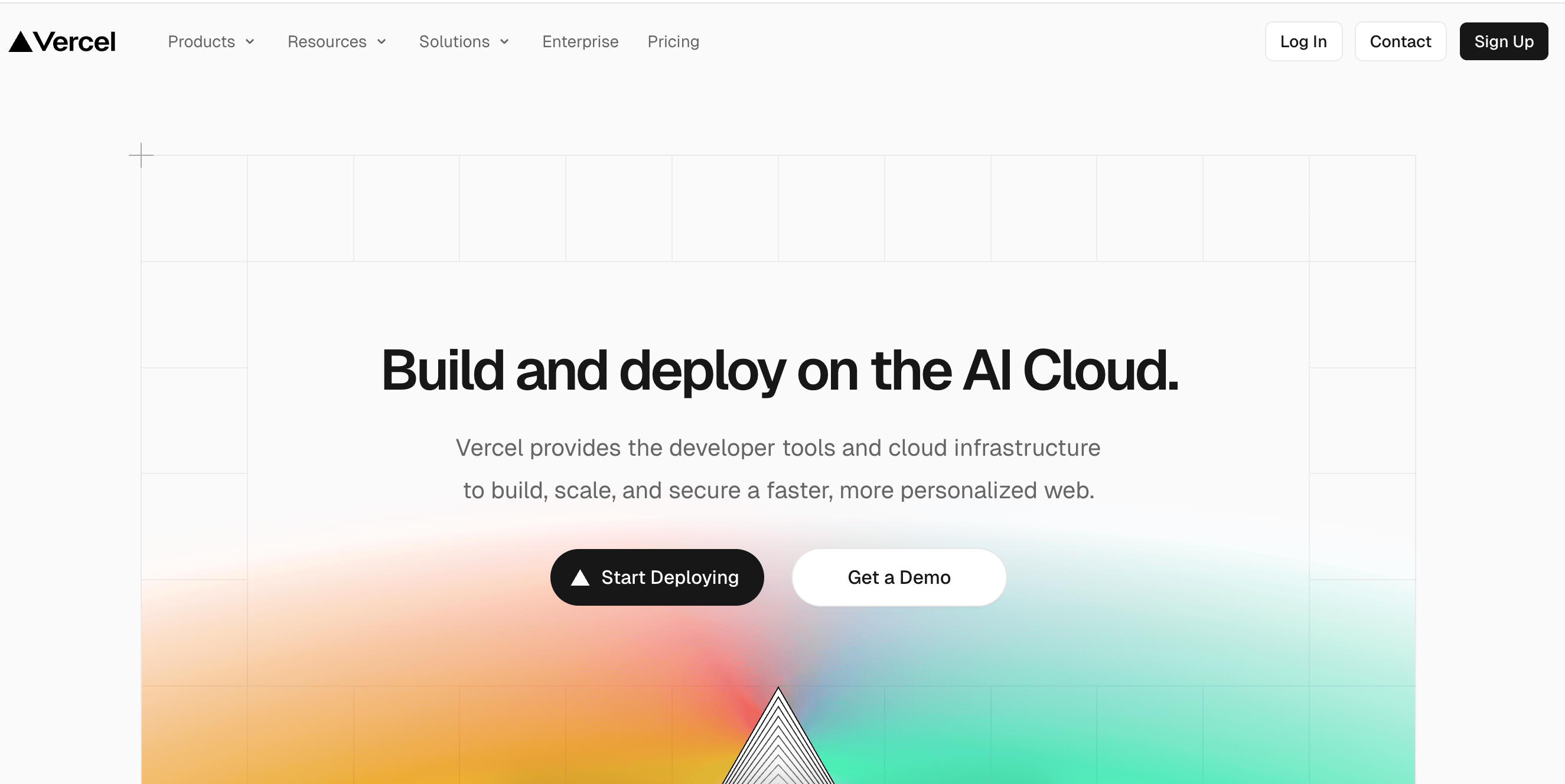
Vercel is a frontend-focused cloud platform for building and deploying modern web applications, emphasizing performance and developer workflows. It is commonly used for frameworks such as Next.js, which was created by Vercel, and relies heavily on serverless and edge execution rather than long-running application instances. Vercel also offers v0, an AI-powered UI generation model. It creates React and Next.js components from natural language prompts, helping teams accelerate frontend development within existing workflows. Vercel primarily targets stateless workloads executed at the edge or in serverless environments. This makes Vercel a choice for frontend-heavy applications that depend on APIs or external databases rather than local persistence. Teams choosing Vercel typically prioritize low-latency frontend delivery and Git-based workflows over control of backend networking or data locality.
Vercel key features:
-
Execute JavaScript or TypeScript functions at the nearest edge location per request for sub-50ms response times.
-
Built-in performance tuning for Next.js, React, and SvelteKit apps, including automatic image optimization and incremental static regeneration.
-
Developers can review feature branches live with isolated domains before merging into production.
-
Hobby - $0/month
-
Pro - $20/month ($240/year)
-
Enterprise - Custom pricing
Vercel supports Git-based previews and serverless functions with instant global delivery. When comparing Vercel alternatives, focus on scaling, deployment speed, and CI/CD to find the right fit for your projects.
6. Netlify with CDN-backed application delivery
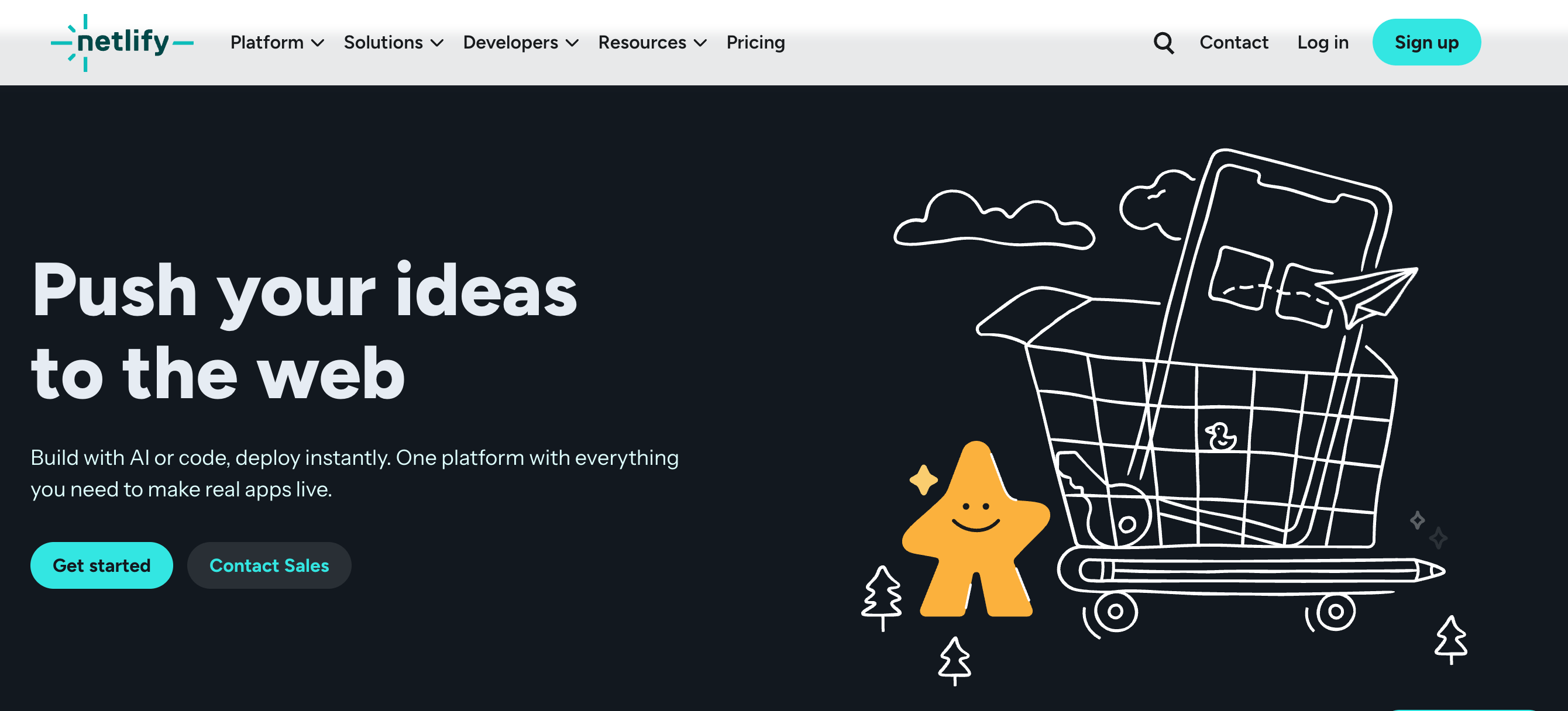
Netlify is a frontend-focused cloud platform built on a serverless, edge-based delivery model for modern web applications. It provides a single managed platform where automated builds run, deployments happen continuously, and content is delivered globally. Netlify is optimized for stateless frontend applications backed by APIs or external data services. This architecture can make Netlify well-suited for Jamstack sites and frontend-heavy applications that prioritize fast global delivery. Teams using Netlify typically value Git-driven workflows and edge-based execution over fine-grained control of application runtime environments.
Netlify key features:
-
Combines Netlify Core (for building and deploying applications), Connect (for integrating APIs and data sources), and Create (for managing editorial and CMS-driven workflows) to orchestrate builds, manage API integrations, and manage CMS workflows.
-
Each Git branch gets a fully deployed preview environment for testing content and functions.
-
Extend build and deploy pipelines with prebuilt or custom plugins for testing and content management.
-
Free - $0/month
-
Personal - $9/month ($108/year)
-
Pro - $20 per member/month ($240/year)
-
Enterprise - Custom pricing
DigitalOcean’s Netlify Extension provides an effortless way to connect Netlify sites to a fully managed MongoDB, with automatic backups, high availability, and secure access.
7. Cloudflare Workers with edge middleware and routing logic
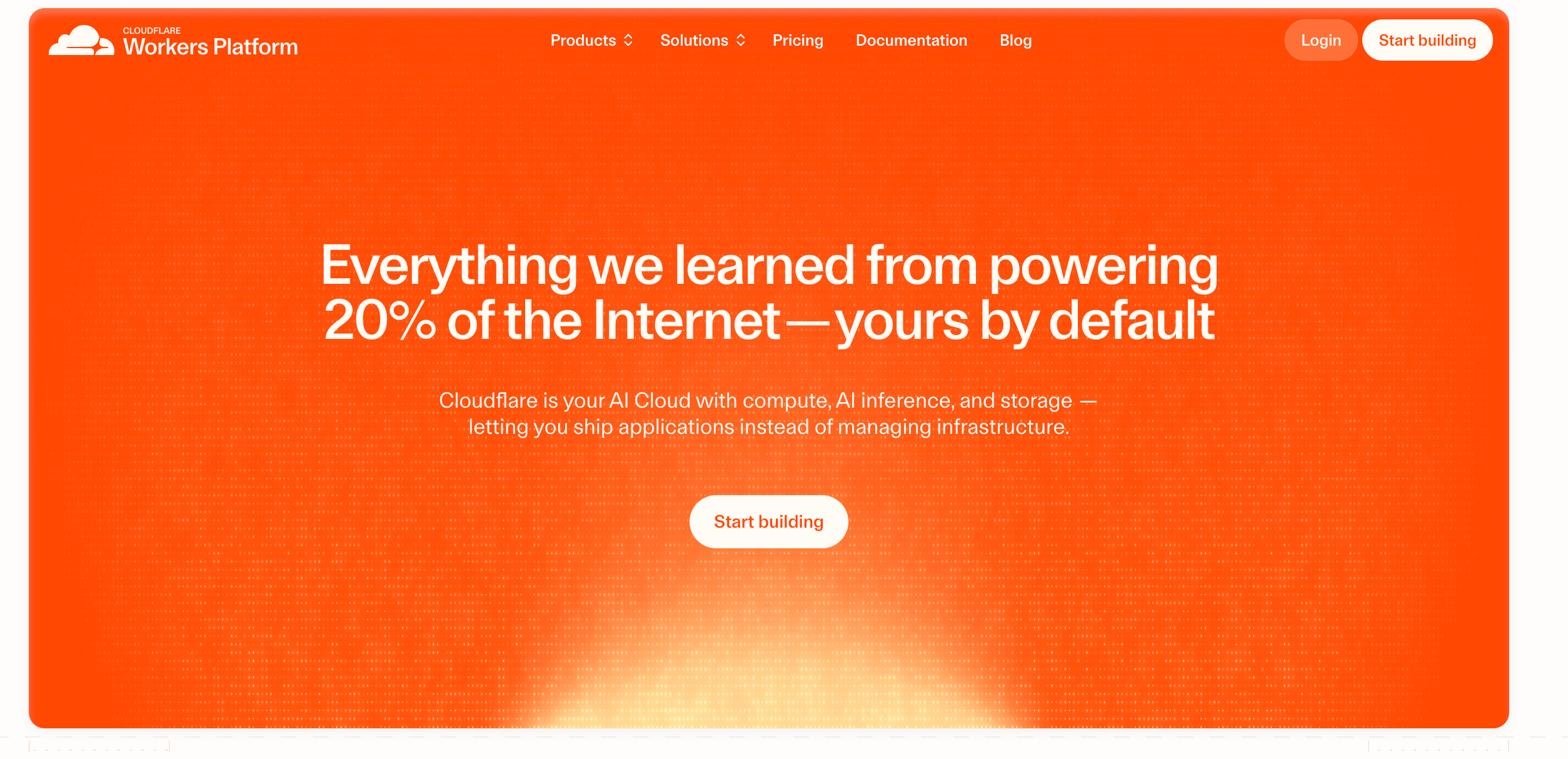
Cloudflare Workers is a serverless edge computing platform that runs JavaScript, Rust, and WASM code across Cloudflare’s global network. Workers are designed for stateless, request-driven workloads executed at the edge, reducing latency responses to users worldwide. They can be a good choice where APIs and serverless functions require near-instant execution at the network edge. The platform supports KV storage and Durable Objects to manage shared, consistent state at the edge. Developers can deploy functions directly from Git while leveraging automatic scaling and integrating with other Cloudflare services, including CDN, Workers KV, and R2 object storage.
Cloudflare Workers key features:
-
Store global state or session data at the edge with sub-50ms read/write latency.
-
Define caching policies at the edge per request, including stale-while-revalidate and origin fallback.
-
Compose multiple Workers scripts per request, so authentication, logging, and routing can run at the edge for faster, more scalable handling.
-
Free - $0/month
-
Paid - $0.30 per million requests + $0.02 per million CPU ms; $0.20 per GB-month storage
8. AWS Lambda with event-driven serverless execution
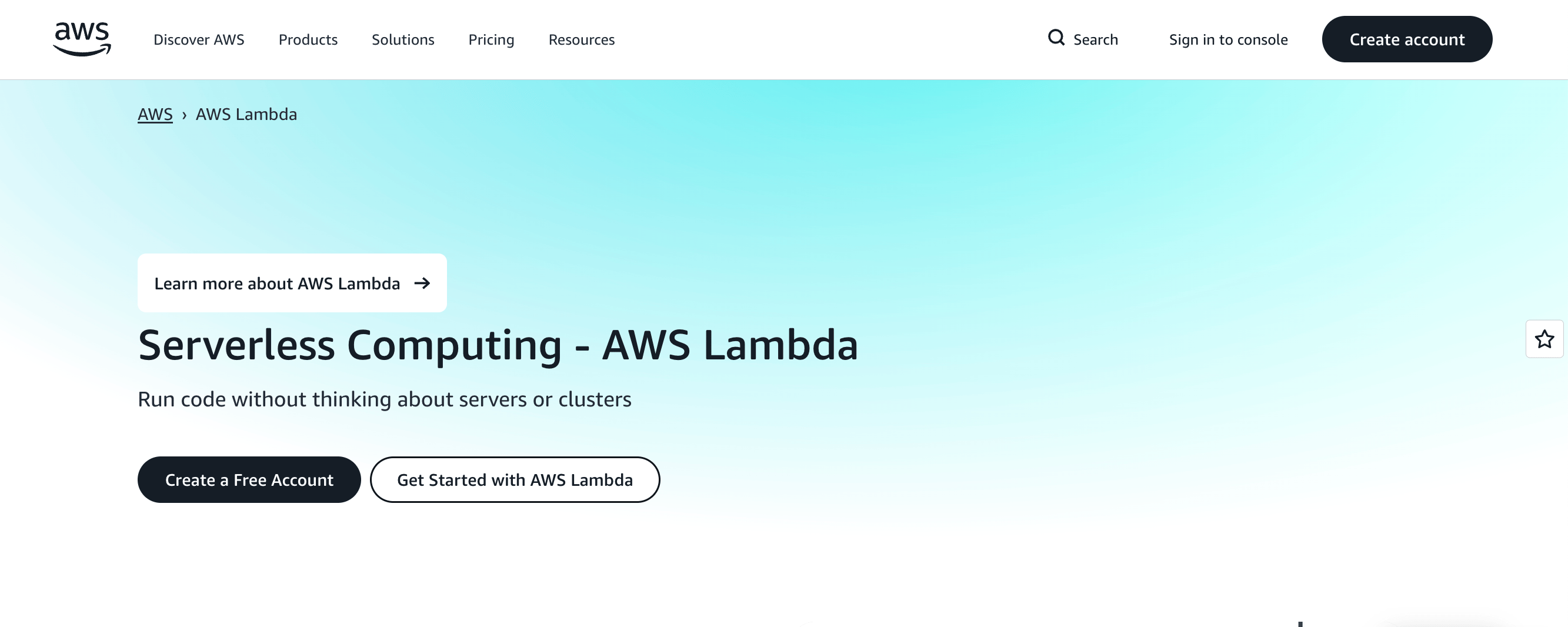
AWS Lambda is a fully managed, serverless compute platform for executing code in response to events. It automatically scales and provisions resources as needed, supporting stateless workloads triggered by HTTP requests or cloud events. Compared to Fly.io’s global container deployments, Lambda focuses on event-driven execution, complementing microservices such as authentication or notification services, backend APIs like payment processing or data aggregation, and serverless automation tasks like ETL jobs or file processing pipelines.
AWS Lambda key features:
-
Detailed CloudWatch metrics per function to guide automated scaling decisions, including duration, errors, and throttling.
-
Assign Lambda functions to private subnets with security group controls for internal-only services.
-
Deploy multiple function versions and route traffic incrementally between them for staged rollouts.
- Pay-as-you-go pricing model
AWS Lambda enables running code in response to events. It also offers deep AWS integration with automatic scaling. A choice for teams managing complex workflows, multi-step pipelines, or distributed microservices, it provides flexible language support and extensive ecosystem connections, while requiring setup across multiple AWS services. Compare AWS Lambda vs DigitalOcean Functions for event-driven workloads and scaling.
9. Google Cloud Run with scale-to-zero container workload
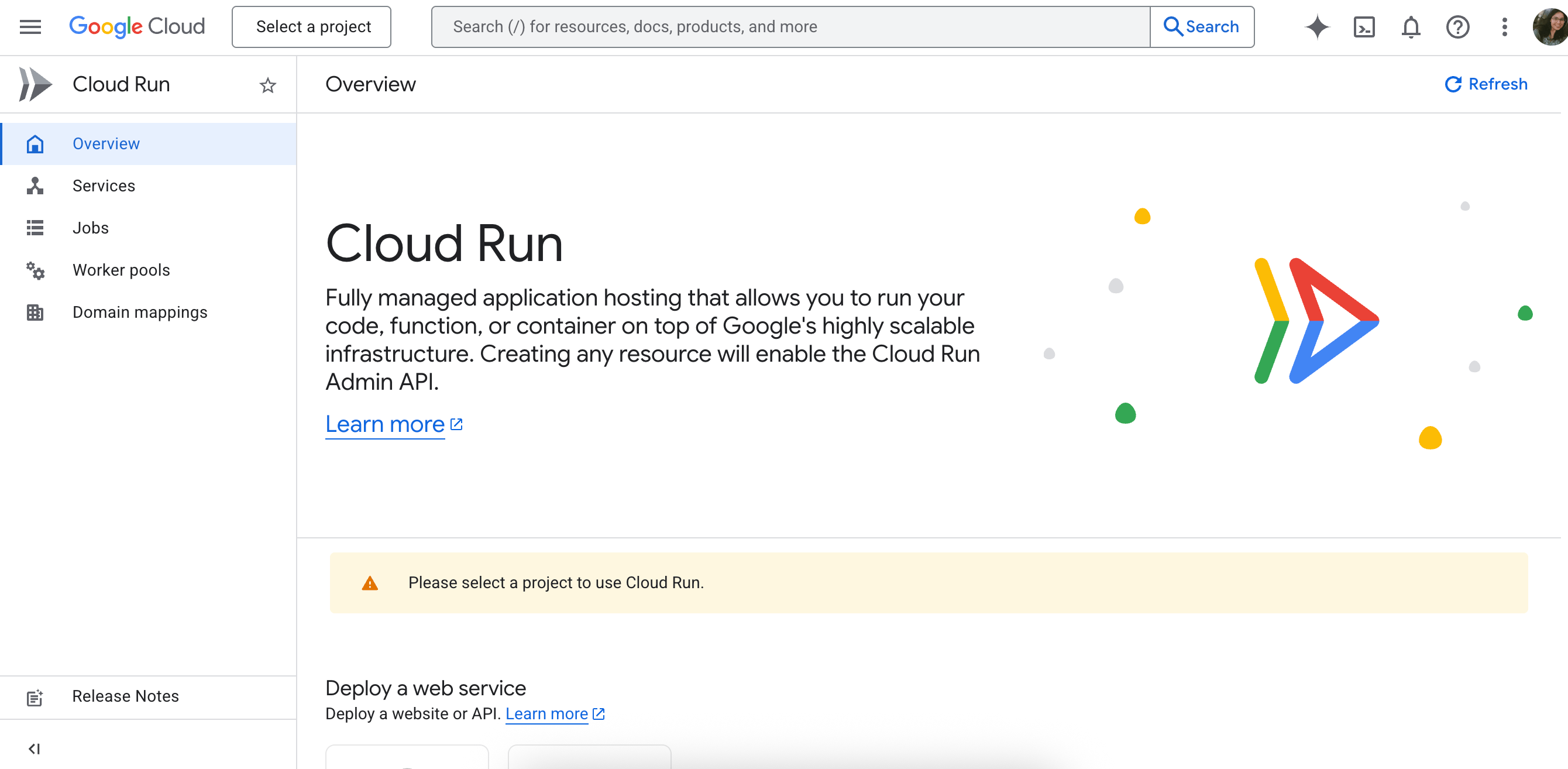
Google Cloud Run is a fully managed serverless container platform for deploying stateless applications in Docker containers, with automatic scaling. It abstracts infrastructure management entirely, helping teams focus on code rather than provisioning servers or clusters. Cloud Run is optimized for containerized microservices, APIs, and backend workloads, such as real-time chat services, payment processing APIs, or analytics backends. This helps to scale dynamically within Google Cloud’s multi-region infrastructure. Cloud Run supports multi-region deployment, enables containers to run closer to users for redundancy and lower latency. Integration with the broader Google Cloud Platform (GCP) ecosystem—such as Cloud SQL, Firestore, Pub/Sub, and Cloud Storage—simplifies the development of full-stack serverless applications. Users also benefit from serverless autoscaling to zero and simplified CI/CD pipelines using Git repositories, Cloud Build, or third-party tools.
Google Cloud Run key features:
-
Route percentages of traffic to multiple container revisions for A/B testing or staged rollouts.
-
Deploy services to multiple GCP regions with automated failover and load balancing.
-
Fine-tune request concurrency per container instance for optimal performance under varying loads.
-
Free - $0/month
-
Paid - $0.000018 per vCPU-second + $0.000002 per GiB-second; first 240,000 vCPU-seconds and 450,000 GiB-seconds free per month.
Google Cloud provides powerful compute, storage, and AI tools for complex applications, but its scale and flexibility may require more management. Teams looking for a simple, predictable option can explore the differences between DigitalOcean vs Google Cloud Platform.
Container-oriented platforms for distributed application hosting
These platforms are designed for deploying long-running, containerized services that require predictable runtime behavior and environment isolation. They support multi-service architectures and regional deployments without entirely abstracting away from containers.
10. Kuberns with Kubernetes-style workflow
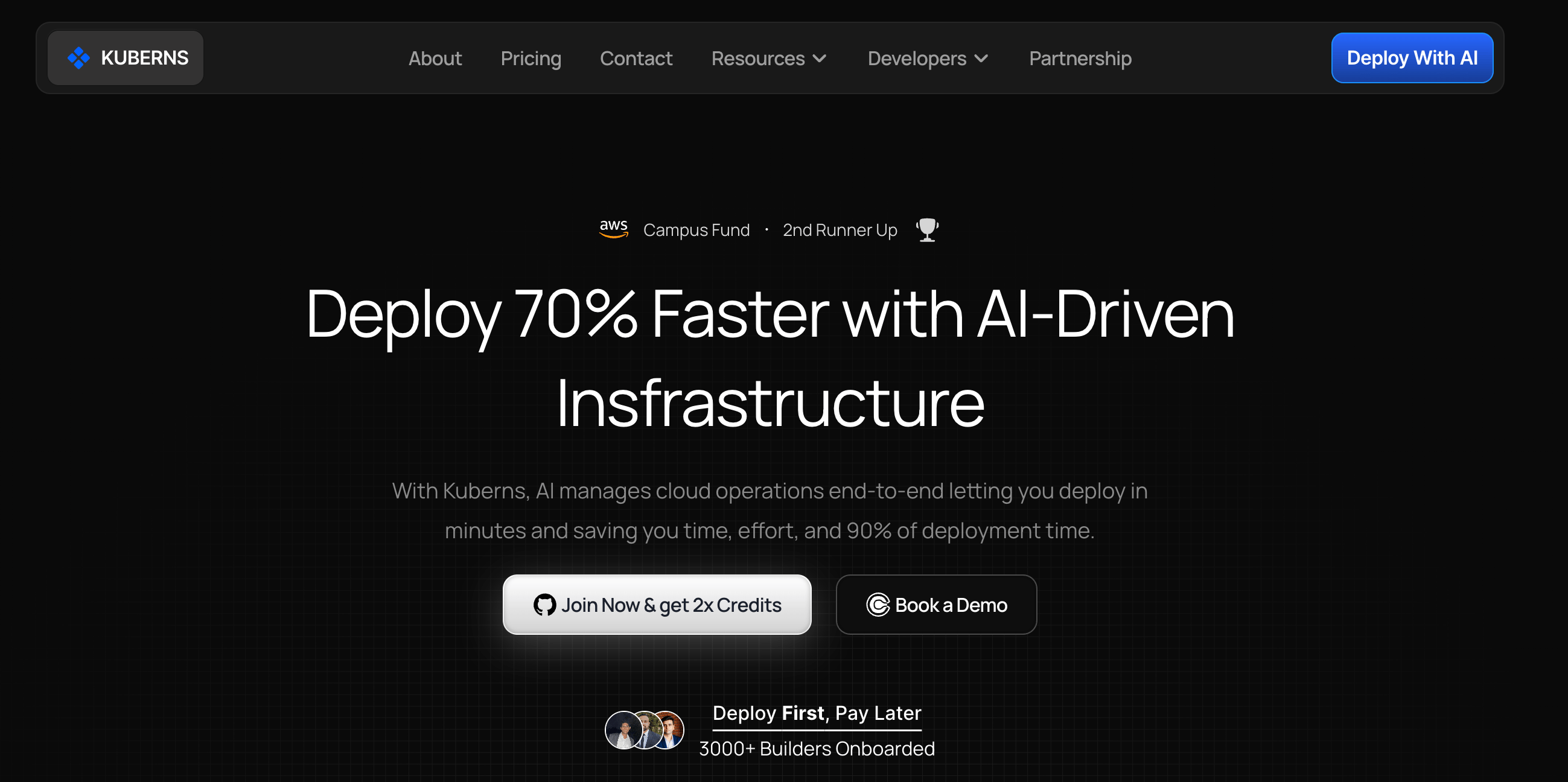
Kuberns is a managed container orchestration platform designed for teams that want Kubernetes-style workflows without operating full Kubernetes clusters. It abstracts whole control-plane management while preserving container-native concepts such as scaling and environment isolation. Kuberns focuses on regional cluster-based deployments rather than per-request global routing. This makes it attractive to teams running containerized microservices that need predictable environments and Kubernetes compatibility, rather than edge-first execution. Kuberns is commonly used when teams want more control than a traditional PaaS but less operational overhead than self-managed Kubernetes.
Kuberns key features:
-
Manage and deploy workloads across multiple clusters from a single dashboard, with namespace isolation per project.
-
Includes container-level metrics, request tracing, and automated alerts for CPU/memory spikes or pod health degradation.
-
Define reusable templates for deployments, jobs, and cron tasks to enable consistent infrastructure across environments.
-
Starter - $10/month
-
Basic - $15/month
-
Standard - $20/month
-
Performance - $30/month
-
Pro - $55/month
Fly.io alternatives FAQ
What are the best Fly.io alternatives in 2026?
The best alternative will depend on your workload and other requirements. If you want a managed platform that handles infrastructure and scaling, DigitalOcean App Platform is a top choice. Other options include Render, Railway, and Coolify for PaaS-style deployments, and Vercel, Netlify, Cloudflare Workers, AWS Lambda, and Google Cloud Run for serverless or edge workloads. Container-focused alternatives like Kuberns may be your choice for multi-service apps with environment isolation.
Is Fly.io serverless or PaaS?
In a Fly.io vs DigitalOcean comparison, Fly.io is a PaaS that runs long-lived applications in micro-VMs, giving developers control over runtime, scaling, and traffic placement. DigitalOcean App Platform is also a PaaS, but it offers a fully managed platform that abstracts infrastructure, provides built-in scaling, and supports both stateful and stateless apps. Serverless alternatives like Vercel and Cloudflare Workers focus on stateless workloads with automatic scaling.
Which Fly.io alternatives support databases?
DigitalOcean App Platform includes managed databases such as PostgreSQL, MySQL, and Redis, with automated backups, replication, and performance tuning. Render and Railway also offer managed database services, while self-hosted options like Coolify enable you to deploy databases on your own infrastructure. Serverless platforms usually require external database connections.
How do Fly.io alternatives handle global latency?
Edge-first platforms like Vercel, Netlify, and Cloudflare Workers run functions close to users to deliver low-latency responses. DigitalOcean App Platform handles global traffic with multi-region deployments, automated scaling, and CDN integration for stateful apps. Container platforms like Kuberns depend on regional clusters, and deployment locations influence latency.
Can you deploy Docker apps globally without Fly.io?
Yes. DigitalOcean App Platform and Render support Docker containers with horizontal and vertical scaling, while Kuberns and Coolify enable multi-service container deployments across regions. Serverless platforms differ in container support. AWS Lambda supports deploying container images, and Cloudflare Workers is introducing container-based capabilities, while Vercel does not natively run Docker containers and instead focuses on serverless and edge function runtimes.
Deploy your apps faster with DigitalOcean App Platform
Build modern applications on the fully managed DigitalOcean App Platform. Deploy code or container images from GitHub, GitLab, or Docker registries, scale automatically with smart autoscaling, secure traffic with dedicated IPs and SSL, monitor performance with built-in alerts, and roll back deployments as needed—all without managing servers.
Key features:
-
Fully managed App Platform with built-in CI/CD and autoscaling
-
Automatic staging and preview environments for pull requests enable safe testing before production
-
Flexible Droplets and Managed Databases for high-performance backend support
-
Alerts, monitoring, and log forwarding for operational insight
Sign up today and start building with DigitalOcean App Platform. For custom plans, larger deployments, or enterprise support, contact our sales team to learn how DigitalOcean can power your most demanding database workloads.
Any references to third-party companies, trademarks, or logos in this document are for informational purposes only and do not imply any affiliation with, sponsorship by, or endorsement of those third parties.
About the author

Surbhi is a Technical Writer at DigitalOcean with over 5 years of expertise in cloud computing, artificial intelligence, and machine learning documentation. She blends her writing skills with technical knowledge to create accessible guides that help emerging technologists master complex concepts.
Start building today
From GPU-powered inference and Kubernetes to managed databases and storage, get everything you need to build, scale, and deploy intelligent applications.
