
Introduction
WordPress is one of the most popular open source content management systems in the world. Although it started out focused on blogging, over the years it has developed into a more flexible platform for websites in general. After almost fifteen years of development it is quite polished and robust, yet issues can still come up.
If you’ve recently attempted to load your WordPress-powered website and instead saw a message stating “Error Establishing Database Connection”, the cause is most often one of the following:
- The database has crashed, often due to the server running out of memory
- The database login credentials are incorrect in your WordPress configuration
- The WordPress database tables have been damaged
Let’s walk through these issues one at a time to determine if they affect you, and how to fix them.
Prerequisites
This tutorial assumes the following:
- You’re running WordPress on a machine that you have command line and
sudoaccess to - Your database is running on the same server as WordPress (typical of a self-hosted WordPress setup, less typical of a shared WordPress hosting environment)
- You know your database username, password, and the name of the database created for WordPress. This information should have been created during initial setup of your WordPress install.
Step 1 — Check the Server Memory Resources
A good first step for debugging this problem is to try logging into the server to see if the system is healthy and MySQL is running.
Log into your server via SSH, remembering to replace the highlighted portions below with your own user and server details:
- ssh sammy@your_server_ip
If you need help logging into your server, please see our article How To Connect To Your Droplet with SSH.
Note: If you’re sure you have your connection details correct but you’re still having trouble logging in, it could be that your server is out of memory or under very heavy load. This could be due to a sudden burst of traffic to your website, and would explain the WordPress error. You may need to restart your server before you’ll be able to log in.
Now that we’ve logged in successfully, let’s check that our MySQL server is running:
- sudo netstat -plt
The netstat command prints information about our server’s networking system. In this case, we want the names of programs (-p) listening for connections (-l) on a tcp socket (-t). Check the output for a line listing mysqld, highlighted below:
OutputActive Internet connections (only servers)
Proto Recv-Q Send-Q Local Address           Foreign Address         State       PID/Program name
tcp        0      0 localhost:mysql         *:*                     LISTEN      1958/mysqld
tcp        0      0 *:ssh                   *:*                     LISTEN      2205/sshd
tcp        0      0 localhost:smtp          *:*                     LISTEN      2361/master
tcp6       0      0 [::]:http               [::]:*                  LISTEN      16091/apache2
tcp6       0      0 [::]:ssh                [::]:*                  LISTEN      2205/sshd
tcp6       0      0 ip6-localhost:smtp      [::]:*                  LISTEN      2361/master
If your output is similar, we know MySQL is running and listening for connections. If you don’t see MySQL listed, try starting MySQL manually. On most systems that would look like this:
- sudo systemctl start mysql
Some Linux distributions (CentOS, notably) use mysqld instead of plain mysql for the service name. Substitute as appropriate.
MySQL should start. To verify, rerun the netstat command we used above, and check the output for a mysqld process.
MySQL and WordPress both need a good amount of memory to run properly. If MySQL has quit due to a low memory situation, we should see evidence of that in its error logs. Let’s look:
- zgrep -a "allocate memory" /var/log/mysql/error.log*
zgrep will search through log files, including older log files that have been archived as compressed .tar.gz files. We’re searching for lines that contain allocate memory, in any error.log* file in the /var/log/mysql/ directory.
Output2017-04-11T17:38:22.604644Z 0 [ERROR] InnoDB: Cannot allocate memory for the buffer pool
If you see one or more lines like the above, your MySQL server ran out of memory and quit. If it’s just one line, you may be temporarily experiencing unusual traffic. If there are many error lines, your server is regularly becoming memory constrained. Either way, the solution is to migrate to a server with more available memory. On most cloud providers it’s a simple matter to upgrade an existing server with minimal downtime.
If you see no output after running the zgrep command, your server is not running out of memory. If your site is still serving errors, continue on to the next step where we’ll look at our WordPress configuration and make sure the MySQL login details are correct.
Step 2 — Check Database Login Credentials
If you’ve just moved your WordPress install between servers or hosting providers, you might need to update your database connection details. These are stored on the server in a PHP file called wp-config.php.
First, let’s find our wp-config.php file:
- sudo find / -name "wp-config.php"
This searches everything from the root directory (/) down, and finds any file named wp-config.php. If such a file exists, the full path will be output:
Output/var/www/html/wp-config.php
Now use your favorite text editor to open the config file. We’ll use the nano editor here:
- sudo nano /var/www/html/wp-config.php
This will open a text file full of configuration variables and some explanatory text. Up towards the top is our database connection information:
/** The name of the database for WordPress */
define('DB_NAME', 'database_name');

/** MySQL database username */
define('DB_USER', 'database_username');

/** MySQL database password */
define('DB_PASSWORD', 'database_password');
Check that these three variables are correct based on your records. If they don’t look right, update as appropriate, save and exit (CTRL-O, then CTRL-X if you’re using nano). Even if the login information looked correct, it’s worth attempting to connect to the database from the command line, just to make sure. Copy and paste the details right from the config file into the following command:
- mysqlshow -u database_username -p
You’ll be prompted for a password. Paste it in and press ENTER. If you get an Access denied error, your username or password are incorrect. Otherwise the mysqlshow command will show all the databases the specified user has access to:
Output+--------------------+
|     Databases      |
+--------------------+
| information_schema |
| database_name      |
+--------------------+
Verify that one of the databases exactly matches what’s in your WordPress configuration file. If it does, you’ve verified that your config is correct and that WordPress should be able to log into the database successfully. Reload your website to see if the error is gone.
Still not working? The next thing to try is repairing the database.
Step 3 — Repairing the WordPress Database
Sometimes, due to a failed upgrade, a database crash, or a faulty plugin, your WordPress database can become corrupted. This problem can present itself as a database connection error, so if your problem wasn’t the MySQL server or the configuration file, try repairing your database.
WordPress provides a built-in utility to repair the database. It is disabled by default, because it has no access controls and could be a security issue. We will enable the feature, run the repairs, and then disable it.
Open up the wp-config.php file again:
- sudo nano /var/www/html/wp-config.php
On any blank line, paste in the following:
define('WP_ALLOW_REPAIR', true);
This defines a variable that WordPress looks for when determining if it should enable the repair feature.
Save and close the file. Switch over to your browser and load the following address, being sure to substitute your site’s domain or IP address for the highlighted portion:
http://www.example.com/wp-admin/maint/repair.php
A database repair page will load:
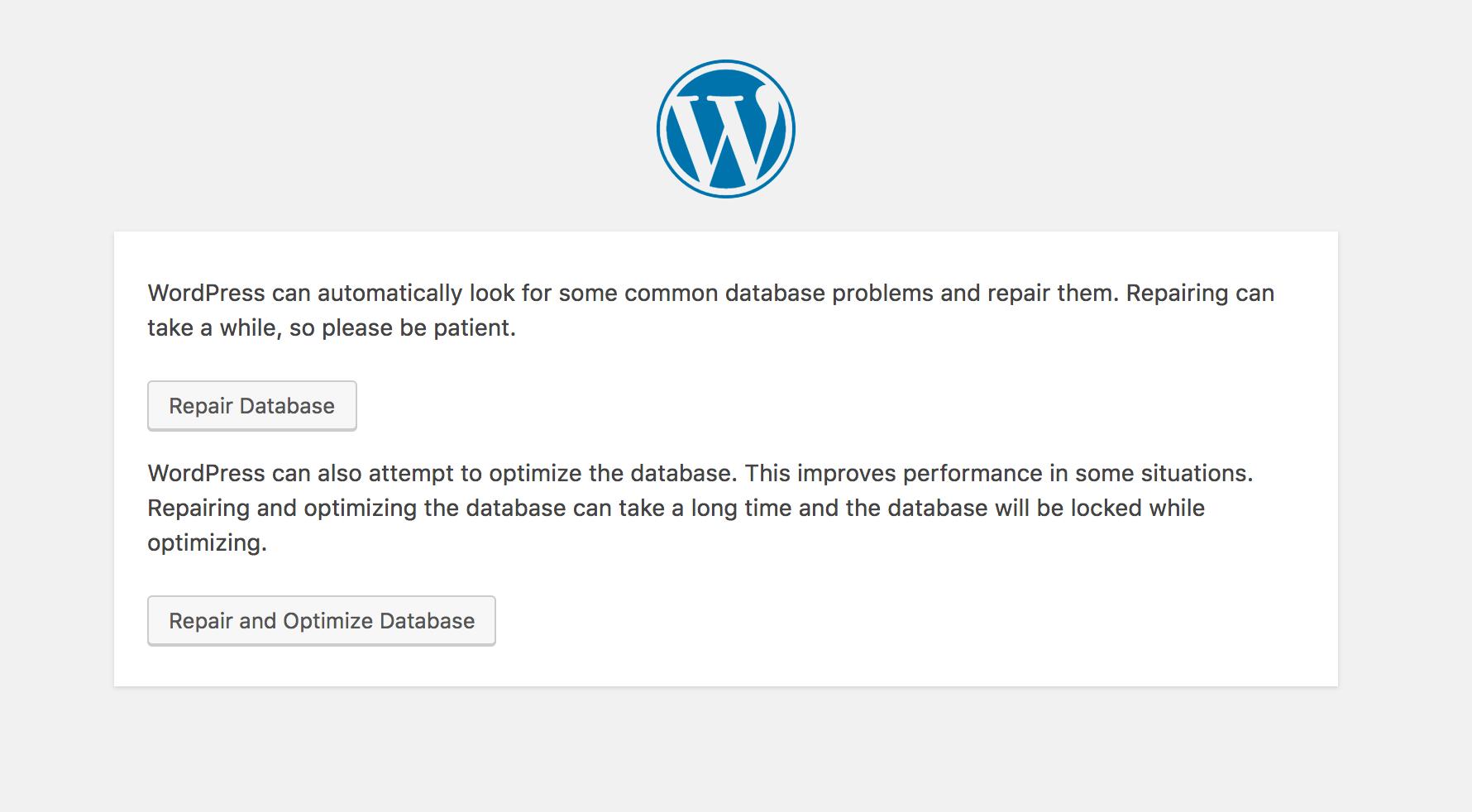
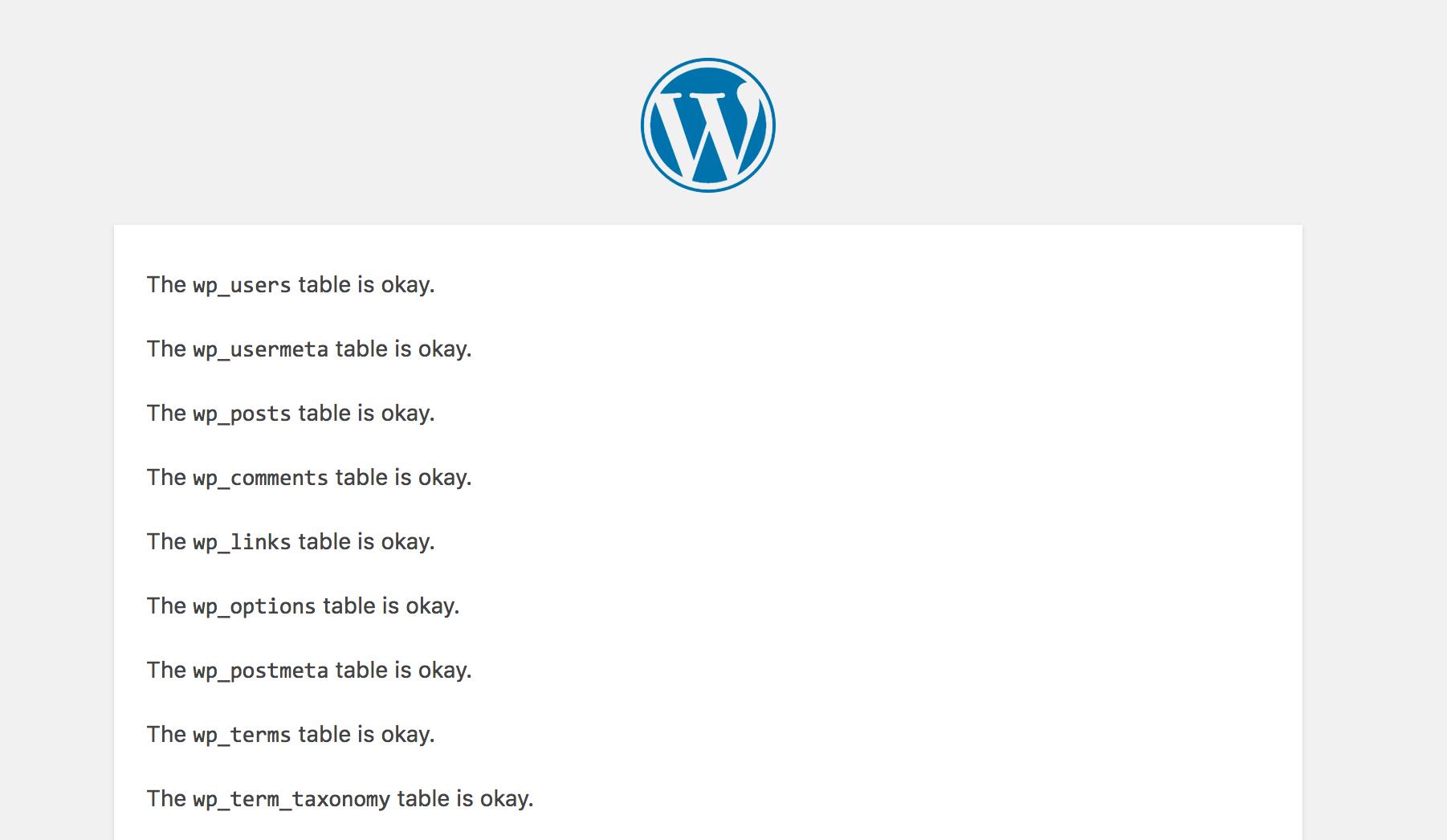
Press the Repair Database button, and you’ll be taken to a results page where you can see the checks and repairs happening in real-time:
Once the process finishes, be sure to open up the wp-config.php file again, and remove the line we just pasted in.
Did you notice any repairs being made? Try your site again, and check whether the error is gone. If unrepairable issues were found, you might need to restore the database from a backup if you have one available. Please reference our tutorial How To Import and Export Databases in MySQL for details on how to do so.
If no issues were found with the database, then we’ve still not discovered the problem. It could be intermittent issues we’re just missing, or something more obscure. Lets wrap up with a few other possibilities to try.
Conclusion
The majority of “Error Establishing Database Connection” problems should have been solved with the three steps above. Still, there could be more elusive issues that continue to present themselves in this way. Here are some more articles that might be useful in tracking down and neutralizing the cause of this error:
- A frequent source of high traffic (and thus poor performance and errors) is a brute-force attack common to WordPress installs. You can neutralize the attack by following How To Protect WordPress from XML-RPC Attacks.
- You may save some server resources by implementing caching on your WordPress install. There are many simple caching plugins out there for WordPress. Our tutorial, How To Configure Redis Caching to Speed Up WordPress will show you how to configure a particularly performant Redis-backed cache.
Thanks for learning with the DigitalOcean Community. Check out our offerings for compute, storage, networking, and managed databases.
About the author

Senior Technical Writer at DigitalOcean
Still looking for an answer?
 This work is licensed under a Creative Commons Attribution-NonCommercial- ShareAlike 4.0 International License.
Become a contributor for community
Get paid to write technical tutorials and select a tech-focused charity to receive a matching donation.

DigitalOcean Documentation
Full documentation for every DigitalOcean product.

Resources for startups and AI-native businesses
The Wave has everything you need to know about building a business, from raising funding to marketing your product.
The developer cloud
Scale up as you grow — whether you're running one virtual machine or ten thousand.

Start building today
From GPU-powered inference and Kubernetes to managed databases and storage, get everything you need to build, scale, and deploy intelligent applications.



