15 AI Animation Video Generators for Content Creation in 2026

By Jesse Sumrak
Sr. Content Marketing Manager
- Published:
- 27 min read
Animation is no longer reserved for Hollywood studios with million-dollar budgets. Brands are creating animated video content every day. You might be a software team building hype for an upcoming product launch or a creative agency bringing a retail campaign to life. What used to require massive budgets and weeks of production time has changed thanks to AI-powered animation tools. An AI animation video generator can now take a text prompt or a static image and turn it into polished animated content in a fraction of the time it used to take.
The technology spans everything from avatar-based platforms like Synthesia and HeyGen to advanced AI image generation models from major AI labs like Google and OpenAI and Runway. Some tools specialize in corporate training videos with lifelike digital presenters while others generate cinematic footage or character-driven explainers from a few lines of text. And more are entering the market. Our 2026 Currents research report found that 13% of organizations are actively building image or video generation tools. Read on for a breakdown of AI video generators available—what they do best, what they cost, and how to choose the right one to bring your idea from script to screen.
Key takeaways:
-
AI animation video generators automate character animation, scene creation, and motion design to produce professional video content from text prompts, images, or templates.
-
These tools reduce production time from weeks to hours while lowering costs, improving accessibility for non-animators, and enabling rapid iteration on creative concepts.
-
When choosing an AI animation video generator, look at animation style support, customization depth, rendering speed, output quality, commercial licensing terms, and integration with your current marketing workflows.
-
Top AI animation videos include avatar-based platforms like Synthesia and HeyGen, creative animation tools like Animaker and Vyond, and generative video models like Runway and Pika Labs.
What are AI animation video generators?
AI animation video generators use machine learning models to create animated videos from text descriptions, images, or template inputs. These tools automate traditional animation tasks like character rigging, keyframe interpolation, and scene composition to help users produce animated content without manual frame-by-frame work or specialized animation skills. Because most of these tools are cloud-based and include team collaboration features like real-time editing and shared asset libraries, entire teams can produce video content together without any local software installs.
AI animation generators vs traditional animation software
Traditional animation software requires manual control over every movement, timing decision, and visual element. Animators build rigs, set keyframes, and adjust curves to create fluid motion. This process delivers impressive creative control, but it requires talent, know-how, and major time investments.
AI animation generators automate these steps with trained models that understand motion, timing, and visual composition. Instead of manipulating bezier curves, users describe desired outputs or choose from intelligent templates that the AI adapts. This trade-off sacrifices some granular control for dramatically faster production (and lower skill requirements).
AI animation is just one piece of the video production puzzle. Explore our roundup of AI video tools to find platforms that can help with editing, repurposing, and optimizing your content after it’s created.
Benefits of AI animation video generators
AI-powered animation platforms solve practical production challenges that slow down content creation. These tools make professional animation accessible to all marketing teams, educators, and creators, regardless of their experience:
-
Reduced production time: Animated videos can be generated in minutes instead of days or weeks required for traditional animation workflows. Your team can iterate on concepts quickly, test multiple versions of messaging, and respond to trending topics before they pass.
-
Lower production costs: Eliminate expenses for specialized animators, expensive software licenses, and extended project timelines. Small teams can produce animation quality that previously required agency budgets, while larger organizations can scale video production without proportionally scaling headcount.
-
Accessibility for non-animators: Create professional animations without learning complex software interfaces or animation principles. Text-to-video capabilities let marketers and content creators describe their vision and receive polished results, removing technical barriers that previously gated animation work.
-
Rapid iteration capabilities: You can now test different visual styles, messaging approaches, and creative directions without rebuilding animations from scratch. AI generators let you compare options and refine content based on performance data rather than committing to initial creative decisions.
-
Scalability for content demands: AI animation looks let you produce consistent animation output across multiple projects, campaigns, and platforms simultaneously. The same team that previously managed one animation project per month can now maintain continuous production schedules across social media, advertising, and educational content.
How to choose the right AI animation video generator
Each animation tool works better for different use cases. You’ll want to double-check your go-to option matches your output needs rather than just feature checklists. Consider these factors before committing to a platform:
-
Animation style support: Identify whether you need photorealistic avatars, cartoon characters, motion graphics, 3D animation, or whiteboard-style explainers. Some platforms specialize in specific styles while others offer broader ranges with varying quality levels across categories.
-
Customization depth: Evaluate how much control you need over character appearance, scene composition, and motion timing. Template-based tools offer speed but limited flexibility, while prompt-based generators provide more creative freedom at the cost of output predictability.
-
Rendering speed and output quality: Measure how quickly the platform generates videos and whether output resolution meets your distribution requirements. Fast rendering enables rapid iteration, but 4K output quality matters for professional advertising.
-
Commercial licensing terms: Some tools restrict usage to specific contexts or require attribution. Verify whether generated content can be used commercially and if the platform claims any rights to your outputs.
-
Integration with existing workflows: Check whether the platform connects with your video editing software, social media scheduling tools, or marketing automation systems. Native integrations with platforms like Adobe Premiere, Canva, or HubSpot streamline production and reduce manual file transfers.
Need to edit and polish your videos after generating them? Check out our roundup of AI video editors built for creative teams and businesses.
Top 15 AI animation video generators for 2026
The AI animation landscape splits into three main categories: avatar-based platforms, creative animation tools, and advanced generative models. Each category solves different production challenges.
Pricing and feature information in this article are based on publicly available documentation as of February 2026 and may vary by region and workload. For the most current pricing and availability, please refer to each provider’s official documentation.
*This “best for” information reflects an opinion based solely on publicly available third-party commentary and user experiences shared in public forums. It does not constitute verified facts, comprehensive data, or a definitive assessment of the service.
| Solution | Best for* (use cases) | Key features | Pricing |
|---|---|---|---|
| Synthesia | Corporate training videos and multilingual content | 230+ AI avatars, 140+ languages, AI Video Assistant, 1-Click Translation with lip-sync | Free tier; Starter: $29/month; Creator: $89/month; Enterprise: Custom |
| HeyGen | Marketing videos with realistic avatars | Avatar IV technology, voice cloning, video translation with lip-sync, Interactive Avatars | Free tier; Creator: $29/month; Team: $39/seat; Enterprise: Custom |
| D-ID Creative Reality | Conversational AI avatars for customer engagement | Talking photo animation, Visual AI Agents, video translate, streaming API | Trial: $5.9/month; Pro: $29/month; Advanced: $196/month; Enterprise: Custom |
| DeepBrain AI | Multilingual video production and newsroom content | 2,000+ stock avatars, multi-avatar scenes, AI Dubbing in 150+ languages, Topic to Video | Free tier; Personal: $29/month; Team: $69/month; Enterprise: Custom |
| Vyond | Business storytelling and explainer videos | Vyond Go text-to-video, advanced character customization, Brand Management Suite, instant translation | Starter: $99/month; Professional: $199/month; Enterprise: Custom; Agency: Custom |
| Animaker | Social media content and marketing videos | Character builder with billions of combinations, auto-subtitle generator, instant resize, 100M+ stock assets | Free tier; Starter: $45/month; Pro: $79/month; Enterprise: Custom |
| Powtoon | Educational videos and presentations | Powtoon Imagine AI, credit-based AI suite, character lip-sync, brand management suite | Lite: $49/month; Professional: $99/month; Advanced: $125/month annual |
| VideoScribe | Whiteboard animation videos | Hand-drawn animation style, 5M+ premium image library, AI-powered content generation, voiceovers in 45+ languages | Free trial; Lite: $36/month; Core: $53/month; Max: $67/month |
| Doodly | Sketch animation for explainer videos | Smart Draw technology, multi-style drawing boards, drawing hand customization, Voomly Cloud suite bundled | Standard: $49/month; Enterprise: $79/month |
| Steve.ai | Automated video creation from scripts | Script-to-video automation, Advanced Prompter AI, multi-voice storytelling, generative AI integration | Free tier; Starter: $19/month; Pro: $39/month; Generative AI: $99/month; Enterprise: Custom |
| Runway Gen-4 | Cinematic video generation from text prompts | Gen-4 video generation, Aleph video editing, Act-Two performance capture, custom workflows | Free tier; Standard: $15/month; Pro: $35/month; Unlimited: $95/month; Enterprise: Custom |
| Google Veo 3.1 | High-quality video generation with prompt understanding | Native audio generation, ingredients-to-video, scene extension, character consistency | Google AI Pro: $19.99/month; Google AI Ultra: $249.99/month |
| OpenAI Sora 2 | Complex scene generation with realistic physics | Advanced physics simulation, cameos feature, multi-shot persistence, native audio generation | Free tier (invite-based); ChatGPT Pro access for Sora 2 Pro model |
| Pika | Creative video editing and effects | Pikaffects transformations, Pikaframes (up to 25s), video-to-video editing suite, Turbo mode | Free tier (80 credits); Standard: $10/month; Pro: $35/month; Fancy: $95/month |
| Kaiber Superstudio | Music-driven animation and artistic video | Infinite canvas interface, beat sync edits, custom AI model training, multi-model access | Flex: Free; Creator: $29/month; Pro: $149/month; Visionary: Custom |
Avatar-based animation platforms
Avatar-based platforms create videos featuring digital humans that deliver scripted content. These tools are great for training materials, product demos, and explainer videos where a presenter communicates directly to viewers.
1. Synthesia
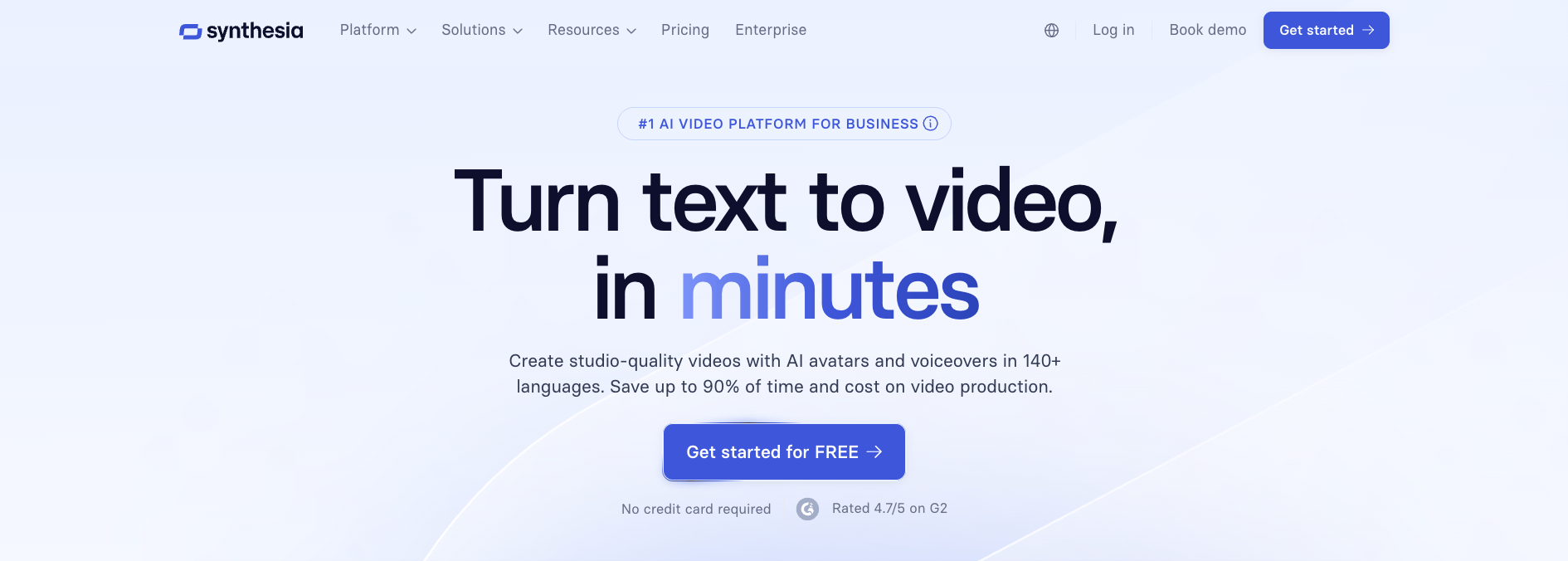
Synthesia pioneered commercial AI avatar video generation and maintains the largest library of pre-built digital humans. The platform converts scripts into videos featuring photorealistic avatars speaking in 140+ languages without recording studios or actors. Synthesia’s AI Screen Recorder combines avatar presentations with software demonstrations for product tutorials and employee onboarding.
You can use the tool for complex use cases through Personal Avatars that create digital twins from video footage and Studio Avatars for broadcast-quality productions. Synthesia’s 1-Click Translation feature adapts existing videos into 80+ languages with automatic lip-sync adjustment, eliminating the need to reshoot content for different markets. If your priority is scaling corporate training or onboarding content across global teams, Synthesia a strong fit.
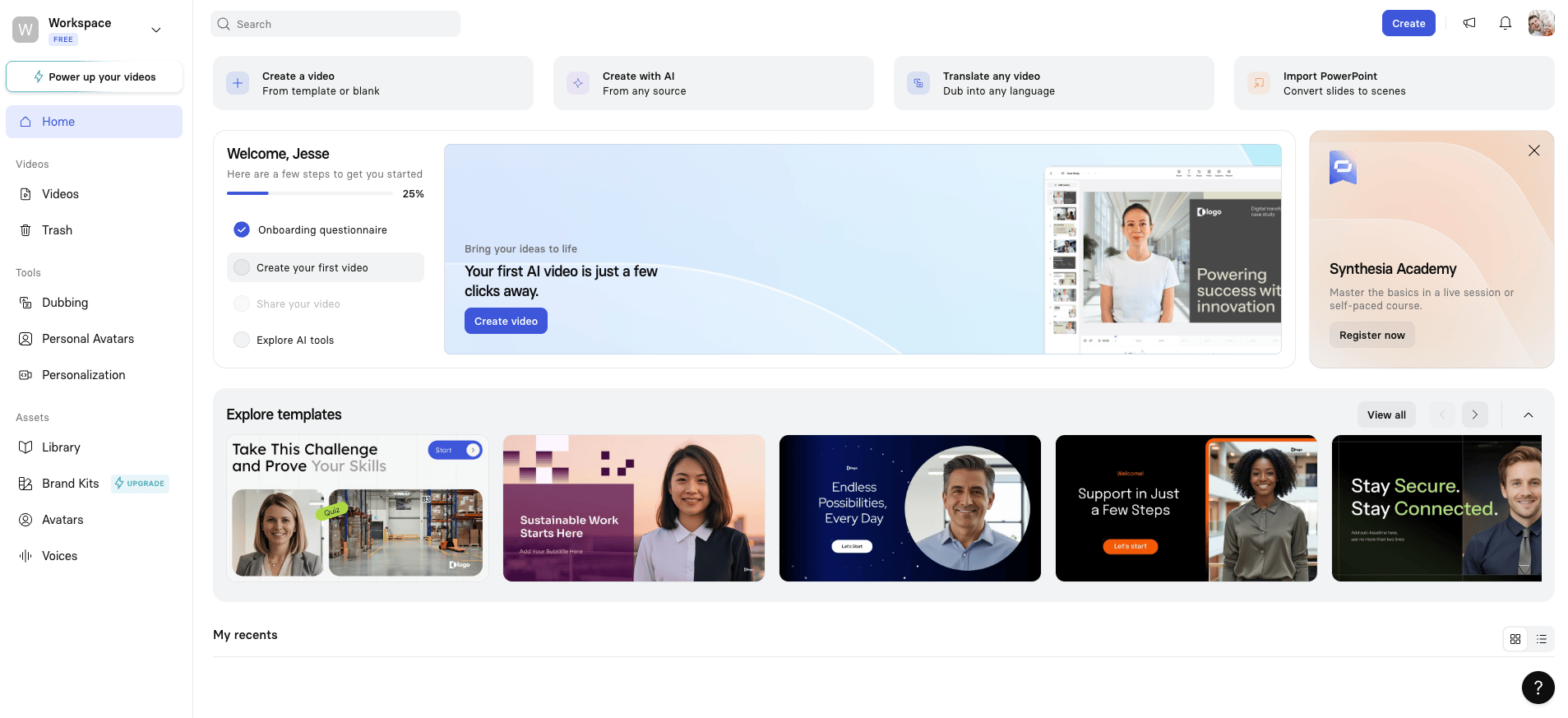
Synthesia key features:
-
Personal Avatar creation builds custom digital humans from video footage with voice cloning capabilities.
-
AI Video Assistant automatically converts existing documents, web links, or text prompts into complete branded videos matching your style guidelines.
-
Real-time collaboration workspace enables team editing with live commenting, version control, and role-based access.
-
Basic - Free. Includes 3 minutes of video monthly, 9 AI avatars, 140+ languages.
-
Starter - $29/month monthly. Provides 120 minutes yearly, 125+ avatars, AI Dubbing, removes watermark, 1 editor and 3 guests.
-
Creator - $89/month monthly. Adds 360 minutes yearly, 5 Personal Avatars, 180+ avatars, API access, multiple avatars per scene, 1 editor and 5 guests.
-
Enterprise - Custom pricing. Offers unlimited video minutes, 230+ avatars, unlimited Personal Avatars, SAML/SSO, live team collaboration, dedicated CSM.
Need static visuals to complement your video content? Explore our roundup of Midjourney alternatives for AI image generators that can produce everything from product mockups to social media graphics.
2. HeyGen
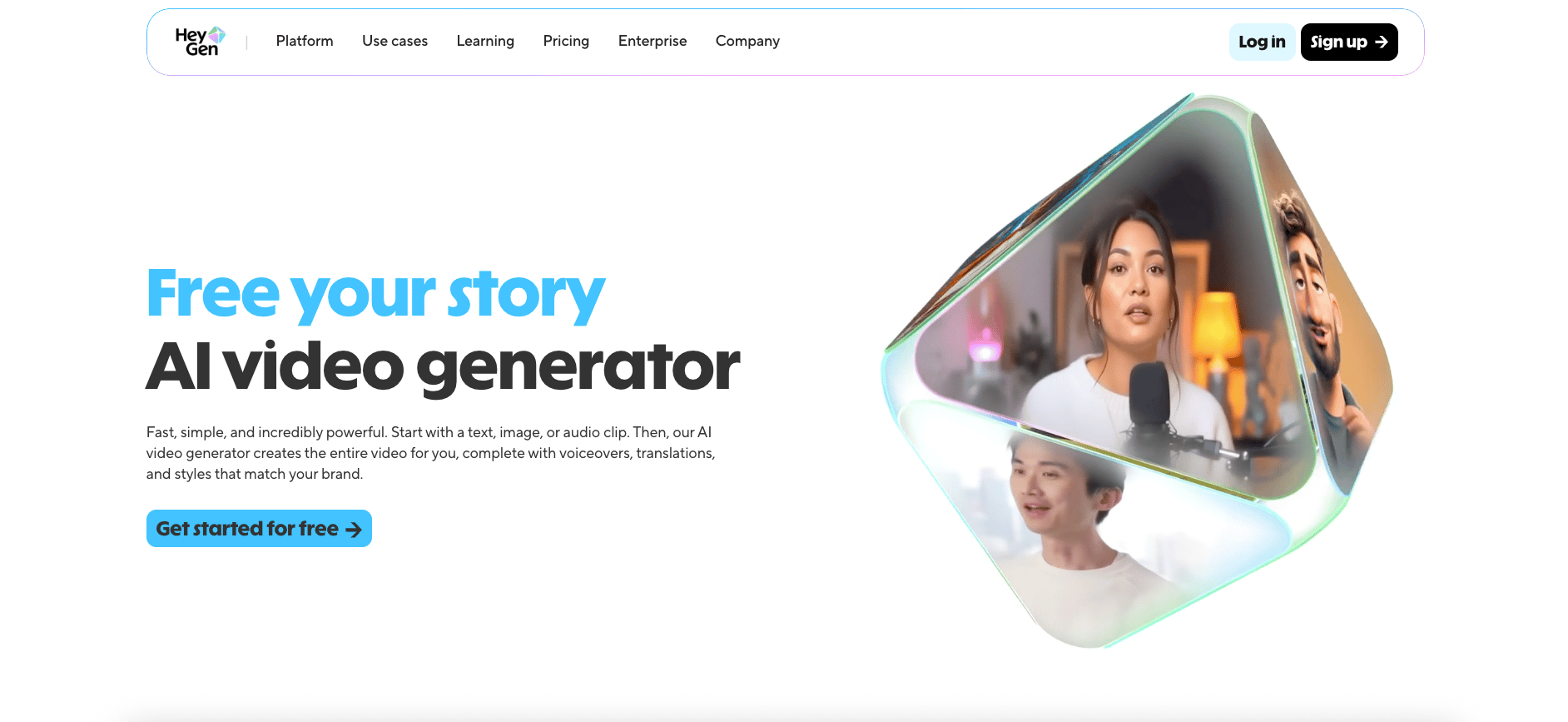
HeyGen offers advanced voice cloning technology that matches avatar speech to your actual voice patterns. It also transforms single images into full videos with natural voice sync and expressive face dynamics. The platform’s avatar customization includes over 700 stock avatars, custom Video Avatars created from your footage, and unlimited Photo Avatars generated from single images.
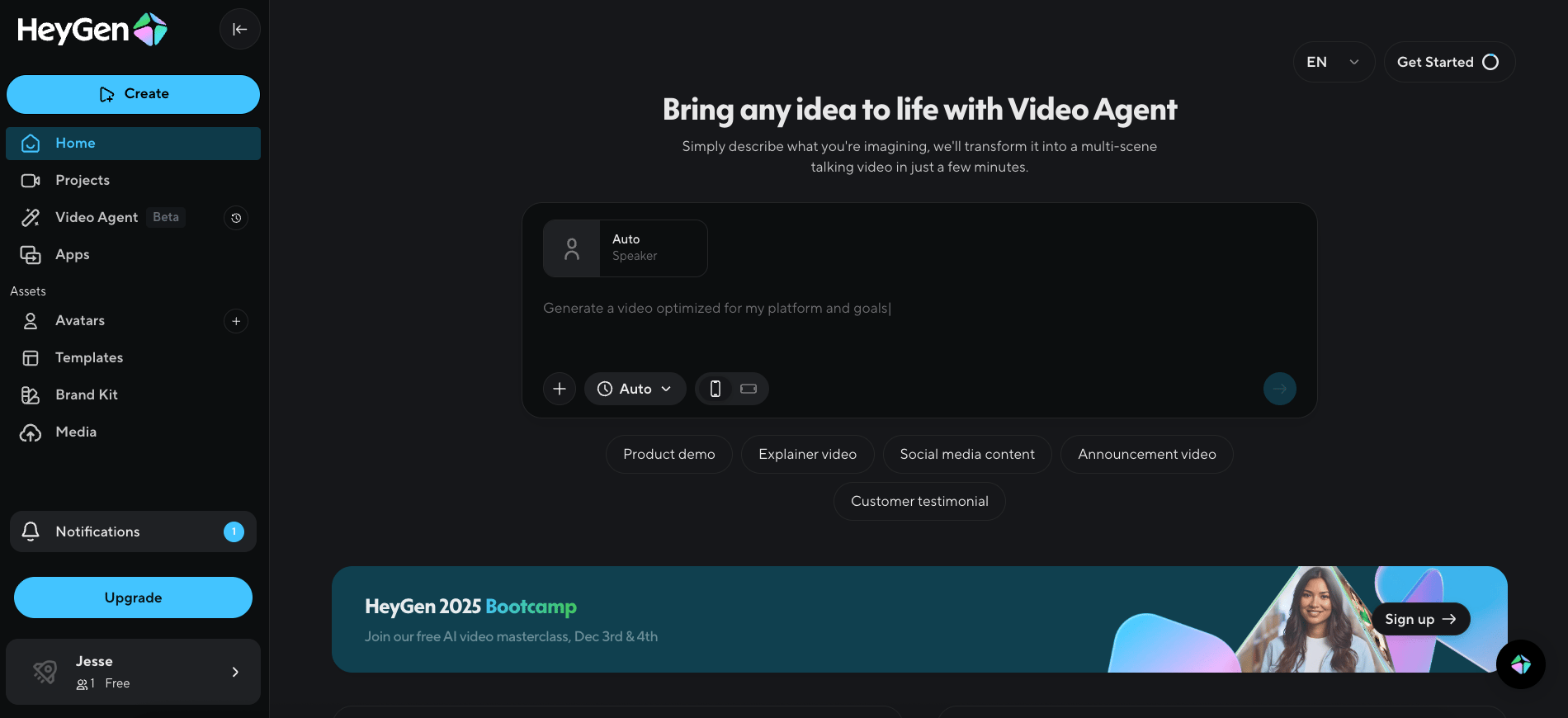
HeyGen’s video translation maintains lip-sync accuracy across 175+ languages and dialects while preserving the original speaker’s voice, tone, and pacing. It’s a solid choice for marketing team in parotcular—features focus on marketing and business use cases with templates optimized for social media dimensions and short-form content. HeyGen’s Interactive Avatars enable real-time conversations for customer service applications, while the API brings programmatic video generation into existing workflows. HeyGen is built for marketing teams that need fast social-ready video with voice cloning and product placement ads they can spin up without a production crew.
HeyGen key features:
-
Product placement ad generator automatically places your product in avatar-led videos for scalable TikTok, Instagram, and Amazon content without shipping samples or hiring a production crew.
-
Built-in access to generative models like Sora, Veo, and Kling for cinematic B-roll and Flux for high-fidelity images without leaving the platform.
-
AI Studio text-based editor lets you control tone, delivery, gestures, and emotion from a single document-style interface for end-to-end video creation.
-
Free - $0/month. Includes 3 videos monthly (up to 3 minutes each), 1 Custom Video Avatar, 500+ Stock Video Avatars, 30+ languages, 720p export.
-
Creator - $29/month; $24/month annual. Provides unlimited videos (up to 30 minutes each), 1 Custom Video Avatar, 1 Custom Interactive Avatar, 700+ Stock Avatars, voice cloning, 175+ languages, 1080p export.
-
Team - $39/seat/month; $30/seat/month annual (2 seats minimum). Adds 2 Custom Video Avatars per seat, 2 Custom Interactive Avatars, unlimited Photo Avatars, workspace collaboration, 4K export, fastest processing.
-
Enterprise - Custom pricing. Offers advanced security, dedicated support, API access, and custom integrations.
3. D-ID Creative Reality
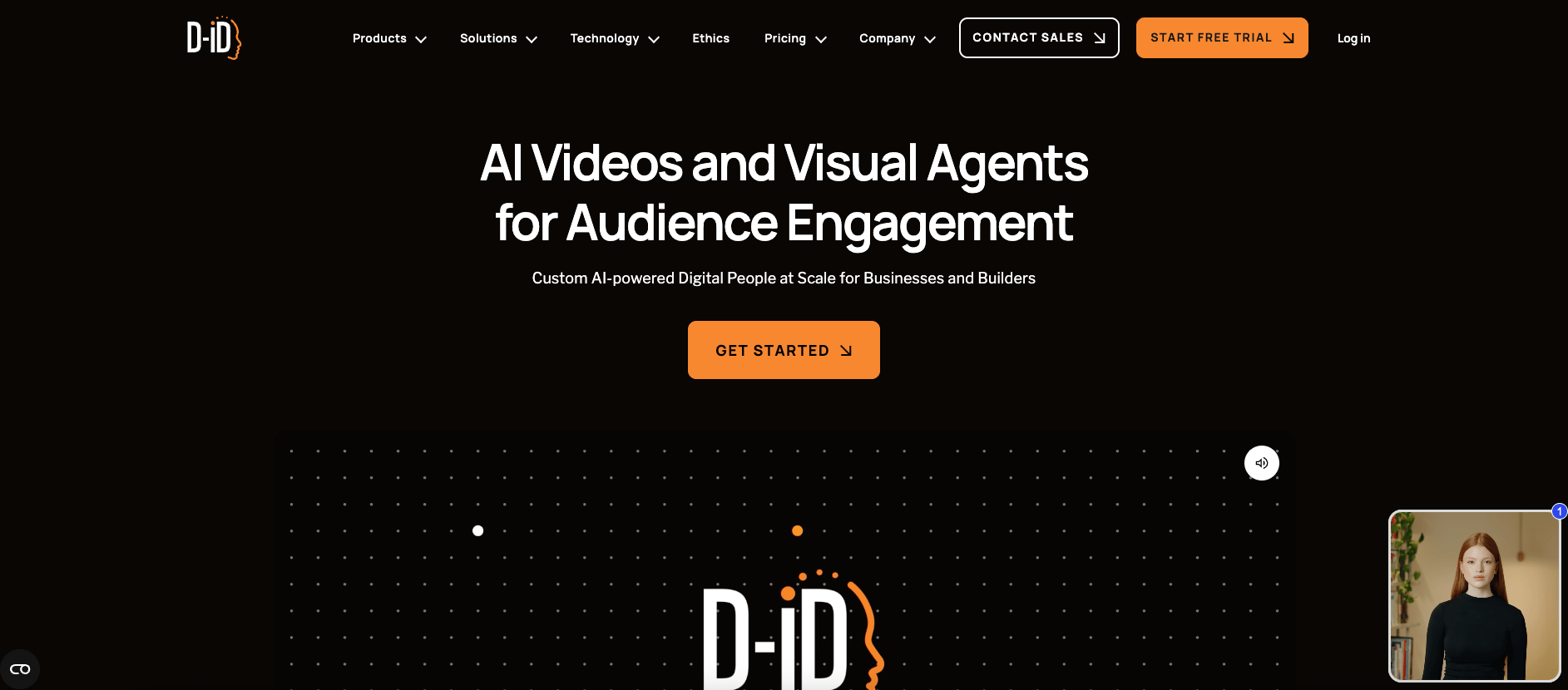
D-ID Creative Reality transforms static images into talking avatars to let you animate existing photos or illustrations rather than only using pre-built digital humans. The platform’s Visual AI Agents support real-time conversational experiences where avatars respond dynamically to user inputs, creating interactive customer engagement applications. It’s a solid choice for developers and agencies building conversational AI applications with API documentation and streaming features. D-ID’s Creative Reality Studio provides a no-code interface for marketing teams while maintaining deeper technical capabilities through API access. D-ID is a solid pick if you want to animate photos or illustrations you already have rather than choosing from a library of pre-built avatars.
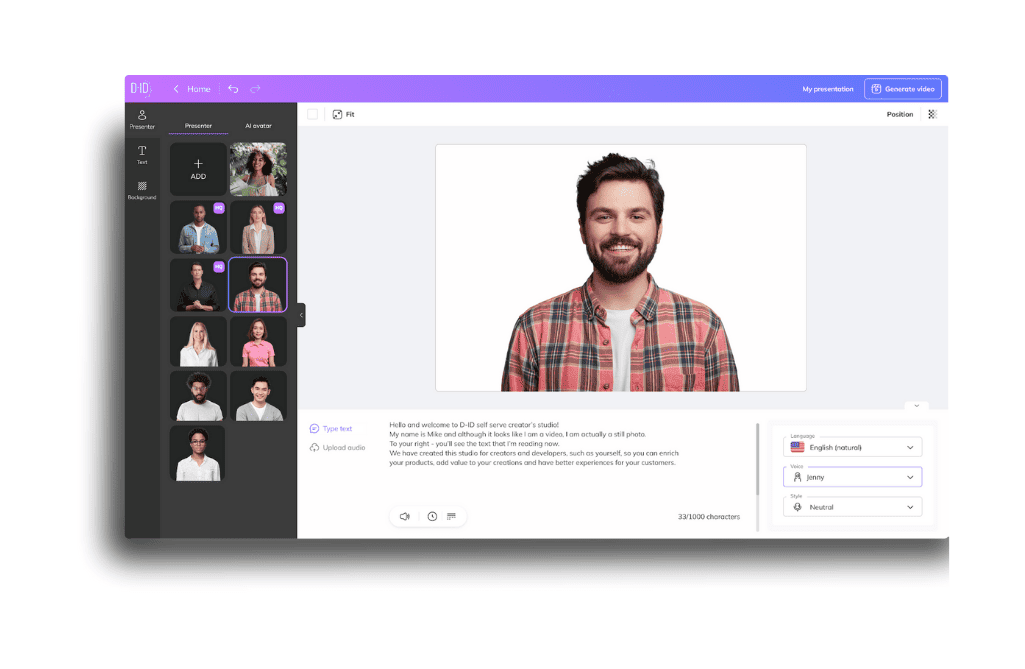
Source: A Step-by-step Guide to Creating Videos with D-ID
D-ID key features:
-
Video Translate adapts existing videos into 30+ languages with automatic lip-sync adjustment and subtitle generation.
-
Streaming API enables developers to build custom applications with real-time avatar generation and low-latency video delivery.
-
Native integrations with Microsoft PowerPoint, Canva, and Google Slides let teams generate avatar videos directly inside the presentation tools they already use.
-
Trial - $0 for 14 days. Includes 3 minutes for videos, agents, video translate and API, 100+ stock avatars, 1 Personal Avatar, API access, full-screen watermark.
-
Lite - $5.9/month. Provides 10 minutes monthly, standard avatars only, 1 Embedded Agent, D-ID watermark, fast video processing.
-
Pro - $29/month. Adds 15 minutes monthly, premium and standard avatars, 3 Personal Avatars, 1 voice clone, 1 Embedded Agent, AI watermark, commercial use license.
-
Advanced - $196/month. Provides 100 minutes monthly, 5 Personal Avatars, 3 voice clones, 3 Embedded Agents, custom logo, faster video processing.
-
Enterprise - Custom pricing. Offers unlimited video minutes, custom Personal and Studio Avatars, professional voice cloning, Customer Success Manager, fastest video processing, enterprise-grade security.
4. AI Studios (DeepBrain AI)
.png)
DeepBrain AI focuses on rapid video production with its AI Studios platform that generates complete videos from scripts, topics, URLs, or documents in minutes. The platform’s 2,000+ stock avatars include options for multi-avatar scenes that support conversations between digital humans. AI Studios Dubbing translates videos into 150+ languages with automatic lip-sync adjustment and voice cloning.
.png)
You’ll also find integrations with Sora 2 and Veo 3.1 for generative video alongside its avatar-based features. DeepBrain’s Topic to Video feature converts ideas into complete videos with script generation, stock footage selection, and AI narration automatically. If you need an all-in-one platform that combines avatar-based video with generative models like Sora 2 and Veo 3.1 in a single workspace, DeepBrain AI has you covered.
AI Studios key features:
-
Multi-avatar conversations stage interactions between multiple AI avatars in single scenes with gesture control and avatar background removal.
-
Topic to Video automation converts text prompts, URLs, documents, or product links into complete videos with AI-generated scripts, stock footage selection, and narration.
-
Product Avatar lets you create an avatar that naturally holds and interacts with your product for UGC-style ads and e-commerce content.
-
Free - $0/month. Includes 3 audio/video exports, videos up to 3 minutes, 1 Custom Avatar, 16 generative credits, 720p export, watermark included.
-
Personal - $29/month. Provides unlimited video exports (up to 30 minutes), 3 Custom Avatars, 60 generative credits, unlimited Photo Avatars, 150+ languages, 1080p export, no watermark.
-
Team - $69/month (1 seat). Adds 5 Custom Avatars, 150 generative credits, 4K export, multi-avatar scenes, avatar gesture control, team collaboration workspace, custom brand kit.
-
Enterprise - Custom pricing. Offers unlimited videos and duration, unlimited Custom Avatars, flexible generative credits, SAML SSO, SCORM export, bulk video generation, 24/7 priority support, dedicated account manager.
Creative animation and storytelling tools
These platforms focus on narrative content with character-driven animation, motion graphics, and template-based production. They are great for marketing videos, educational content, and social media assets where creative expression matters more than photorealism.
5. Vyond
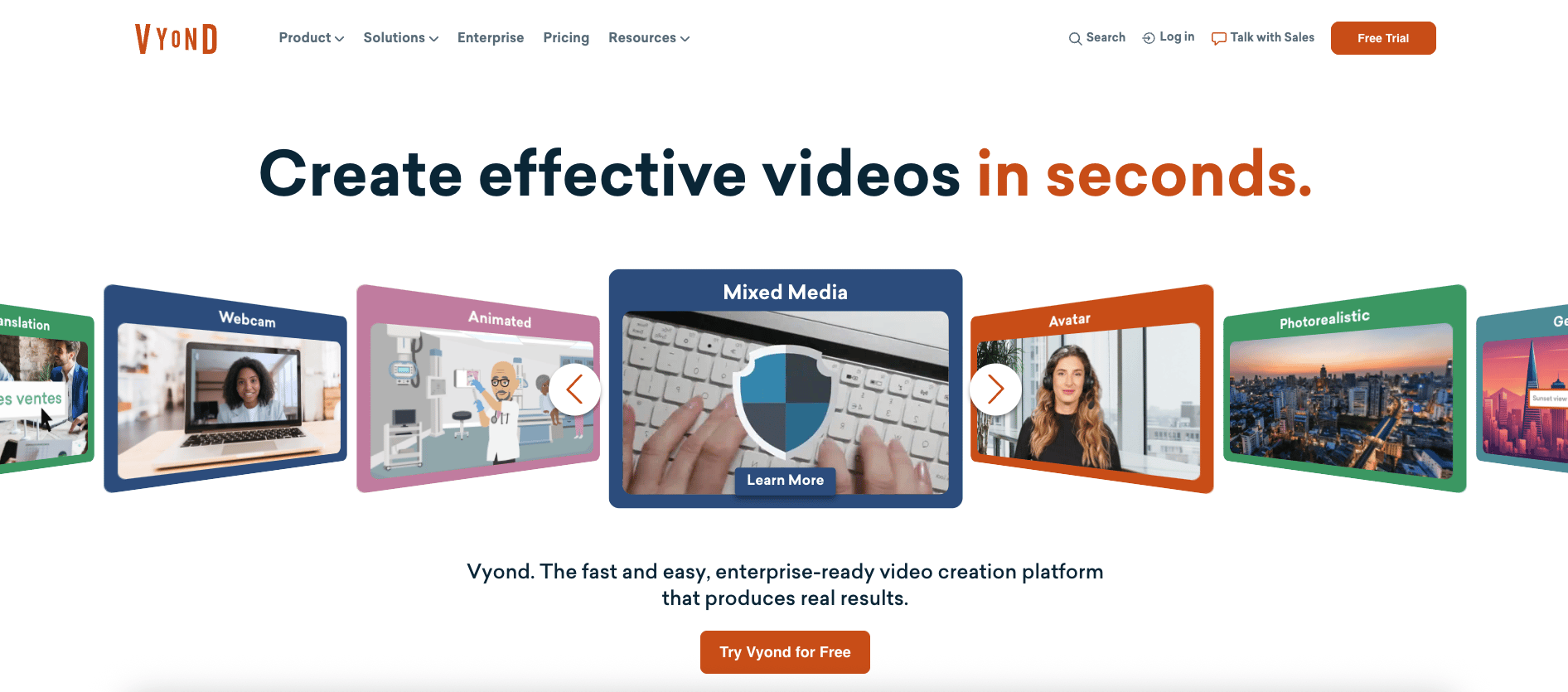
Vyond provides professional character animation to let you design unique animated people, customize expressions and movements, and build scene compositions with props and backgrounds. The Vyond Go feature instantly converts text, documents, or URLs into complete videos with AI-generated scripts, voiceovers, and visuals. Vyond’s template library includes pre-animated scenes for common business scenarios (product demonstrations, training modules, explainer videos) that you customize with your content. If you’re working on videos as a team, the tool offers collaboration features including commenting, version control, and team workspaces.
Vyond key features:
-
Advanced character customization enables detailed control over avatar appearance, clothing, gestures, and movements.
-
Brand Management Suite maintains visual consistency across team projects with shared asset libraries, color palettes, approved templates, and centralized brand controls.
-
Instant video translation adapts content into 80+ languages with caption translation and multilingual support for global distribution.
-
Starter - $99/month; $59/month annual. Includes AI avatars, 650+ text-to-speech voices, screen recording, text/doc/URL to video, 10,000 credits monthly, 100 video downloads monthly, 25-minute max video duration.
-
Professional - $199/month; $99/month annual. Adds team collaboration tools, 4M+ Shutterstock assets, instant translation into 80+ languages, generative avatars from prompts, 20,000 credits monthly, 200 video downloads monthly, 40-minute max duration.
-
Enterprise - Annual only, custom pricing. Provides 130+ ultra high quality text-to-speech voices, Brand Management Suite, advanced collaboration, enterprise security features, virtually unlimited credits and downloads, 90-minute max duration.
-
Agency - Annual only, custom pricing. Offers unlimited rights transfers for client-facing content, Brand Management Suite, advanced collaboration, 400,000 credits per user monthly, 90-minute max duration.
6. Animaker
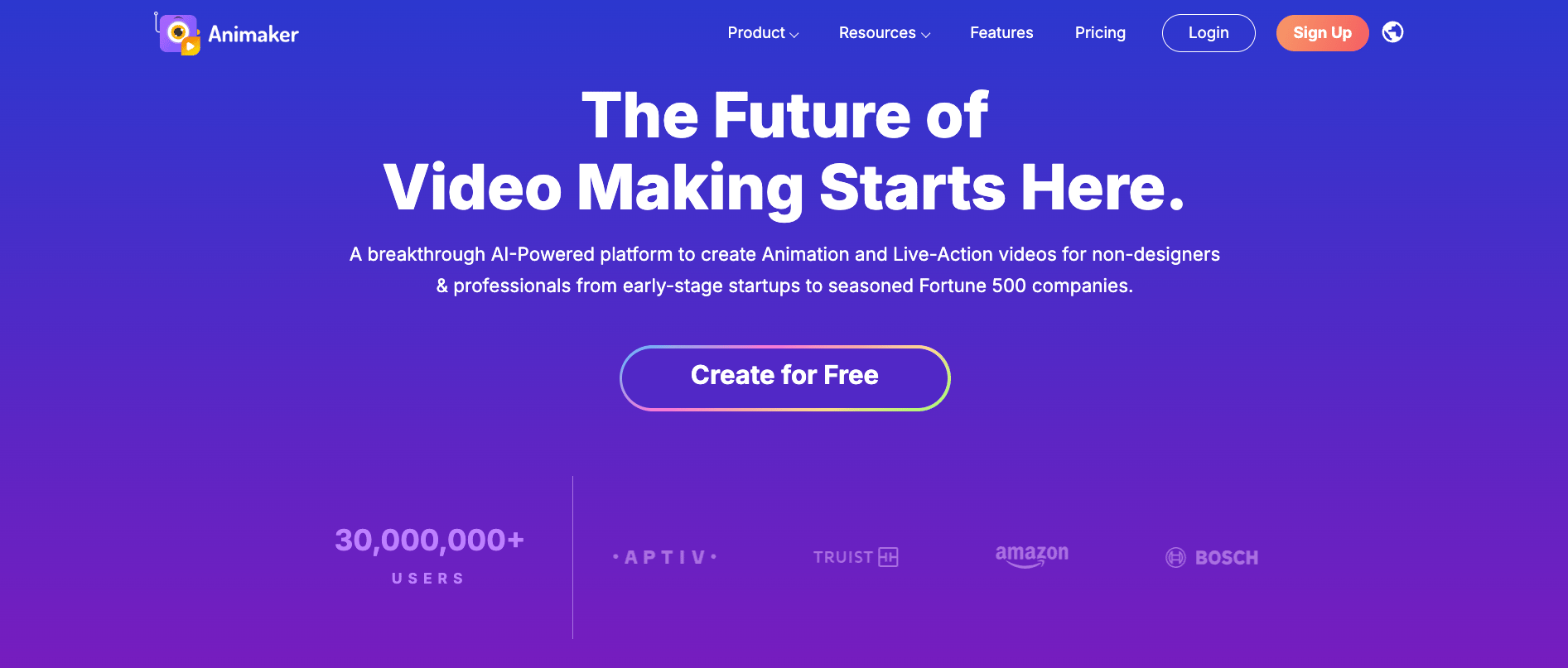
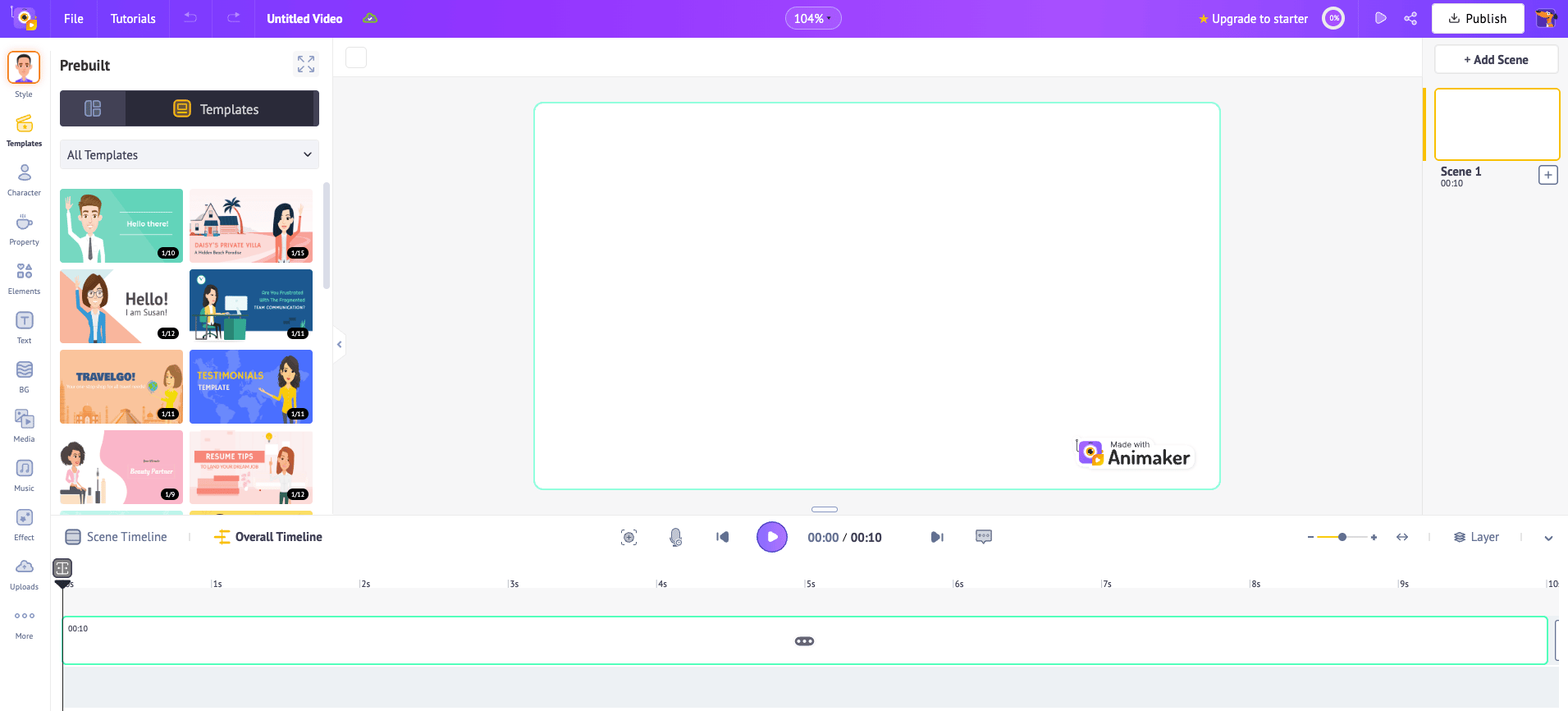
Animaker simplifies animation production with drag-and-drop interfaces and extensive template libraries optimized for social media. The platform’s character builder offers billions of customization combinations through detailed control over features, clothing, and accessories, while its 100M+ stock asset library provides backgrounds, props, and effects. The platform’s 25+ video editing tools span basic features like trimming and cropping to advanced capabilities like green screen editing and video effects control. It’s a good choice for marketing teams with features specific to campaign production including instant resizing for multiple platforms, brand kit management, and collaboration tools.
Animaker key features:
-
Auto-subtitle generator creates accurate captions automatically with timing synchronization and supports instant translation for subtitles into multiple languages.
-
Instant resize tool adapts videos between aspect ratios including square, vertical, and widescreen formats without manual reformatting.
-
AI-powered video tools include automatic background removal and generative video creation (90-500 seconds monthly based on plan).
-
Free - $0. Includes 3 video downloads monthly, 5 AI video generations, 10 AI assets, 40 minutes text-to-speech, 3GB file uploads.
-
Starter - $45/month. Provides 10 premium downloads monthly, 90 seconds generative video, 200 AI assets, 200 AI video generations, 15-minute max video length, FHD quality.
-
Pro - $79/month. Adds 20 premium downloads monthly, 180 seconds generative video, 300 AI assets, 300 AI video generations, 30-minute max video length, 2K quality, commercial rights.
-
Enterprise - Custom pricing. Offers unlimited premium downloads, 500 seconds generative video monthly, 5,000 AI assets yearly, 5,000 AI video generations yearly, unlimited video length, 4K quality, reselling rights, brand kit, team licenses.
7. Powtoon
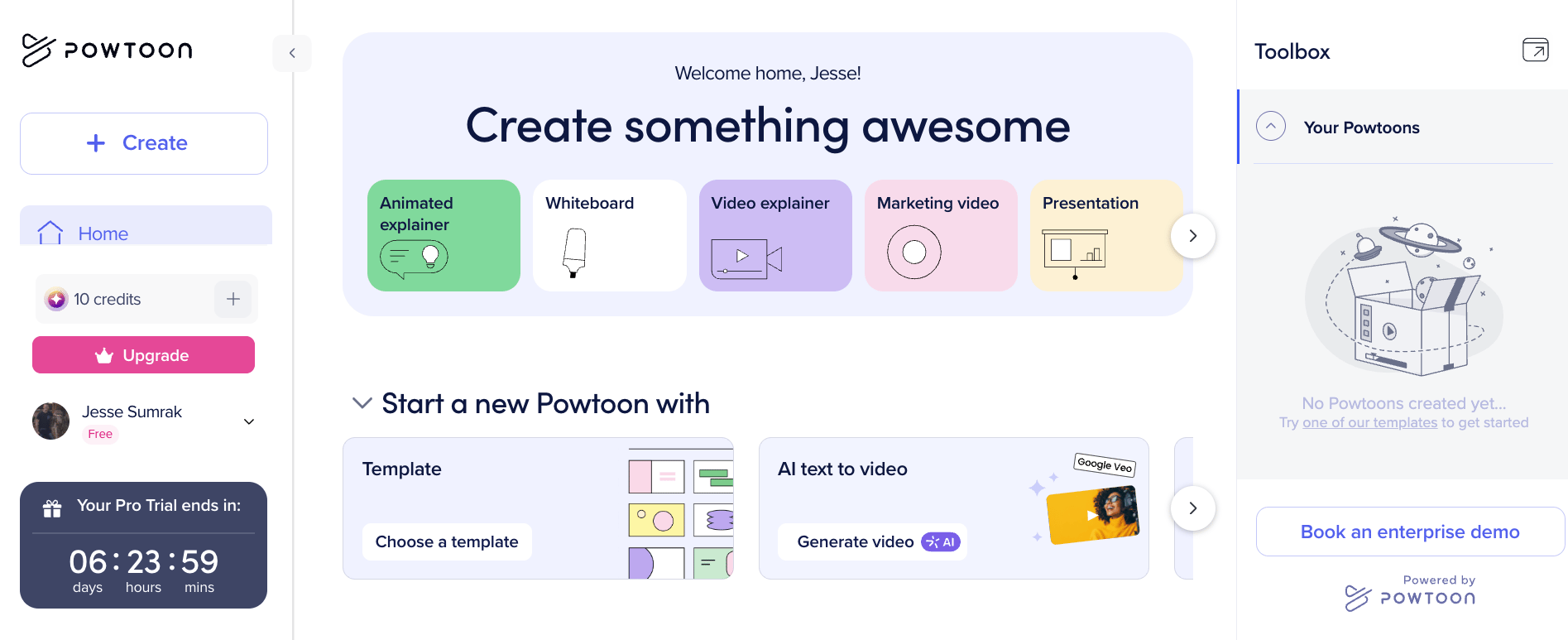
Powtoon bridges presentation software and animation tools with its slide-based approach to video creation. The platform’s Powtoon Imagine AI turns documents and ideas into complete videos while maintaining creative control and brand consistency. You’ll also get access to a template library that includes 100+ professionally designed templates spanning business categories including marketing, training, and internal communications. The drag-and-drop editor requires minimal animation knowledge while providing timeline control for users who want timing precision.
Powtoon integrates with PowerPoint for converting existing presentations into animated videos and supports screen and webcam recording for hybrid content creation. If your team already lives in PowerPoint and wants to turn existing slide decks into animated videos without starting from scratch, Powtoon is the most natural bridge between presentations and animation on this list.
Powtoon key features:
-
Credit-based AI suite includes avatars, text-to-speech, text-to-image, text-to-video, doc-to-video, and full translation.
-
Character lip-sync matches animated character mouth movements to uploaded voiceovers for realistic dialogue in presentation-style videos.
-
Brand management suite maintains visual consistency with shared folders, corporate templates, brand locking, and centralized brand books.
-
Lite - $49/month. Includes 10 AI credits monthly, remove Powtoon branding (5 exports monthly), MP4 download, 10-minute video duration, limited content access.
-
Professional - $99/month. Provides 25 AI credits monthly, unlimited premium exports, full content and template access, 20-minute video duration, camera movement.
-
Advanced - $125/month annual only. Adds 350 AI credits yearly, full character customization and branding, lip-sync, full brand control, 30-minute video duration, reseller rights.
8. VideoScribe
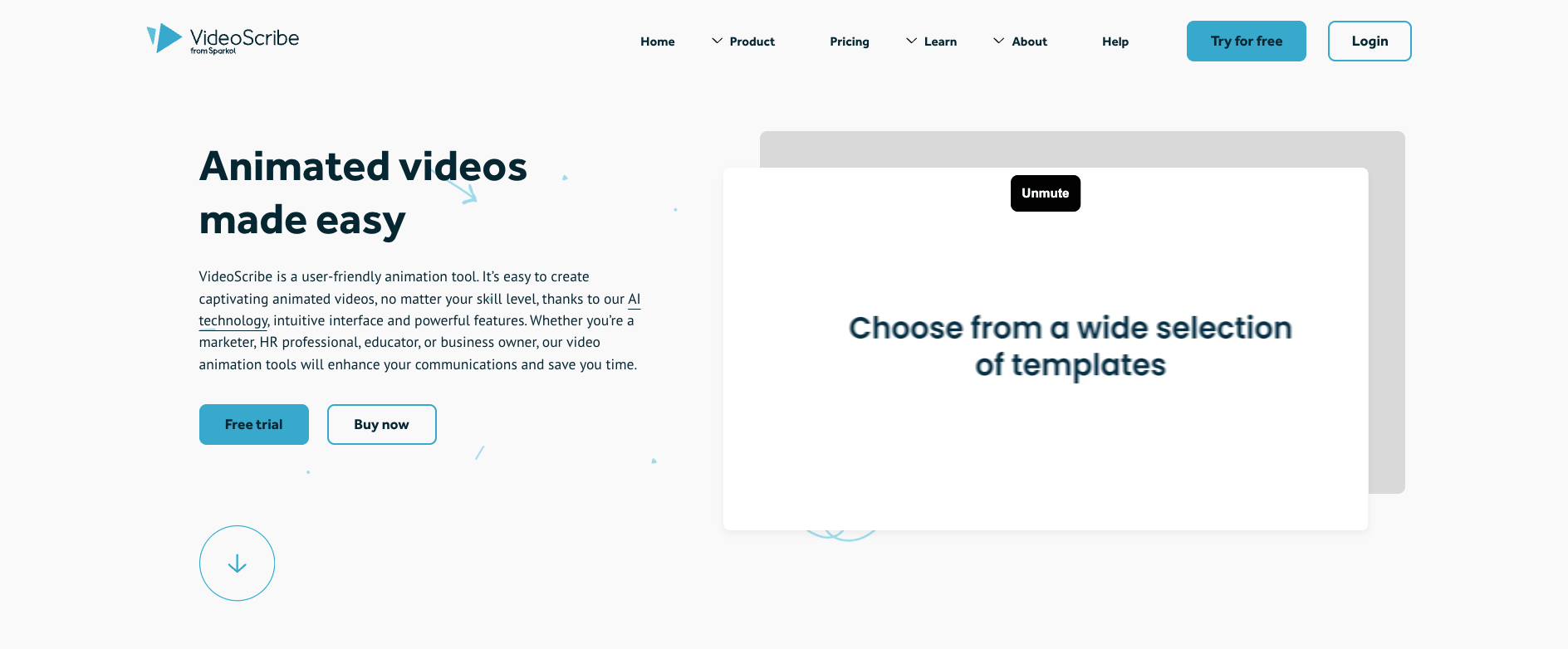
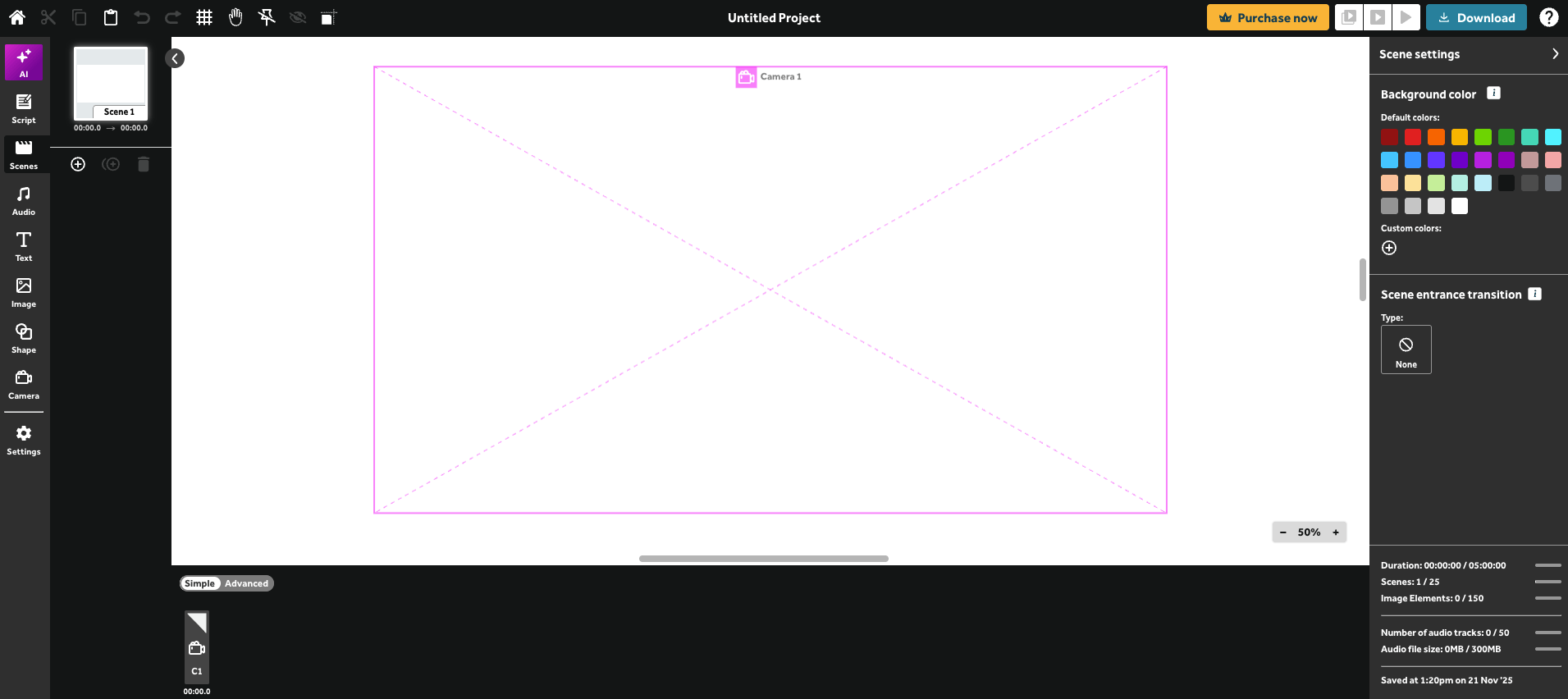
VideoScribe specializes in whiteboard animation—the hand-drawn style where illustrations appear to be sketched in real-time. That includes a library of 5M+ royalty-free images, illustrations, and icons optimized for whiteboard style, plus AI image generation to create unique visuals in seconds. The platform’s AI-powered tools include script generation, image creation, and voiceover generation in 45+ languages with multiple accents. VideoScribe’s voiceover recording feature synchronizes narration with animation timing, and its music library includes 200 royalty-free tracks selected specifically for whiteboard video pacing. If you want the classic whiteboard animation look but with more polish and a deeper asset library, VideoScribe is a feature-rich option for educators, marketers, and sales teams creating explainer content.
VideoScribe key features:
-
Camera position controls let you pan, zoom, and focus on specific elements within a scene to guide viewer attention through your story.
-
Hundreds of quick-start video templates provide pre-built foundations for common use cases like explainers, promos, and training content.
-
Upload your own images, GIFs, and custom fonts to incorporate branded assets directly into whiteboard-style animations.
-
Free trial - $0 for 7 days. Includes AI tools with limits, 3 video downloads, 5-minute max video length, 9,000+ images, watermarked videos.
-
Lite - $36/month. Provides AI tools with limits, 5 video downloads monthly, 5-minute max duration, 9,000+ images, watermarks only on premium images.
-
Core - $53/month. Adds 30 video downloads monthly, 10-minute max duration, 5M+ premium images, no watermark, preview links, training bundle options.
-
Max - $67/month. Provides unlimited downloads monthly, 20-minute max duration, reseller rights, custom fonts, training bundle options, enhanced AI limits.
9. Doodly
Doodly provides whiteboard, blackboard, greenboard, and glassboard animation styles. Its Smart Draw technology automatically converts imported images into sketch animations without manual tracing to help users easily incorporate custom graphics and branded elements. When it comes to representation, the platform includes male and female drawing hands in multiple skin tones. Plus, its scene templates provide starting points for common explainer video scenarios. Doodly’s timeline editor gives control over animation pacing and audio synchronization. Doodly is purpose-built for teams that want the classic whiteboard sketch aesthetic without learning complex animation software.
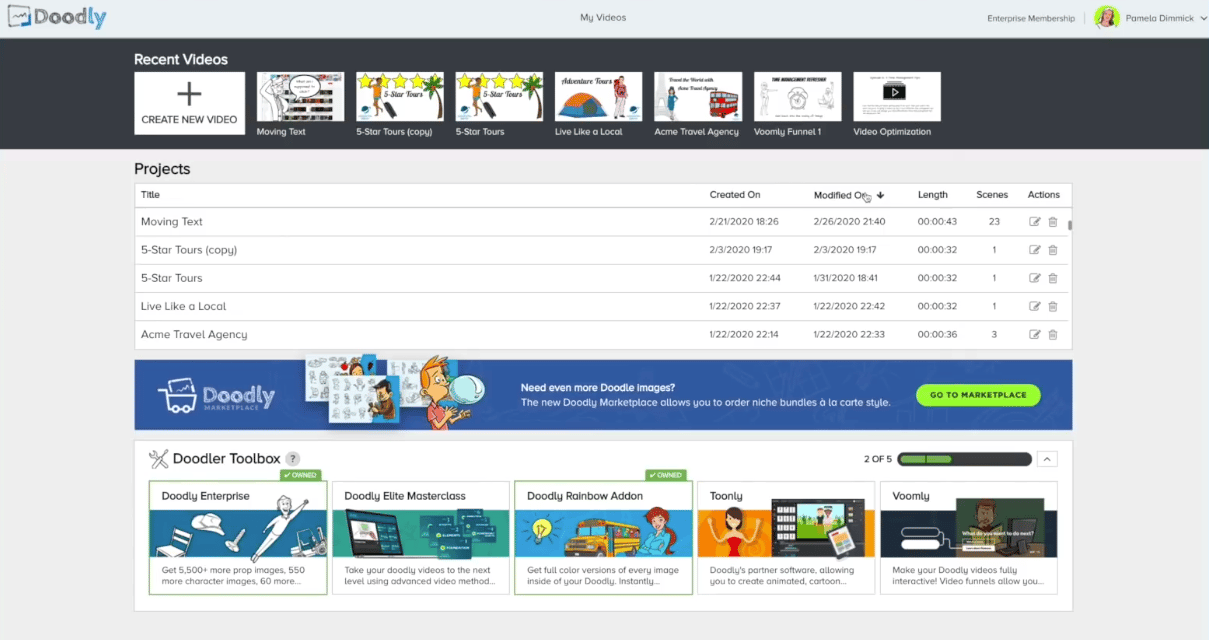
Source: How to use the Doodly Interface | Doody Tutorials
Doodly key features:
-
People Builder integration lets you create custom characters from over 52 million unique combinations to use directly in your doodle videos.
-
Smart Draw technology converts standard images into sketch animations automatically for custom graphics and logos in whiteboard style.
-
Voomly Cloud suite bundles Toonly, Talkia, People Builder, Pyks, video hosting, and unlimited video funnels.
-
Standard - $49/month. Includes 1,164 character images, 1,620 prop images, 150 royalty-free music tracks, 20 video templates, 84 scene templates, standard support, 7TB cloud storage.
-
Enterprise - $79/month. Provides 3,959 character images, 3,341 prop images, 250 royalty-free music tracks, 40 video templates, 84 scene templates, premium support, 10TB cloud storage.
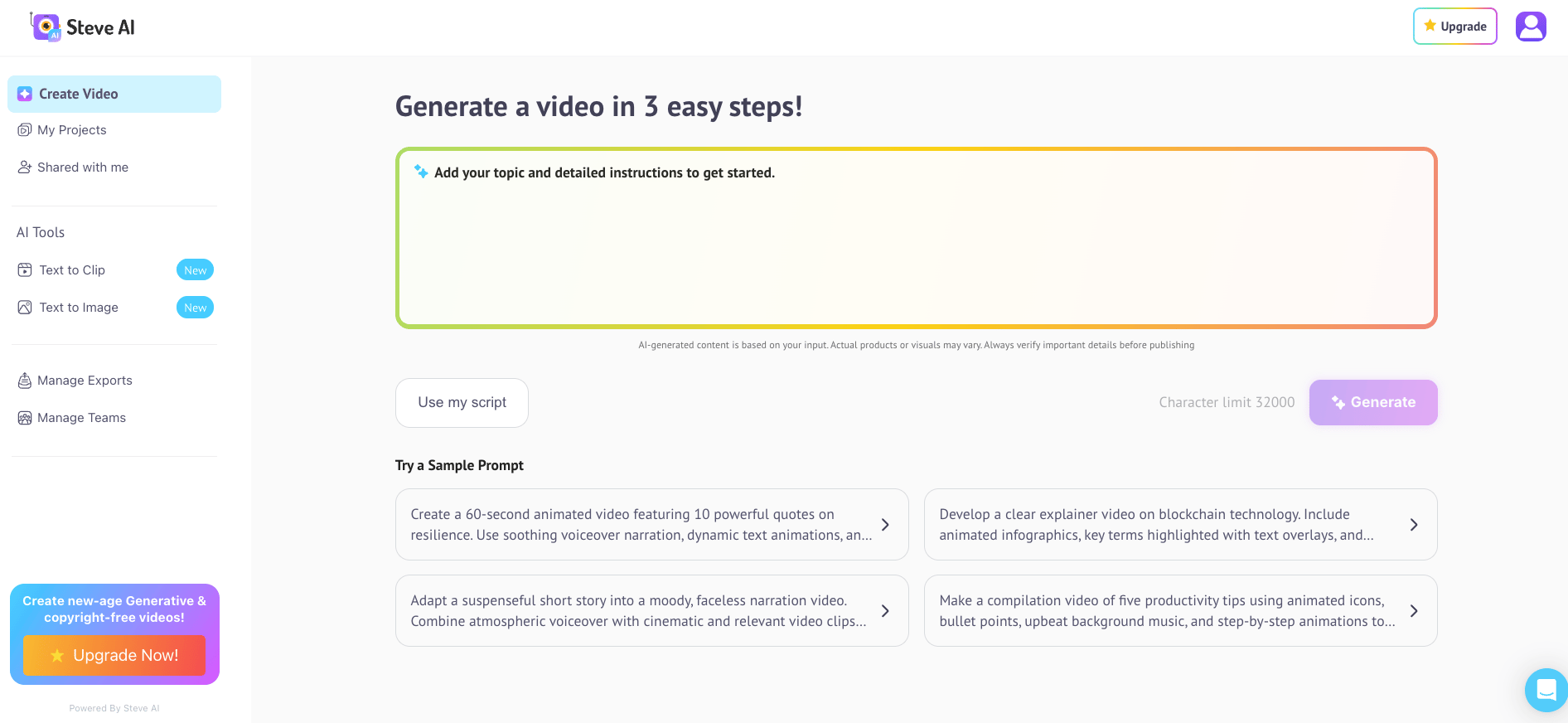
10. Steve.ai
Steve.ai automates video production by converting scripts, prompts, audio, or documents directly into animated videos. The platform’s patented AI analyzes text input, selects appropriate visual assets, and assembles complete videos with transitions and music across 7+ output styles including animations, generative AI, and live training videos. Steve.ai’s Multi-Voice Storytelling assigns different AI voices to characters for natural conversations, explainers, and UGC-style ads. It’s a good fit for content creators who need volume over customization—great for faceless YouTube channels, social media posting, and content marketing.
Steve.ai key features:
-
Script-to-video automation analyzes text and automatically selects characters, scenes, transitions, and music to create complete videos across multiple styles.
-
Advanced Prompter AI generates video scripts with specified tone, style, and length that convert directly into finished videos.
-
AI Motion Effects add zooms, camera movement, kinetic text, and motion trails to static images or clips for scroll-stopping social content and ads.
-
Free - $0. Includes basic features with Steve.ai watermark and limited exports.
-
Starter - $19/month; $29/month monthly. Provides 100 minutes AI videos monthly, 800 AI images and premium stock, 120 seconds generative credits, 1080p resolution, no watermark.
-
Pro - $39/month; $59/month monthly. Adds 300 minutes AI videos monthly, 2,400 AI images and premium stock, 120 seconds generative credits, 2K resolution, 95% human-like voices.
-
Generative AI - $99/month; $129/month monthly. Provides 400 minutes AI videos monthly, 3,200 AI images and premium stock, 15 minutes generative credits, 2K resolution, 100% human-like voices.
-
Enterprise - Custom pricing. Offers custom limits, team collaboration, 4K resolution, commercial and reselling rights, dedicated infrastructure, AI data privacy, advanced security.
Advanced generative video models
Generative AI models use machine learning to create video content from text descriptions or image inputs. These tools are great for creative and cinematic content but require more experimentation than template-based platforms.
11. Runway Gen-4 Alpha
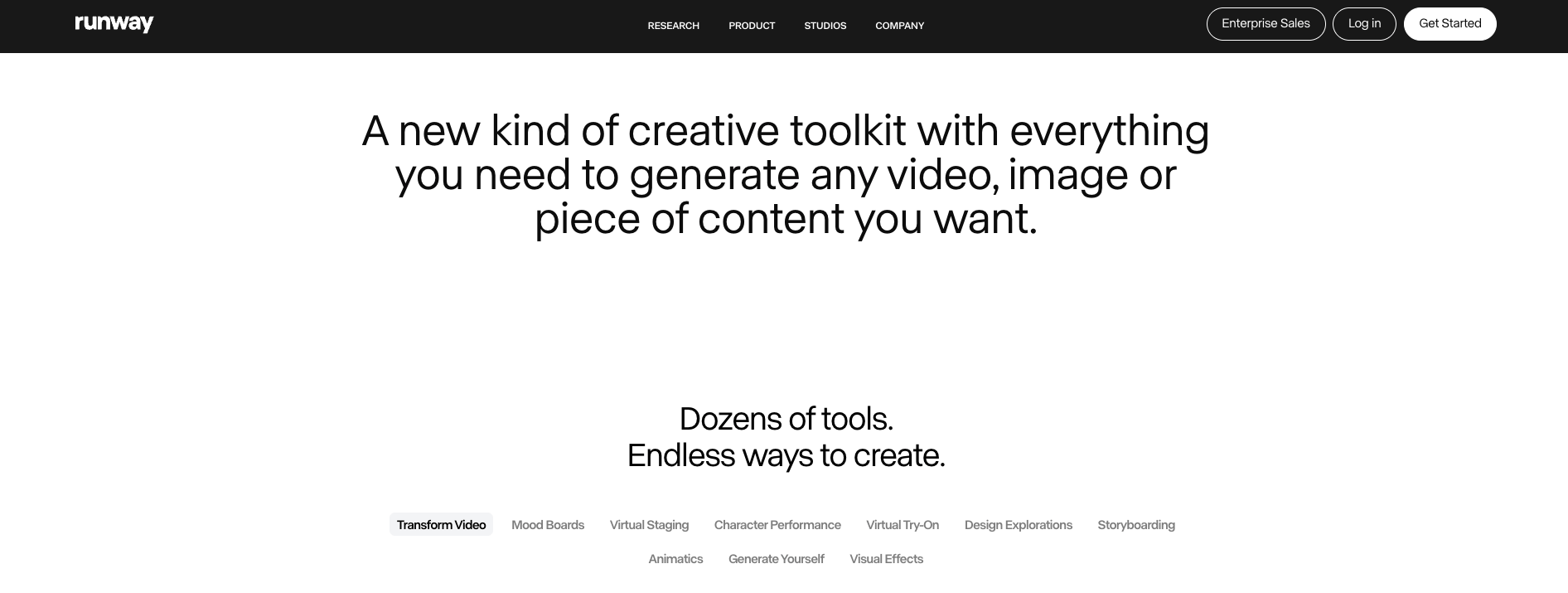
Runway leads generative video technology with its Gen-4 and Gen-3 Alpha models that create cinematic footage from text prompts and images. The platform creates videos with complex camera movements, lighting changes, and multi-shot sequences while maintaining temporal consistency. Runway’s latest Gen-4 model supports both text-to-image and image-to-video generation with improved motion control that lets you specify precise movement patterns for objects and cameras.
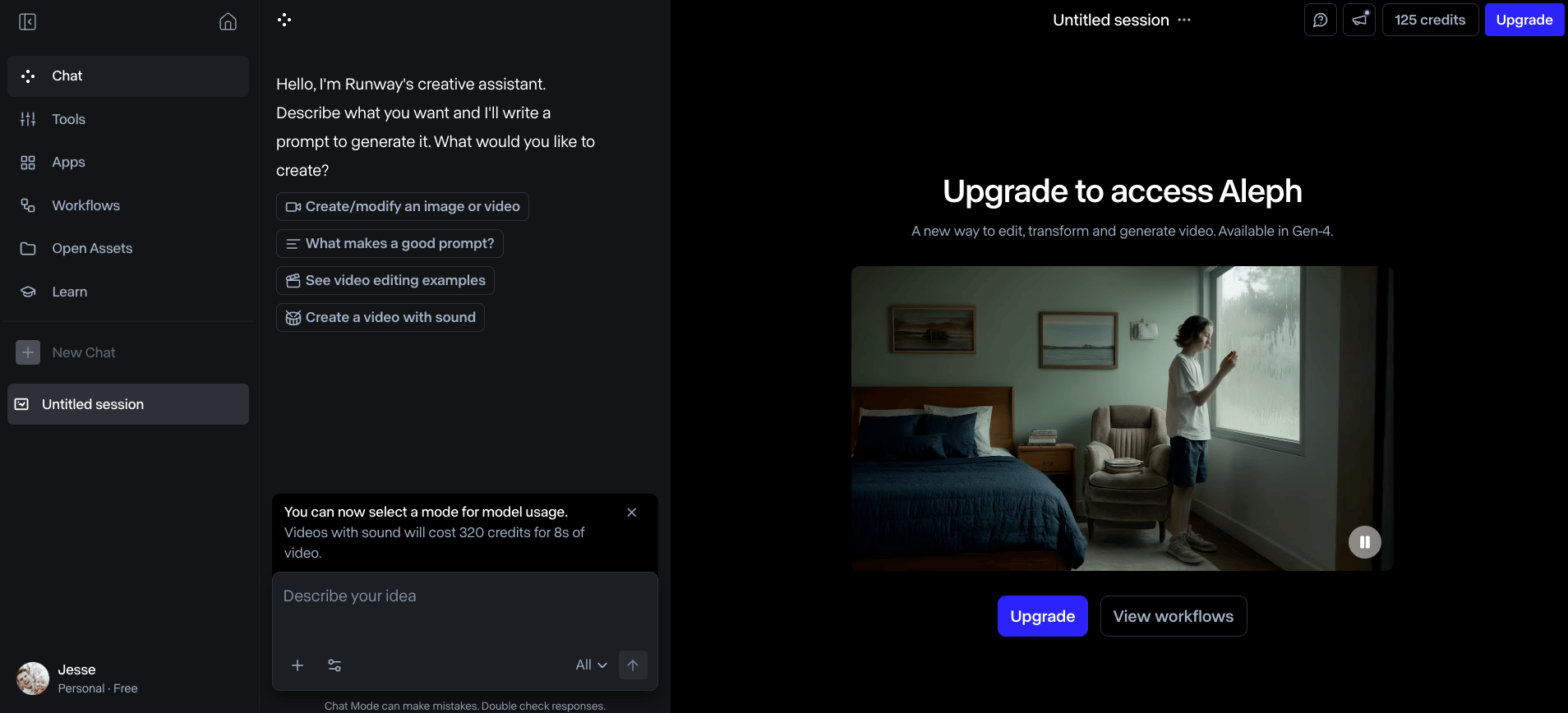
Runway’s Explore Mode (on Unlimited plan) provides relaxed-rate unlimited generations of select models for experimentation. Runway offers a level of creative control that simpler generators don’t match. It’s a good fit for creative professionals with its advanced features including Act-Two for performance capture, custom node-based workflows that chain multiple models together, and access to specialized apps for specific use cases.
Runway key features:
-
References let you restyle a subject in endless outfits from a single image without additional photoshoots or compositing.
-
Bespoke mood board generation transforms a single reference image into a full set of images and videos that match its style, location, and tone.
-
Generate Yourself turns a single selfie into endless new images of you across different scenes, wardrobes, and locations.
-
Free - $0 forever. Includes 125 one-time credits (25 seconds of Gen-4 Turbo or Gen-3 Alpha Turbo), 3 AI video editor projects, 5GB asset storage, no Gen-4 Video access.
-
Standard - $15/month per user. Provides 625 credits monthly, access to all apps and workflows, Gen-4 and Aleph, upscale resolution, remove watermarks, 100GB storage, unlimited projects.
-
Pro - $35/month per user. Adds 2,250 credits monthly, custom voices for lip sync and text-to-speech, 500GB asset storage, technical support.
-
Unlimited - $95/month per user. Includes 2,250 credits monthly plus Explore Mode with unlimited generations of select models (Aleph, Gen-4 Turbo, Act-Two, Gen-3 Alpha Turbo) at relaxed rate.
-
Enterprise - Custom pricing. Offers single sign-on, custom credit amounts, configurable organization spaces, advanced security and compliance, priority support, workspace analytics.
12. Google Veo 3.1
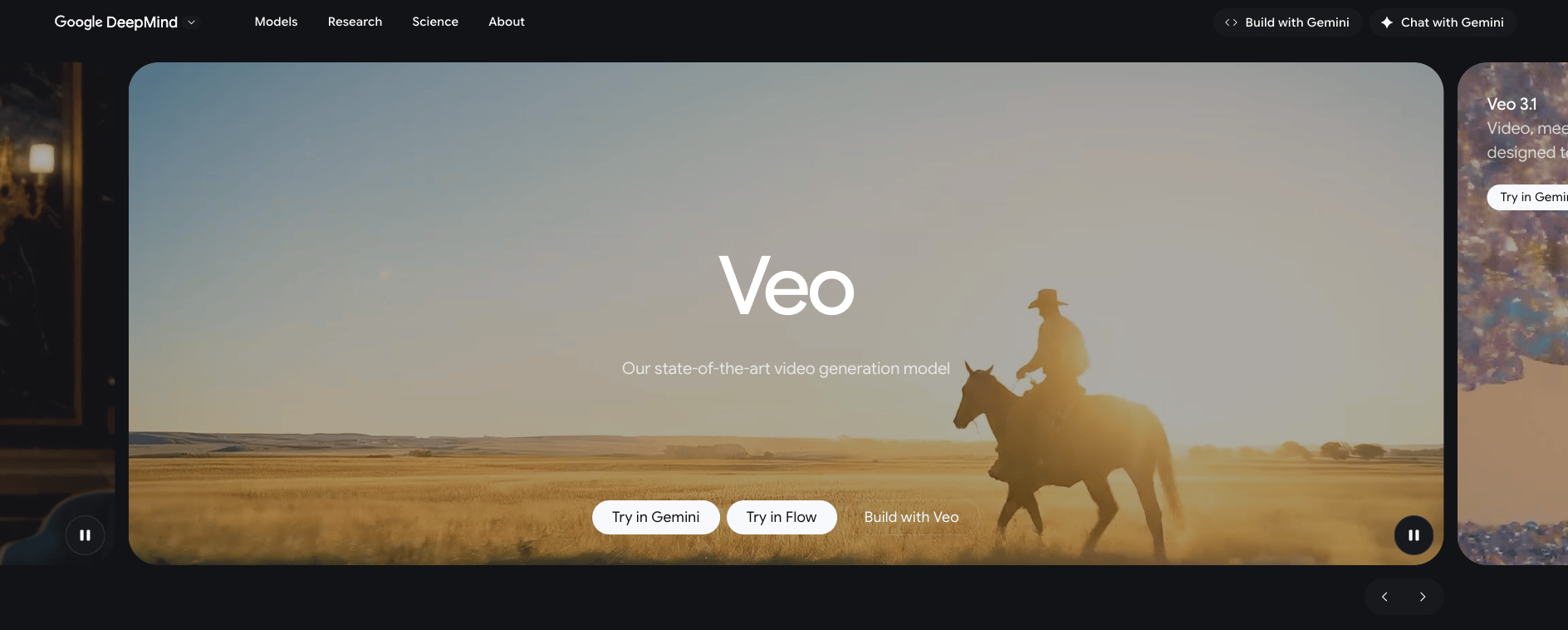
Google Veo 3.1 delivers state-of-the-art video generation with improved realism, physics accuracy, and prompt adherence. The model generates videos with native audio including sound effects, ambient noise, and synchronized dialogue to create complete audiovisual productions from text descriptions. Veo 3.1’s enhanced prompt following produces more accurate responses to detailed instructions while maintaining real-world physics for natural movement and lighting.
The platform provides advanced creative controls including ingredients-to-video that accepts reference images for scenes, characters, or objects, and style matching that applies visual aesthetics from reference images. Veo 3.1’s scene extension maintains visual and audio consistency when expanding clips, while character controls keep appearances consistent across different scenes. If native audio generation and tight prompt adherence matter more than avatar-led delivery or template-based workflows, Veo 3.1 is one of the most capable options on this list.
Google Veo 3.1 key features:
-
Native audio generation creates synchronized sound effects, ambient noise, and dialogue alongside video from text prompts.
-
Scene extension expands clips into longer videos while maintaining visual and audio consistency across the extended footage.
-
Character consistency preserves appearance across different scenes using reference images for narrative continuity.
-
Google AI Pro - $19.99/month. Includes Veo 3.1 Fast access, 1,000 pooled AI credits monthly (shared across Flow and Whisk), 2TB storage.
-
Google AI Ultra - $249.99/month. Provides full Veo 3.1 access, 25,000 pooled AI credits monthly (shared across Flow and Whisk), 30TB storage, priority features.
Need consistent character visuals or product mockups before generating video? Nano Banana pairs well with video generation tools by producing base images you can animate.
13. OpenAI Sora 2

OpenAI Sora 2 represents a major advancement in video generation with improved physics simulation and world modeling capabilities. Sora 2 handles complex movements like Olympic gymnastics routines, backflips on paddleboards with accurate buoyancy dynamics, and triple axels while maintaining object permanence and temporal consistency across extended sequences. The platform generates background soundscapes, speech, and sound effects with high realism for complete audiovisual productions. You can have the model follows intricate instructions spanning multiple shots while accurately persisting world state, excelling at realistic, cinematic, and anime styles. Compared to avatar-based tools, Sora 2 is built for teams that need raw cinematic footage with lifelike motion and physics.
OpenAI Sora 2 key features:
-
Advanced physics simulation models real-world dynamics including failure states, buoyancy, rigidity, and accurate motion trajectories.
-
Cameos feature inserts users into any scene with accurate portrayal of appearance and voice from a one-time recording capture.
-
Multi-shot persistence maintains world state across complex sequences with intricate instructions spanning multiple connected scenes.
-
Native audio generation creates synchronized soundscapes, dialogue, and sound effects with high realism for complete productions.
OpenAI Sora 2 pricing:
-
Free tier - Available with generous limits to explore capabilities, subject to compute constraints and invite-based rollout starting in US and Canada.
-
ChatGPT Pro - Access to experimental higher-quality Sora 2 Pro model through sora.com (coming soon to Sora app), pricing varies by ChatGPT Pro subscription.
14. Pika Labs
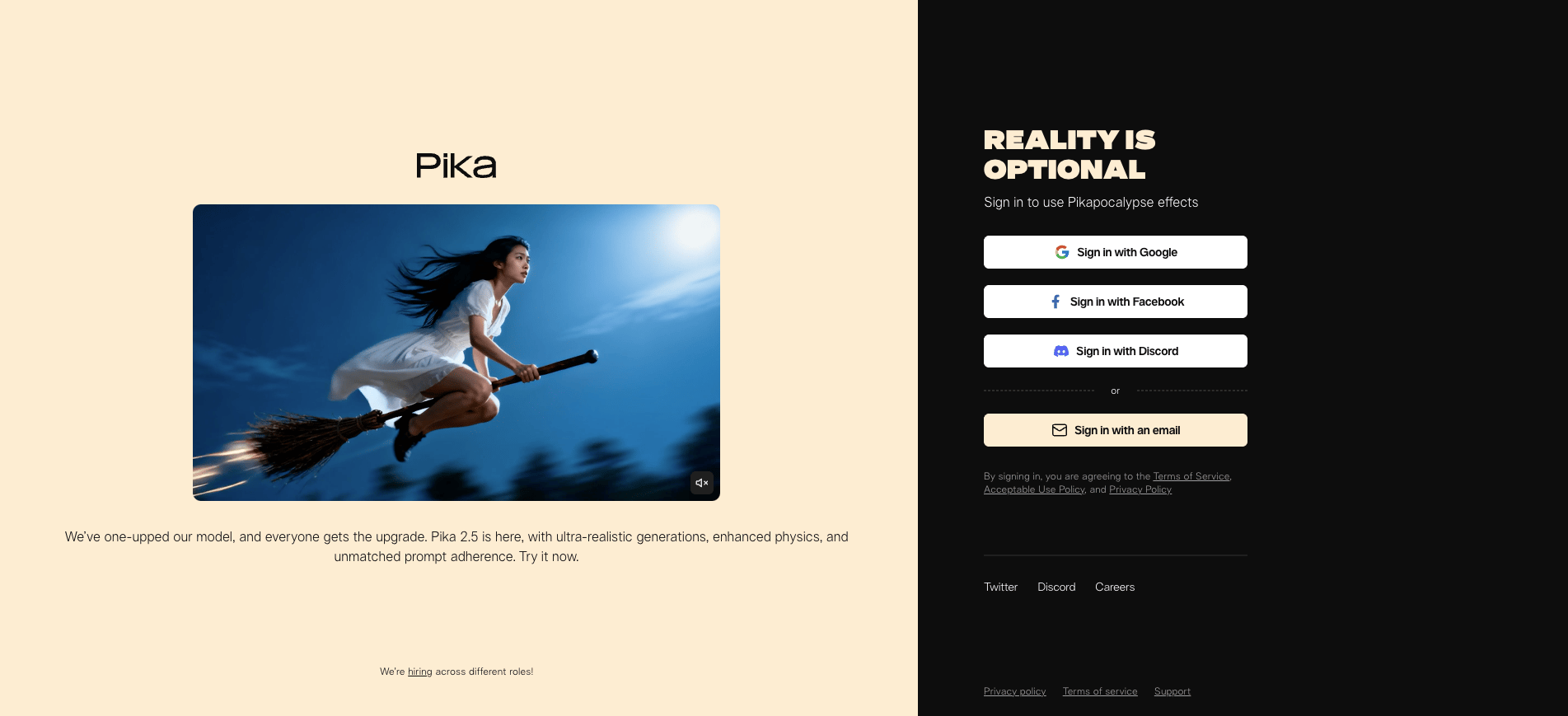
Pika focuses on social-first video content with effects and editing features built for creative experimentation. The platform’s Pikaffects apply transformations like exploding, melting, inflating, crushing, and squishing to images and videos for attention-grabbing social media content. Pika’s latest 2.5 model generates videos with 1080p resolution, while Pikaframes creates videos from first and last frame images to produce transitions between static images. If you need fast, effects-driven short-form video for TikTok, Reels, or Shorts without the complexity of a full production suite, Pika is one of the most accessible and options on this list.
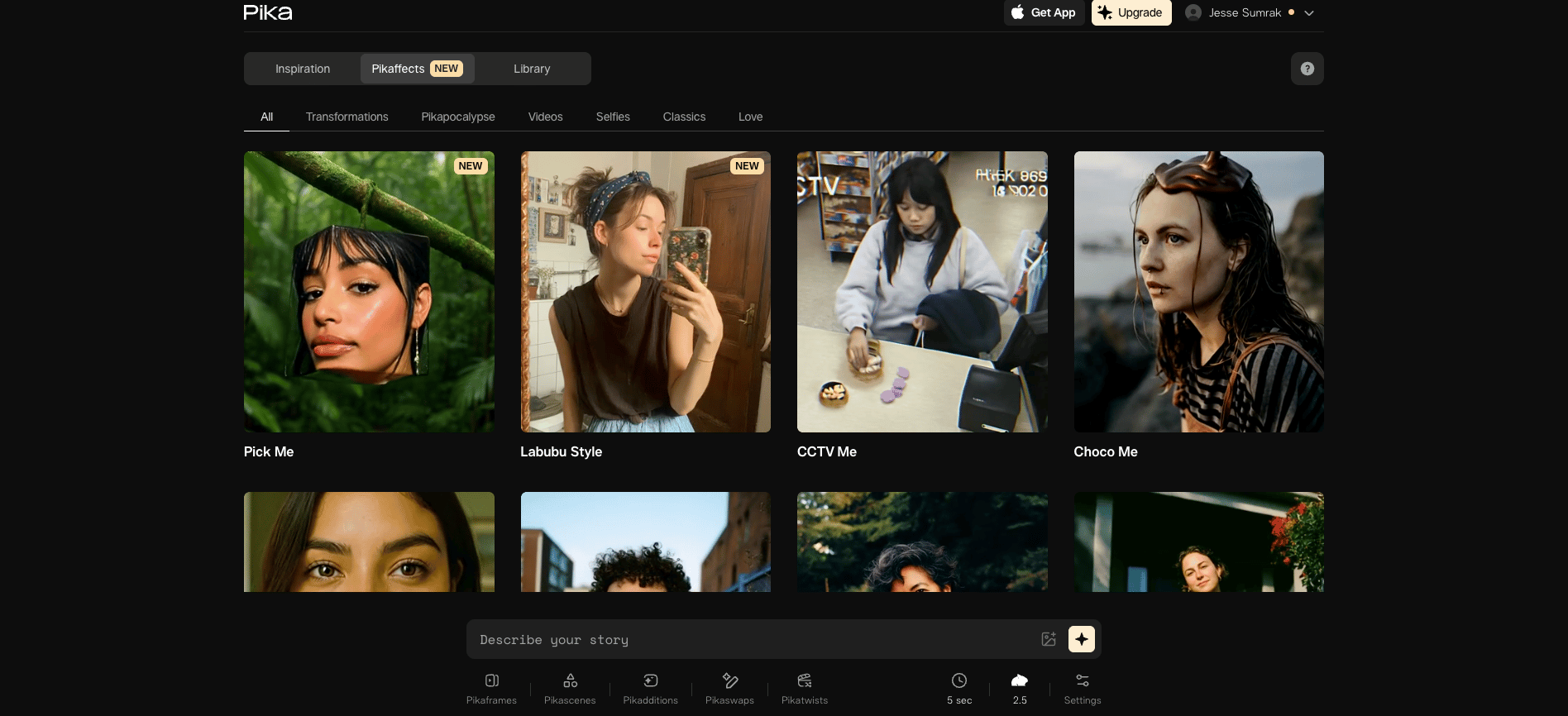
Pika key features:
-
Pikaformances turns any voice track into a hyper-real talking performance by syncing expressions to audio in near real time, letting images sing, speak, or react without filming.
-
Practical camera direction prompts like dolly, orbit, and handheld give you reliable control over motion and perspective within generated clips.
-
AI Sound Effects adds synchronized audio like wind, footsteps, and ambient noise to generated videos so clips don’t export silent.
-
Basic (Free) - $0. Includes 80 monthly credits, access to Pika 2.5 (480p only), Pikadditions/Pikaswaps/Pikatwists (Turbo), Pikaffects image-to-video only, watermark on downloads.
-
Standard - $10/month. Provides 700 monthly credits, full access to Pika 2.5, 2.2 (Pikascenes), Turbo and Pro modes, all Pikaffects, fast generations, no watermark, commercial use.
-
Pro - $35/month. Adds 2,300 monthly credits, faster generations, full feature access, no watermark, commercial use, rollover credit purchases available.
-
Fancy - $95/month. Offers 6,000 monthly credits, fastest generation priority, full feature access, no watermark, commercial use, rollover credit purchases available.
15. Kaiber Superstudio
Kaiber Superstudio provides an infinite canvas interface that combines image, video, and audio generation tools in one workspace for multimedia content creation. The platform targets musicians, visual artists, and content creators with features designed for music visualization. Kaiber’s canvas-based workflow lets users train custom AI models that mirror their specific style, then use those models to generate cohesive visuals across projects. Video editing capabilities include storyboarding, animation, and motion refinement within the canvas interface, and its audio tools create visuals synchronized to music beats. Beyond the free plan, you’ll get access to unlimited timeline edits and beat sync features, making it effective for creating concert visuals, music videos, and reactive content for streaming platforms.
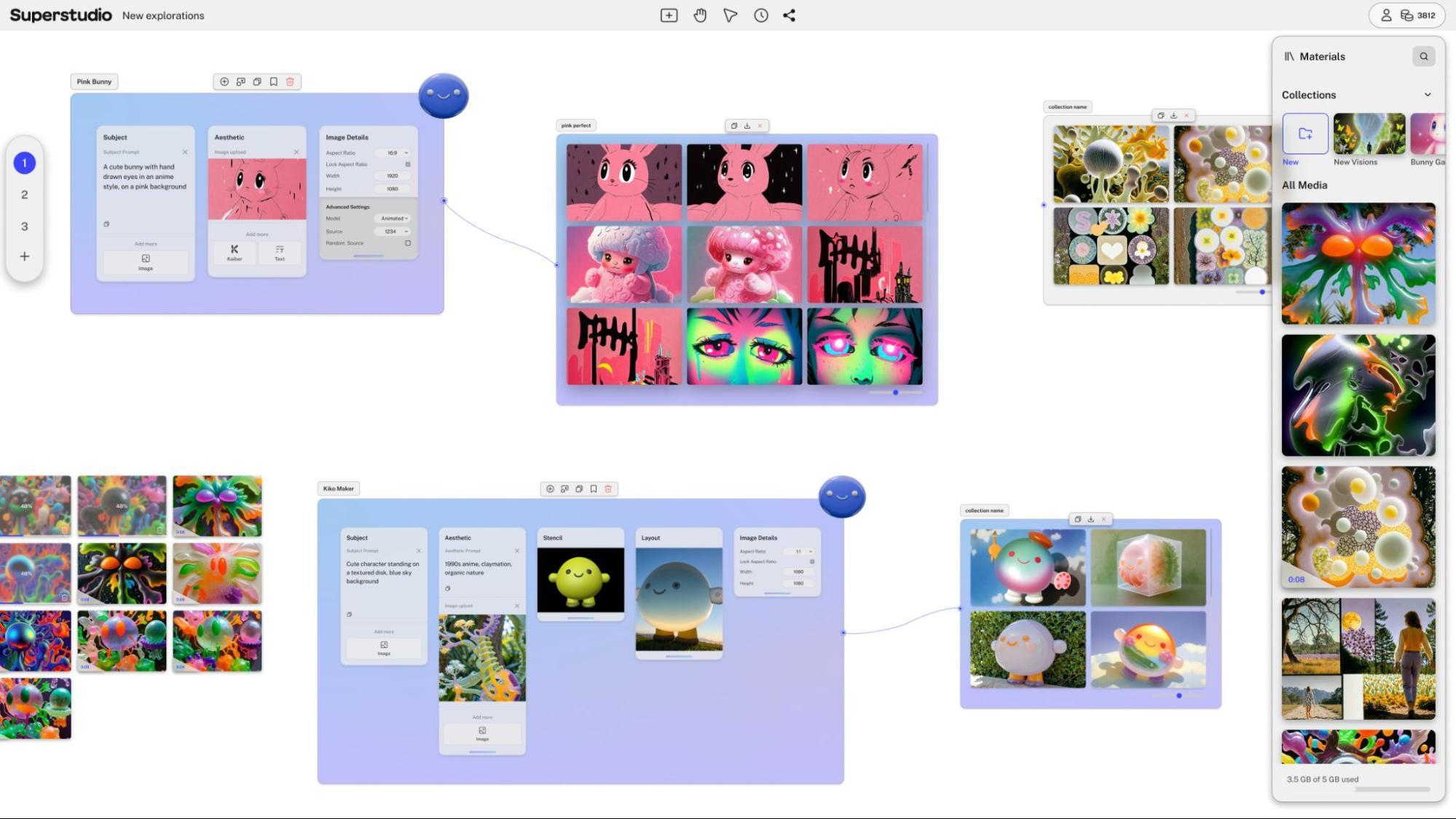
Source: Kaiber Launches Superstudio, a New Creative AI Platform for Seamless Image and Video Generation
Kaiber Superstudio key features:
-
Infinite canvas interface combines image, video, and audio generation with custom model training in one unified workspace.
-
Beat sync edits create visuals that react dynamically to music, perfect for music videos and live performance content.
-
Custom AI model training captures your unique style and applies it consistently across all generations for cohesive visual identity.
-
Multi-model access provides image, video, audio, and SVG generation from best-in-class AI models through a single interface.
-
Flex (Free) - $0. Includes pay-as-you-go credits, 1 timeline edit, limited models, 3 generations at a time, 2 canvases, commercial use, credit pack discounts.
-
Creator - $29/month. Provides 1,400 monthly credits, unlimited beat sync and timeline edits, all models, 15 concurrent generations, 5 canvases, 10% credit pack discount, 20% generation discount.
-
Pro - $149/month. Adds 7,500 monthly credits, unlimited concurrent generations, unlimited canvases, 20% credit pack discount, early model access.
-
Visionary - Custom pricing. Offers unlimited credits, white glove support, all Pro features. Contact support@kaiber.ai for details.
AI animation video generator FAQ
What is an AI animation video generator?
An AI animation video generator is a software platform that uses machine learning models to create animated videos from text descriptions, images, or template inputs. These tools automate character rigging, motion design, and scene composition to produce professional video content quickly.
Which is the best AI video animation tool in 2026?
It depends on what you’re trying to create. Synthesia is a strong choice for corporate training and multilingual avatar content, Vyond works well for character-driven business storytelling, and Runway Gen-4 is a go-to for cinematic video production. For social-first short-form content, Pika offers a fast and affordable entry point, while Kaiber Superstudio is worth considering for music-driven visuals.
Can AI tools create 3D animated videos?
Most AI animation generators focus on 2D animation or avatar-based video rather than full 3D animation. Tools like Vyond offer 2.5D animation with depth effects, and advanced generative models like Runway and Veo 2 can create video with 3D-like perspective and camera movement. True 3D modeling and animation still requires specialized software, but AI can help with aspects of 3D workflows.
Are there free AI animation generators?
Several platforms offer free tiers (with limitations). Animaker provides 5 video exports monthly with watermarks, HeyGen offers one video credit for testing, and Pika Labs includes basic generation credits on its free plan. These tiers work for experimentation but commercial projects typically require paid subscriptions to remove watermarks and access full resolution exports.
What features should I look for in AI animation software?
Prioritize animation style support that matches your content needs (avatars, characters, or motion graphics), customization depth for brand consistency, rendering speed for iteration workflows, output quality that meets your distribution requirements, and commercial licensing that permits your intended uses.
Deploy on DigitalOcean’s Agentic Inference Cloud
DigitalOcean has spent over a decade building cloud infrastructure for developers, from virtual machines and managed Kubernetes to object storage, managed databases, and app hosting. DigitalOcean’s Agentic Inference Cloud extends that same simplicity to AI workloads, giving teams the tools to train, run inference, and deploy agents at scale without the operational overhead. We offer multiple paths to get your AI workloads into production:
Gradient™ AI Platform—build and deploy AI agents with no infrastructure to manage
-
Serverless inference with access to models from OpenAI, Anthropic, and Meta through a single API key
-
Built-in knowledge bases, evaluations, and traceability tools
-
Version, test, and monitor agents across the full development lifecycle
-
Usage-based pricing with streamlined billing and no hidden costs
GPU Droplets—on-demand GPU virtual machines starting at $0.76/GPU/hour
-
NVIDIA HGX™ H100, H200, RTX 6000 Ada Generation, RTX 4000 Ada Generation, L40S as well as AMD Instinct™ MI300X
-
Zero to GPU in under a minute with pre-installed deep learning frameworks
-
Up to 75% savings vs. hyperscalers for on-demand instances
-
Per-second billing with managed Kubernetes support
Bare Metal GPUs—dedicated, single-tenant GPU servers for large-scale training and high-performance inference
-
NVIDIA HGX H100, H200, and AMD Instinct MI300X with 8 GPUs per server
-
Root-level hardware control with no noisy neighbors
-
Up to 400 Gbps private VPC bandwidth and 3.2 Tbps GPU interconnect
-
Available in New York and Amsterdam with proactive, dedicated engineering support
→ Get started with DigitalOcean’s Agentic Inference Cloud
Any references to third-party companies, trademarks, or logos in this document are for informational purposes only and do not imply any affiliation with, sponsorship by, or endorsement of those third parties.
About the author

Hi. My name is Jesse Sumrak. I’m a writing zealot by day and a post-apocalyptic peak bagger by night (and early-early morning). Writing is my jam and content is my peanut butter. And I make a mean PB&J.
Start building today
From GPU-powered inference and Kubernetes to managed databases and storage, get everything you need to build, scale, and deploy intelligent applications.
