
As one of the long-standing enterprise IaaS and PaaS platforms, IBM Cloud helps to support cloud infrastructure and tight integration with on-premises systems. Its enterprise focus brings operational rigor, but it can also introduce complexity when teams require more predictable cost visibility or faster iteration. As workloads scale, tracking network performance and maintaining predictable uptime SLAs (Service Level Agreements) typically require more advanced platform expertise.
In 2026, many teams are evaluating IBM Cloud alternatives as they reassess the actual level of complexity their applications require. For teams modernizing legacy systems or building new services, hybrid cloud alternatives that reduce operational overhead while maintaining throughput reliability are becoming a more practical choice. When comparing IBM Cloud competitors, cloud providers for enterprises like DigitalOcean stand out for simple workflows and consistent latency benchmarks. Let’s explore the available options to determine the best fit for your needs.
Key takeaways:
-
IBM Cloud can be a strong choice for hybrid and regulated enterprise environments, supporting organizations that require strict compliance controls and tight integration between on-premises infrastructure and public cloud resources.
-
Teams may explore IBM Cloud alternatives to simplify cloud operations and cost management, especially when modern application development and faster iteration matter more than deep mainframe or enterprise platform integration.
-
The right alternative depends on workload needs and the level of operational control teams want over their cloud infrastructure. Teams must decide whether hyperscale infrastructure or hybrid and AI-driven deployments matter more than simple tooling and billing, for example.
-
Leading IBM Cloud alternatives include DigitalOcean, Vultr, AWS, Microsoft Azure, Google Cloud Platform, Oracle Cloud Infrastructure, VMware Cloud, SAP BTP, and Alibaba Cloud.
What is IBM Cloud?
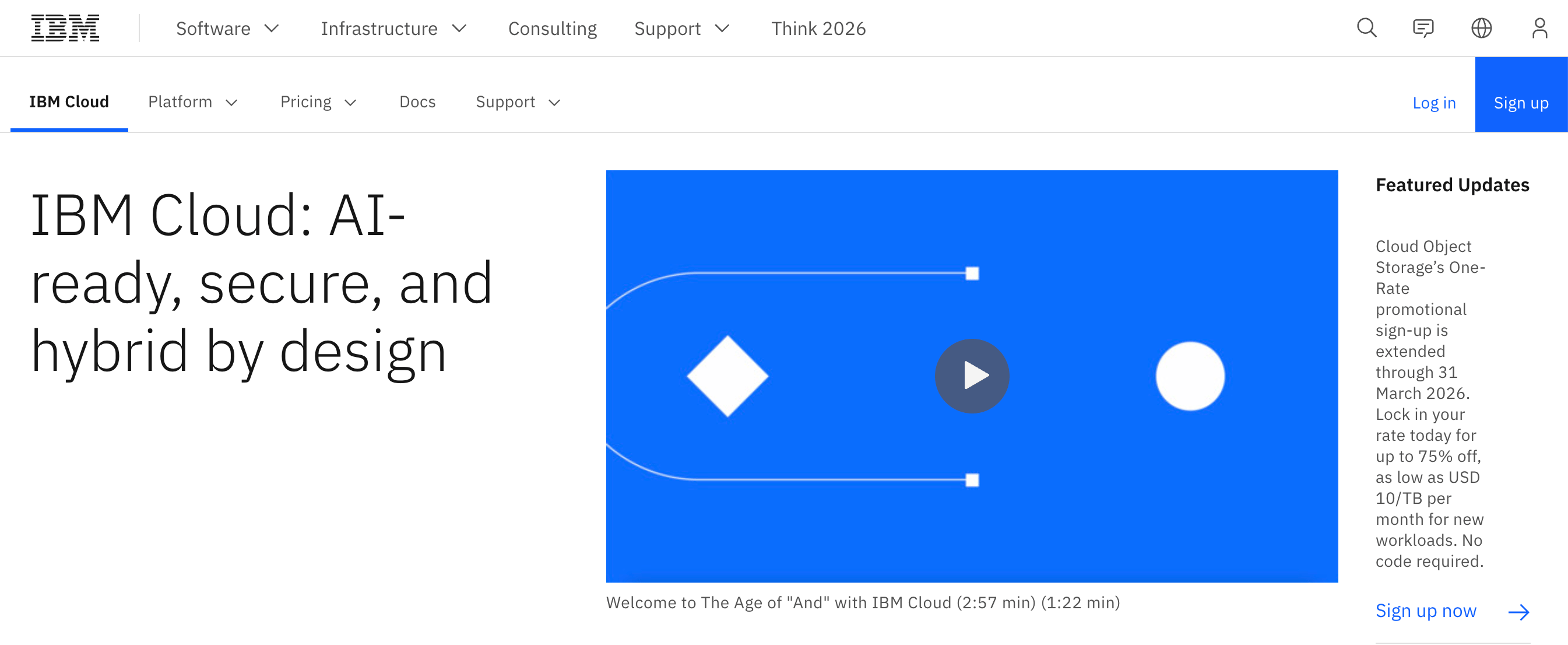
IBM Cloud is a comprehensive enterprise cloud computing platform that offers virtual and bare metal servers, containerized applications, and managed Kubernetes. It supports hybrid cloud solutions that integrate on-premises data centers and mainframes with a global infrastructure, ensuring low latency access and resilience.
Security and compliance are central to IBM Cloud, with encryption and identity and access management (IAM), as well as industry certifications that include ISO 27001, SOC 2, and PCI DSS for sectors such as finance and healthcare. It supports hybrid cloud alternatives, enabling application portability across private and public clouds. It also monitors throughput metrics and latency benchmarks. The ecosystem includes managed services and developer tools that support both cloud-native and legacy applications, alongside tight integration with IBM software.
IBM Cloud key features:
-
Direct integration with IBM Z and IBM Power systems enables enterprises to run legacy workloads alongside modern applications without refactoring.
-
Access to IBM’s quantum computing resources directly from the cloud, enabling experimental and research workloads not supported by other enterprise cloud computing platforms.
-
IBM Cloud Satellite and Cloud Paks provide unified management across hybrid cloud alternatives and multi-cloud deployments, simplifying application portability and policy enforcement.
-
Virtual Servers for VPC - $53.29/month for nxf-2x1 Flex instance with 2 vCPUs, 1 GB RAM, and 2 Gbps bandwidth
-
GPU instances - $85.00/hour for a GPU virtual server instance with 8x H100 GPUs, 160 vCPUs, 1792 GiB RAM, 61440 GB storage, and 200 Gbps network
Benefits of IBM Cloud alternatives
Exploring IBM Cloud competitors can help your team reduce complexity and improve cloud performance when IBM Cloud doesn’t fully meet your needs. Alternative platforms may provide tangible improvements in developer workflows and infrastructure visibility:
-
Predictable costs: Transparent pricing models can make budgeting easier and prevent unexpected overages. Look for solutions that make it easy to track usage patterns with built-in dashboards and reliably forecast monthly expenses.
-
Fast hybrid workload deployment: Explore platforms that offer simpler connectors to on-premises systems, enabling teams to deploy workloads fast while maintaining consistent configurations across environments.
-
Developer-focused management tools: Consider solutions that offer developer-friendly dashboards and automation-ready APIs, helping teams deploy and scale workloads without navigating complex enterprise workflows.
-
Performance and observability insights: Several alternatives include built-in monitoring for performance and uptime SLAs, which can give teams proactive visibility to support more reliable multi-cloud operations.
How to choose the right IBM Cloud alternative
Selecting an IBM Cloud alternative requires evaluating specific criteria that affect long-term performance and alignment with your workflows. Focus on measurable factors to make an informed choice, such as:
-
Hybrid cloud and on-prem integration: Examine how the platform connects with existing infrastructure, including private data centers. Strong integration reduces operational friction when moving workloads between hybrid cloud alternatives.
-
Cost governance and FinOps capabilities: Review billing models, cost governance tools, and usage reporting. Platforms that clearly display pricing and provide budgeting tools make it easier to forecast expenses and plan investments.
-
Enterprise support and uptime SLA: Look for platforms that offer clearly defined uptime guarantees and responsive enterprise support. Strong SLAs and proactive incident response are critical for maintaining reliability in mission-critical workloads.
-
Global infrastructure and compliance: Review data center locations and regulatory certifications based on relevance to your needs, users, and operations. Platforms with regional coverage in regulated markets can typically support both low latency access and compliance with local data residency requirements.
-
Multi-cloud strategy support: Assess whether the platform can operate alongside other public clouds with consistent governance, security, and performance. Unified monitoring and cross-cloud networking are key for managing workloads across multiple providers.
Migration strategies for mainframe and legacy workloads
Organizations sometimes move away from IBM Cloud or on-prem IBM environments to reduce vendor lock-in and better manage licensing costs. This shift can also reflect a growing organizational need for infrastructure that may have clearer performance characteristics and more predictable availability guarantees. IBM provides enablement tooling such as Application Discovery and Delivery Intelligence (ADDI), Cloud Pak for Applications, and the IBM Z and Cloud Modernization Stack to analyze application dependencies and assess migration readiness when moving workloads off IBM Cloud or on-premises IBM environments.
Execution typically follows a platform-agnostic strategy rather than relying on IBM-specific services, with strategies that can include:
-
Assessing and classifying workloads: Use application discovery and dependency mapping tools to determine workload criticality and migration risk. This classification informs sequencing decisions and target architecture selection.
-
Decoupling stateless and integration tiers: Separate request-driven services from core transactional systems to reduce tight coupling. This approach simplifies cutover and supports independent scaling after migration.
-
Replatforming legacy virtual machines (VMs): Apply lift-and-shift techniques such as OS upgrades or storage decoupling to align workloads with cloud infrastructure. Replatforming usually improves performance without requiring a complete application redesign.
-
Adopting cloud-native services incrementally: Adopt cloud-native services incrementally. Introduce containers and managed services in phased rollouts to reduce operational overhead, starting with low-risk components such as background jobs or internal services. Over time, operational responsibility shifts to the cloud platform.
-
Modernizing and retiring legacy components: Migrate non-critical workloads first to build confidence in the new environment. Phase out our legacy services as cloud-native replacements become production-ready.
Choosing the right approach for your workloads? Cloud migration tools help move applications safely and efficiently, reducing risk while keeping performance stable across platforms.
Top 9 IBM Cloud alternatives
Several cloud platforms compete with IBM Cloud across areas such as hybrid support, developer experience, pricing transparency, and global infrastructure. The following IBM Cloud alternatives are worth evaluating in 2026 based on how they align with different workload requirements and cost management priorities.
Pricing and feature information in this article are based on publicly available documentation as of February 2026 and may vary by region and workload. For the most current pricing and availability, please refer to each provider’s official documentation.
| Provider | Best for* (use cases) | Key features | Pricing |
|---|---|---|---|
| IBM Cloud | Hybrid & legacy workloads | IBM Z & Power integration, Cloud Paks, Quantum computing, Enterprise-grade security | VMs from $53.29/mo; GPU from $85/hr |
| DigitalOcean | Modern applications and AI workloads | Managed databases, Scalable storage, GPU & bare metal compute, Developer-friendly dashboard | GPU Droplets – $1.49/GPU/hour; App Platform – $0/month; Droplets – $4/month |
| Vultr | Compute-heavy and latency-sensitive workloads for startups | GPU compute, Prebuilt developer tools, Private networking, 32 global regions | Cloud Compute (shared vCPU) – $2.50/month; High Performance/High Frequency VMs – $6/month; Optimized Cloud Compute (dedicated vCPU) – $28/month; VX1™ Compute – $0.06/hour |
| AWS | Granular infrastructure control at a global scale | Multi-AZ regions, IAM & policy enforcement, Broad service catalog, Regulated industry frameworks | EC2 from $6.13/mo; App Runner from $0.007/vCPU-hr; GPU from $6.88/hr |
| Microsoft Azure | Hybrid & AI workloads | Microsoft 365 integration, Hybrid compliance, Windows/Linux/Kubernetes support, Dedicated environments | VMs from $6.13/mo; App Service free (F1) or from $9.49/mo; GPU from $8.82/hr |
| Google Cloud Platform | Data platforms and AI-driven workloads | Google global network, Managed AI services, Open source-friendly, Zero-trust security | Compute from $6.11/mo; App Engine from $0.05/hr; GPU from $88.49/hr |
| Oracle Cloud Infrastructure | Enterprise & hybrid cloud | Native Oracle Database support, Flat network design, Low-latency Azure connectivity, Uniform global pricing | Dense I/O E5 – $0.03 per OCPU/hour; Virtual Machine Standard X7 – $0.0638/OCPU/hour; VM GPU (NVIDIA P100) – $1.275/GPU/hour; Dense I/O E5 – $0.0612 per TB NVMe/hour |
| VMware Cloud | Private cloud & edge computing | Modern & legacy workloads, Self-service infrastructure, Automated management, Edge deployments | Custom pricing |
| SAP BTP | Enterprise process automation | Integration Suite connectors, Business Data Cloud, AI-powered automation, Extensible without disrupting core | Pay-as-you-go pricing |
| Alibaba Cloud | Asia-Pacific enterprises and AI workloads | ECS & ACK compute, OSS & database services, Full AI stack, Multi-modal AI | ECS from $4.55/mo; SAE from $6.85/yr; GPU from $2.26/hr |
*This “best for” information reflects an opinion based solely on publicly available third-party commentary and user experiences shared in public forums. It does not constitute verified facts, comprehensive data, or a definitive assessment of the service.
General-purpose application and AI infrastructure platforms
General-purpose application and AI infrastructure platforms are designed to run web, API, and AI workloads without the depth of enterprise governance or hybrid tooling found in IBM Cloud. They are ideal for teams that want to simplify operations and focus on application delivery rather than platform integration.
1. DigitalOcean with modern applications and AI workloads
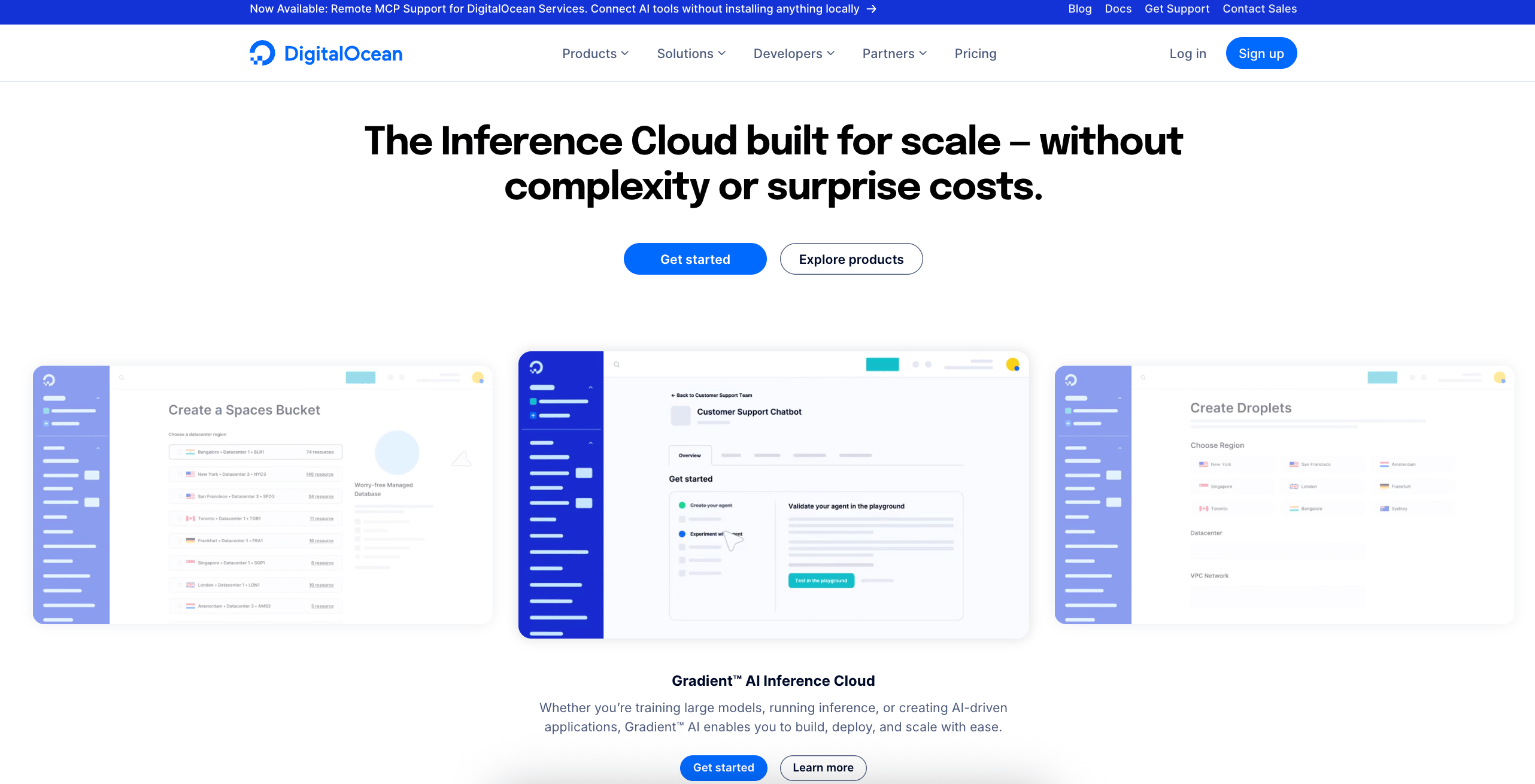
DigitalOcean is an Inference Cloud for scalable cloud infrastructure built for digital-native enterprises and AI-native businesses. It’s often a strong fit for teams running production web and AI-assisted applications that require consistent performance without the enterprise cloud complexity of traditional platforms like IBM Cloud. The platform combines high-performance virtual machines, Managed Kubernetes, databases, and networking into a cohesive application infrastructure. It also includes built-in AI capabilities that support GPU-based inference and application-embedded AI features. It also serves enterprise requirements through compliance certifications and defined uptime SLAs. Teams frequently adopt DigitalOcean to simplify operations and scale modern applications with AI workloads while maintaining predictable availability and latency characteristics.
DigitalOcean key features:
-
Fully-managed PostgreSQL and MySQL with multi-region high availability and easy migration from other cloud platforms.
-
High-performance storage options designed for predictable throughput and low latency access.
-
Infrastructure optimized for large-scale AI model development and production workloads and designed to support GPU-based workloads with consistent performance in production environments.
-
GPU Droplets - $1.49/GPU/hour
-
App Platform - $0/month
-
Droplets - $4/month
-
Spaces - $5/month
Choosing between hyperscale flexibility and developer-centric simplicity? Our guide to AWS vs DigitalOcean breaks down how each platform approaches infrastructure design and day-to-day operations to align your choice with technical and business priorities.
2. Vultr with compute-heavy and latency-sensitive workloads for startups
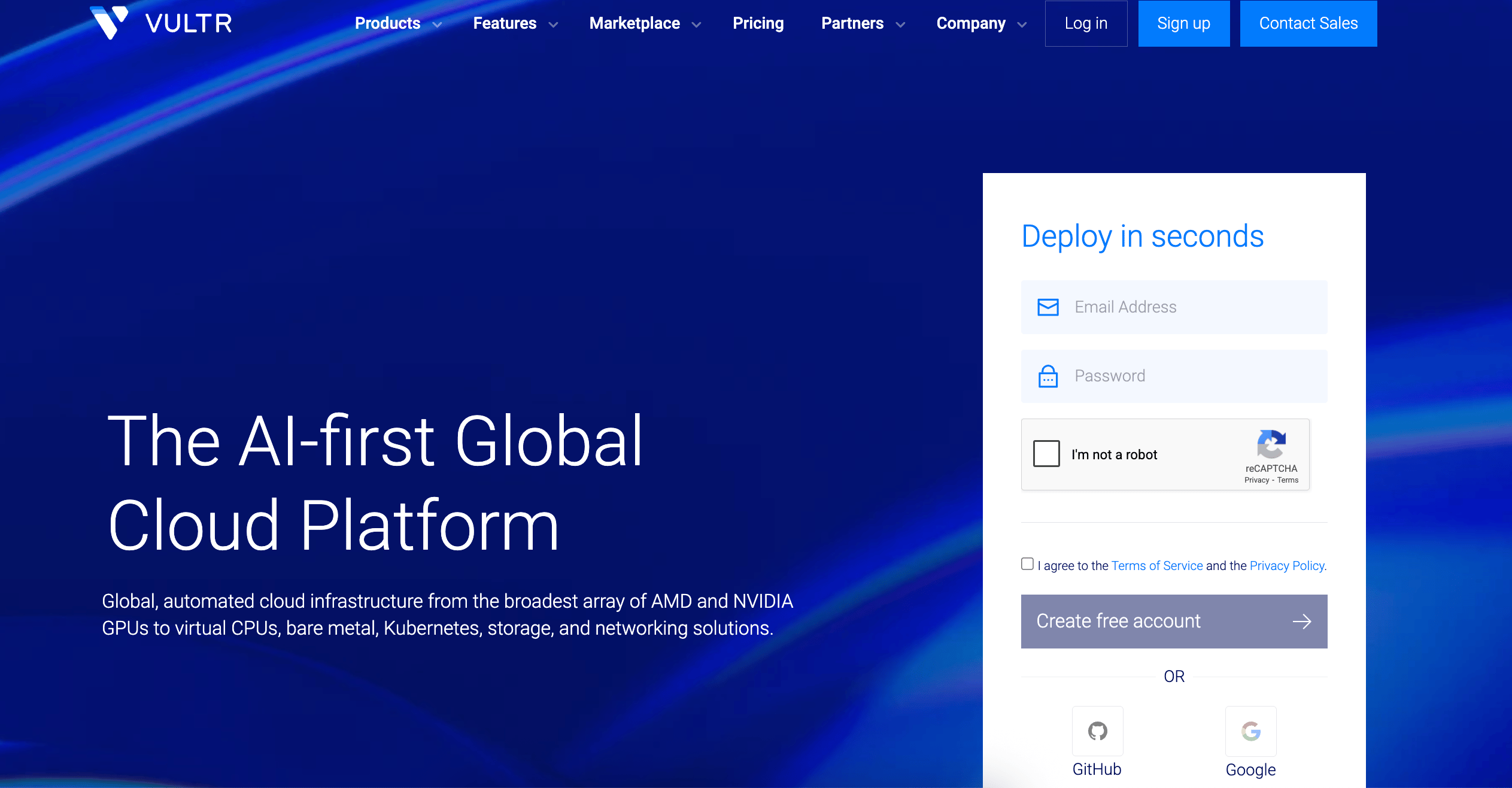
Vultr provides high-performance and developer-friendly cloud infrastructure focused on AI and flexible cloud workloads. From GPU-accelerated compute to fully automated servers and VMs, Vultr combines simplicity and advanced performance—making it a potential alternative for teams evaluating IBM Cloud. Designed for startups and AI teams, Vultr emphasizes fast provisioning and global deployment across 32 regions. Its platform is optimized for low latency workloads, high-throughput compute, and GPU-intensive applications, which enables developers to deploy and control infrastructure-level resources. Compared with IBM Cloud’s more abstracted enterprise services, Vultr exposes more infrastructure-level configuration and fewer fully managed layers, which can increase operational responsibility as environments scale.
Vultr key features:
-
Vultr supports fractional GPU usage for inference and small-scale AI workloads, avoiding the cost overhead of full GPU instances.
-
Vultr supports ISO 27001 certification and HIPAA-ready infrastructure across its global footprint, enabling regulated startups and SMBs to meet compliance requirements without adopting enterprise-grade cloud governance frameworks.
-
Vultr offers dedicated high-frequency instances built on 3GHz+ Intel Xeon and AMD EPYC CPUs with NVMe storage.
-
Cloud Compute (shared vCPU) - Starts at $2.50/month for basic VMs
-
High Performance/High Frequency VMs - $6/month
-
Optimized Cloud Compute (dedicated vCPU) - $28/month
-
VX1 Compute - $0.06/hour
Struggling to balance performance and simplicity when evaluating Vultr? Vultr alternatives focus on comparing platforms that reduce operational overhead and support both developer workflows and scalable workloads without requiring deep infrastructure specialization.
Hyperscaler cloud providers
Hyperscaler cloud providers deliver enterprise-grade infrastructure with extensive global reach and strong hybrid cloud support. These platforms offer broad compliance certifications, regional data residency controls, and governance tooling designed to support workloads operating under regulatory requirements, along with the scalability and redundancy required for mission-critical systems.
3. AWS with granular infrastructure control at a global scale
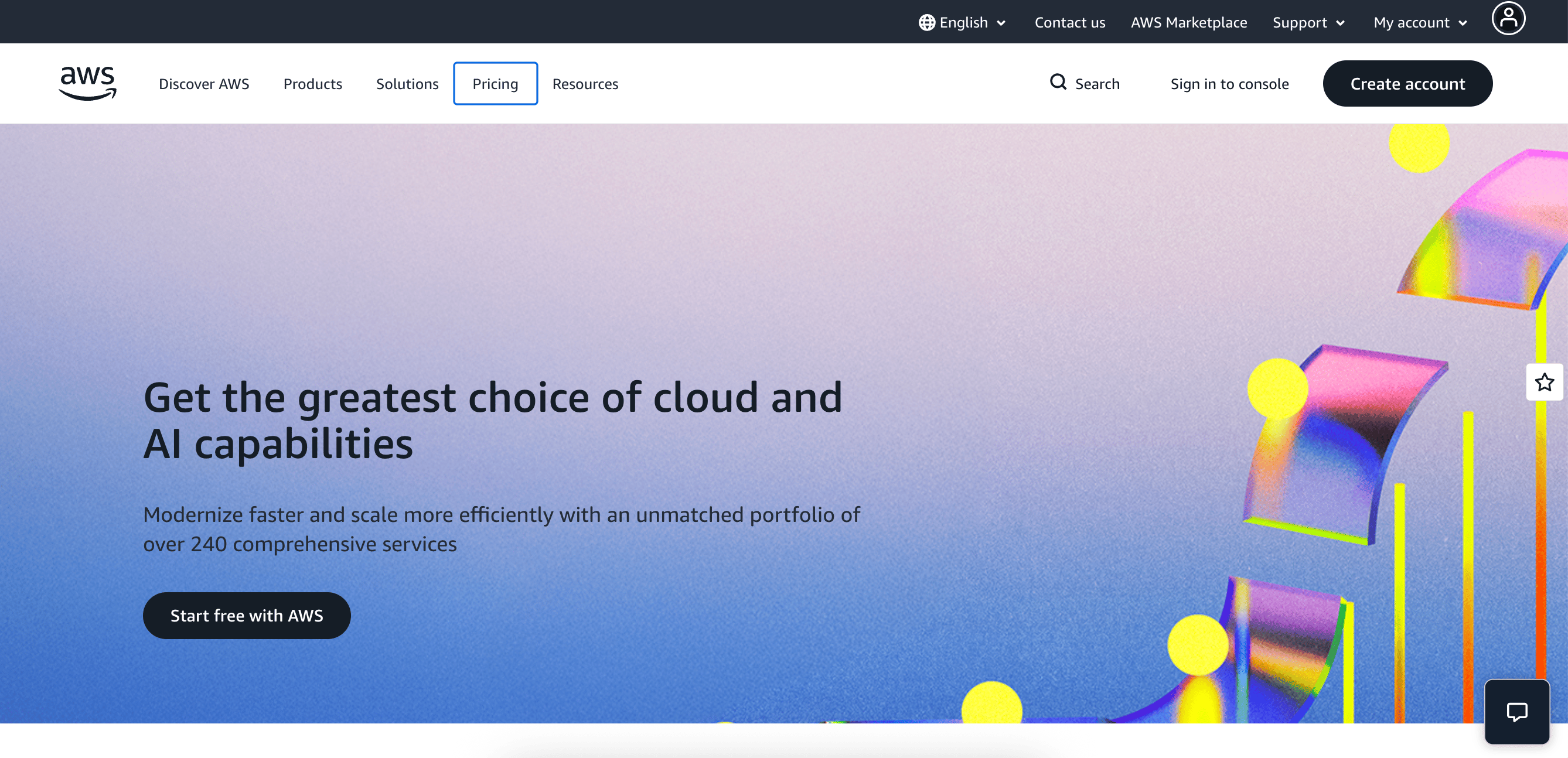
Amazon Web Services is a hyperscale cloud platform providing flexible compute and managed services for enterprises. AWS supports a wide range of workloads, from mission-critical enterprise systems to AI/ML training and large-scale data analytics. It also provides fine-grained control through services like AWS EC2 for customizable compute, alongside managed offerings such as AWS RDS for relational databases. Security configurations can be customized to meet enterprise requirements. Organizations leveraging AWS can integrate managed database services, whether relational or NoSQL. They can also incorporate serverless functions such as AWS Lambda, along with container orchestration, to build flexible architectures. In IBM Cloud vs alternatives comparisons, AWS is often chosen by teams that prioritize granular infrastructure control and global scalability, while still meeting enterprise compliance and performance requirements.
AWS key features:
-
Separates regions into multiple availability zones, enabling application designs that isolate failures and meet strict uptime SLA requirements.
-
Provides built-in frameworks for regulated industries, including logging and auditing, as well as policy enforcement across accounts.
-
AWS IAM supports detailed permission models and role-based access for large teams.
-
EC2 instances - $6.13/month for t4g.micro shared instance with 2 vCPUs, 1 GB RAM, EBS-only storage, and up to 5 Gbps network
-
App Runner - $0.007/vCPU-hour and $0.007/GB-hour starting for active container instances, with configurations ranging from 0.25 vCPU/0.5 GB to 4 vCPU/8 GB
-
GPU instances - $6.88/hour on-demand for p5.4xlarge GPU instance with 16 vCPUs, 256 GiB RAM, 100 Gigabit network, and 1x 3840 GB SSD
AWS offers unmatched scale, but it isn’t the most practical choice for every use case. AWS alternatives include platforms that prioritize simple management, clear cost structures, and fast onboarding while still supporting production-grade infrastructure.
4. Microsoft Azure with hybrid and AI workloads
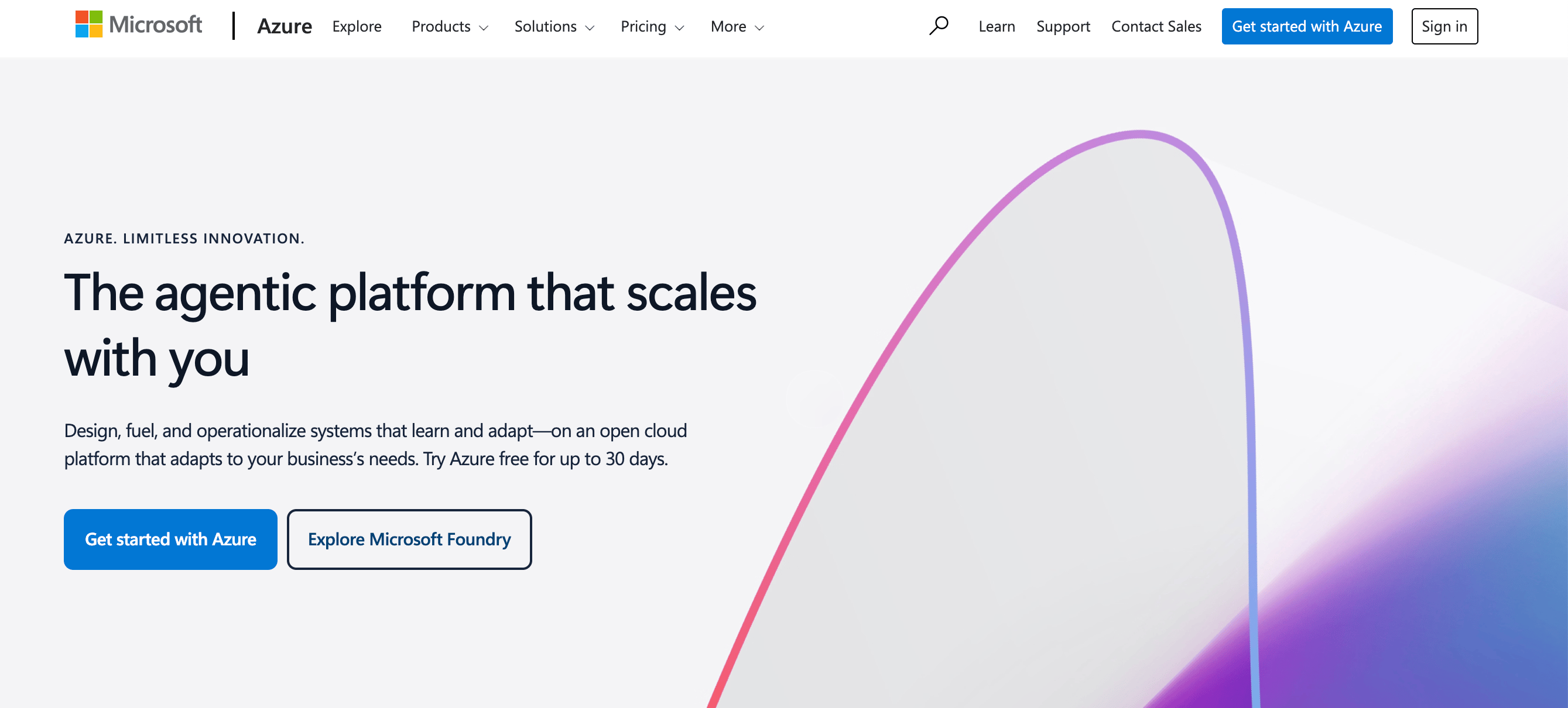
Microsoft Azure is an enterprise-grade cloud platform optimized for hybrid environments and large-scale workloads. It provides integrated identity and access management, helping teams to maintain consistent governance across cloud and on-premises systems. Azure also delivers specialized infrastructure for AI and analytics, alongside tooling for monitoring, automation, and deployment pipelines. Organizations evaluating IBM Cloud vs alternatives often consider Azure for its global footprint, along with its hybrid control capabilities, and strong support for modern application and AI development.
Microsoft Azure key features:
-
Connects infrastructure services with Microsoft 365, Power Platform, and Dynamics 365, supporting operational workflows that span cloud resources and enterprise applications.
-
Supports large-scale analytics and high-performance computing with Azure Synapse and GPU-accelerated virtual machines.
-
Includes Windows Server, SQL Server, Linux distributions, and Kubernetes under a single management model, accommodating heterogeneous enterprise environments.
-
Virtual machines - $6.132/month for basic B2ts v2 series (pay-as-you-go pricing)
-
Azure App Service - $0 for F1 Free Plan; $9.49/month per site for D1 Shared Plan
-
Cloud GPUs (H100) - $8.820/hour for NC40ads H100 v5 with 40 vCPUs, 320 GB RAM, 3576 GB temporary storage
Azure is often a strong option for enterprises, especially those embedded in Microsoft ecosystems. Azure alternatives explore other platforms that focus on streamlined workflows, predictable pricing, and infrastructure designed around developer efficiency.
5. Google Cloud Platform with data platforms and AI-driven workloads
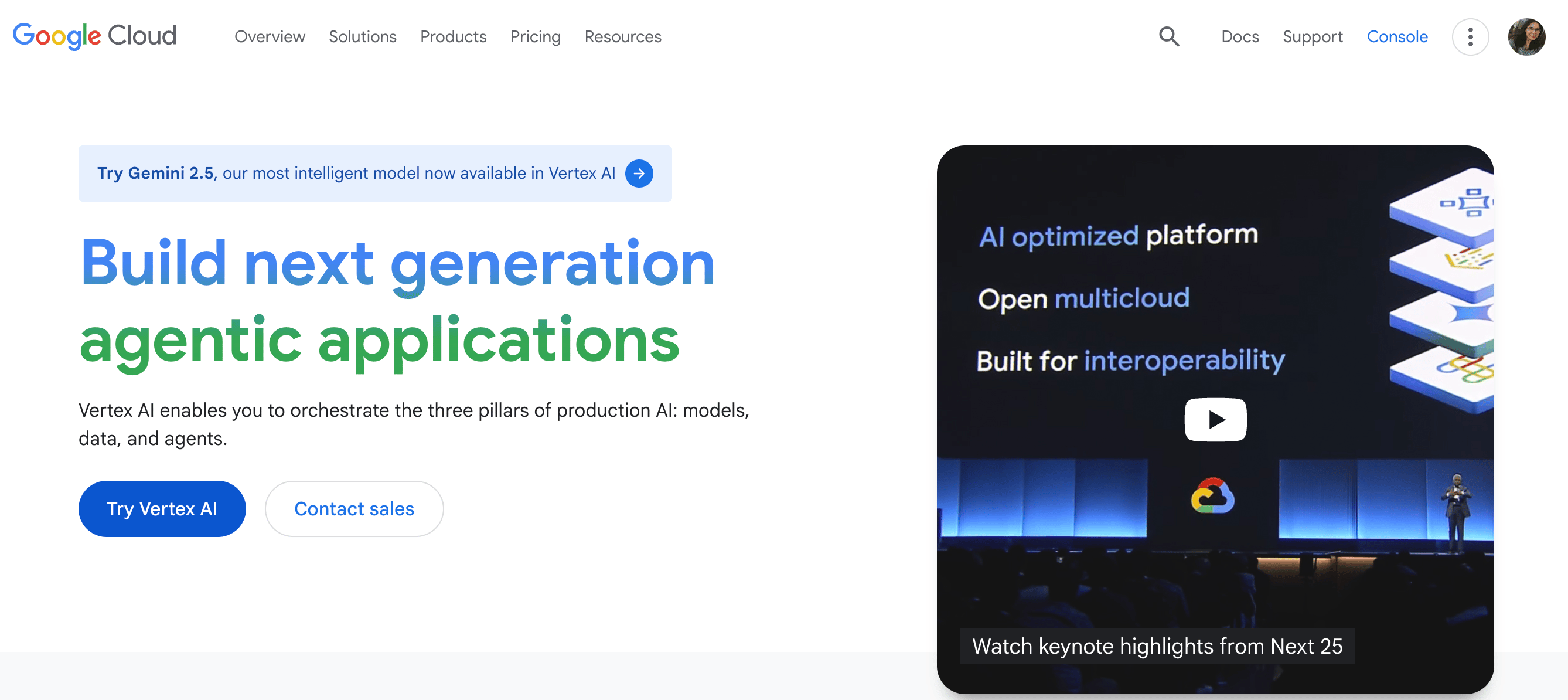
Google Cloud Platform (GCP) is a cloud provider built around large-scale data processing and AI-first infrastructure for open source-friendly architectures. It is commonly used by teams building data-intensive applications or AI-driven products. It has also found application in globally distributed services that benefit from Google’s data platforms and managed AI tooling, such as Vertex AI. GCP emphasizes managed services for data pipelines and machine learning workflows, with strong support for containerized applications, rather than broad infrastructure customization.
GCP key features:
-
GCP runs workloads on Google’s private global fiber network, supporting optimized traffic routing and high-throughput inter-region data transfer for latency-sensitive applications.
-
Google Cloud actively supports open source projects such as Kubernetes, TensorFlow, and Apache Beam, making it easier to build portable architectures across hybrid and multicloud environments.
-
GCP applies zero-trust principles, with default encryption at rest and in transit, and uses centralized, identity-aware access controls across services rather than per-resource security configurations.
-
Compute Engine - $6.11/month for e2-micro shared instance with 2 vCPUs and 1 GiB RAM
-
App Engine - $0.05–$0.10/hour per instance, depending on environment (Standard or Flexible) and instance class, with free tier quotas available
-
GPU instances - $88.49/hour on-demand for A3-highgpu-8g instance with 8 GPUs, 208 vCPUs, and 1872 GiB RAM
Google Cloud excels in data and AI services, but some teams prefer a more straightforward infrastructure model. Google Cloud alternatives highlight providers that balance global availability with easy operations and cost visibility.
Enterprise and legacy-focused cloud platform
Enterprise and legacy-focused cloud platforms are engineered to support legacy systems and core business applications. They are often appealing to organizations that require consistent performance and seamless integration across environments.
6. Oracle Cloud Infrastructure with enterprise and hybrid cloud
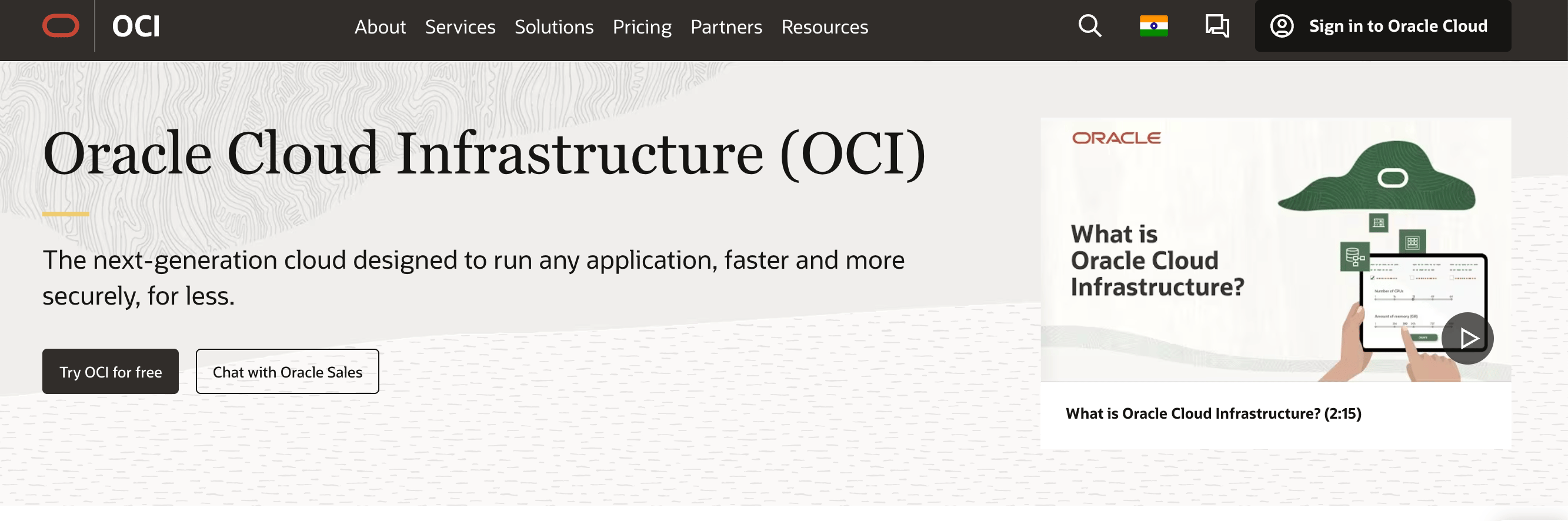
Oracle Cloud Infrastructure (OCI) is commonly chosen by enterprises running Oracle databases, ERP systems, and legacy workloads that require predictable performance. It provides dedicated compute shapes (predefined CPU and memory configurations) and low latency networking to support mission-critical applications. OCI integrates with existing Oracle software and governance tools, helping teams modernize legacy systems while maintaining compliance and operational consistency across hybrid and multi-region deployments.
OCI key features:
-
Autonomous Database and Exadata Cloud@Customer simplify patching and tuning for enterprise workloads.
-
High-performance networking with RDMA-capable connections reduces latency for database and analytics applications.
-
Flexible compute shapes, bare metal instances, and high-throughput networking tailor resources to workload needs, helping to avoid over-provisioning and control costs.
-
Dense I/O E5 - $0.03 per OCPU/hour
-
Virtual Machine Standard- X7 - $0.0638 OCPU/hour
-
VM GPU (NVIDIA P100) - $1.275/GPU/hour
-
Dense I/O E5 - $0.0612 per TB NVMe/hour
7. VMware Cloud with private cloud and edge computing
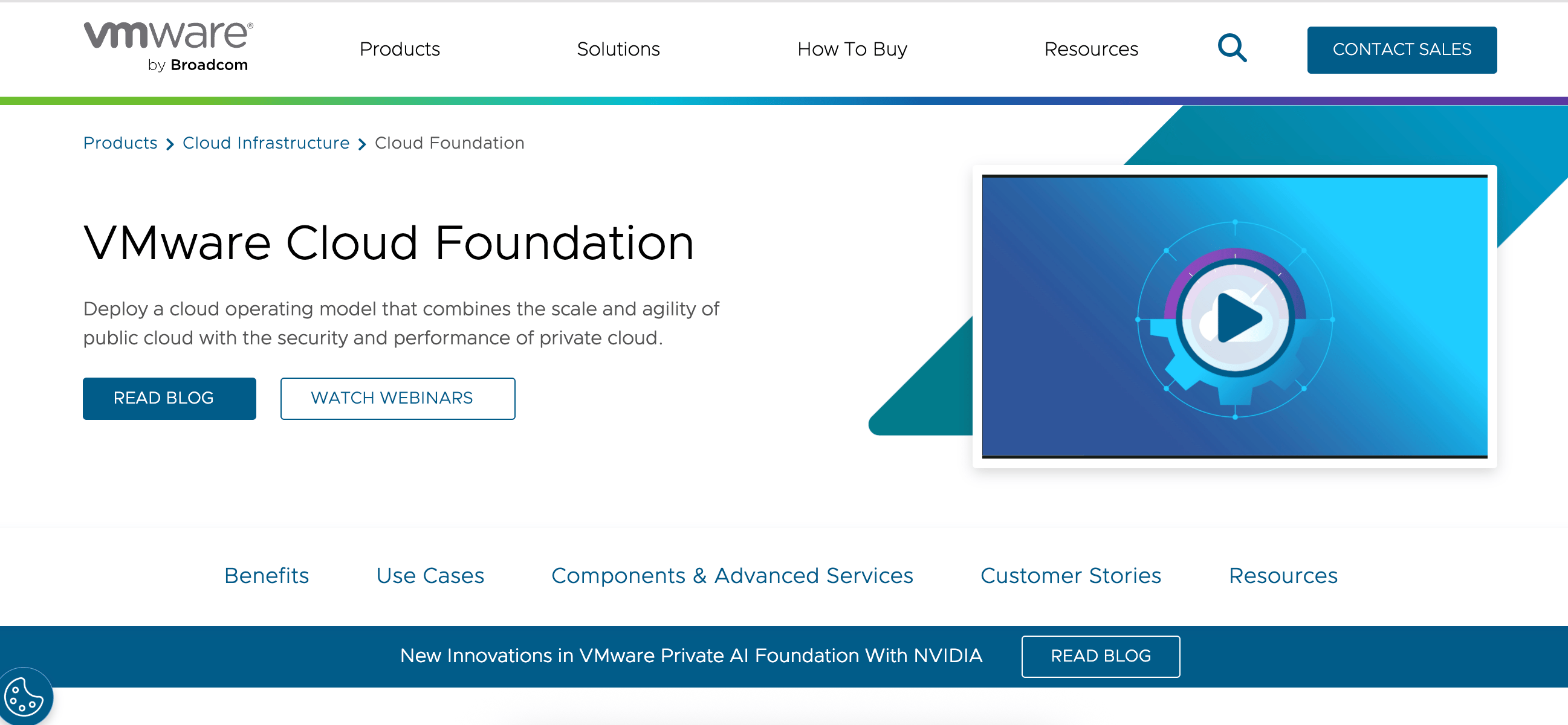
VMware Cloud Foundation delivers a private cloud platform with consistent management for virtualized workloads. It also helps enable predictable performance and operational control. VMware Cloud Foundation helps organizations run modern and traditional applications side by side. It also simplifies operations through automation and facilitates secure scaling from data centers to edge locations. Customers achieve fast deployment and typically lower total cost of ownership than with traditional three-tier setups or native public clouds.
VMware Cloud key features:
-
Standardized lifecycle management for the virtualization stack, reducing the risk of configuration drift and version incompatibilities during upgrades and platform maintenance.
-
Developers gain governed, self-service access to infrastructure resources for fast app delivery.
-
Extend private cloud capabilities to edge locations for real-time insights and actionable analytics.
- Custom pricing
8. SAP BTP with enterprise process automation
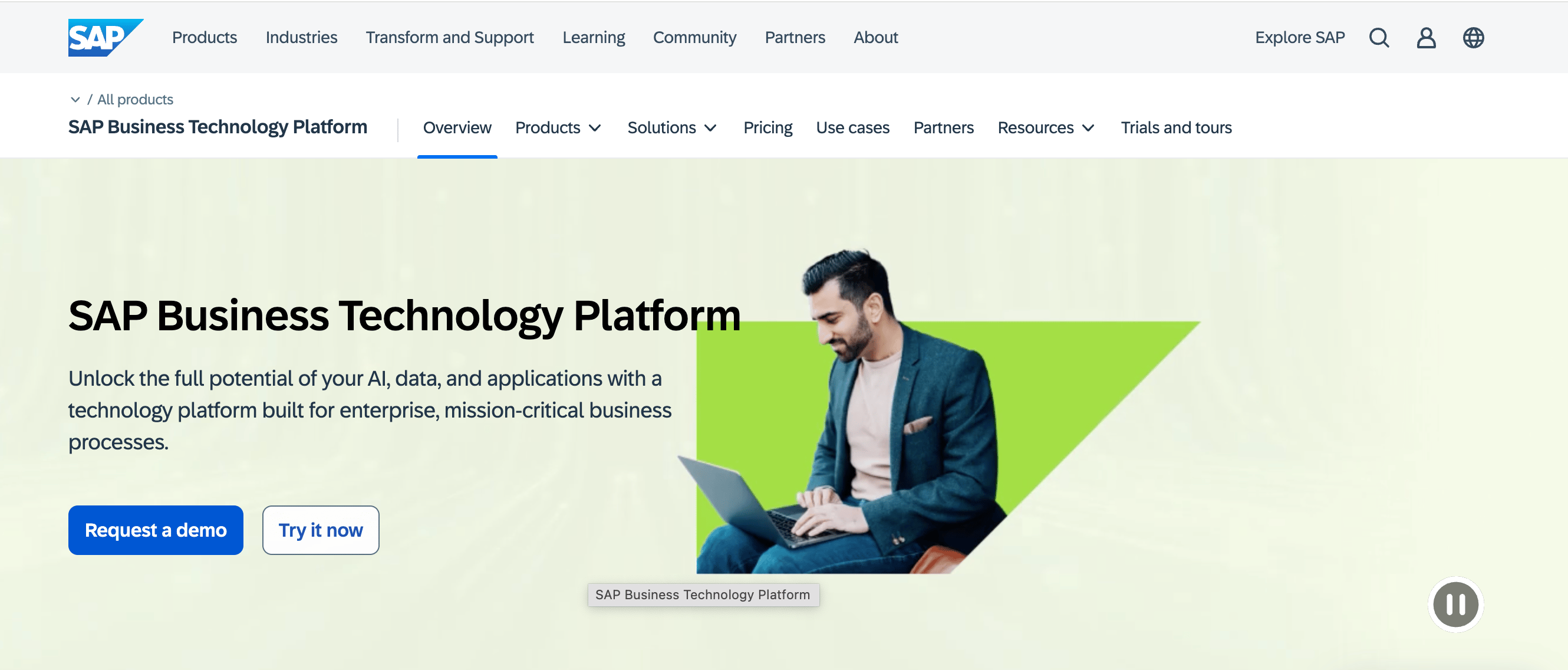
SAP BTP is an enterprise application platform designed to integrate and extend business processes across SAP and non-SAP environments, with built-in support for automation and innovation. It brings together integration and application development capabilities with data and AI-enabled automation to support mission-critical workloads in regulated, large-scale operations. Teams evaluating cloud platforms often consider SAP BTP when strong alignment with core business applications and enterprise workflow automation is a priority.
SAP BTP key features:
-
Pre‑built connectors and workflows in SAP Integration Suite link finance, HR, supply chain, procurement, and other enterprise systems, reducing integration overhead.
-
Services such as SAP Business Data Cloud and SAP Datasphere centralize data from SAP and external sources, supporting analytics and operational reporting with a consistent model.
-
SAP BTP supports extensions and custom logic that coexist with core SAP systems without disrupting upgrade paths or compliance requirements.
- Pay-as-you-go pricing
Region-focused cloud provider
Region-focused cloud providers are designed around concentrated geographic coverage and regional regulatory alignment. These providers are commonly chosen when user bases, data residency requirements, or partner ecosystems are concentrated in specific markets rather than evenly distributed globally.
9. Alibaba Cloud with Asia-Pacific enterprise and AI workloads
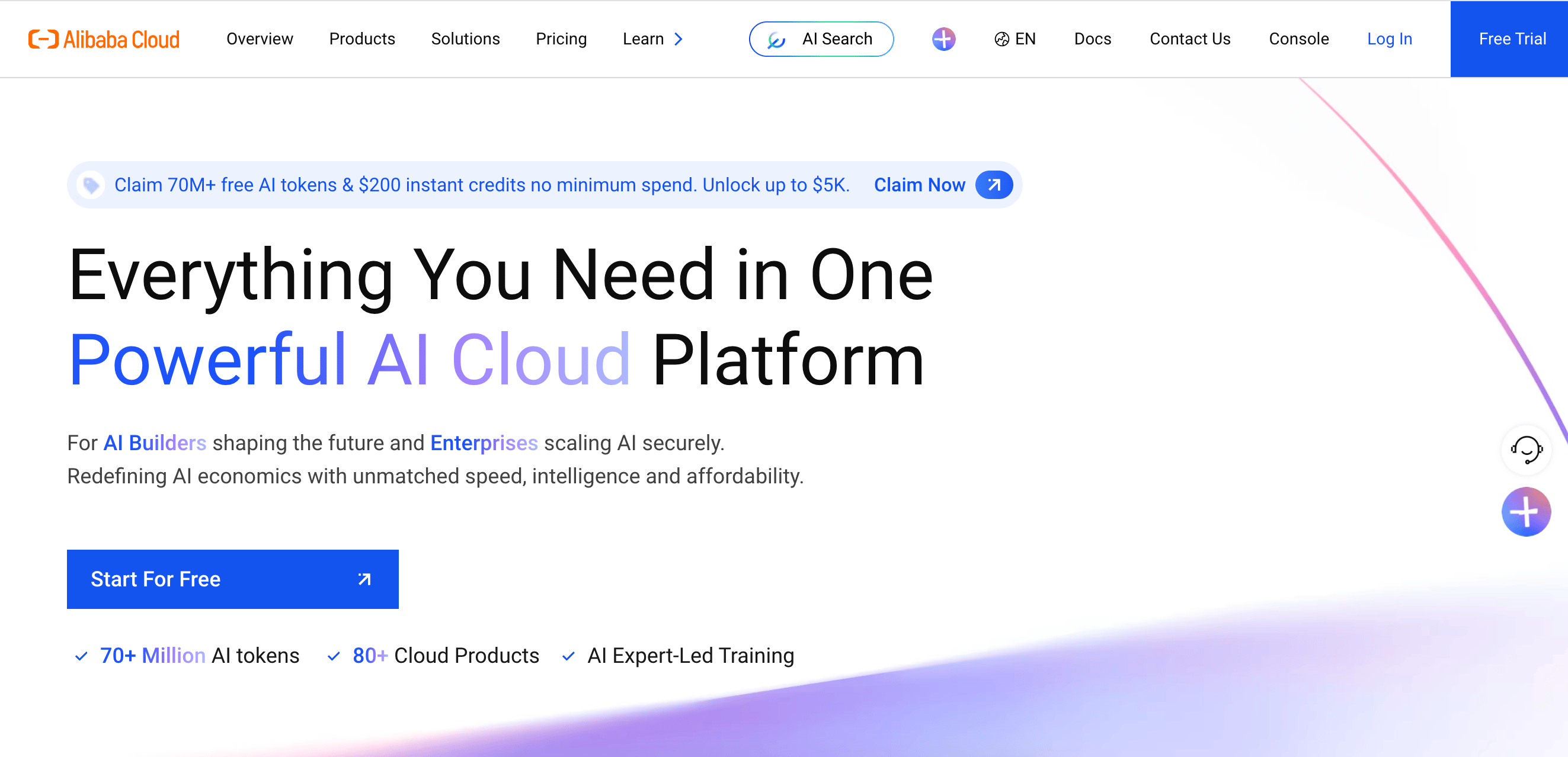
Alibaba Cloud is an enterprise-grade cloud and AI platform for building and running large-scale applications. It is considered a region-specific provider due to its deep infrastructure presence and ecosystem integration across Asia-Pacific markets. This regional foundation helps enable scalable cloud and AI services that are tuned for local network conditions and operational requirements. Applications may benefit from lower latency and consistent performance with smoother compliance with regional regulations. As a result, teams often use Alibaba Cloud to run production and AI-driven workloads that need stability and scale within Asia-Pacific.
Alibaba Cloud key features:
-
ECS (Elastic Compute Service) and ACK (Alibaba Cloud Kubernetes) provide scalable VMs and container orchestration for diverse workloads.
-
OSS, ApsaraDB, PolarDB, and Tair offer high-performance object, relational, and NoSQL database services with automated backup and monitoring.
-
Full AI stack with Model Studio, Qwen series, Lingma coding assistant, and generative AI tools for text, image, video, and speech workloads.
-
ECS instances - $4.55/month starting for economy instance e with 2 cores, 0.5 GB memory, 40 G Standard ESSD, and 200Mbps bandwidth
-
Serverless App Engine - $0.000006859/CU starting for pay-as-you-go, or $6.85/year starting for resource plans with 1 million CU
-
GPU instances - $2.26/hour for ecs.gn8is.2xlarge GPU-accelerated compute-optimized instance with 8 vCPUs and 64 GiB RAM
IBM Cloud alternatives FAQ
What are the best IBM Cloud alternatives in 2026?
The best IBM Cloud alternatives depend on your specific needs.Top alternatives include DigitalOcean, Vultr, AWS, Microsoft Azure, Google Cloud Platform, Oracle Cloud Infrastructure, VMware Cloud, SAP BTP, and Alibaba Cloud. Each platform targets different workload profiles, ranging from AI-driven and cloud-native application stacks to hyperscale, hybrid, and regulated enterprise deployments.
Which cloud computing platform supports scalable applications?
AWS, Microsoft Azure, and Google Cloud provide hyperscale infrastructure for globally distributed systems. DigitalOcean, Vultr, and Alibaba Cloud support scalable applications through high-performance compute, managed platforms, and AI-ready infrastructure, helping teams to grow production workloads without hyperscaler-level operational complexity.
Is DigitalOcean suitable for enterprise workloads?
Yes. DigitalOcean supports enterprise and scaling teams by combining general-purpose cloud infrastructure with built-in AI capabilities. The platform enables production-grade applications, GPU-backed inference workloads, and managed services to run with consistent performance, availability, and operational control.
How does IBM Cloud compare to AWS and Azure?
IBM Cloud tends to focus on hybrid and legacy workloads, with strong support for mainframe, IBM Z, and tightly governed enterprise environments. AWS and Microsoft Azure emphasize hyperscale global infrastructure, broad service catalogs, and advanced AI platforms. Organizations may choose IBM Cloud for legacy integration and compliance-driven use cases, while others may choose AWS or Azure for large-scale cloud-native and AI workloads.
Which cloud platforms support hybrid cloud?
Platforms like DigitalOcean and Vultr can enable hybrid patterns through API-driven infrastructure and external integrations, while keeping cloud operations focused on application runtime rather than centralized enterprise control. IBM Cloud, Microsoft Azure, and VMware Cloud can support hybrid cloud scenarios with unified tooling across on-prem and public environments. Oracle Cloud Infrastructure also supports hybrid deployments for enterprise systems.
DigitalOcean: A Scalable IBM Cloud Alternative
If you’re evaluating IBM Cloud alternatives, DigitalOcean offers a modern cloud platform purpose-built for digital-native enterprises running platform for running production workloads and scaling AI applications.
DigitalOcean provides the core infrastructure teams need to build, deploy, and grow, without unnecessary complexity. From virtual machines and managed databases to object storage and GPU infrastructure, teams can launch quickly and scale confidently on a platform designed for clarity and predictable costs.
Reviews.ai, a data analytics platform, migrated to DigitalOcean in just weeks with support from migration partner Aquazeel. The team simplified operations, reduced infrastructure costs by nearly 30%, and created room to expand AI features such as advanced topic classification and chat-based analytics, without re-architecting their platform.**
Why teams choose DigitalOcean:
-
Transparent, predictable pricing with straightforward per-resource costs, so you know what you’ll pay before you deploy
-
An intuitive control panel and clear documentation that empowers your entire technical team, not just cloud specialists
-
Fast deployment with Droplets that spin up in seconds, plus snapshots and cloning for rapid testing and iteration
-
A focused, comprehensive product suite including App Platform, Managed Kubernetes, PostgreSQL, MySQL, MongoDB, Redis, Kafka, object storage, load balancers, and VPC networking, without navigating an overwhelming catalog of services
-
GPU Droplets, Bare Metal GPUs for multi-node clusters, and 1-Click Models to build and scale machine learning and generative AI workloads
-
Included bandwidth and simplified pricing structures that make infrastructure costs easier to forecast and manage
Sign up today and start building with DigitalOcean. For custom plans, larger deployments, or enterprise support, contact our sales team to learn how DigitalOcean can power your most demanding database workloads.
**Results may vary based on each customer’s specific environment. Any references to third-party companies, trademarks, or logos in this document are for informational purposes only and do not imply any affiliation with, sponsorship by, or endorsement of those third parties.
About the author

Surbhi is a Technical Writer at DigitalOcean with over 5 years of expertise in cloud computing, artificial intelligence, and machine learning documentation. She blends her writing skills with technical knowledge to create accessible guides that help emerging technologists master complex concepts.
Start building today
From GPU-powered inference and Kubernetes to managed databases and storage, get everything you need to build, scale, and deploy intelligent applications.
