
AWS RDS is a popular choice for running managed relational databases, particularly for teams already using AWS products. As database workloads grow and application architectures evolve in 2026, many teams are reassessing whether their current setup still aligns with changing requirements, including cost visibility, regional reach, and long-term flexibility.
At the same time, the managed database landscape has expanded beyond a single-cloud model. Many credible AWS RDS alternatives support PostgreSQL and MySQL, introduce multi-cloud or serverless approaches, and offer different pricing models and operational trade-offs. Evaluating these options helps you choose a database platform that fits your workload patterns today, while remaining adaptable as your infrastructure strategy evolves.
Key takeaways:
-
AWS RDS alternatives provide flexible managed databases for teams looking to optimize cost, improve performance, and reduce operational overhead. These platforms enable teams to focus on building applications rather than managing infrastructure.
-
The main benefits of considering alternatives include predictable pricing, simplified migration, and limited application changes, enabling teams to transition from RDS using standard PostgreSQL or MySQL workflows without requiring core application changes.
-
Making a services decision typically comes down to workload patterns, cloud portability, and scaling needs, helping teams choose between steady production workloads, multi-cloud deployments for flexibility, or serverless options for variable or bursty workloads.
-
The most popular AWS RDS alternatives include DigitalOcean Managed Databases, Azure SQL, Google Cloud SQL, Aiven, ScaleGrid, Crunchy Data, Supabase, and Neon.
What are managed databases?
Managed databases are cloud-hosted services where the provider operates and maintains the underlying database infrastructure. Instead of installing and managing database software yourself, you provision a database instance that includes built-in capabilities such as automated backups, routine maintenance, monitoring, and high availability.
This delivery model is often referred to as Database-as-a-Service (DBaaS). DBaaS reduces the need for hands-on database administration by shifting responsibilities (including upgrades, patching, and failover management) to the provider. Most DBaaS platforms support elastic scaling and built-in disaster recovery. Access and administration are typically handled through secure APIs or web-based management interfaces.
Managed database services are commonly available for engines such as PostgreSQL and MySQL for relational workloads, MongoDB for document-based data, Kafka for event streaming, Redis for in-memory caching, and OpenSearch for search and analytics.
What are self-managed databases?
Self-managed databases include virtual machines and dedicated servers that are deployed and operated on their own infrastructure. Using this approach, teams retain full responsibility for installation and all ongoing maintenance.
Examples of self-managed databases include:
-
PostgreSQL or MySQL is installed on cloud virtual machines
-
Redis or MongoDB deployed without a managed control plane
-
Custom database clusters are maintained using scripts or third-party tooling
This model offers a high level of control and flexibility, but it also introduces several trade-offs:
-
Operational overhead: Routine tasks such as backups, upgrades, patching, and monitoring must be handled manually.
-
Limited built-in high availability: Replication, failover, and disaster recovery are not provided by default and typically require additional tooling and configuration.
-
Specialized expertise: Maintaining performance, security, and reliability over time requires dedicated database knowledge.
As systems scale and uptime expectations increase, teams must evaluate whether using self-managed databases is the most efficient use of engineering effort compared to managed alternatives.
What is AWS RDS?
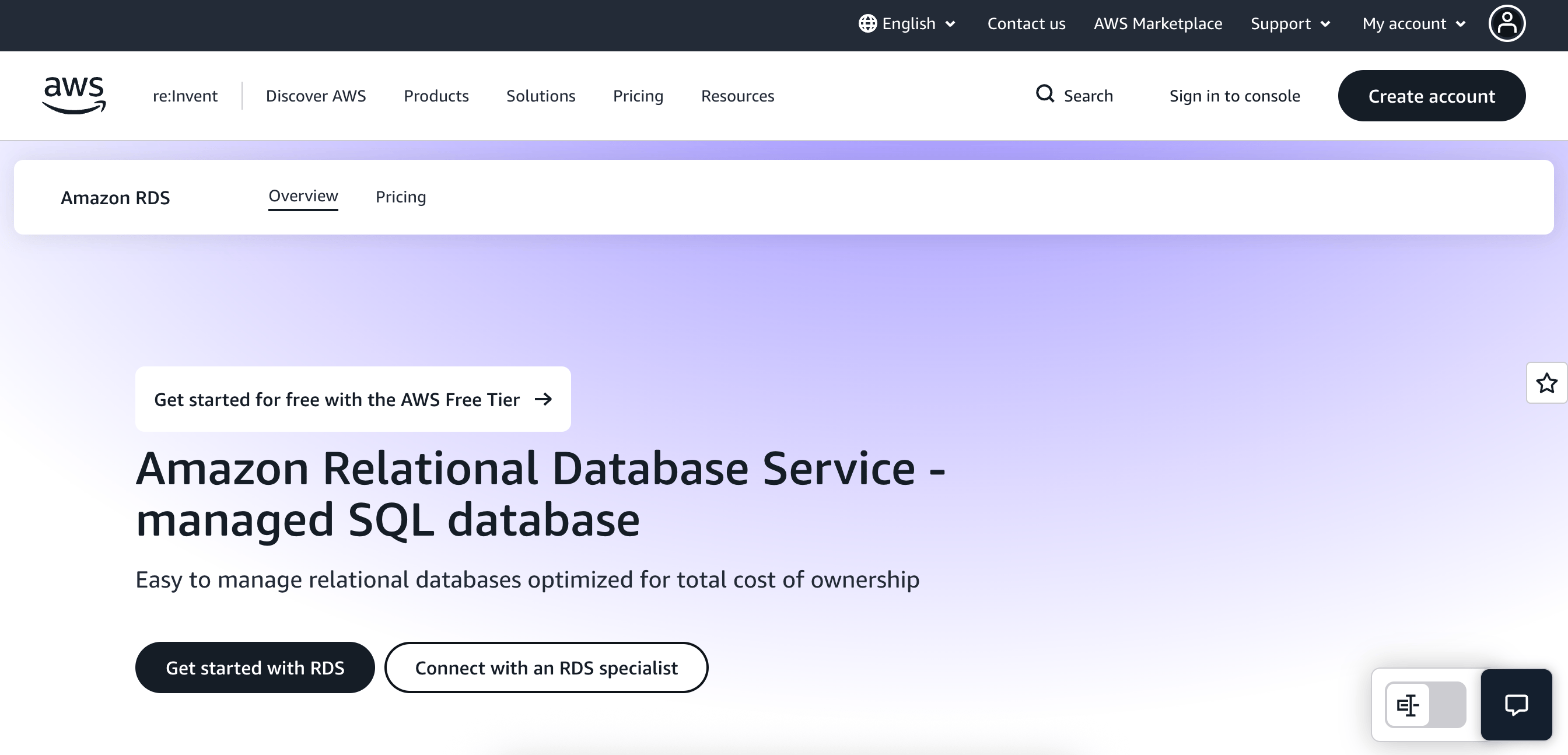
AWS Relational Database Service (RDS) is a managed service for running relational databases on Amazon Web Services. First released in 2009, RDS supports various engines, including MySQL, PostgreSQL, MariaDB, Oracle, and SQL Server. It handles operational tasks like provisioning, automated backups, patching, and basic scaling, so there’s no need to manage database servers directly.
AWS RDS key features:
-
Automates everyday database administration tasks, including provisioning, routine maintenance, patching, backups, and failure recovery.
-
Provides continuous backups and enables restoring databases to a specific point in time within the configured retention window.
-
Offers multiple Availability Zones (AZs) deployments with synchronous replication and automatic failover to improve resilience for production workloads.
RDS uses on-demand pricing based on instance hours, storage, and I/O. The AWS free tier includes 750 hours per month of Single-AZ micro instances, 20 GB of SSD storage, and free backups up to the database size for supported engines during the first 12 months of use. After that, standard on-demand rates apply.
What is Amazon Aurora?
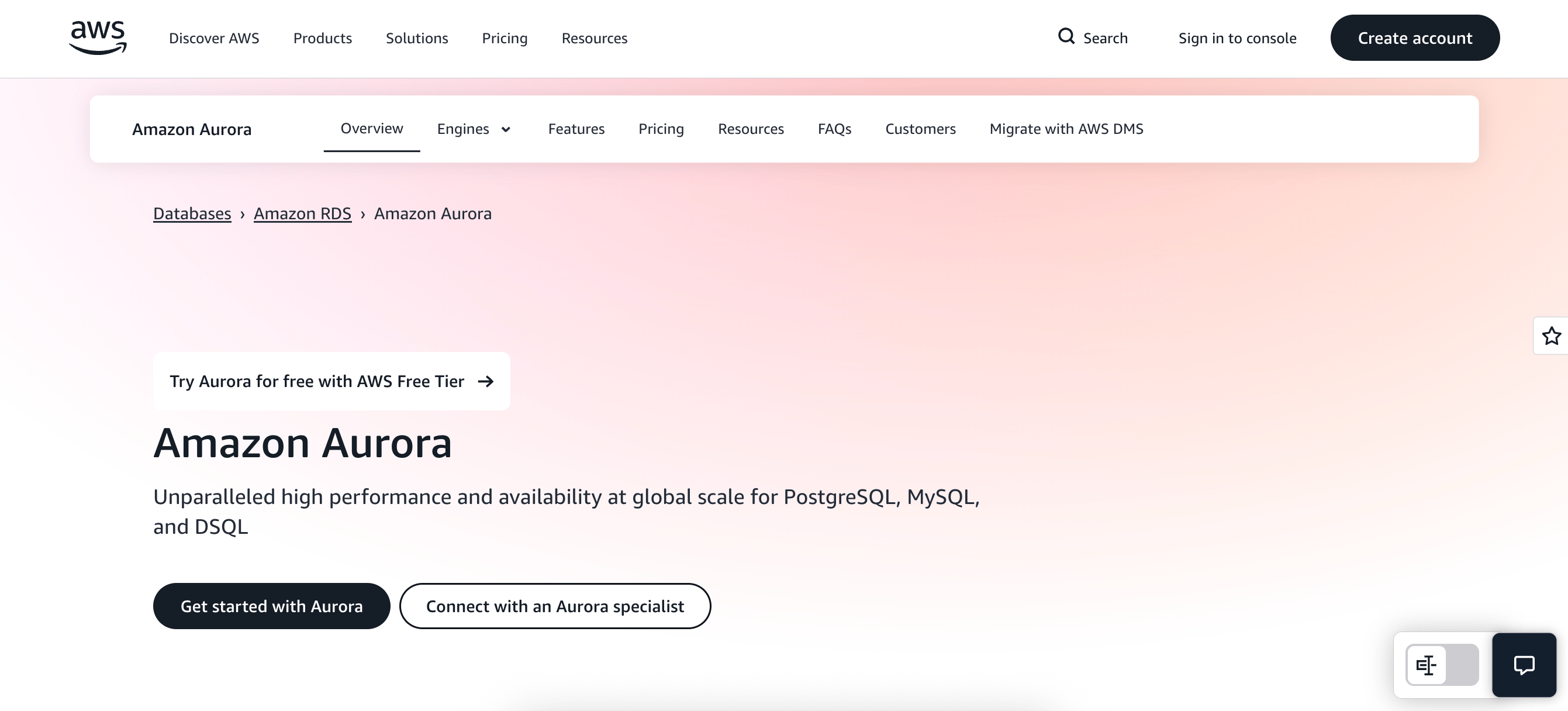
Amazon Aurora is a proprietary relational database engine developed by AWS and delivered through the Amazon RDS service. Unlike standard RDS offerings that run managed versions of open-source engines such as MySQL and PostgreSQL, Aurora is a separately engineered database with a distributed, AWS-managed storage architecture.
Aurora is compatible with MySQL and PostgreSQL at the protocol level, enabling migrations with minimal application changes, while separating compute from storage and providing built-in multi-AZ replication for durability and availability. Because Aurora’s architecture, operational model, and pricing are tightly coupled to AWS infrastructure, it makes sense to evaluate it independently when considering portability, cost predictability, or long-term cloud strategy.
Benefits of AWS RDS alternatives
Teams often explore AWS RDS alternatives to better align their database platform with cost structure, deployment flexibility, and long-term architecture goals. Depending on your workload, region, and growth plans, alternative managed database services can offer different trade-offs:
-
Flexible pricing models: AWS RDS pricing factors in instance size, storage, I/O, backups, and data transfer, making it difficult to predict costs as workloads scale. Many alternatives offer straightforward, transparent pricing models, making it easier to forecast expenses and align spend with actual usage.
-
Broad regional and deployment options: RDS availability varies by engine, feature, and AWS region, which can affect latency-sensitive or globally distributed applications. Some alternatives offer a wider range of deployment options, providing more control over where data is stored.
-
Reduced cloud vendor lock-in: Tight integration with AWS services can limit portability; cross-cloud migrations may require reworking automation, networking, and monitoring setups. Alternatives that support multi-cloud or cloud-agnostic deployments can make it easier to change providers or adopt hybrid strategies over time.
-
Access to specialty feature sets and architectures: RDS focuses on stable, managed versions of popular engines, but specific extensions, scaling models, or architectural patterns may not be available for every engine or instance type. Other managed database platforms offer features such as serverless scaling, branch-based workflows, or deep open-source customization.
-
Choice for open-source first workflows: Some teams prefer managed services that closely track upstream PostgreSQL or MySQL releases and prioritize open-source compatibility. Exploring RDS alternatives can help you identify platforms that better align with your preferences for extensions, version control, and database-level customization.
How to choose the right AWS RDS alternative
When evaluating an alternative to AWS RDS, the goal is not just to replace a managed database service but to select a platform that supports long-term flexibility, portability, and scalability for growth. Thus, choosing the ideal platform involves consideration of:
-
Vendor lock-in and portability: Assess how tightly the service is coupled to a single cloud provider. Platforms that support standard PostgreSQL or MySQL managed hosting, without proprietary extensions, make it easier to migrate or operate across multiple cloud database providers.
-
Migration support from RDS: Clear guidance and tooling make migrating from an RDS database straightforward, with minimal downtime. Look for providers that document export and import workflows, replication-based cutovers, and PostgreSQL and MySQL compatibility considerations.
-
PostgreSQL and MySQL compatibility: Ensure that your chosen platform fully supports your engine version, extensions, and connection patterns. Strong compatibility reduces the risk of application changes when moving from AWS RDS to another managed database service.
-
Managed database feature parity: You likely require core DBaaS capabilities, including automated backups, high availability, monitoring, and scaling. Comparing these features side by side helps to understand trade-offs between RDS and each hosting alternative.
-
Long-term cloud strategy fit: Choose a platform that aligns with your future database management plans, whether that involves multi-cloud deployments, serverless architectures, or simpler managed hosting outside AWS.
Early-stage teams need to move fast without getting bogged down in infrastructure minutiae. Managed database services can reduce operational overhead, support rapid iteration, and scale as startups grow.
8 Managed Database alternatives to AWS RDS
Pricing and feature information in this article are based on publicly available documentation as of February 2026 and may vary by region and workload. For the most current pricing and availability, please refer to each provider’s official documentation.
Several managed database platforms compete directly with AWS RDS, including cloud-native services, multi-cloud platforms, and serverless databases.
| Provider | Best for* | Key features | Pricing |
|---|---|---|---|
| AWS RDS | Teams deeply embedded in the AWS ecosystem | PostgreSQL, MySQL, MariaDB, Oracle, SQL Server; automated backups; Multi-AZ; regional availability varies | On-demand pricing; Free tier includes 750 hours/month of Single-AZ micro instances |
| DigitalOcean Managed Databases | Managed PostgreSQL and MySQL | PostgreSQL and MySQL; daily backups; built-in HA; multiple global regions | $15/month for a 1 vCPU |
| Azure SQL Databases | SQL Server workloads | SQL Server; automated backups; built-in SLAs; global regions | Custom pricing |
| Google Cloud SQL | GCP-native applications | PostgreSQL and MySQL; automated backups; regional HA; Google Cloud regions | $0.0413 per vCPU/hour |
| Aiven | Multi-cloud portability | PostgreSQL and MySQL; automated backups; plan-based SLAs; multi-cloud regions | Free – $0/month; Startup – $200/month ($0.27/hour); Business – $500/month ($0.69/hour); Premium – $1900/month ($2.60/hour) |
| ScaleGrid | Enterprise BYOC deployments | PostgreSQL and MySQL; automated backups; custom SLAs; AWS, Azure, GCP | $6/month (720 hours) |
| Crunchy Data | PostgreSQL-focused teams | PostgreSQL; automated backups; HA options; major cloud regions | Custom pricing |
| Supabase | PostgreSQL-based application backends | PostgreSQL; automated backups; managed replication; regional deployments | Free – $0/month; Pro – $25/month; Team – $599/month; Enterprise – Custom pricing |
| Neon | Variable PostgreSQL workloads | PostgreSQL; automated backups; serverless autoscaling; multi-region | Free – $0/month; Launch – Usage-based; Scale – Usage-based |
Cloud provider managed databases
Cloud provider managed databases are services offered directly by major cloud platforms to run relational databases within their ecosystems, including both general-purpose and engine-specific managed databases. These solutions are designed to integrate closely with native networking, identity, and security services, which simplifies operations for teams already using their chosen cloud platform. They are typically optimized for single-cloud deployments rather than portability across providers.
1. DigitalOcean Managed Databases for managed PostgreSQL and MySQL
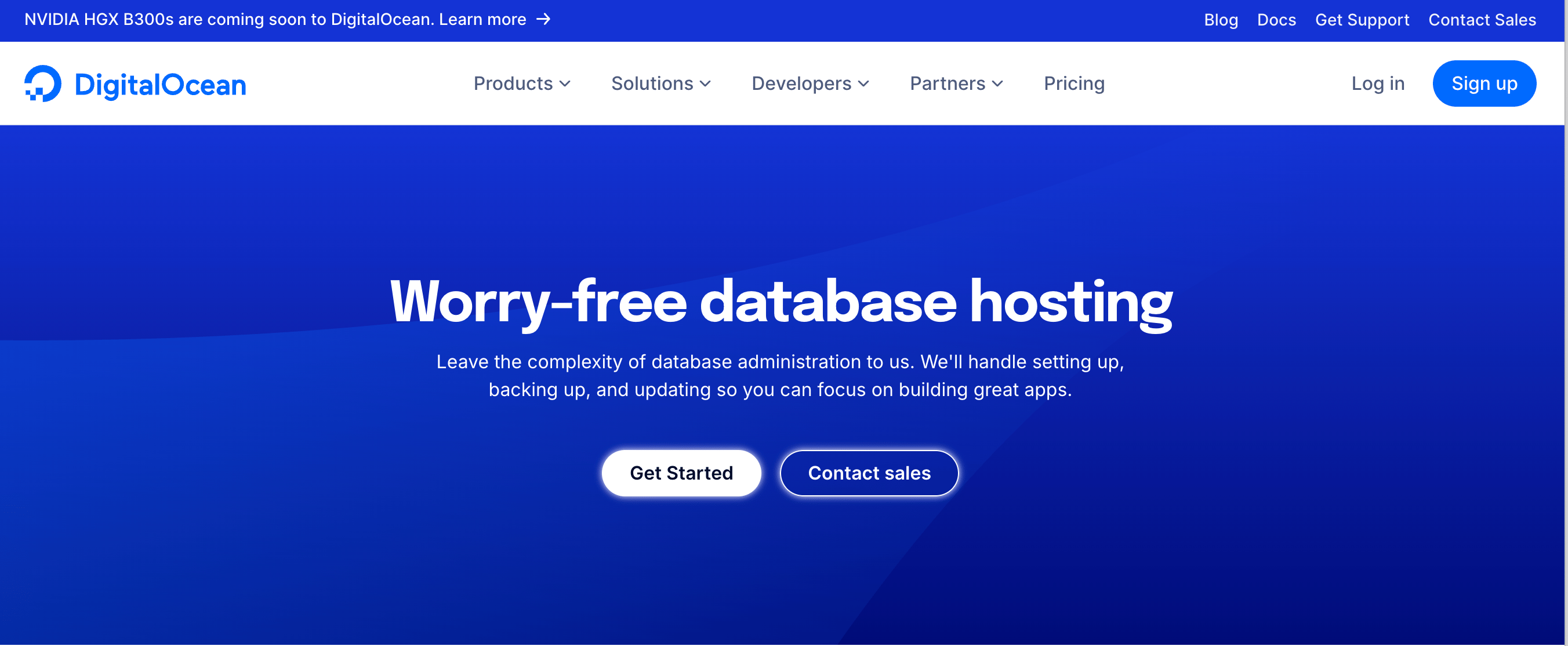
DigitalOcean Managed Databases provides a DBaaS offering for running PostgreSQL and MySQL. The platform is commonly used by teams migrating from RDS who want to keep standard database engines while simplifying operations and infrastructure management. It is best suited for steady production workloads where fixed capacity and predictable performance are more important than rapid elasticity. From a performance-to-cost perspective, the model favors consistent usage patterns over burst-heavy workloads. Migration from AWS RDS typically follows standard PostgreSQL or MySQL dump, restore, or replication-based workflows, with minimal application changes required. Serverless and multi-cloud platforms may require minor configuration adjustments, but core database schemas and queries usually remain unchanged. DigitalOcean’s platform supports easy migration to and from other clouds, enabling teams to be flexible and portable.
Managed Databases key features:
-
Fully managed PostgreSQL and MySQL with support for common extensions and version upgrades aligned with upstream releases.
-
Optional high-availability clusters with automated failover and daily backups included by default.
-
Private networking, encryption at rest and in transit, and VPC-level isolation for production deployments.
- $15/month for a 1 vCPU, 1GB RAM instance with storage included
Deciding between a Managed vs Self-Managed Database deployment is a foundational choice for any application stack. DigitalOcean breaks down the key trade-offs, including operational overhead, backups and recovery, scaling, and control, to help teams choose the ideal setup.
2. Azure SQL Databases for SQL Server workloads
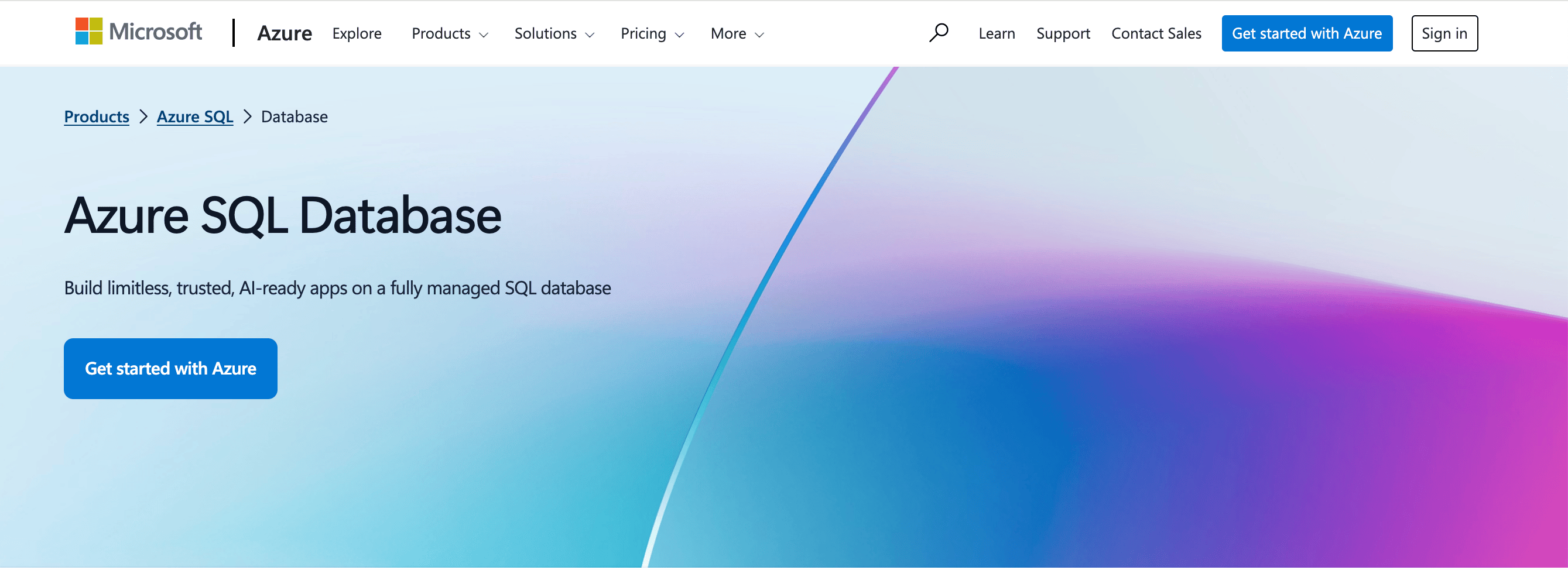
Azure SQL Database is a managed relational service optimized for applications within the Microsoft ecosystem, including SQL Server workloads and Azure-native services such as Azure AD and Power BI. Teams often choose Azure SQL when the need for deep integration with Azure networking, identity, and monitoring services outweighs the benefits of multi-cloud portability. Migration from AWS RDS typically uses export/import or Azure Database Migration Service, both of which support offline migrations at no additional charge. In contrast, online (continuous) migrations require the paid Premium tier. Azure SQL runs on Microsoft Azure infrastructure certified to standards such as SOC 2 and ISO 27001, supporting enterprise compliance requirements; however, its Azure-specific tooling can limit portability across clouds.
Azure SQL Databases key features:
-
Automatic indexing, query optimization, and performance insights reduce manual DBA work.
-
Share compute resources across multiple databases to optimize resource usage and reduce costs.
-
Built-in encryption, identity-based access via Azure AD, and SOC2/ISO certifications.
- Custom pricing
Cloud providers vary in terms of pricing transparency, operational complexity, and developer experience. Our DigitalOcean vs Azure comparison highlights key trade-offs to help teams evaluate which platform best aligns with their infrastructure goals.
3. Google Cloud SQL for GCP native applications
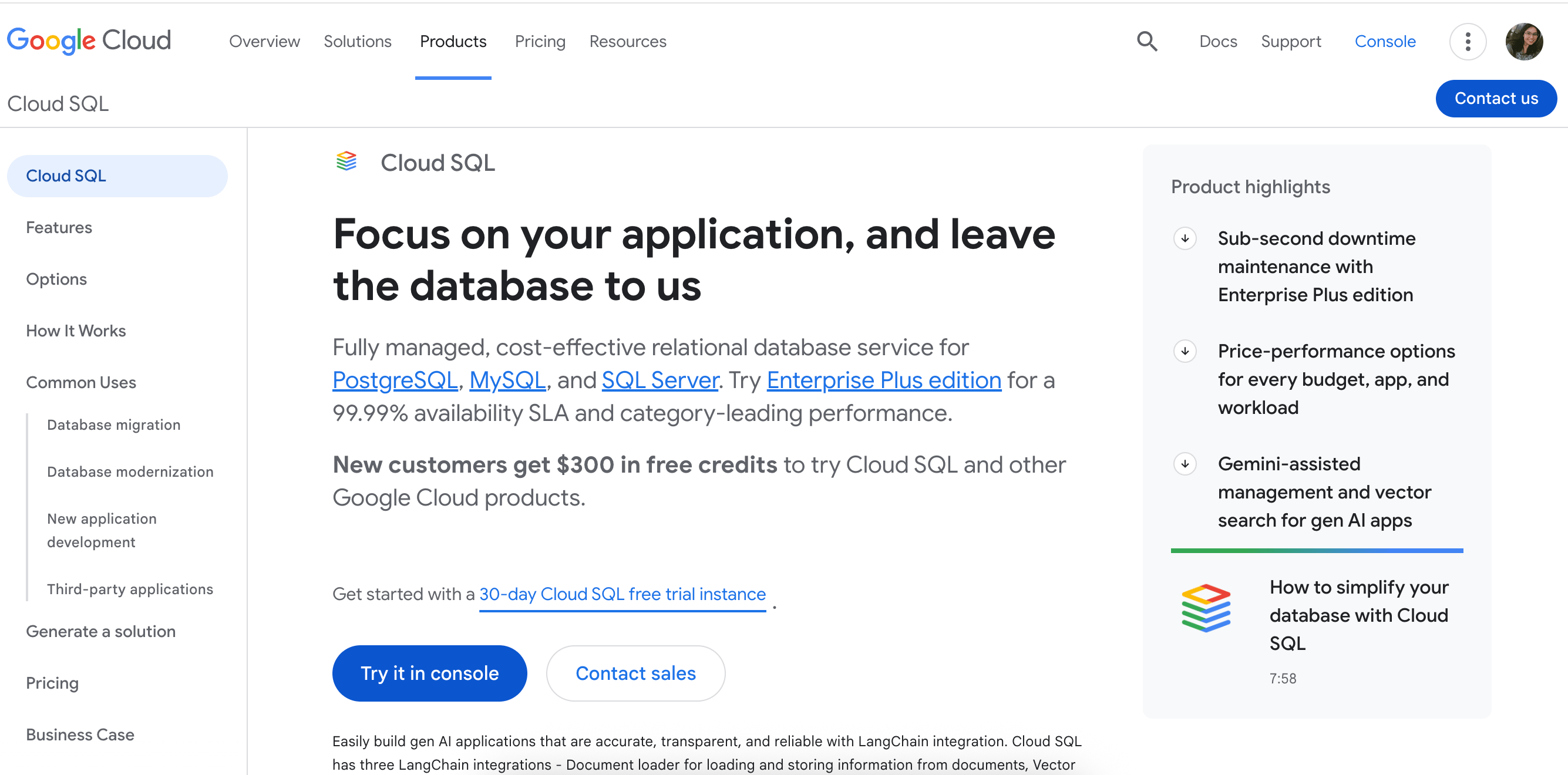
Google Cloud SQL is a managed database service for PostgreSQL and MySQL workloads running on Google Cloud Platform. It is often used by teams that want close integration with GCP networking, Identity and Access Management (IAM), and observability services. The platform favors vertically scaled instances with optional read replicas, making it suitable for steady workloads hosted primarily on Google Cloud. From a migration standpoint, moving from AWS RDS usually involves standard PostgreSQL or MySQL export and restore processes. Cloud SQL is suited for teams committing to GCP rather than pursuing multi-cloud portability.
Google Cloud SQL key features:
-
Offers fully managed PostgreSQL and MySQL versions that track Google Cloud-supported releases, reducing the need for manual patching and version management.
-
Supports regional deployments with automated failover and replica configurations to improve availability for production workloads.
-
Includes automated backups with configurable retention and point-in-time recovery, helping teams protect data and recover from accidental changes or outages.
- $0.0413 per vCPU/hour
Choosing a cloud platform often involves trade-offs between control, complexity, and cost. Our DigitalOcean vs Google Cloud comparison helps clarify how those trade-offs affect real-world infrastructure decisions.
Multi-cloud managed databases platform
Multi-cloud managed database platforms offer DBaaS solutions that can run across multiple cloud providers. They abstract underlying infrastructure differences while maintaining support for standard open-source engines such as PostgreSQL and MySQL. This approach helps teams reduce dependency on a single cloud and plan for portability or hybrid architectures. These platforms are often used when long-term flexibility is a priority.
4. Aiven for multi-cloud portability
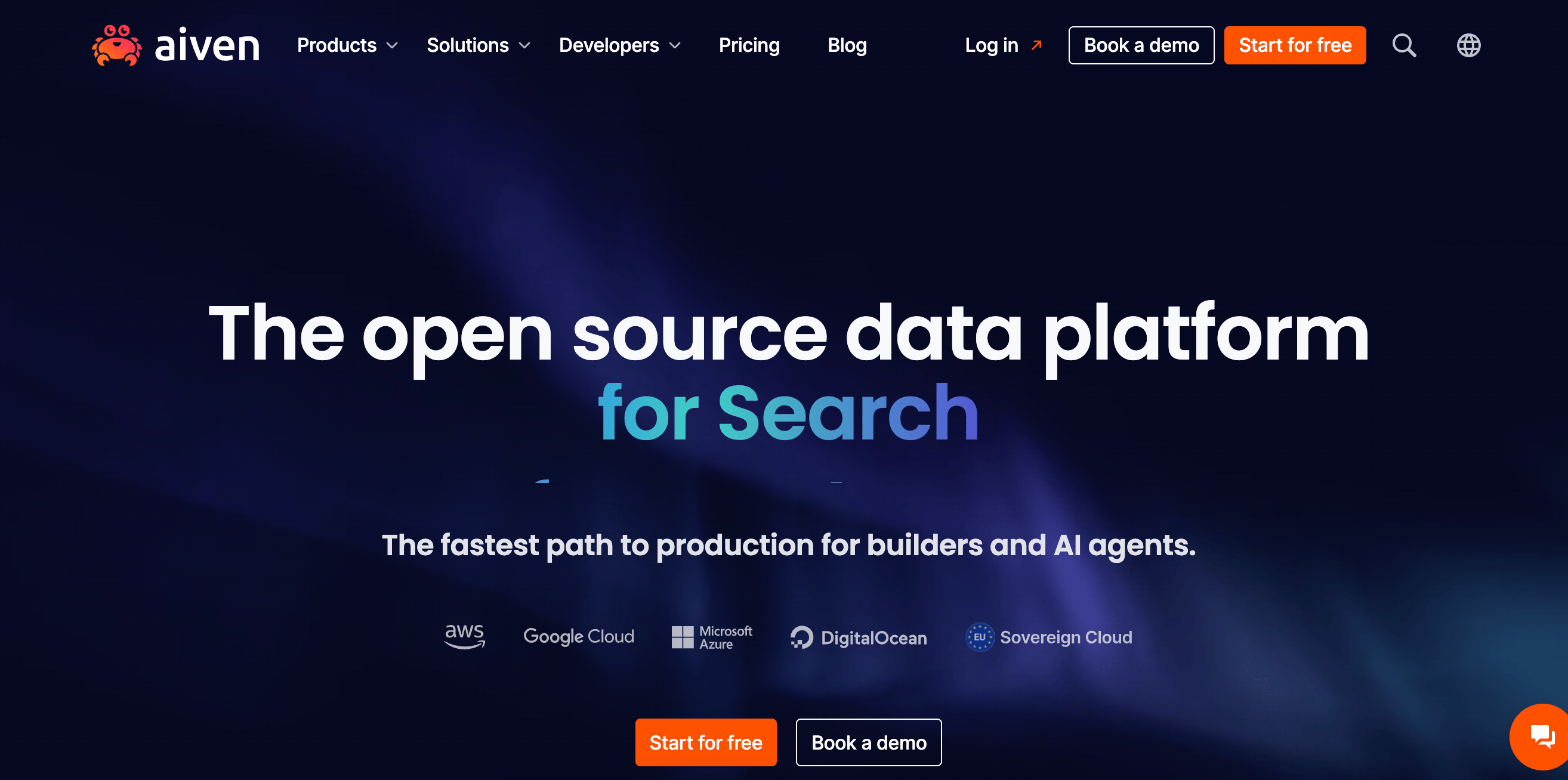
Aiven is a managed database platform built around open-source technologies and designed for multi-cloud deployments. It is commonly used by teams that want to reduce dependence on a single cloud provider while continuing to run standard PostgreSQL or MySQL workloads. Performance and cost characteristics vary by underlying cloud provider, reflecting differences in infrastructure and pricing models, and are an essential consideration for teams focused on portability and governance. Migration from AWS RDS generally follows standard PostgreSQL or MySQL workflows with minimal engine-level changes. Aiven may be a good choice for teams that prioritize long-term flexibility.
Aiven key features:
-
Provides fully managed PostgreSQL and MySQL across AWS, Azure, and Google Cloud, enabling teams to deploy and operate databases consistently across providers without managing underlying infrastructure.
-
Includes scheduled backups with configurable retention policies and point-in-time recovery options, helping teams meet data protection and business continuity requirements.
-
Uses encryption at rest and in transit by default, with support for private networking, VPC peering, and fine-grained access controls to meet security and compliance needs.
-
Free - $0/month
-
Startup - $200/month ($0.27/hour)
-
Business - $500/month ($0.69/hour)
-
Premium - $1900/month ($2.60/hour)
5. ScaleGrid for enterprise BYOC deployment
 ScaleGrid uses a control-first approach to managing PostgreSQL and MySQL by running databases directly within a customer’s existing AWS, Azure, or Google Cloud accounts. Rather than entirely abstracting infrastructure management, it layers automation, monitoring, and operational support on top of the underlying cloud environment. This model allows teams to maintain control over networking, security configurations, and cloud billing while benefiting from managed database operations. Migration from AWS RDS typically follows standard engine-level workflows. As with any control-oriented model, the platform aligns best with teams that already operate their own cloud accounts, permissions, and cost governance. In this context, ScaleGrid can help better align with organizational compliance, data residency, and governance requirements, making it a strong fit for enterprises that prioritize control and auditability.
ScaleGrid key features:
-
Deploy and manage databases across AWS, Azure, or Google Cloud within your own cloud accounts, helping teams retain control over networking, data residency, and compliance requirements.
-
Supports customizable backup, failover, and replication strategies with defined RPO (Recovery Point Objective) and RTO (Recovery Time Objective) targets, enabling more predictable recovery outcomes for mission-critical workloads.
-
Provides centralized monitoring, performance metrics, and proactive alerts across clusters to detect issues and maintain operational reliability at scale.
- Starts at $6/month (720 hours), with a 7-day free trial
Native-managed databases prioritize convenience over flexibility. ScaleGrid’s PostgreSQL model highlights how teams can run dedicated clusters on AWS or Azure with managed operations while retaining control over topology and security.
6. Crunchy Data for PostgreSQL-focused teams
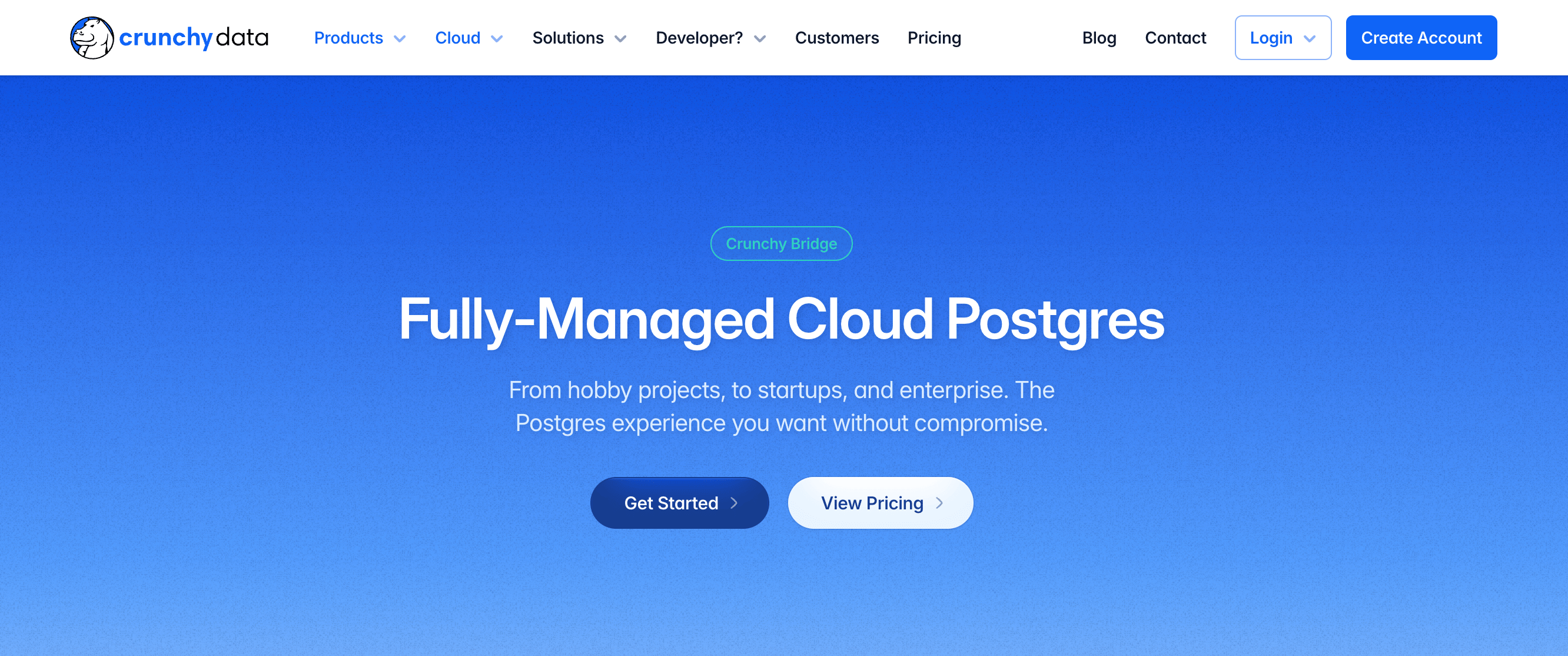
Crunchy Data is a PostgreSQL-first managed platform designed for teams that depend on PostgreSQL’s complete feature set, including advanced extensions and strict operational controls. Migration from AWS RDS PostgreSQL typically emphasizes maintaining extension compatibility, replication behavior, and version alignment, which can be important for teams with specialized PostgreSQL requirements or consistency-sensitive workloads. Crunchy Bridge’s core strengths include hands-off PostgreSQL upgrades aligned with upstream releases, fine-grained replication visibility, and security configurations built to meet enterprise and regulatory requirements. It is built for organizations that treat PostgreSQL as a core system of record rather than a bundled application backend.
Crunchy Data key features:
-
Supports a wide range of production-ready extensions, including PostGIS and pg_partman, enabling workloads that exceed the capabilities of many standard managed database services.
-
Automates PostgreSQL minor and major version upgrades in alignment with upstream release cycles, helping teams stay secure and current with less operational effort.
-
Provides built-in visibility into replication status, query performance, and overall database health, making it easier to troubleshoot issues and operate PostgreSQL at scale.
- Custom pricing
Serverless database platforms
Serverless database platforms focus on separating compute from storage, allowing databases to scale automatically based on demand. Instead of provisioning fixed capacity, database resources are consumed dynamically as workloads change. This model is typically well suited for variable, bursty, or development-heavy workloads where usage is difficult to predict. Serverless platforms often emphasize fast provisioning and minimal operational overhead.
7. Supabase for PostgreSQL-based application backends
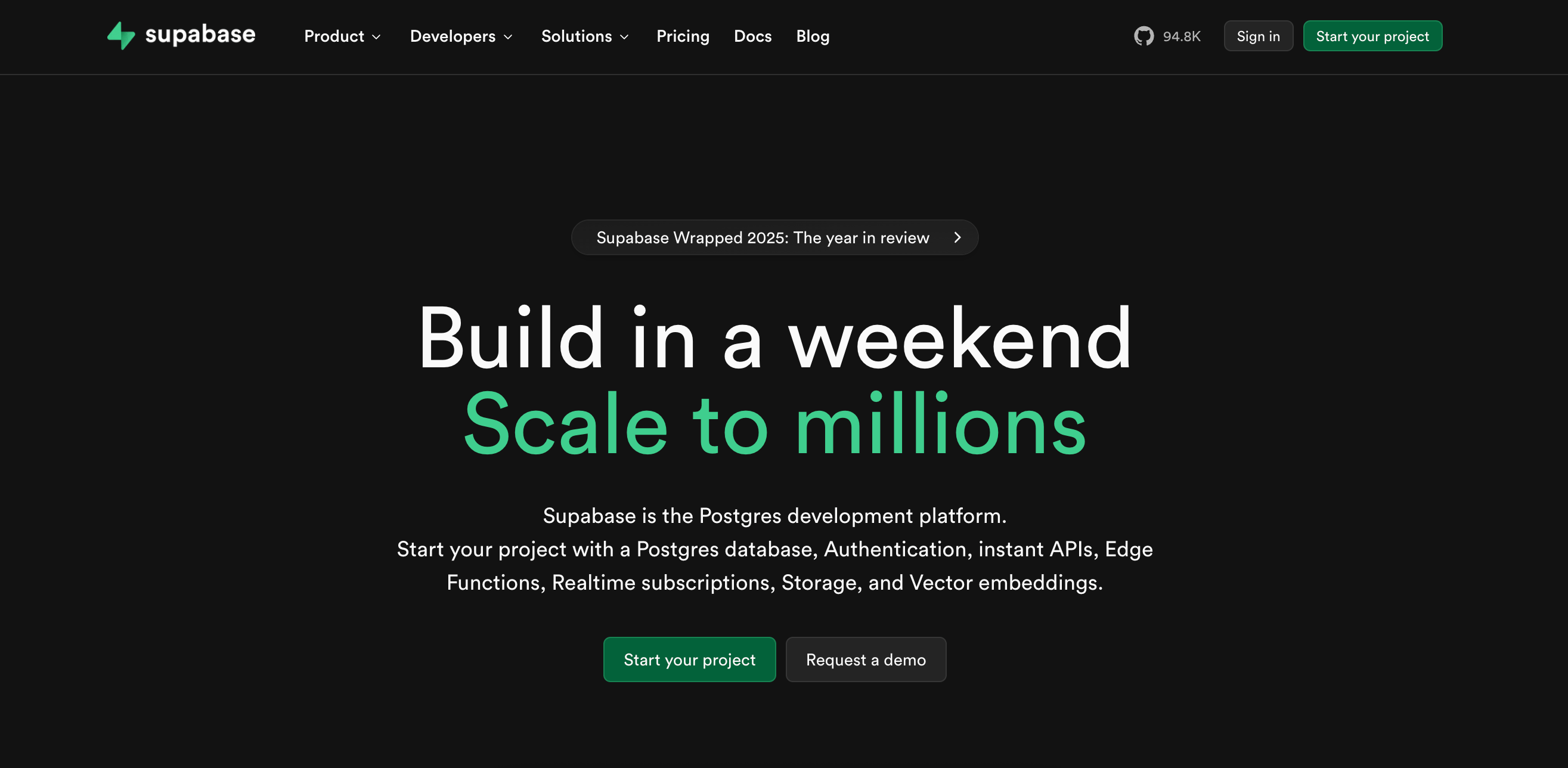
Supabase is a PostgreSQL-based platform that combines managed database hosting with built-in backend services, including authentication, storage, and real-time APIs. It is commonly used by application teams that want a developer-friendly alternative to traditional database-as-a-service offerings while retaining full PostgreSQL compatibility. Performance and cost are tied to instance size and usage rather than horizontal sharding, making it better suited to application backends than to extreme scale-out workloads. Migrating from AWS RDS PostgreSQL typically involves standard dump-and-restore workflows with minimal schema changes. Supabase may appeal to teams that want a managed PostgreSQL database with integrated application services, rather than a standalone database layer.
Supabase key features:
-
Supports highly available PostgreSQL deployments with built-in failover and multi-region options for production workloads.
-
Combines managed PostgreSQL with authentication, object storage, real-time APIs, and edge functions, reducing the need for using separate backend services.
-
Provides automated daily backups with configurable retention policies, enabling point-in-time recovery and simpler disaster recovery planning.
-
Free - $0/month
-
Pro - $25/month
-
Team - $599/month
-
Enterprise - Custom pricing
Many vibe coding tools rely on backend platforms like Supabase to simplify early development. As applications move toward production, teams often evaluate these platforms alongside AWS RDS and other managed database alternatives.
8. Neon for variable PostgreSQL workloads
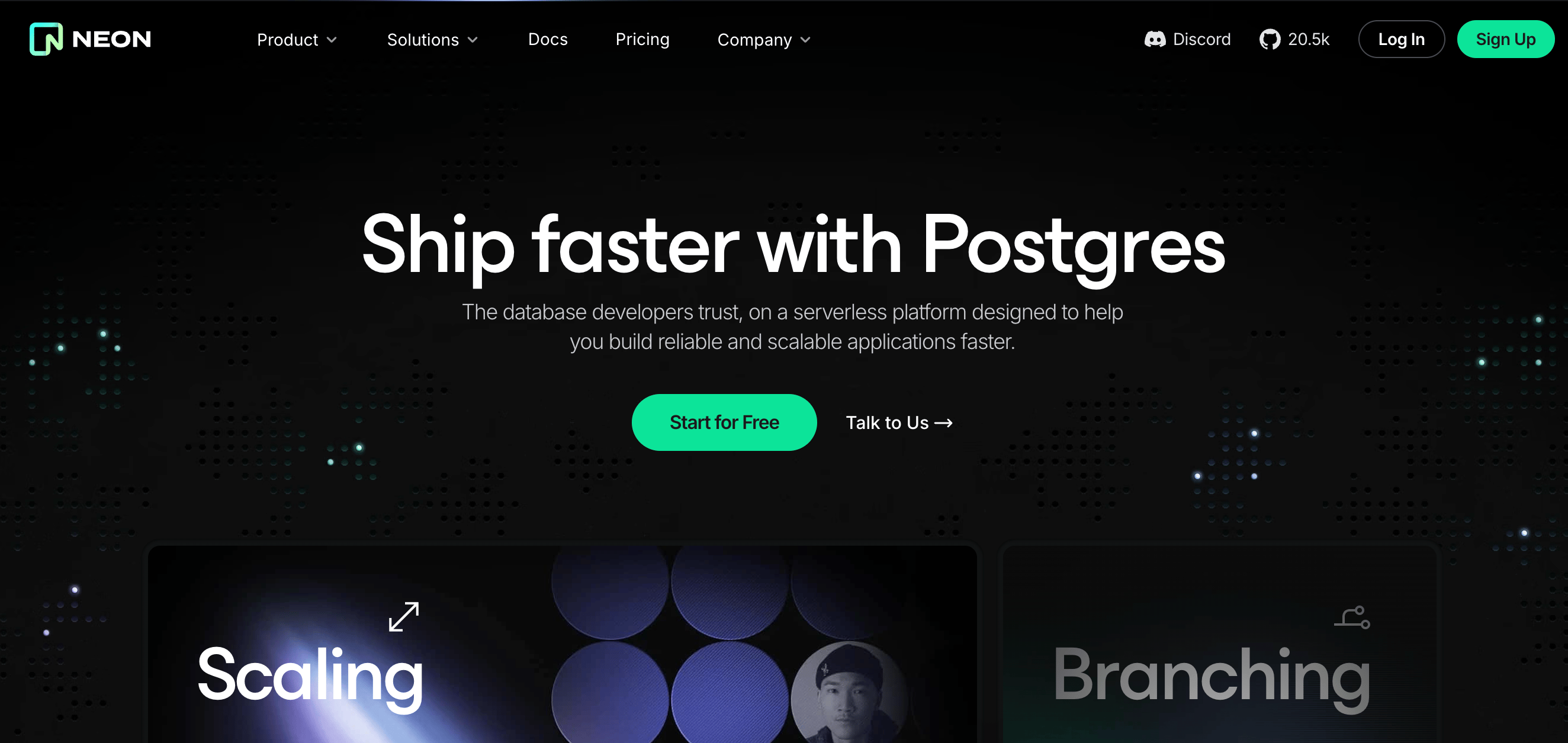
Neon is a serverless PostgreSQL platform that separates compute from storage, allowing independent scaling of resources. Teams often use Neon for highly variable workloads, development and test environments, and rapid environment creation. Migration from AWS RDS PostgreSQL is straightforward, using standard PostgreSQL export/import workflows such as pg_dump and pg_restore, or logical replication for low-downtime cutovers. Because Neon maintains full PostgreSQL compatibility, existing schemas, indexes, and queries typically migrate cleanly without requiring modification. Neon supports point-in-time recovery, immutable storage layers, and fast environment cloning, making it appealing to agile development teams and for use with variable production workloads.
Neon key features:
-
Scale compute resources up or down without impacting underlying storage, enabling cost-efficient handling of bursty or unpredictable workloads.
-
Create database branches for testing, preview environments, or recovery, with built-in point-in-time restore and safe rollback capabilities.
-
Spin up isolated development, staging, or testing environments in seconds, reducing friction in CI/CD pipelines and parallel development workflows.
-
Free - $0/month
-
Launch - Usage-based
-
Scale - Usage-based
AWS RDS alternatives FAQs
What is AWS RDS and why consider alternatives?
AWS RDS is a managed relational database service on AWS, supporting engines like PostgreSQL and MySQL. Teams may consider AWS RDS alternatives, such as DigitalOcean’s Managed Databases, to achieve more predictable costs, improved portability, multi-cloud options, or serverless and modern scaling architectures.
Are there good alternatives to AWS RDS that may cost less?
Yes, platforms like DigitalOcean offer predictable pricing or pay-as-you-go serverless models, which can be more cost-effective than RDS for steady or variable workloads. RDS alternatives often bundle backups, monitoring, and high availability into the base price, helping teams reduce both infrastructure and operational overhead.
Which providers support PostgreSQL/MySQL?
Most alternatives, including DigitalOcean, Google Cloud SQL, Aiven, ScaleGrid, and Supabase, support PostgreSQL and MySQL. PostgreSQL-only options, such as Crunchy Data and Neon, cater to teams that rely heavily on PostgreSQL features.
Are there multi-cloud managed database options?
Yes. Platforms such as Aiven, ScaleGrid, and Crunchy Data enable deployments across multiple clouds, providing portability, hybrid strategies, and centralized management while maintaining support for standard engines.
How hard is it to migrate away from AWS RDS?
Migration is typically straightforward for standard PostgreSQL or MySQL workloads, utilizing export/import or replication workflows. Platforms like DigitalOcean Managed Databases maintain engine-level compatibility and support logical replication, which simplifies cutover with minimal application changes. Serverless and multi-cloud platforms may require minor configuration adjustments, but core database schemas and queries usually remain unchanged.
What are standard PostgreSQL migration workflows?
Standard PostgreSQL migrations typically use built-in tools such as pg_dump and pg_restore to transfer schemas and data between environments, or logical replication when minimizing downtime is crucial. Most managed PostgreSQL services support the same core engine features, so applications typically require few changes beyond updating connection settings and validating extensions or roles.
Simplify your database operations with DigitalOcean Managed Databases
PostgreSQL and MySQL run without managing servers using DigitalOcean Managed Databases. Automate backups, ensure high availability, and scale effortlessly across regions. Reduce operational overhead and migrate from AWS RDS in just a few steps, enabling your team to focus on building applications, not infrastructure.
Key features:
-
Fully managed PostgreSQL and MySQL with high availability and automated backups
-
Multi-region support and private networking for secure deployments
-
Engine versions and extensions aligned with upstream releases
-
Seamless migration paths from AWS RDS and other managed database platforms
Sign up today and start running your databases on DigitalOcean Managed Databases. For custom plans, larger deployments, or enterprise support, contact our sales team to learn how DigitalOcean can power your most demanding database workloads.
Any references to third-party companies, trademarks, or logos in this document are for informational purposes only and do not imply any affiliation with, sponsorship by, or endorsement of those third parties.
*This “best for” information reflects an opinion based solely on publicly available third-party commentary and user experiences shared in public forums. It does not constitute verified facts, comprehensive data, or a definitive assessment of the service.
About the author

Surbhi is a Technical Writer at DigitalOcean with over 5 years of expertise in cloud computing, artificial intelligence, and machine learning documentation. She blends her writing skills with technical knowledge to create accessible guides that help emerging technologists master complex concepts.
Start building today
From GPU-powered inference and Kubernetes to managed databases and storage, get everything you need to build, scale, and deploy intelligent applications.
