
Replit is a popular coding platform founded in 2016 by programmers Amjad Masad, Faris Masad, and designer Haya Odeh. First known as Repl.it, it began as a browser-based environment that made it easy for anyone to write and run code online.
Over the years, Replit evolved from a simple collaborative coding tool into a complete software creation ecosystem with integrated AI capabilities. Its user base includes more than 40 million creators, including founders, students, and teams. Replit makes it possible to build apps quickly with an AI-assisted coding agent, built-in hosting, and collaborative editing features.
However, users have raised concerns about Replit’s reliability, which has led to faulty code, ignored instructions, or broken functionality during development. As a developer, you may be seeking other options that offer more predictability, safety controls, or a different workflow experience. Let’s explore six Replit alternatives that may be a better fit for your coding process.
💡Key takeaways:
-
Cloud development platforms provide fast, browser-based, collaborative environments similar to Replit, with varying focuses that include AI-assisted coding, containerized dev setups, or fully autonomous agent workflows.
-
These Replit alternatives help developers reduce setup time, standardize environments, and accelerate project progress.
-
Choosing the right alternative depends on factors such as environment customization, collaboration needs, AI capabilities, pricing, and integration with existing tools.
-
Popular Replit alternatives include GitHub Codespaces, CodeSandbox, StackBlitz (Bolt), Codeanywhere, Ona, and JetBrains, each supporting different development styles, team structures, and performance needs.
What is Replit?
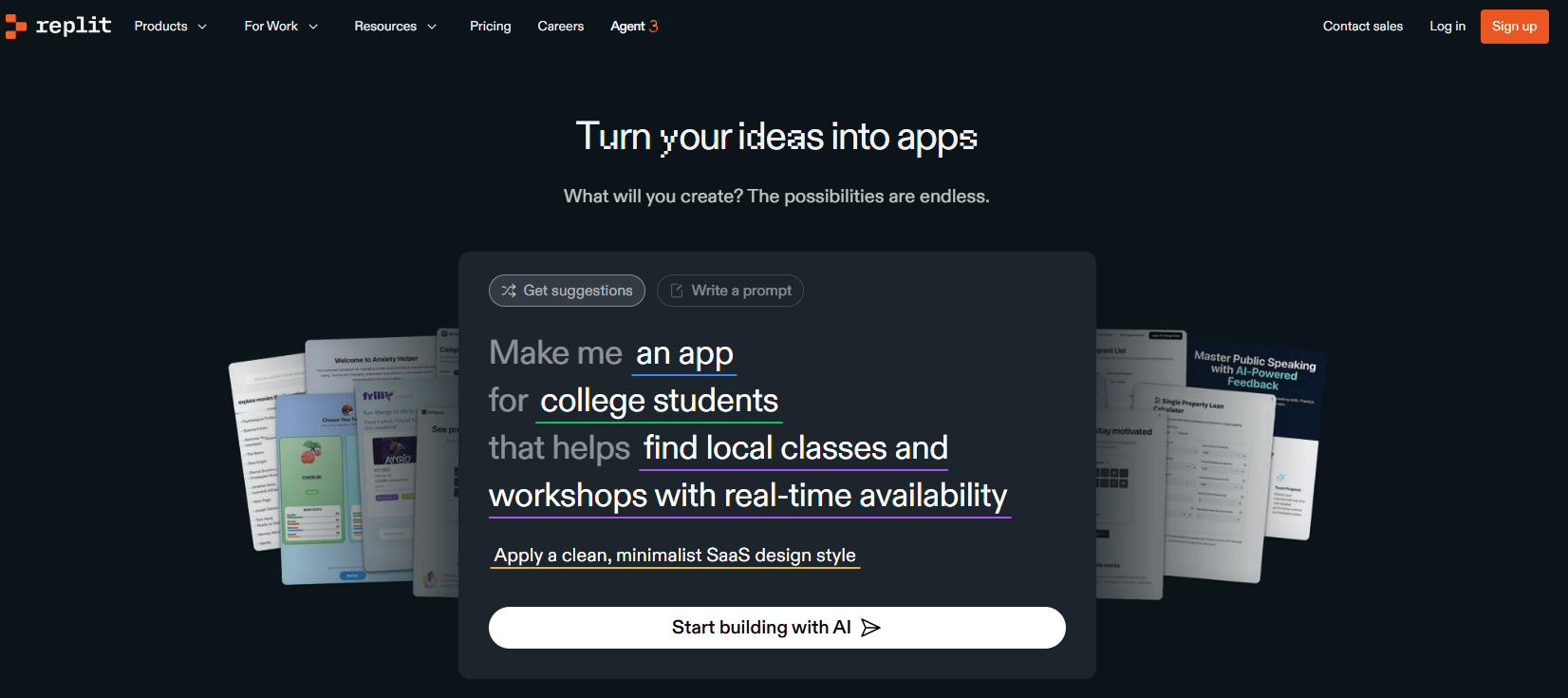
Replit is a cloud-based platform for turning ideas into working applications using a browser, catering to both beginners and experienced developers. Replit Agent is an autonomous AI that can build, refine, and test applications based on natural language instructions. Replit’s Multiplayer mode allows up to four users to collaborate with real time feedback within the same workspace, including the full editor, shell, and console. It creates a shared development environment similar to pair-programming or group coding. For larger organizations, Replit Teams offers pooled credits, private deployments, and role-based access control, with an Enterprise tier available for custom pricing and added security features like SOC 2 compliance and SAML SSO.
Replit key features:
-
Extended thinking mode helps the AI plan essential multi-step tasks by breaking down instructions, creating multiple files, and updating code across the project.
-
Includes pre-deployment security scanning by Semgrep for developers to detect and fix vulnerabilities before releasing applications.
-
Offers built-in secret management with encrypted API keys, automatically detecting exposed credentials and guiding users to store them securely through Google Cloud–backed encryption.
-
Applications run in sandboxed, isolated cloud environments that provide resource isolation, DDoS protection, and safer execution for deployments.
-
Starter - Free. Includes Replit Agent trial, up to 10 development apps with temporary links, public apps, and limited build time.
-
Replit Core - $20/month billed annually. Includes a personal workspace, Full Agent 3 access, app creation and automation tools, autonomous app testing, connectors, and $25 in monthly credits.
-
Teams - $35 per user/month billed annually. Adds centralized billing, role-based access control, private deployments, higher credit allowances ($40/month), and all Core features.
-
Enterprise - Custom pricing. Offers everything in Teams and adds SSO/SAML, SCIM, advanced privacy controls, custom viewer seats, plus a tailored credit allowance.
How to choose a Replit alternative
Choosing the right Replit alternative depends on the type of projects you plan to build and how much flexibility you need in your development workflow. Since these tools vary widely in terms of performance, collaboration, deployment options, and pricing, evaluate them based on what matters most to you:
-
Ease of setup and onboarding: Look for platforms that make it possible to start coding quickly without complex configuration or manual environment setup. A smooth onboarding experience matters if you create new projects frequently or use these tools to teach others.
-
Language and framework support: Some Replit alternatives focus on web development, while others support full-stack, backend, or multi-language workflows. Choose one that aligns with the languages and frameworks you use most often.
-
Real-time collaboration options: If you work with teammates, pair program, or review code frequently, collaboration tools like live editing, comments, and shared environments are helpful. Platforms vary widely here—some match or exceed Replit’s Multiplayer feature, while others are single-developer focused.
-
Deployment and hosting capabilities: Many Replit alternatives provide built-in hosting, preview links, or automated deployments, while others require the use of external platforms to close the loop. If you’re looking for an all-in-one tool, prioritize services that support instant previews, serverless functions, or integrated CI/CD.
-
Performance and scalability: Depending on your workload, you may need stronger compute, faster build times, or more stable environments than Replit provides. Platforms with dedicated containers, cloud VMs, or local machine IDEs tend to offer better speed and reliability.
Top six Replit alternatives for teams
Cloud development platforms offer fast, browser-based environments, built-in collaboration, and AI-assisted workflows similar to Replit. The tools below represent a mix of direct replacements and Replit alternatives that support different development styles and team needs.
| Solution | Use case | Key features | Pricing |
|---|---|---|---|
| GitHub Codespaces | Teams needing reproducible, containerized dev environments tied directly to GitHub repositories | Configurable dev containers, Dotfile-based personalization, Org-level controls for environment governance | Free: 120 core-hours, 15 GB-month storage; Pro: 180 core-hours, 20 GB-month storage, additional compute/storage billed pay-as-you-go |
| CodeSandbox | Fast, reproducible dev setups for frontend and full-stack teams | MicroVMs with ~500 ms resume time- Preconfigured Dev Containers, SDK for automated sandbox creation, GitHub integration for PR previews | Build: $0/month; Pro: $12/month; Scale & Enterprise: Custom pricing |
| StackBlitz (Bolt) | Prompt-based, browser-native web development using conversational AI | WebContainers for instant Node.js runtime, Offline development, Auto-recovering environments. | Free tier available; Pro/Team pricing varies by usage |
| Codeanywhere | Flexible cloud IDE with container-based environments and AI assistance | Prebuilt or custom containers, shared workspaces for collaboration, AI coding with GPU environment support, Git integration and browser-based editing. | Free: Limited hours, 1 workspace; Basic: $9.60/month; Premium: $23/month; Enterprise: Custom |
| Ona | Autonomous, agent-driven development workflows | Isolated cloud workspaces, background task execution even when offline, code review and quality checks. | Free: 40 OCUs, $10 usage; Core: $20/month; Enterprise: Custom |
| JetBrains (Junie AI) | Coding tasks using AI-assisted and agentic workflows | Junie AI for autonomous multi-step coding- Devfile and Dockerfile-based environment specs, Warm-up tasks for faster environment startup. | AI Pro: $100/year; AI Ultimate: $300/year; AI Enterprise: $720/year |
AI cloud IDE platforms
These tools focus on traditional cloud IDE features, with some AI improvements available. Prompting is limited to inline suggestions, completions, or plug-in-based helpers rather than full conversational workflows. These tools fit developers who prefer an IDE experience but still want occasional AI support without shifting their entire workflow around it.
1. GitHub Codespaces for standardized, containerized cloud development
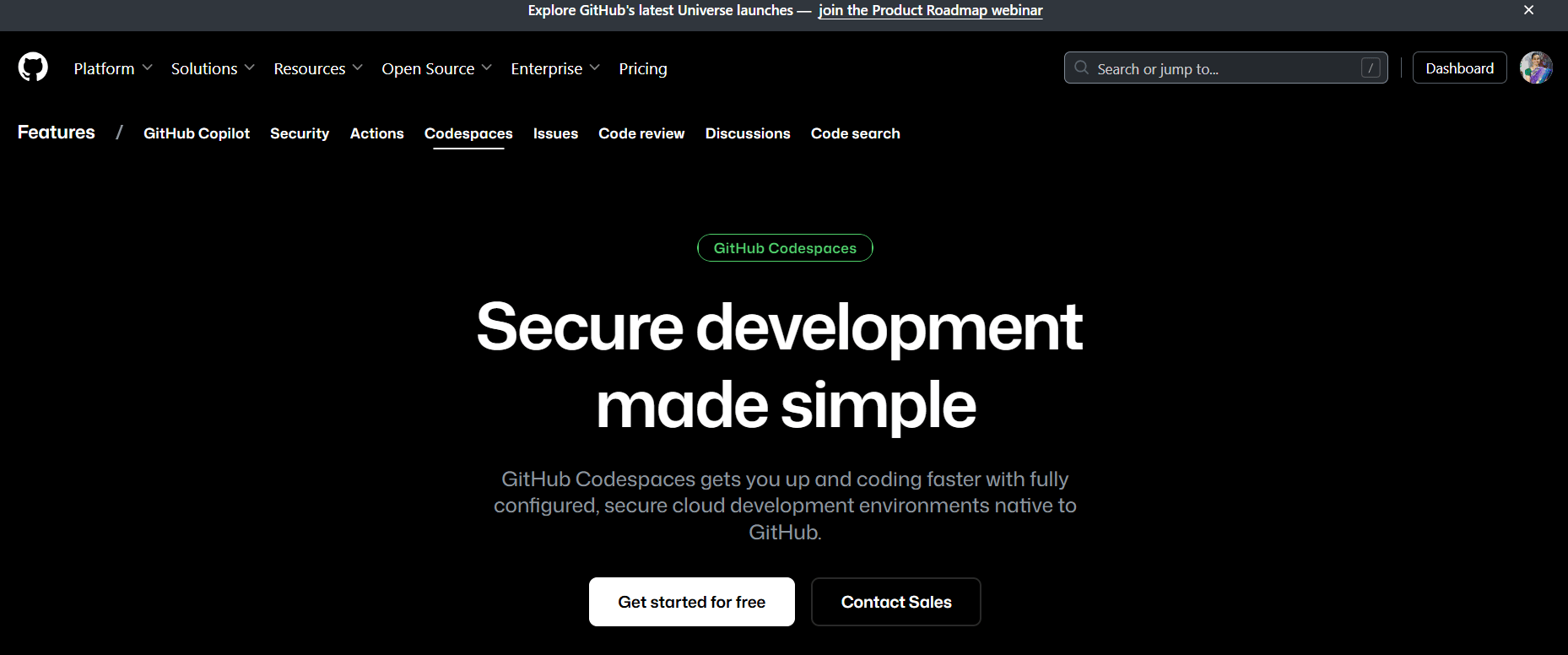
GitHub Codespaces is a cloud-hosted development environment where you create, configure, and run fully containerized workspaces directly from your GitHub repository. It provides a consistent Linux-based environment regardless of a developer’s local operating system. Each codespace runs inside a Docker container on a virtual machine. Developers can access their codespaces from a browser, Visual Studio Code desktop, or the GitHub CLI, making it flexible for use with different workflows.
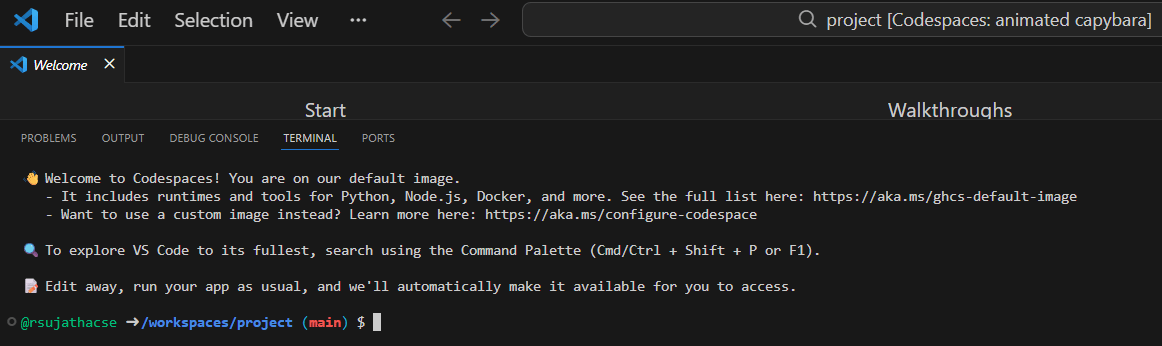
After installing the Codespaces extension in VS Code and signing in, you can select your repository and configure basic environment details like region and machine type. GitHub then provisions the environment and VS Code automatically reloads it into the new remote workspace within a few seconds. The fully configured development environment includes access to a terminal, file explorer, and all the default runtimes.
GitHub Codespaces key features:
-
Supports customizable configurations so teams can standardize development environments across projects.
-
GitHub Codespaces dashboard offers starter templates like Blank, React, Jupyter, and .NET.
-
Projects can define one or more dev container configurations, allowing teams to tailor runtimes, languages, and tools to their specific development needs.
-
Users can apply their own dotfiles (e.g., aliases, settings, preferences) to customize each codespace without altering the repo’s shared configuration.
-
Enterprises can manage codespace ownership, spending limits, and access controls when environments are created from organization-owned repositories.
-
Free - Includes 120 core-hours/month of compute time and 15 GB/month of storage, available on Free, Pro, and Team personal GitHub plans. Quotas apply to personal use codespaces only.
-
GitHub Pro - $10/month; $100/year. GitHub Pro users receive 180 core-hours/month compute and 20 GB/month storage included before billing begins.
💡Confused between GitHub Copilot and Cursor? Copilot is ideal if you want quick in-editor suggestions and GitHub integration with minimal setup. Cursor goes deeper with multi-file context, stronger refactoring tools, and the ability to manage larger codebases more intelligently. Understanding these differences can help you pick the best-fit assistant for your workflow.
2. CodeSandbox for quick development setup environments
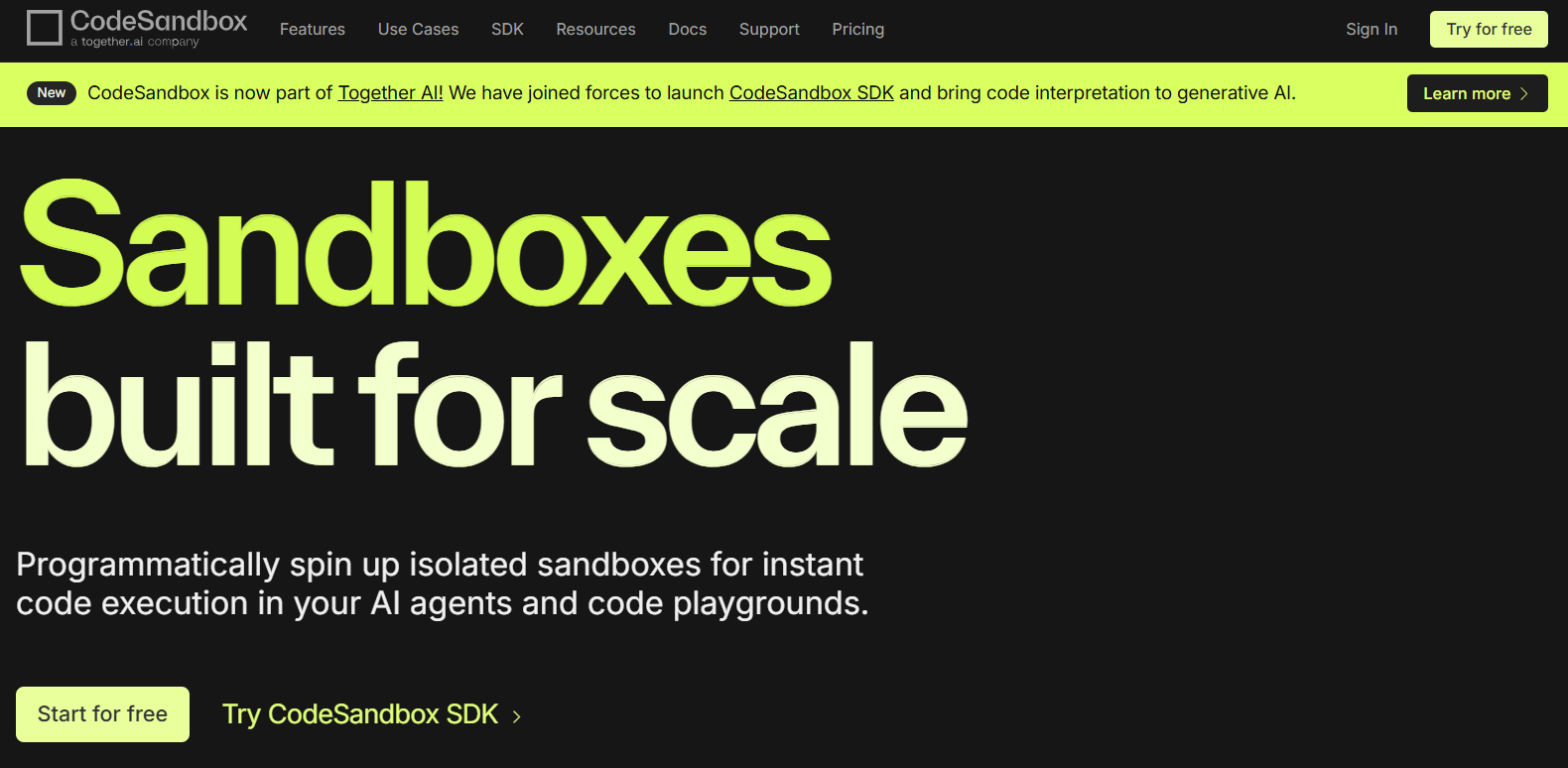
CodeSandbox is a cloud development platform to prototype, build, and run projects directly in the browser. The platform is designed for both individual developers and teams that want to test frameworks, review pull requests, or quickly set up reproducible development environments. CodeSandbox uses microVMs that resume in ~500 ms and clone in under a second. In 2024, CodeSandbox was acquired by Together AI to develop a built-in AI coding assistant and execute it securely inside isolated VM sandboxes.
CodeSandbox instantly updates the preview when building—helpful for testing changes in real time. It also includes helpful workflow indicators when using it, like when installing the editor.
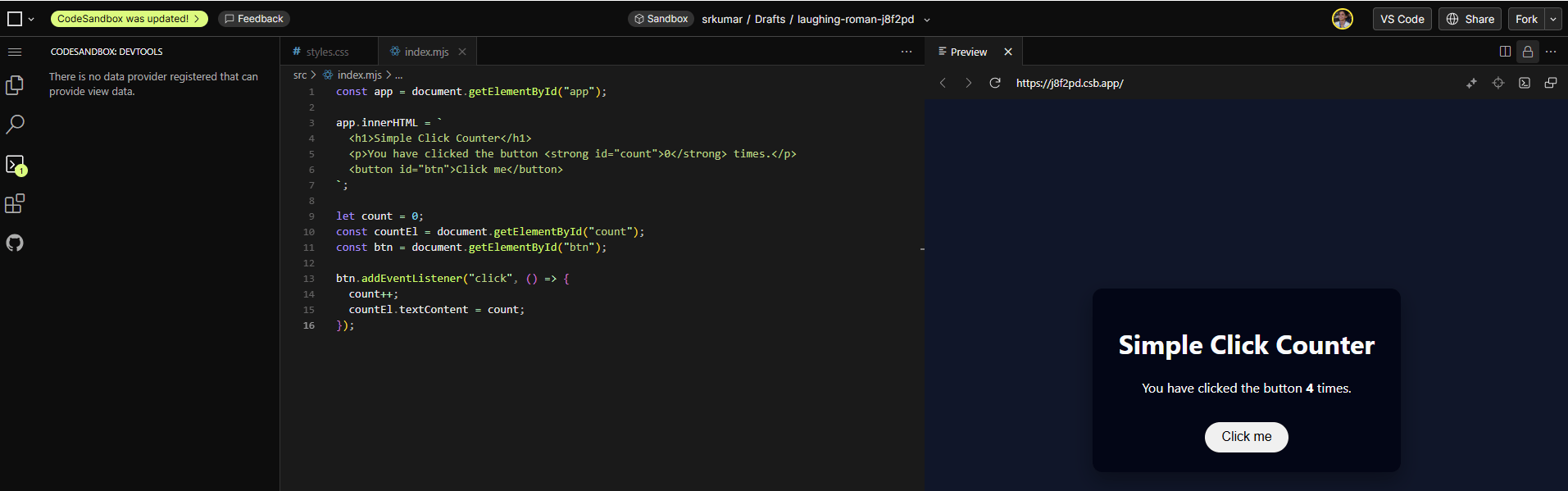
As with Codespaces, CodeSandbox creates a full development environment for an associated GitHub repo inside the browser: with a terminal, file explorer, local server, and live preview.
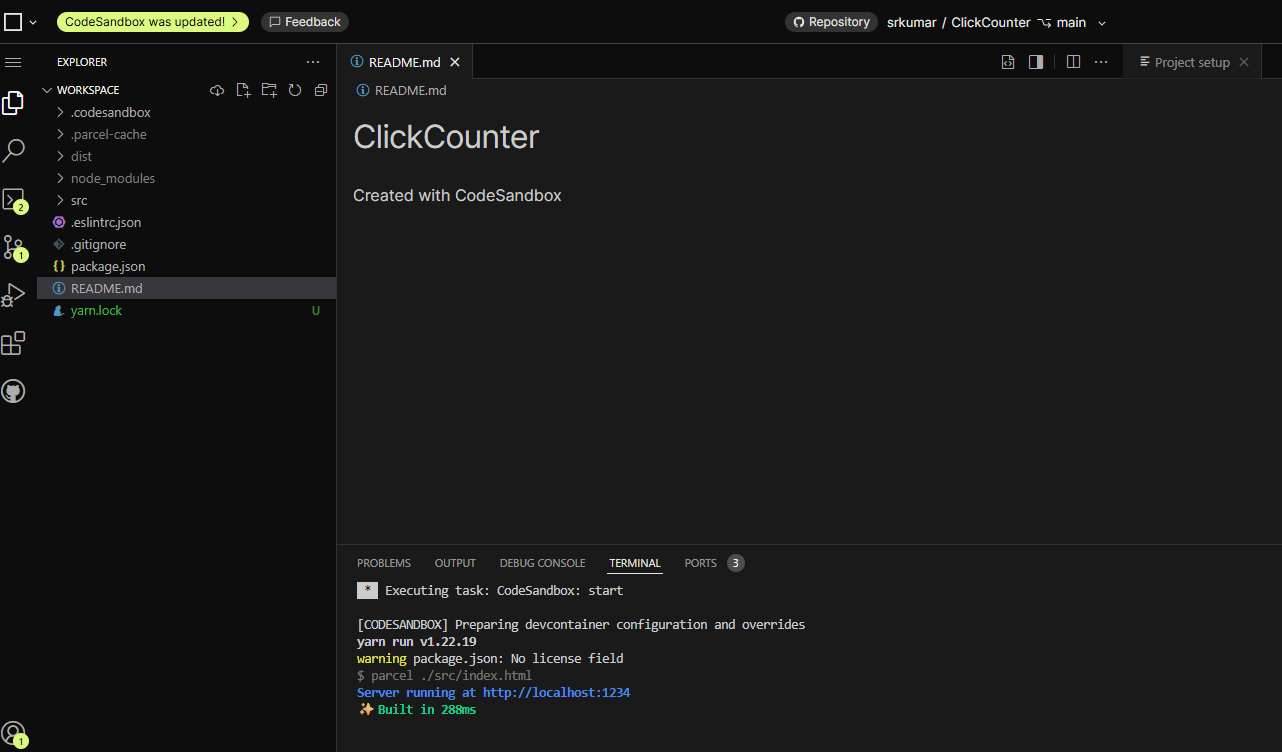
CodeSandbox key features:
-
Auto-hibernate and quick-resume features allow resource usage without losing snapshots or workflow continuity.
-
Start with pre-configured Dev Containers that already include tools, dependencies, and services reducing setup time and ensuring consistent development environments across teams.
-
With the CodeSandbox SDK, teams can spin up sandboxes automatically for automated testing, AI agent evaluation, or temporary development environments.
-
CodeSandbox offers starter templates for React, TypeScript, Angular, Node, and plain JavaScript.
-
Build - Free. Includes up to 5 members, 40 hours of monthly VM credits, unlimited browser & VM sandboxes, VM specs up to 4 vCPUs + 8 GB RAM, and access to the CodeSandbox SDK Lite.
-
Pro - $12/month per workspace. Supports up to 20 members, 100 hours of monthly VM credits, access to on-demand VM credits at $0.15/hr, more VM tiers, and improved compute options (up to 16 vCPUs + 32 GB RAM).
-
Scale - Custom pricing. Designed for larger teams with up to 20 members, 20 GB storage, 20 new SDK sandboxes, and up to 250 concurrent VM sandboxes.
-
Enterprise - Custom pricing. Offers unlimited members, custom storage, unlimited VM and browser sandboxes, customizable VM specs (up to 64 vCPUs + 128 GB RAM), and advanced governance controls.
Conversational AI coding platforms
Conversational AI coding platforms center the development workflow around natural-language interaction. Developers describe what they want, then the IDE generates or modifies code accordingly. The AI behaves like a chat partner with iterative refinement and step-by-step explanations.
3. StackBlitz (Bolt) for conversational, prompt-based web development
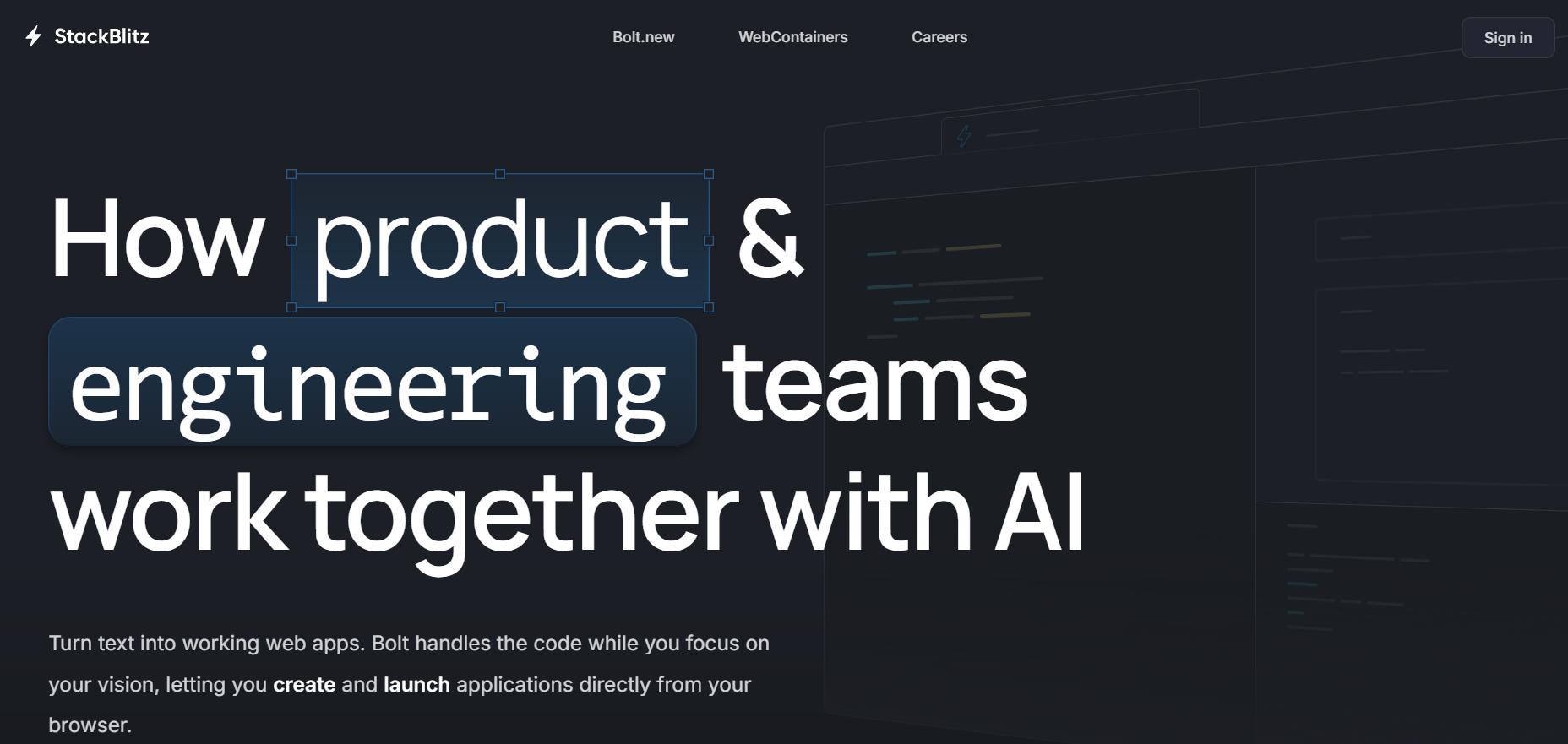
StackBlitz (Bolt) is a development environment that runs full Node.js and JavaScript tooling directly inside the browser using WebContainers. This approach eliminates dependency on remote servers and enables projects to boot up in less time. Bolt.new, StackBlitz’s AI agent layer, facilitates access to Claude Agents, project bootstrapping, imports, GitHub integration that handles commits, repository creation, and automatic updates. Developers can link a project with GitHub, import repositories, create new branches, switch branches, and manage version history—all from within the Bolt interface.
When prompting Bolt to generate a modern landing page, it created a full multi-file layout with the hero section, gallery, and footer. Bolt also summarizes the components it builds and highlights key features, like responsive design and clean styling.

You can publish your project with a single click, after which Bolt provides a public URL under the bolt.host domain for easy sharing or demos.
StackBlitz (Bolt) key features:
-
Projects execute fully inside the browser, and developers can continue coding offline.
-
WebAssembly-based micro-operating system that runs Node.js environments in the browser for near-instant startup, eliminating server round-trips.
-
Connects directly to Figma to import frames, then generates UI layouts based on the design. The integration supports responsive design, collaboration with designers, and layout refinement.
-
Supports importing apps from Lovable by syncing the Lovable project with GitHub, then importing the repository into Bolt.
-
Personal - Free. includes the fully browser-based IDE, unlimited public projects and collections, GitHub repo editing, up to 1MB of file uploads per project, and community support.
-
Pro - $25/month; $18/month/year. Adds unlimited file uploads, secure backend/API connections from localhost, access to CORS-protected APIs, and all features of Personal.
-
Teams - $60/member/month; $55/member/month/year. Adds collaboration in private collections, support for private GitHub organization repositories, private NPM registry access, team management and billing tools, and email support.
-
Enterprise & self-hosted - Custom pricing. WebContainer API access, GitLab/Bitbucket/GitHub Enterprise support, custom SSO integration, on-prem/self-hosted deployment options, dedicated solutions engineering, and expanded Slack/Zoom/email support.
💡Discover how simple it is to build a note-taking app with Lovable and launch it using DigitalOcean App Platform.
4. Codeanywhere for flexible container-based coding environments
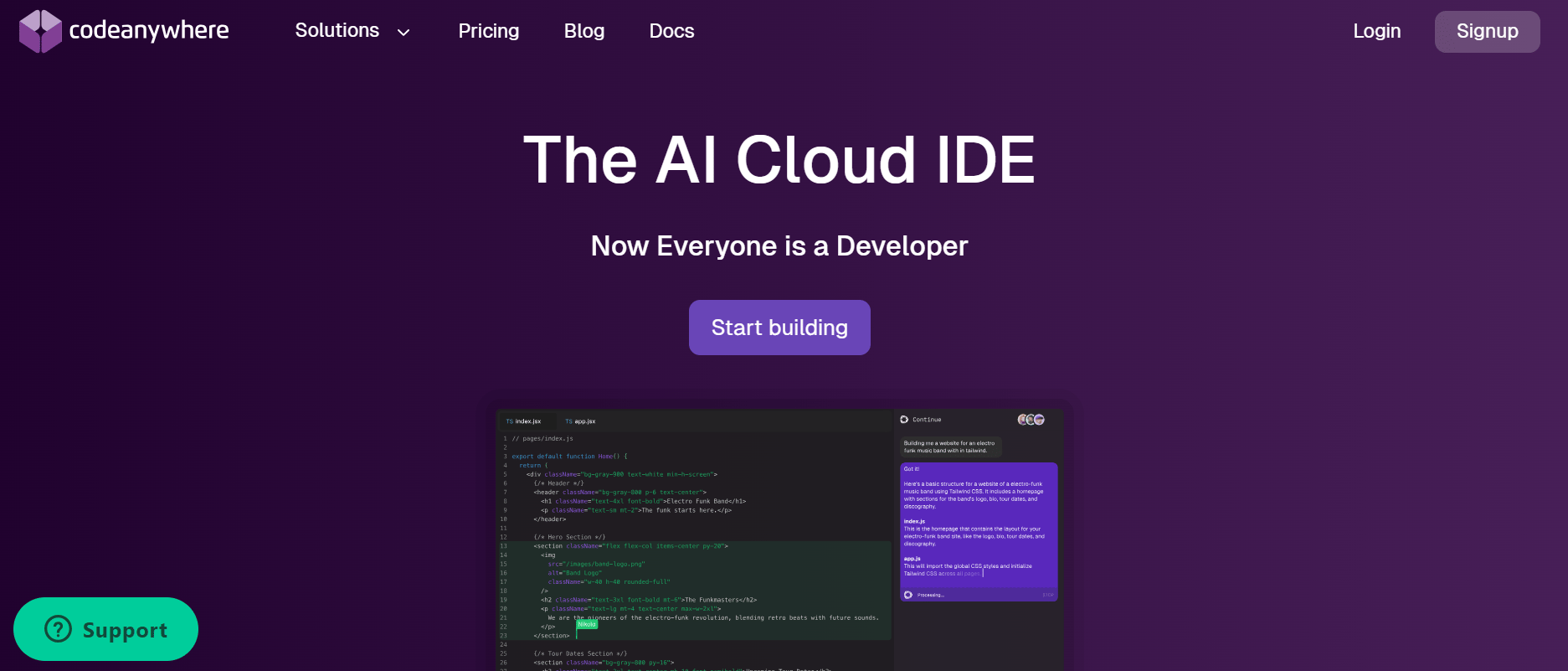
Codeanywhere is a cloud IDE that developers can use to code with a range of languages and frameworks. Its interface is modeled after VS Code and users will find a familiar process around importing extensions, themes, and keybindings. The platform supports browser-based editing, integrated terminals, and containerized development environments. Codeanywhere can also be used as an online HTML and CSS compiler for developers to write, edit, and preview web pages directly in the browser.
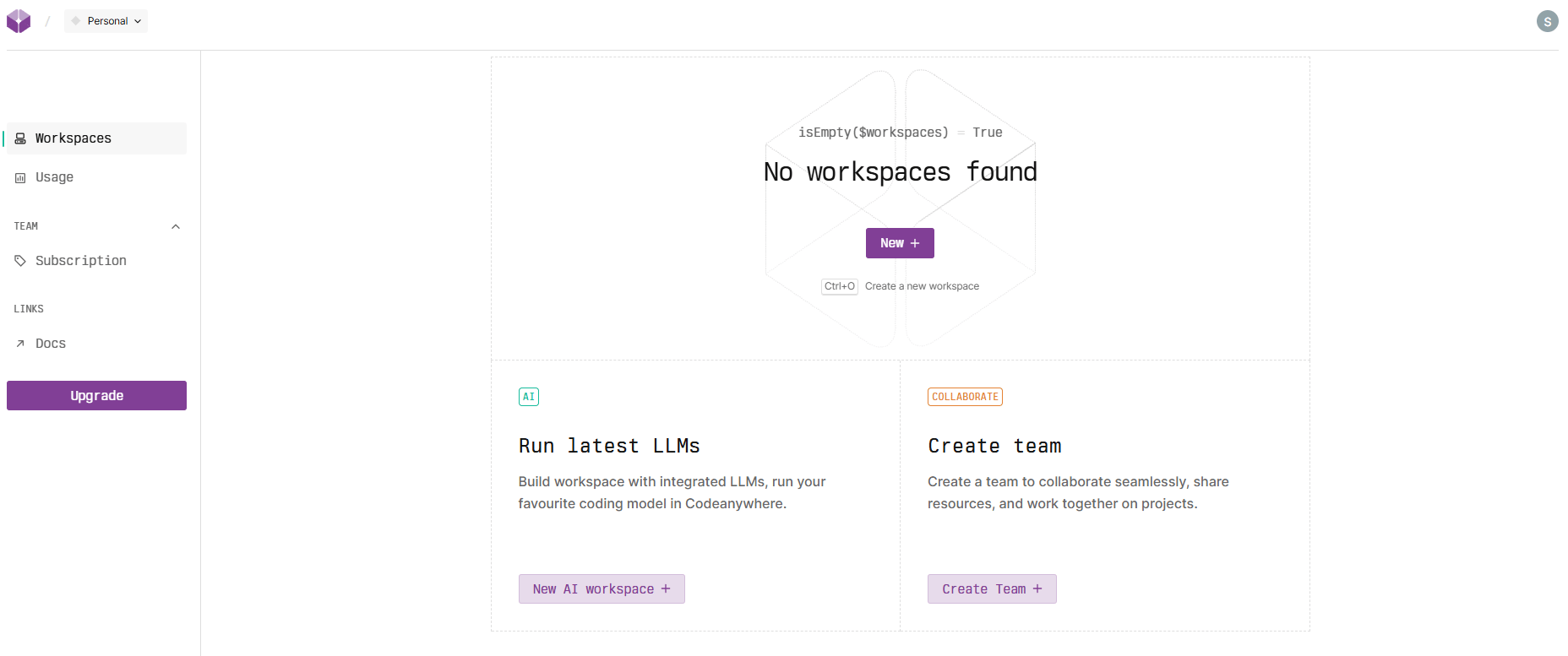
The Codeanywhere dashboard shows a sidebar with sections for “Workspaces, Usage, Subscription, and Docs”. You can create a standard workspace or launch an AI workspace with integrated LLMs for coding assistance. The IDE supports team collaboration for users to share resources and work on projects together in real time.
Codeanywhere key features:
-
Provides autocomplete, code suggestions, and problem-solving assistance directly within the editor.
-
Developers can choose from one-click prebuilt environments or provision their own containers configured for specific programming needs.
-
Collaborative workspaces support shared sessions for pair programming, real-time debugging, and sharing applications with teammates for feedback.
-
AI development environments with GPU instances for training models, running inference, and handling large-scale workloads.
-
Free - Includes 4 vCPUs, 8GB memory, 100GB storage, 500K AI tokens, 20 hours/month, 1 parallel workspace, and a 15-minute inactivity timeout.
-
Basic - $12/month; $9.60/month/year. Includes 4 vCPUs, 8GB memory, 100GB storage, 1M AI tokens, 150 hours/month, 3 parallel workspaces, 5 pinned workspaces, 60-minute inactivity timeout, and extended timeout support.
-
Premium - $29/month; $23/month/year. Includes up to 8 vCPUs, up to 16GB memory, 100GB storage, 1M AI tokens, up to 300 hours/month, 6 parallel workspaces, 5 pinned workspaces, 60-minute inactivity timeout, and extended timeout support.
-
Enterprise - Custom pricing. On-prem or private cloud deployment with added security, compliance, and custom plan options tailored to organizational development needs.
Task-based development platforms
With these tools, users prompt at the task level (requesting analysis, documentation, or code updates), and agents carry out the work. This model is ideal for teams that want AI to manage background jobs, run tests, or maintain codebases with minimal manual intervention.
5. Ona for autonomous, agent-driven engineering workflows
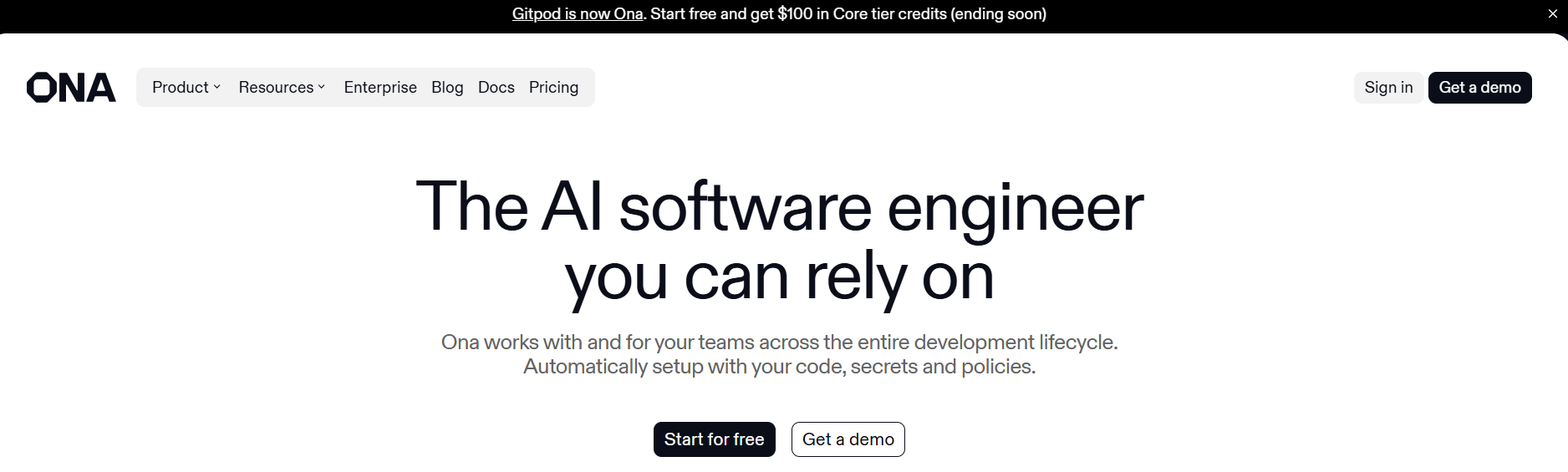
Ona, formerly known as Gitpod, is a cloud IDE built around autonomous software engineering agents. While Gitpod focused on spinning up online development environments, Ona expands this foundation into a system where engineers can explore, scope, delegate, and review work across the entire development lifecycle using cloud-based environments and AI agents.
To see how this works, watch Ona convert the Apollo 11 lunar module’s assembly code into clear, structured documentation in minutes. The demo video shows how Ona analyzes legacy systems, extracts technical context, and produces comprehensive explanations inside a secure, enterprise-controlled environment.
Ona key features:
-
Isolated development environments that come preconfigured with dependencies, tools, and authentication.
-
Ona Agents work simultaneously on multiple tasks from a backlog, each operating inside its own workspace.
-
Tasks continue running in Ona’s background agents—even if the developer closes their laptop or switches devices. These agents autonomously compile code, run tests, and prepare results that can be later reviewed.
-
Includes automated code review capabilities that run tests, identify issues, and enforce coding or security standards directly within real development environments.
-
Free - $10 of free usage. Includes 40 Ona Compute Units (OCUs), access to a sandboxed environment with 4 cores, 16GB RAM, 80GB disks, up to 3 parallel environments with automatic deletion after 3 days of inactivity, VS code web access, MCP server support, and basic project secrets.
-
Core - $20/month. Includes everything in Free with 80–2,200 recurring OCUs, supports up to 100 team members and unlimited parallel environments, larger environments (up to 32 cores, 128 GB RAM, 200 GB disk) and GPU support, adds lifecycle management, collaboration, role-based access, and org-wide commands.
-
Enterprise - Custom pricing. Includes everything in Core with advanced governance and security, private LLM access (AWS Bedrock, Vertex AI, Anthropic), full SDLC automations, audit logs, SSO/OIDC, and detailed org-wide productivity insights, custom SLAs, dedicated support, and deployment in customer-managed VPCs.
6. JetBrains for multi-step coding tasks
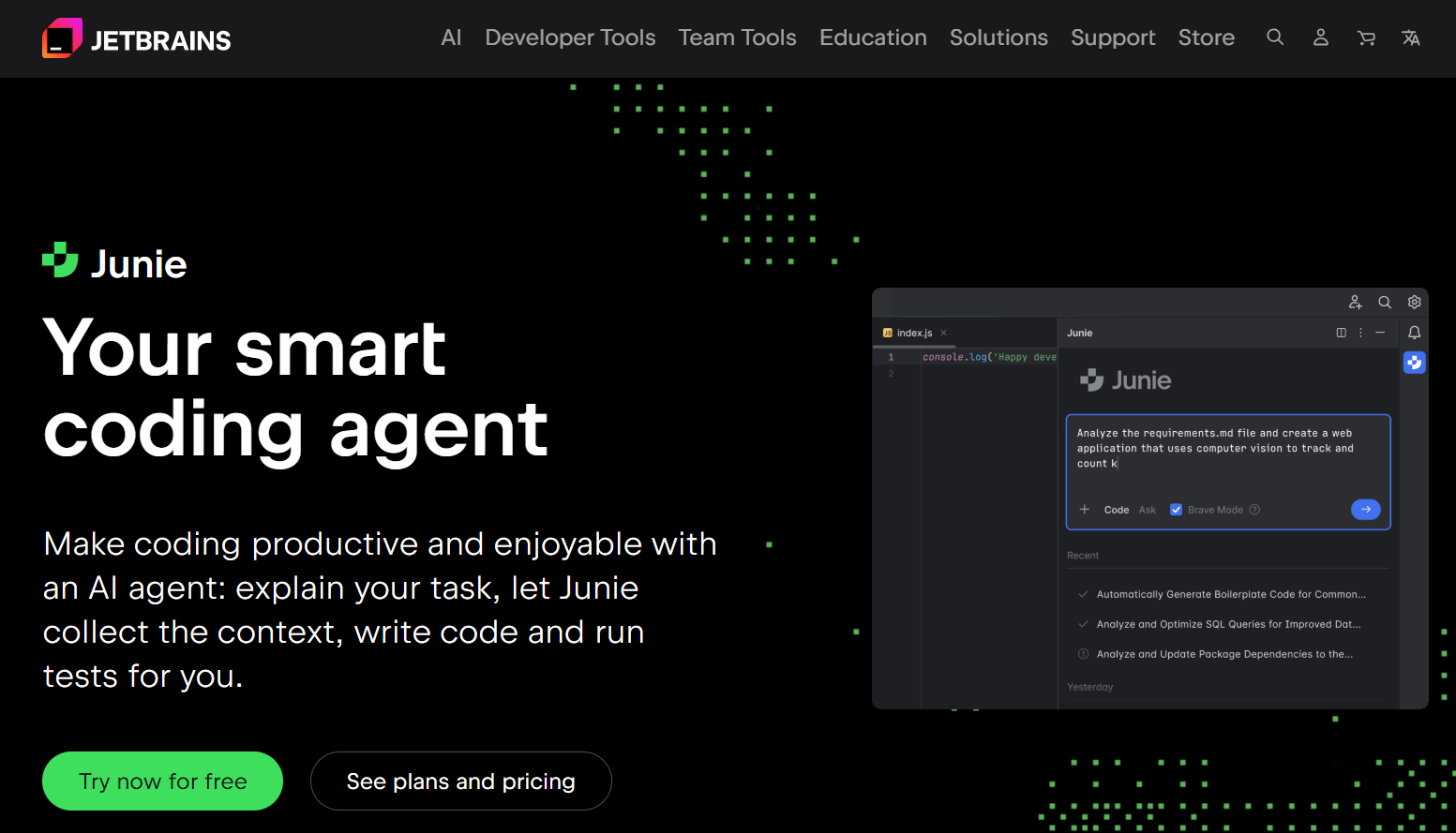
JetBrains is an integrated software development platform that supports remote development workflows. It helps developers create cloud-hosted dev environments that connect to JetBrains IDEs through JetBrains Gateway. The platform organizes the entire development lifecycle, from source code hosting to CI/CD and package management, inside a unified workspace. JetBrains Junie is an AI coding agent that integrates within JetBrains IDEs, capable of assisting developers and autonomously executing multi-step coding tasks.
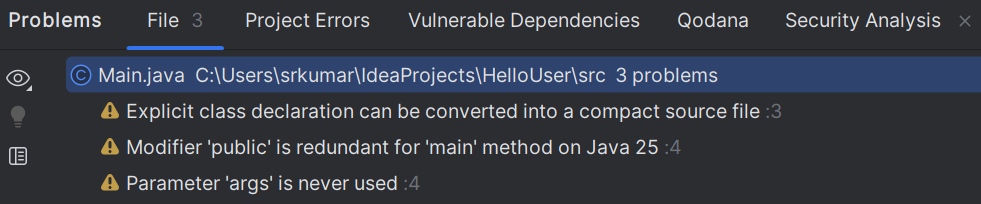
After installing IntelliJ, you can import existing VS Code settings and detect previous projects. Once the environment is ready, IntelliJ opens the default Main.java file with syntax highlighting, code suggestions, and inline hints recommended by Junie.
JetBrains key features:
-
JetBrains IDEs have built-in tools like version control, database utilities, testing frameworks, and support for multiple programming languages.
-
Developers can define environment specs using devfile.yaml and custom Dockerfiles, developing repeatable, consistent setups for every project and team member.
-
Speed up environment startup times with warm-up tasks via .space.kts and automated scripts for build and preparation workflows.
-
JetBrains suite supports a wide range of languages and frameworks like Java, Kotlin, Python, JavaScript, TypeScript, .NET, C/C++, and Android.
-
AI Pro - $100/year. Includes AI-assisted coding, AI chat, access to Junie, 10 AI credits every 30 days, and anytime top-ups.
-
AI Ultimate - $300/year. Recommended for frequent Junie usage, offers a larger cloud credit quota with 35 AI credits every 30 days, plus anytime top-ups.
-
AI Enterprise - $720/year. Provides maximum credits, enterprise-grade security, and support for custom AI integrations, including daily coding with Junie.
Replit alternatives FAQs
Which online IDEs support real-time code editing?
Many Replit alternatives offer real-time collaboration features similar to live coding sessions. Codeanywhere offers shared sessions for synchronized editing and pair programming, while StackBlitz (Bolt) facilitates collaborative projects with real-time updates. CodeSandbox also supports instant collaboration through link-based sharing and collaborative previews.
What Replit alternatives are best for enterprise or secure environments?
Several Replit alternatives are designed with enterprise-grade governance, access controls, and private deployment options. Ona supports customer-managed VPC installations with audit logs and strict access control, GitHub Codespaces provides organization-level permissions tied to GitHub Enterprise, and JetBrains offers secure enterprise tiers with corporate authentication support.
Which platforms integrate with GitHub or GitLab for team workflows?
Most cloud IDEs support Git-based collaboration, but the depth of integration varies. GitHub Codespaces connects directly to GitHub repositories and dev containers, CodeSandbox can clone repos and generate PR previews, StackBlitz (Bolt) syncs with GitHub commits, and Codeanywhere includes built-in Git support for version control.
Are there Replit competitors with built-in AI assistants?
Yes, many platforms now include AI features to assist with coding. StackBlitz uses conversational prompting for code generation, Ona provides autonomous AI agents for development tasks, JetBrains integrates Junie AI for multi-step assistance, and Codeanywhere includes AI autocomplete and dedicated GPU based AI workspaces.
Can I self-host any Replit alternatives for privacy?
Yes, some platforms allow full self-hosting for teams needing strict data control. Ona can run inside a customer-managed VPC, Codeanywhere Enterprise supports private cloud or on-premise installation, and JetBrains can integrate with self-hosted infrastructure and private registries to maintain full privacy.
Accelerate your AI projects with DigitalOcean Gradient™ AI Droplets
Unlock the power of GPUs for your AI and machine learning projects. DigitalOcean GPU Droplets offer on-demand access to high-performance computing resources, enabling developers, startups, and innovators to train models, process large datasets, and scale AI projects without complexity or upfront investments.
Key features:
-
Flexible configurations from single-GPU to 8-GPU setups
-
Pre-installed Python and Deep Learning software packages
-
High-performance local boot and scratch disks included
Sign up today and unlock the possibilities of GPU Droplets. For custom solutions, larger GPU allocations, or reserved instances, contact our sales team to learn how DigitalOcean can power your most demanding AI/ML workloads.
About the author

Sujatha R is a Technical Writer at DigitalOcean. She has over 10+ years of experience creating clear and engaging technical documentation, specializing in cloud computing, artificial intelligence, and machine learning. ✍️ She combines her technical expertise with a passion for technology that helps developers and tech enthusiasts uncover the cloud’s complexity.
Start building today
From GPU-powered inference and Kubernetes to managed databases and storage, get everything you need to build, scale, and deploy intelligent applications.
