10 Smart GitHub Copilot Alternatives for Coding in 2026

By Jess Lulka
Content Marketing Manager
- Updated:
- 24 min read
AI coding assistants have become an integral part of modern software development, and GitHub Copilot is a popular choice among developers. However, as the ecosystem expands, so too have the available options, and numerous AI coding assistants now provide similar functionality. Some focus on deeper codebase awareness, while others offer stronger security and privacy controls, and many provide more flexibility in pricing or customization options. For teams exploring what’s possible beyond Copilot, it’s a great time to compare tools and see which one aligns best with their stacks and workflows.
Choosing a GitHub Copilot alternative for coding is about finding the right fit for how your team writes, reviews, and maintains code. Many alternatives offer features such as multi-model support, built-in chat, enhanced test generation, or richer IDE integrations, while others emphasize enterprise-grade guardrails or self-hosting options. With so many available choices, developers should evaluate everything from suggestion quality to data privacy needs to find an assistant that truly enhances productivity and complements their development environment.
Key takeaways:
-
GitHub Copilot emerged in 2021 as the first AI-based coding assistant designed to help with code review, writing, and automation.
-
Developers use GitHub Copilot—and its subsequent alternatives—for streamlined code review, increased code quality, a reduced learning curve for coding, and support for multiple languages and environments.
-
AI coding assistant selection involves evaluating language and framework support, privacy and security measures, context-aware capabilities, code suggestion quality, and budget.
-
Top GitHub Copilot alternatives include Amazon Q Developer, Codex, Claude Code, Codium, Cursor, Gemini Code Assist, Sourcegraph, Tabby, Tabnine, Windsurf, and Zencode.
What is GitHub Copilot?
GitHub Copilot is an AI coding assistant developed by GitHub and OpenAI. It is designed to assist with code generation, troubleshooting, pull requests, and other code-related tasks using large language models (LLMs). Launched in 2021, GitHub Copilot was the first code assistant of its kind, making it easier for developers to use AI within their preferred integrated development environments (IDEs).
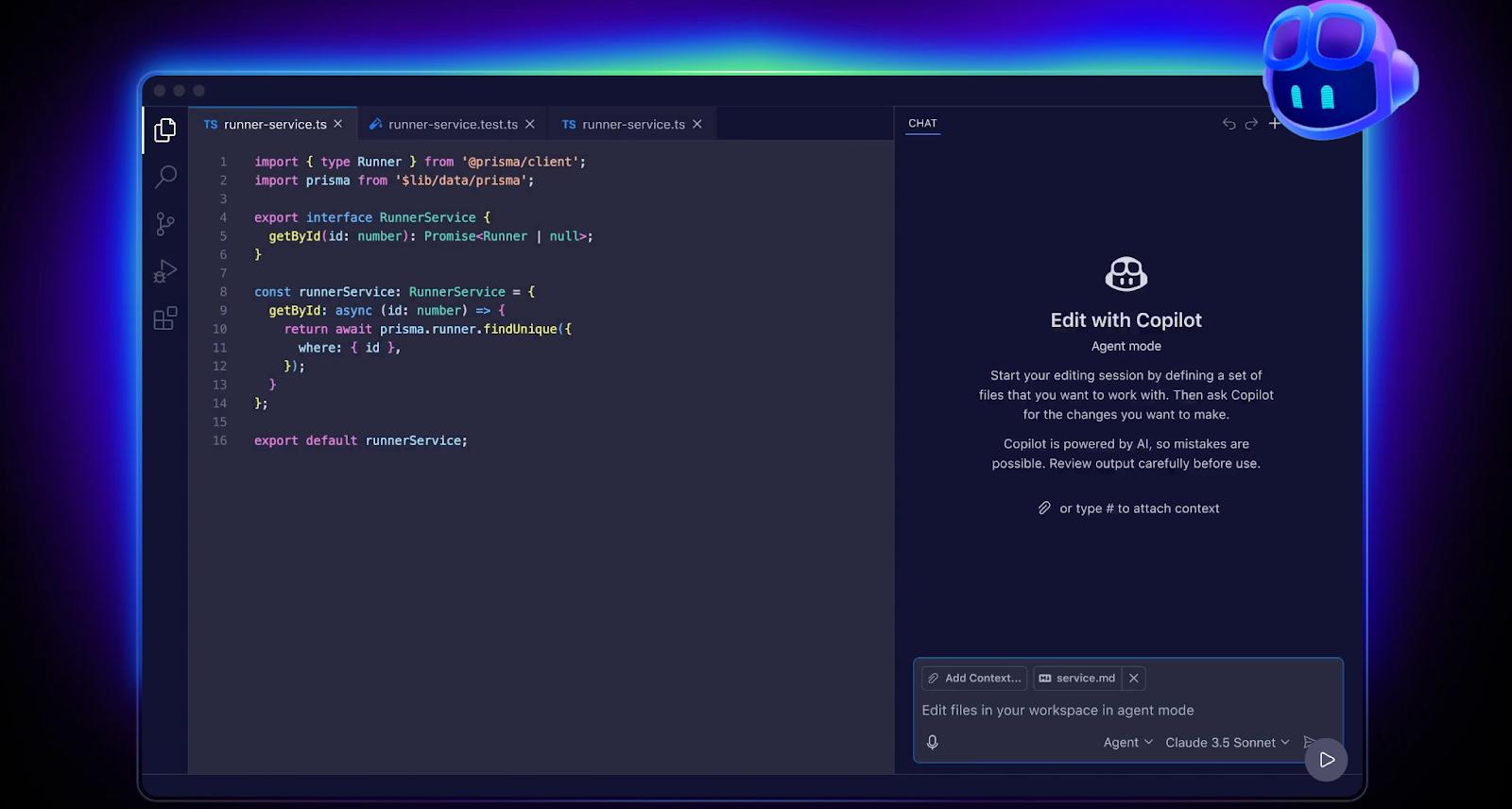
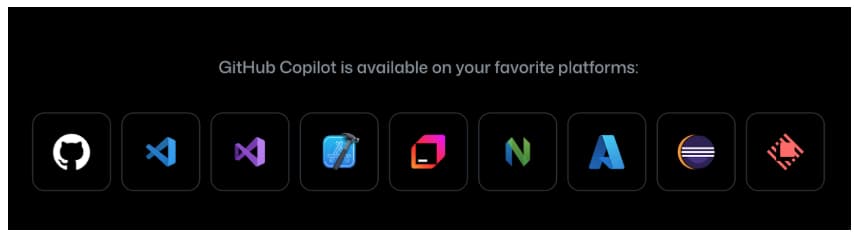
You can currently use GitHub Copilot with GPT-4.1, GPT-5 mini, Claude Sonnet 3.5, and Claude Haiku 4.5. In addition to using it in your IDE, it can be integrated into VS Code, Visual Studio, Azure Data Studio, XCode, JetBrains IDE, Eclipse, and Raycast. It is also available through the GitHub website and as a Google Chrome extension.
Benefits of AI coding assistants
Whether or not you use GitHub Copilot or an alternative, there are plenty of reasons to use an AI coding assistant within your daily workflow:
-
Increased productivity: Automate certain coding tasks such as boilerplate code generation, code review, and troubleshooting suggestions. This can help reduce overall coding roadblocks and make the process smoother. Certain tools can also automatically provide associated documentation, review pull requests, and reduce the time required for code-related tasks across an organization.
-
Reduced learning curve: Coding assistants often provide support through an AI agent or chatbot, letting developers interact with their code through text-based natural language prompts. This can help them discover more information about the codebase, receive instant explanations about their code, and reduce the time required for picking up new languages or concepts. This is particularly useful for developers as they can easily join new projects, accelerate codebase knowledge, and start coding faster.
-
Improved code quality: With additional code review and the ability to implement standards across codebases, you can reduce the overall amount of errors or discrepancies in your code. AI coding assistants also feature tools for identifying and remedying potential code errors, thereby enhancing the overall code quality across an organization and reducing the need for manual error detection.
-
Enhanced code review: AI coding assistants can review code and provide context-aware feedback relevant to the codebase or project being reviewed. These suggestions may not be something the developer is otherwise aware of or has considered during manual review.
-
Multi-language support and cross-stack operability: GitHub alternatives for coding often support multiple languages and architectures, making it possible to provide tailored information for its particular installation. This makes it easier for teams to use AI-based capabilities across an organization with polyglot stacks.
How to select a GitHub Copilot alternative
When selecting the ideal AI coding assistant, focus on system compatibility, deployment options, security measures, contextual awareness, and budget:
-
System compatibility and support: Look for a coding assistant or agent that works with your organization’s primary languages, frameworks, and non-coding assets, such as technical documentation or reference wikis. It should ideally integrate your IDE (i.e. VS Code, JetBrains, Visual Studio, NeoVIM) to effectively gather knowledge about your code for generation and editing capabilities.
-
Suggestion accuracy: Determine how well suggestions align with your coding requirements, as well as how accurate they are. You want to avoid suggestions that are too aggressive, don’t properly integrate feedback, or cause more issues than they correct.
-
Privacy and security: Consider measures for code privacy, data residency, access controls, and industry compliance. Also, look for secret handling and determine if it automatically scans for API keys or secrets,generating alerts to help you address any potential issues or start remediation workflows.
-
Codebase context awareness: Evaluate tools based on their ability to gather repository-level context, including file context, architecture, and project structure. You’ll also want to see if you can use the assistant to add wiki/docs/README files as additional information to help when you ask questions about your code or projects.
-
Budget: Determine if desired features, planned usage, and associated pricing fit your budget. Some options are usage-based, while others are a flat subscription fee per user, but have limits on how much code you can transform or query per day or month.
10 GitHub Copilot alternatives for coding
Though GitHub Copilot offered software developers an entirely new type of AI-based coding tool when it was released, the market has rapidly expanded. GitHub Copilot alternatives have emerged to focus on specific coding tasks, integrate with IDEs (or introduce entirely new IDE options), work as web extensions, and provide access to different LLM models. This allows developers to select the type of AI coding assistant they want, ranging from isolated, coding-specific agents to full-agency IDEs.
| Tool | Best for | Standout features | Pricing |
|---|---|---|---|
| Amazon Q Developer | AWS-centric development, IaC automation, cloud diagnostics | Agentic abilities (file actions, shell commands), AWS deployment insights, IaC generation for CloudFormation/CDK/Terraform, and multi-IDE support | Free; Pro $19/user/month |
| Codex (OpenAI) | Single-agent coding across devices/IDEs; deep repository-aware coding | Slack integration, CI/CD automation via SDK, GitHub-aware PR reviews, and multi-platform IDE support | Plus $20/month; Pro $200/month; Business $30/user/month; Enterprise custom |
| Claude Code (Anthropic) | Deep codebase understanding, onboarding, multi-file edits, terminal-native workflows | Runs locally, Sonnet 4.5 model, multi-IDE support, agent SDK, code mapping, and triage | Pro $20/month; Max $100/user/month; Team $150/user/month; Enterprise custom |
| Cursor | Predictive autocomplete + agentic coding automation | Multi-model support (OpenAI, Anthropic, Gemini, xAI), Bugbot, Slack integration, issue tracking app, and custom command configurations | Free; Pro $20/month; Pro+ $60/month; Ultra $200/month; Teams $40/user/month; Enterprise custom |
| Google Gemini Code Assist | Developers using Google Cloud, BigQuery, Firebase, or the Gemini ecosystem | 1M token context window, Gemini 2.5 model, multi-IDE support, Google Cloud tooling integrations, and cloud-native workflows | Free; Standard $22.80/user/month; Enterprise $54/user/month |
| Sourcegraph | Enterprise-scale code search, batch changes, and code intelligence | Deep Search knowledge graph, vulnerability scans, monitors, role-based access, and an autonomous AMP agent | Enterprise Search $49/user/month; AMP free + usage-based paid |
| Tabby | Open-source, self-hosted coding assistance with team control | Pochi inline chat, Git/GitHub/GitLab connectors, multi-IDE support, and full offline/self-hosted deployment | Free (up to 5 users); Team $19/user/month; Enterprise custom |
| Tabnine | Code standards enforcement, enterprise compliance, and explainable code generation | Multi-agent support, on-prem/VPC deployment, multi-IDE coverage, and IP-safe code generation | Agentic Platform $59/user/month |
| Windsurf | Fully agentic IDE with predictive code generation and debugging | Cascade agent, multi-model support (Claude, GPT, Gemini), real-time code previews, and FedRAMP/HIPAA compliance | Free; Pro $15/user/month; Teams $30/user/month; Enterprise custom |
| Zencoder | Full SDLC automation with agentic pipelines and multi-repo analysis | Agentic Pipeline, Zen Rules for standards, multi-IDE support, BYOK calls, and multi-repo search | Free; Starter $19/user/month; Core $49; Advanced $119; Max $250 |
Infrastructure-based or proprietary ecosystem code assistants
If you’re looking for a code assistant that is designed to integrate specifically with Amazon- or Google-based infrastructure and application environments, you’re in luck. Both offer potential alternatives to GitHub Copilot for your team.
Amazon Q Developer for AWS-based code assistance
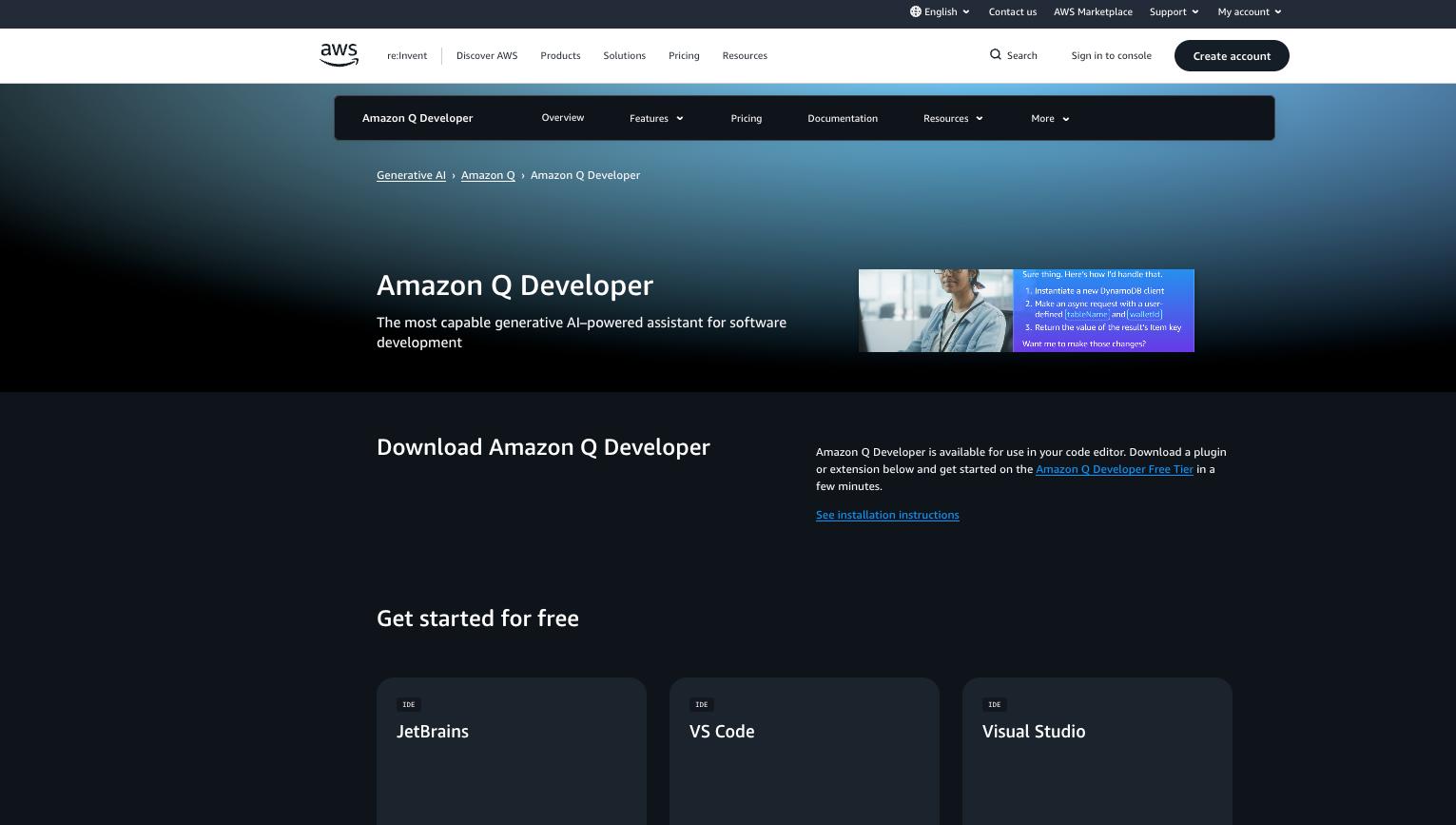
Amazon Q Developer is a generative AI-powered software development assistant. It can review your AWS infrastructure and provide feedback, generate real-time code snippets, connect to private repositories for custom code analysis, and write unit tests. You can use Q Developer’s agentic abilities (automatic reading and writing files, running shell commands, generating code diffs, and incorporating real-time feedback) within your code development to automate specific tasks and reduce overall coding time. It is available as a plugin or extension within AWS and can provide assistance throughout the entire software development lifecycle.
Learn how to use AWS Q developer with JetBrains IDEs:
Amazon Q Developer key features:
-
Integration with JetBrains, VS Code, Visual Studio, Eclipse, and command-line IDEs.
-
Provides information on AWS deployments, including cloud costs, architecture setups, incident investigation, and networking issue diagnosis.
-
Generates source code documentation that includes data flow diagrams.
-
Creates deployment-ready infrastructure as code (IaC) for AWS CloudFormation, AWS Cloud Development Kit, and Terraform.
-
Free - $0/month; $0/month ($0/year): 50 agentic chat interactions per month, transform 1K lines of code per month, reference tracking, and console code error diagnosis.
-
Pro - $19/month/user ($228/year): Increased agentic chat interactions, transform 4K lines of code per month, admin dashboard with user policy management, and data collection opt-out.
Google Gemini Code Assist for Google tooling integration
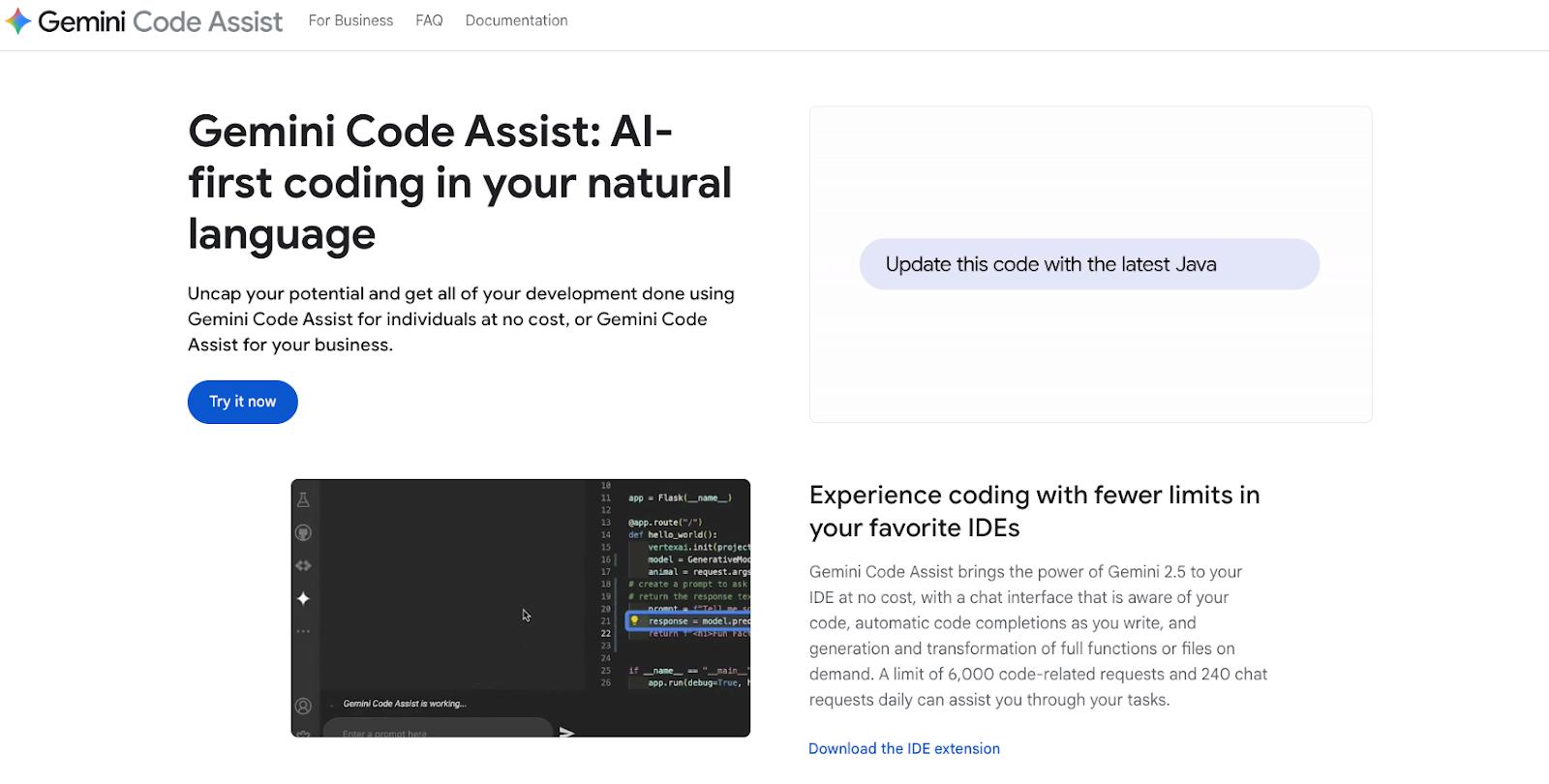
Gemini Code Assist is Google’s built-in code assistant for Gemini users. Available as an extension or CLI, it helps across the entire software development lifecycle with multiple file edit support, project context during code changes, troubleshooting, and automatic code completion. Its context window of 1M tokens generates the most relevant and customized responses based on your code base during code-writing tasks. Automated code review analyzes potential code changes, errors, and suggests fixes.
See how Gemini Code Assist works and how to use it in your CLI:
Gemini Code Assist key features:
-
Uses the Gemini 2.5 model to provide code assistance, writing, fixes, and feedback.
-
Integrates with Visual Studio, JetBrains, and Android Studio IDEs.
-
Supports Google Cloud Shell Editor, Google Application Integration, Cloud Workstations, BigQuery, Cloud Run, Apigee, Colab Enterprise, and Databases.
-
Connections with Firebase (web and app development program) for AI-assisted application development.
Access to different Google application integrations will depend on your paid pricing plan level.
-
Free - $0/month; $0/month ($0/year): Daily limit of 6,000 code-related requests and 240 chat requests, Gemini CLI, and Gemini Code Assist for GitHub.
-
Standard - $22.80/user/month; $19/month ($228/year): Code transformation, local codebase awareness, code completion, chatbot, BigQuery data insights, Gemini CLI, and agent mode.
-
Enterprise - $54/user/month; $45/month ($540/year): Code customization, Gemini in Apigee, Gemini Cloud Assist, Gemini in Application Integration.
💡How does Gemini compare against ChatGPT? Read our in-depth feature comparison article.
Coding assistants for AI provider integrations and native IDEs
Several GitHub Copilot alternatives that are either available directly from AI development companies (such as OpenAI or Anthropic) or can directly integrate into your system as its own IDE.
Codex for single-agent coding needs
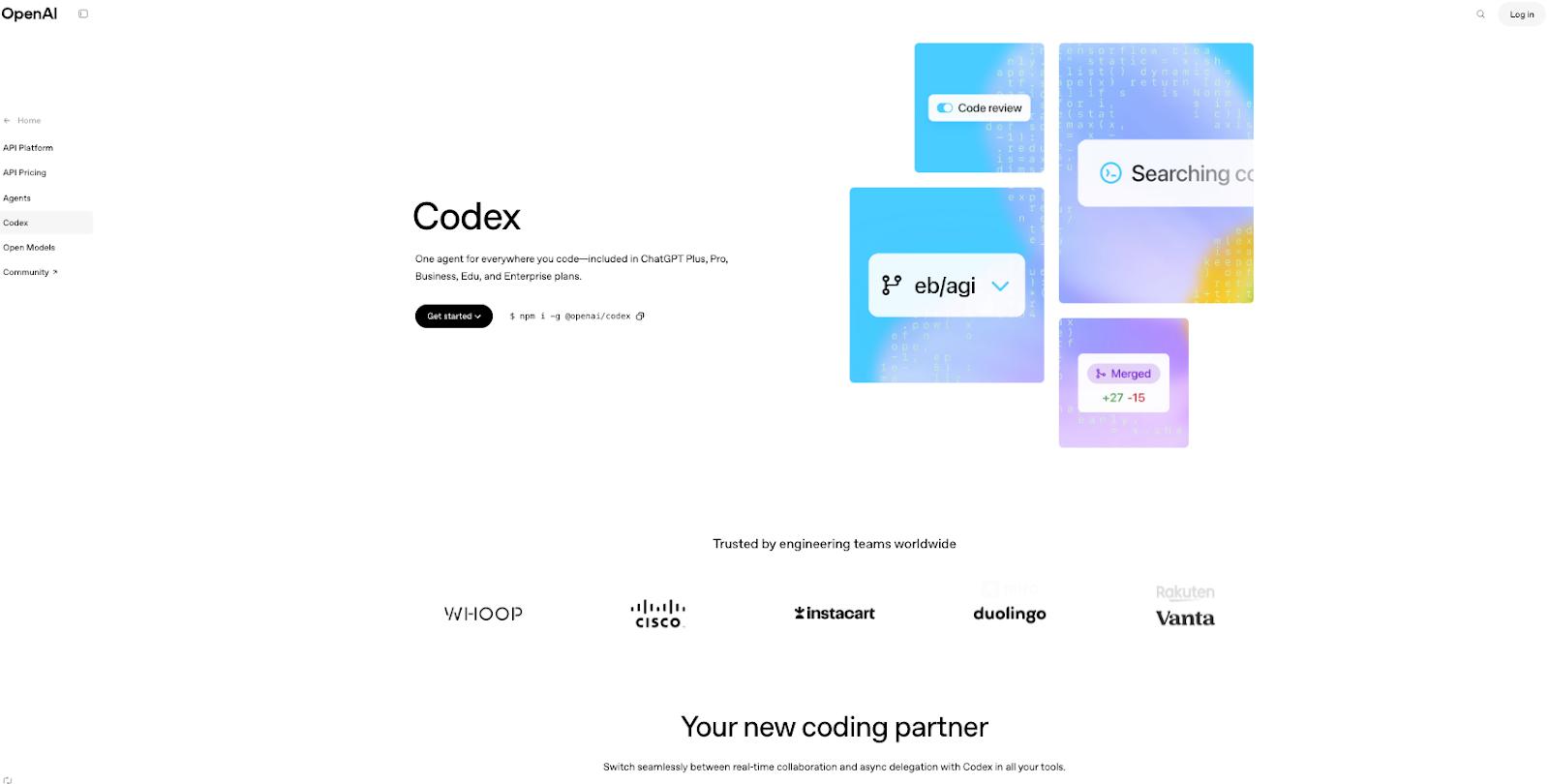
Codex is OpenAI’s coding assistant built on the OpenAI o3 model and trained for software engineering tasks. At publication, it uses GPT-5 and your code repository to edit files, run commands, and perform tests. As a single-agent platform, it can run across your IDE, GitHub, mobile device, or web browser, and integrate any code changes you make, regardless of where or when you make them. The CLI supports code changes, diff summarization, and pull request reviews. You can also send code snippets and files to non-engineers and have them provide feedback by using Codex’s chat feature to summarize code, generate snippets, add comments, or create informational documents about the code that might be useful.
Curious how Codex works and what it takes to get started? Watch this tutorial:
Codex key features:
-
Integrates with Slack, allowing you to answer questions, fix bugs, and brainstorm directly within conversations and channels.
-
Embed the Codex SDK into internal tools to automate CI/CD processes, code maintenance tasks, and issue management.
-
Connect Codex with GitHub to gain information about your code repositories and automatically review new pull requests as they happen.
-
Use the Codex IDE extension to run in VS Code, Cursor, or Windsurf.
-
Plus - $20/month; $20/month ($240/year): Expanded messages, uploads, image generation, memory, and advanced reasoning with GPT-5. Access to the Codex agent.
-
Pro - $200/month; $200/month ($2,400/year): Unlimited messages, uploads, maximum memory and context, and research preview of new features, advanced reasoning with GPT-5, and expanded access to the Codex agent.
-
Business - $30/user/month; $25/user/month ($300/year): Everything in Plus unlimited messages, access to company data via Slack, Google Drive, SharePoint, and GDPR and HIPAA compliance support, as well as access to Codex and ChatGPT agent for reasoning and taking action across your documents, tools, and codebases.
-
Enterprise - Custom pricing: Everything in Business, plus expanded context window, enterprise-level security and controls, data residency support, custom data retention policies, and 24/7 priority support.
💡What are ChatGPT’s main capabilities? Discover how it compares to Grok in our comprehensive Grok vs. ChatGPT article.
Claude Code for extensive codebase knowledge
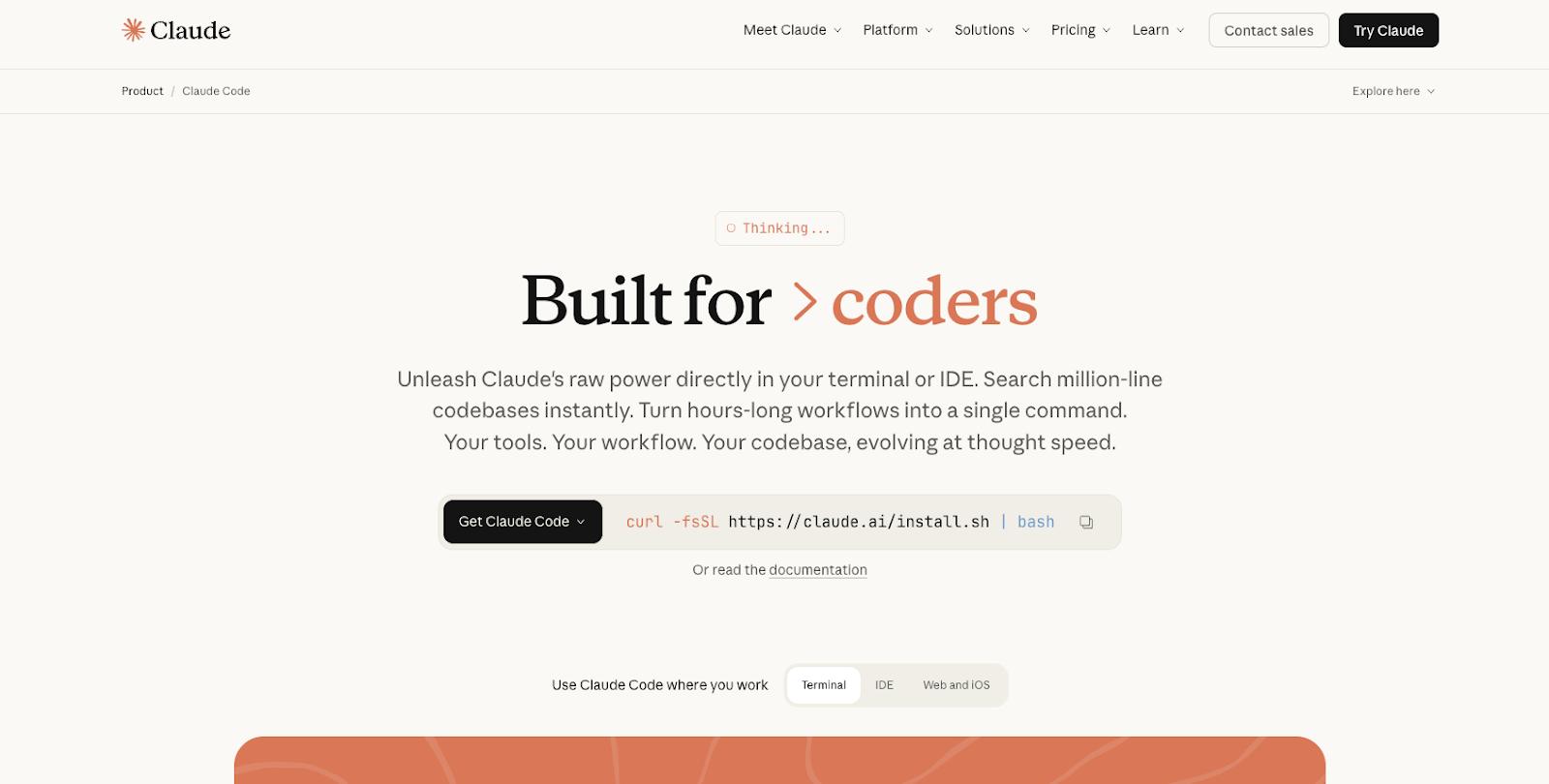
Claude Code, developed by Anthropic, runs in your terminal and maps out your entire codebase to provide greater visibility, understanding, and feedback. Its agentic search capabilities make it possible to quickly comprehend your code, generate project or reference documentation (such as issue logs, project charter, project requirements) based on code files, make multi-file edits, write code, run tests, and submit PRs without needing to manually pull files to better understand system and code dependencies. It can also help to triage potential issues and refactor code across your entire codebase.
Learn more about Claude Code’s features and how you can use them within your development workflow.
Claude Code key features:
-
Integrates with VS Code, Cursor, Windsurf, and JetBrains IDEs.
-
Uses the Anthropic Sonnet 4.5 model to complete tasks and provide assistance.
-
Runs locally on your terminal and interacts with model APIs; no backend server required.
-
The Claude Agent SDK is available for building custom AI agents.
-
Pro - $20/month; $17/month ($200/year): Access to Claude Code on web and terminal, create files, execute code, Google Workspace connections, remote MCP, increased usage limits, and upgraded model access.
-
Max - $100/user/month ($1,200/year): Option for 5x or 10x usage than Pro, higher output limits, memory across conversations, and advanced access to advanced Claude features.
-
Team - $150/user/month ($1,800/year): Minimum of 5 members, Claude Code access, admin controls for local and remote connectors, SSO, domain capture, Enterprise deployment for Claude Desktop App, connection to Microsoft 365 and Slack, and a premium seat for Claude Code.
-
Enterprise - Custom pricing: Enhanced context window, role-based access, SCIM, audit logs, compliance API, custom data retention controls, and a Claude Code seat.
Tabby for open source AI code assistance
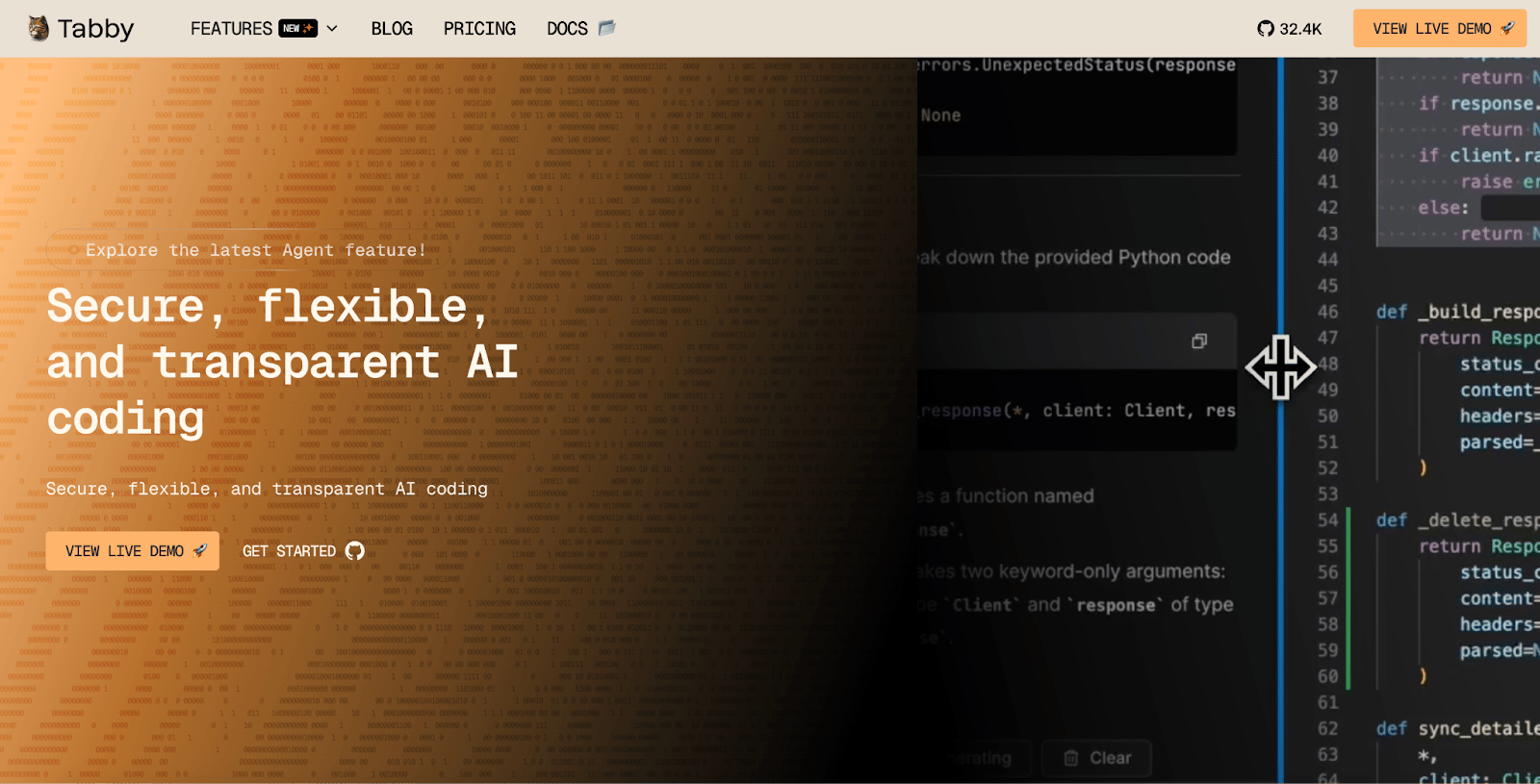
Tabby is a full-stack, open-source code assistant. It is context-aware and designed for a variety of use cases, including natural language-based code generation, UI & web component builder, in-IDE assistance, plus game and visual prototyping. It supports full data control with self-hosting and offline data access after setup. You can use it for real-time code suggestions, project-aware context, and coding answers directly in your IDE.
Check out how Tabby works and some of its main features:
Tabby key features:
-
Inline chat to communicate with Pochi (Tabby’s AI agent) via natural language and get real-time feedback and answers.
-
Data connectors to GitLab, Git, GitHub, and external APIs to gain more context information about your code and specific project requirements.
-
Support for the Visual Studio Code, IntelliJ Platform, and VIM/NeoVIM IDEs.
-
Run Tabby without the need for an external database management system or cloud services.
-
Free - $0/month; $0/month ($0/year): Up to 5 users, local deployment, Code Completion, Answer Engine, Inline Chat, and Context Provider.
-
Team - $19/user/month ($228): Up to 50 users, flexible deployment options, and upgradable dev stack.
-
Enterprise - Custom pricing: Unlimited users, custom deployment, annual billing, upgraded security, and group management.
Windsurf for a unified agentic IDE that natively understands your code
Windsurf Editor is an agentic IDE that generates code, reduces overall code development time, and provides code previews. Once connected with your code, it uses contextual awareness to provide relevant code suggestions and predictive text, suggest and run commands, detect issues, and execute debugging workflows that are most relevant to your projects. Autogenerated code reduces coding time, and the Supercomplete feature generates code chunks—not just single lines of code. Preview any project components within the IDE before deployment.
See how Windsurf works and get some tips for getting started:
Windsurf key features:
-
Cascade agent offers code suggestions, real-time code assistance, command execution, and autonomous debugging.
-
Connects to JetBrain, VIM, NeoVIM, and XCode IDEs in addition to using it as your IDE.
-
Compatible with Windsurf proprietary SWE, Claude, GPT, and Gemini models.
-
SOC 2, HIPAA, and FedRAMP/DoD compliant. ‘
-
Free - $0/user/month; $0/month ($0/year): 25 prompt credits/month, access to premium models, unlimited Fast Tab and Command, and ability to deploy 1 app/day.
-
Pro - $15/user/month; ($180/year): Two-week free trial subscription, 500 prompt credits/month, SWE-1.5 model, increased limits for Fast Context, and ability to deploy 5 apps/day.
-
Teams - $30/user/month ($360/year): 500 prompt credits/month, Windsurf Reviews, centralized billing, priority support, admin dashboard, and automated zero data retention.
-
Enterprise - Custom pricing: 1,000 prompts/user/month, role-based access control, SSO, and access control features.
GitHub Copilot alternatives for code writing and standards enforcement
Github Copilot alternatives that help with code predictions and writing, with extensive codebase knowledge, make the process for detecting irregularities or code that misses standards more straightforward.
Cursor for Tab autocomplete coding workflows
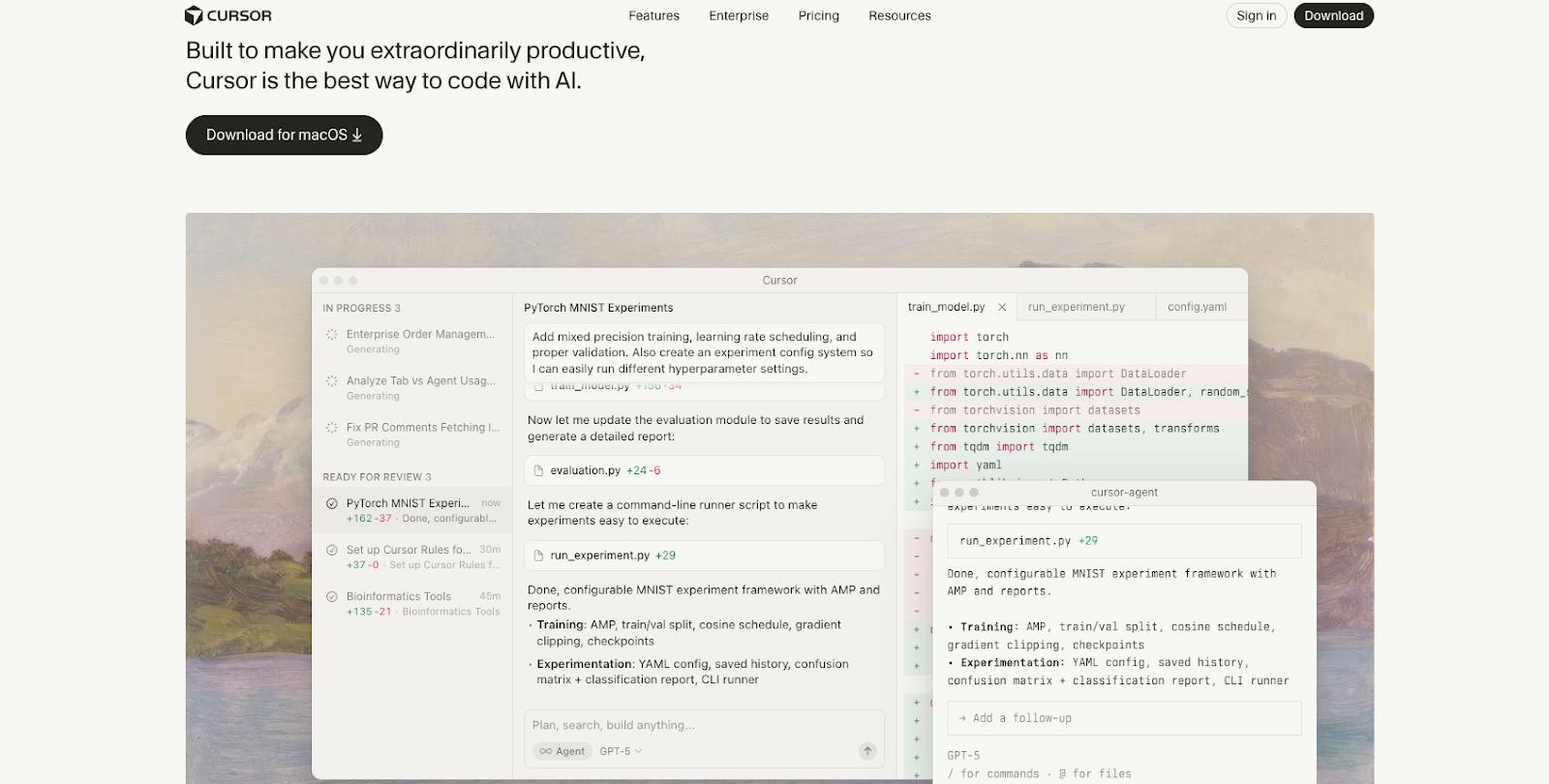 Cursor is a coding assistant that helps automate code writing, editing, and other tedious tasks. The Agent automates coding changes, gathers code base understanding, runs targeted changes, and delegates coding tasks via prompts. The Tab autocomplete model suggests code text and anticipates your coding actions, offers smart predictive code snippets (that appear as you type), and suggests multi-line edits. You can use its agents across devices such as web, mobile, and desktop applications (depending on where and when you want to code), but it does require local file updates in between sessions.
New to Cursor? Check out these tips for getting started:
Cursor key features:
-
Access to popular AI models from OpenAI, Anthropic, Gemini, and xAI.
-
Bugbot that reviews code, detects potential issues, and offers one-click solutions.
-
Slack integration and issue tracker mobile application for workflow and change notifications.
-
Configurations for 1-click imports, custom commands, code rules, and MCP servers.
-
Free - $0/month; $0/month ($0/year): One-week Pro trial, limited Agent requests and Tab completions.
-
Pro - $20/month ($240/year): Extended Agent limits, unlimited Tab completions, and maximum context windows.
-
Pro+ - $60/month ($720/year): Extended Agent limits, unlimited Tab completions, maximum context windows, and 3x usage on OpenAI, Claude, and Gemini models.
-
Ultra - $200/month ($2,400/year): Extended Agent limits, unlimited Tab completions, maximum context windows, and 20x usage on OpenAI, Claude, and Gemini models, plus early access to new features.
-
Teams - $40/user/month ($480/year): Everything in Pro, plus centralized team billing, usage analytics and reporting, role-based access control, SAML/OIDC SSO.
-
Enterprise - Custom pricing: Everything in Teams, plus pooled usage, invoice/PO billing, SCIM seat management, AI code tracking, AI audit logs, and priority support.
Tabnine for code standard enforcement
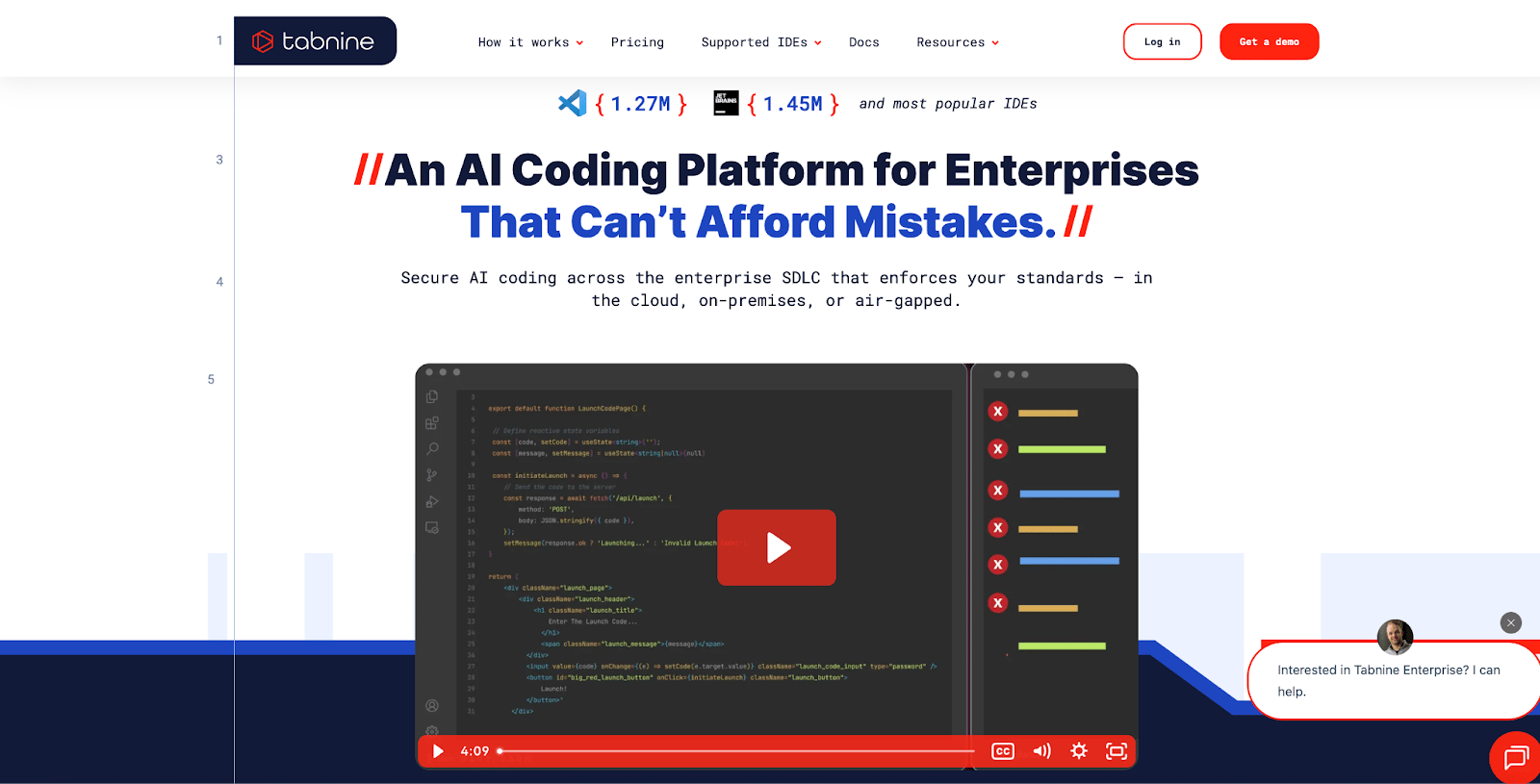
Tabnine’s AI coding assistant provides features for code review, rule enforcement, and troubleshooting. You can use natural language prompts to complete or generate code, ask for explanations about legacy code, and perform refactoring. The assistant also reviews codebases, learns standards and team code rules, and flags any potential deviations to avoid code errors across your organization. These suggestions are context-aware, and you can choose to use popular models, such as OpenAI, Anthropic, or Mistral, or train your own AI models to work with the AI assistant.
Curious about what it’s like to use Tabnine? Watch this video to get started:
Tabnine key features:
-
Multiple agents available for code onboarding, fixing, documentation, testing, and review.
-
Deployment options for on-premises, virtual private cloud, or SaaS.
-
Integrates with popular IDEs, including VS Code, Visual Studio, Android Studio, NeoVIM, Eclipse, and AppCode.
-
AI-generated code is checked against publicly available repositories to verify for potential IP issues or liabilities.
- Tabnine Agentic Platform - $59/user/month ($708/year): Access to coding assistance and coding agents, Context Engine for your organization, security features, and deployment flexibility.
Coding tools for extensive codebase knowledge and search
Codebases contain a lot of information—which can take time to search through—and require specific skills to find exactly what you’re looking for, which these GitHub Copilot alternatives can help with.
Sourcegraph for enterprise-ready code search and modification
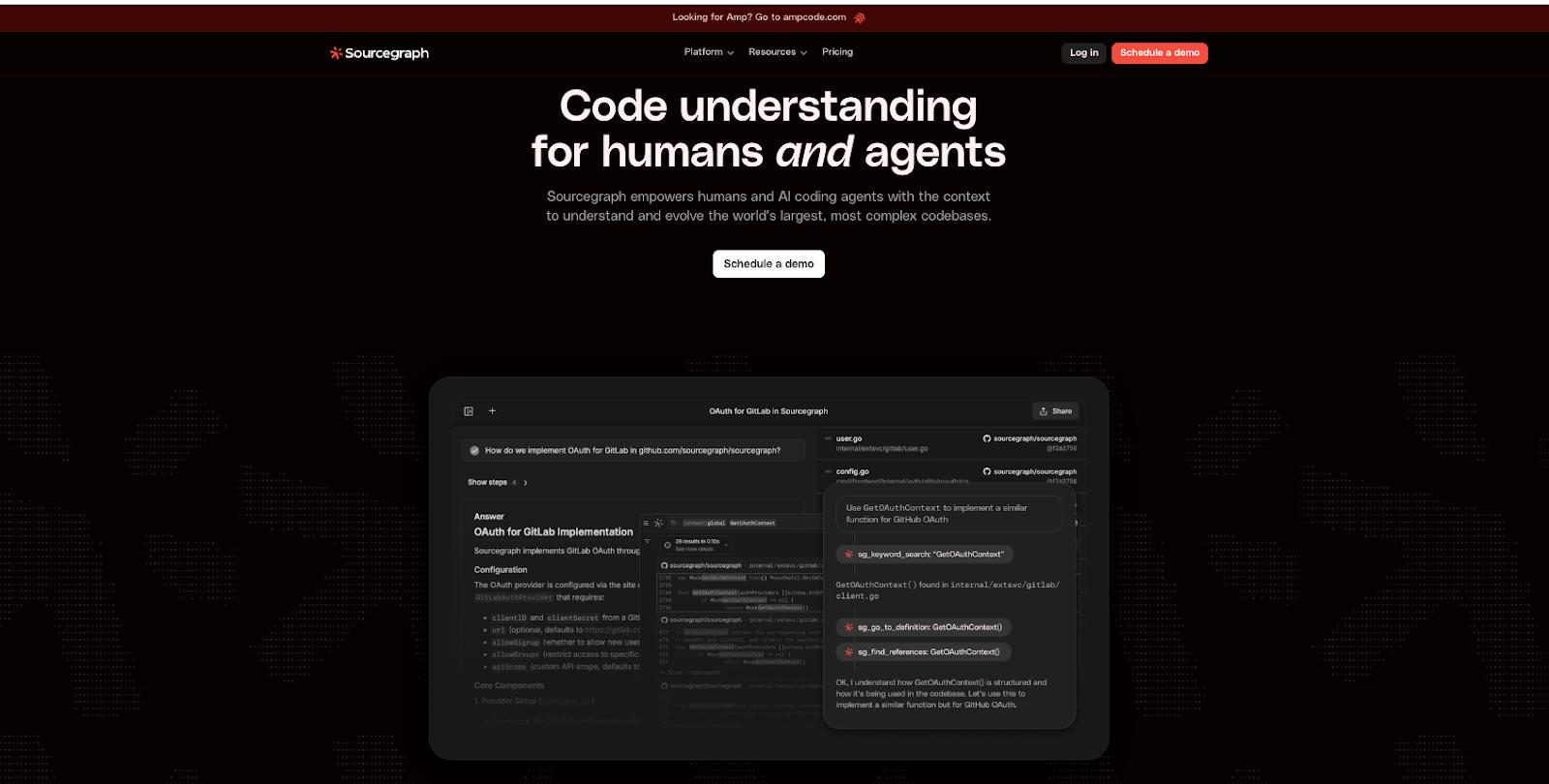
Sourcegraph is an enterprise-level AI coding agent designed to streamline code review, changes, and troubleshooting. Its Batch Changes capability integrates changes at a large scale, across multiple repositories, with a definitive structure to modify all relevant code. Agentic Deep Search examines your codebase and generates a knowledge graph for enhanced code search capabilities. You can also use inline editing to directly fix, edit, or refactor code without disrupting your workflows across repositories.
Learn more about how Sourcegraph’s Deep Search works:
Sourcegraph key features:
-
Code insights and analytics available, including migrations, depreciations, and code health.
-
Scan for potential vulnerabilities and bad code with Prometheus monitors and observability metrics that can trigger actions and agents to notify and run fixes.
-
Role-based access controls, zero-data retention, single sign-on, and SCIM user management.
-
Amp agentic coding tool available for autonomous reasoning, code editing, and task execution.
-
Enterprise Search - $49/user/month ($588/year): Deep Search, Code Search, Symbol Search, Code Monitoring, Code Insights
-
Amp: Free mode ($0/month) and paid usage (credit-based system)
Zencoder for complete software development lifecycle support
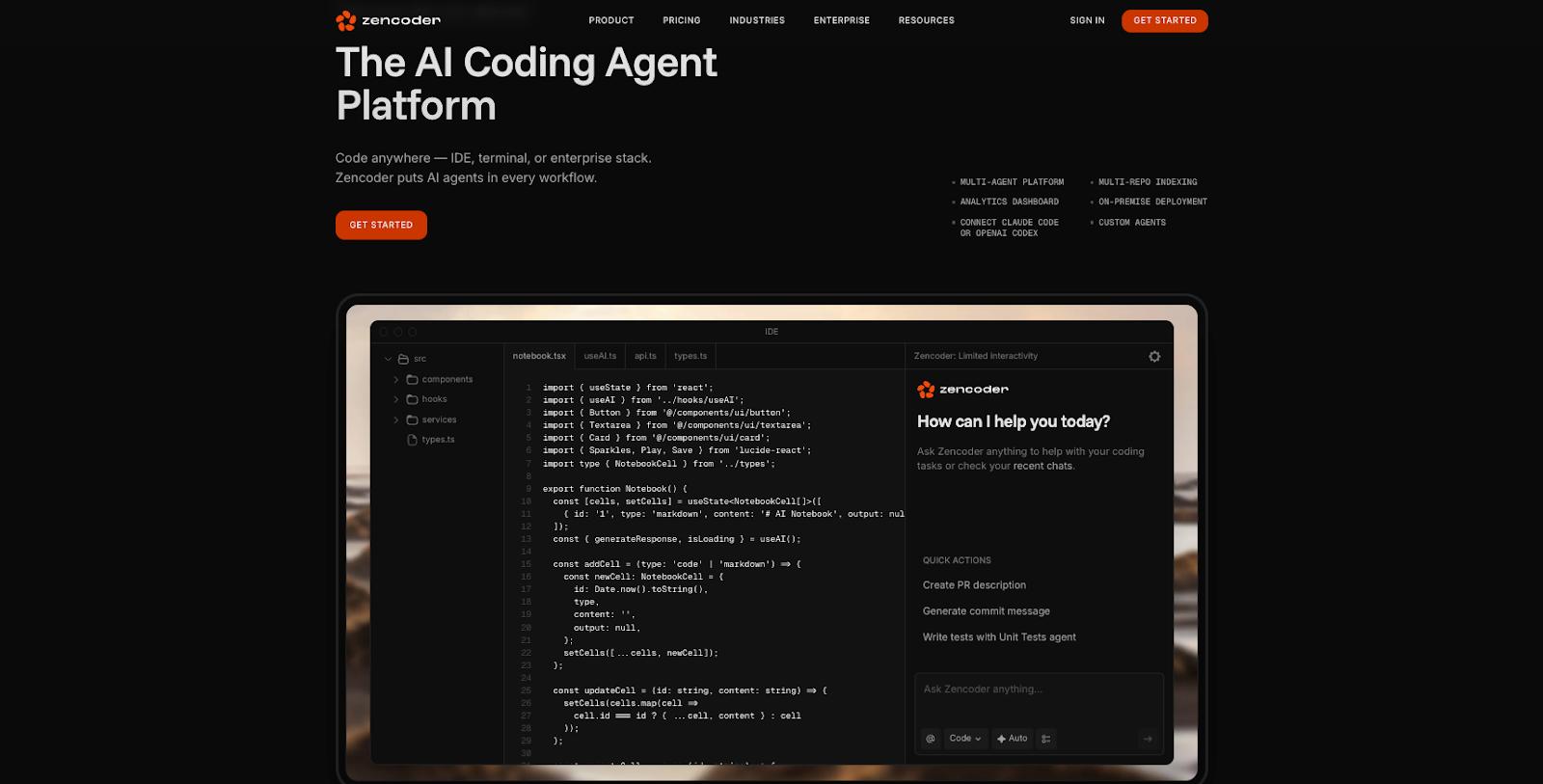
Zencoder is an AI coding agent that offers full context utilization, agentic orchestration, and multi-repository search. This gives the agent an understanding of your code’s structural patterns, architectural logic, and custom rules. Then, you can use the agent to identify and resolve bugs, automate repetitive and complex tasks, and receive real-time code suggestions. Zencoder also offers code review and unit test generation agents to increase overall code quality and thoroughly test your code before deployment.
Here’s a demo showing how to use Zencoder’s coding agent to build out a Full-Stack NextJS App:
Zencoder key features:
-
A connector that can link your agent to on-premise or cloud MCP servers for environmental access and further tool integration.
-
Support for VS Code, JetBrains, and Android Studio IDEs.
-
Agentic Pipeline to run generated code through verification and repair steps.
-
Zen Rules and Instructions let you set standards and code guidelines across your files and code.
Zencoder pricing:
-
Free - $0/month ($0/year): 30 premium LLM calls/day, 7-day starter plan trial, and unlimited bring your own key (BYOK) calls.
-
Starter - $19/user/month ($228/year): 280 premium LLM calls/day, auto and auto AI models, and unlimited BYOK calls.
-
Core - $49/user/month ($588/year): 750 premium LLM calls/day, multi-repository indexing, analytics dashboard, SSO, and audit logs.
-
Advanced - $119/user/month ($1,428/year): 1,900 premium LLM calls/day, access to Claude Opus 4/1, multi-repository indexing, analytics dashboard, SSO, and audit logs.
-
Max - $250/user/month ($3,000/year): 4,200 premium LLM calls/day, access to Claude Opus 4.1, multi-repository indexing, analytics dashboard, SSO, and audit logs.
What about vibe coding tools?
Many of these GitHub Copilot alternatives utilize text-based natural language prompts and chatbots, and you may wonder how close these tools resemble vibe coding offerings. Although popular vibe coding tools may seem part of the coding assistant family, they aren’t interchangeable with specific AI coding tools, and they often abstract what’s happening with code processes. They also may lack some of the technical expertise or insight that tools designed specifically to help developers can offer.
Examples of these tools include Replit and Bolt, which offer capabilities for code editing and AI-assisted project creation. However, their core models are to help make development easy or more accessible to various levels of coding knowledge, and don’t necessarily automatically offer access to the code behind the project outside of paid plans.
GitHub Copilot alternatives for coding FAQs
What are the best GitHub Copilot alternatives in 2025?
The best GitHub Copilot alternative will ultimately depend on your organization’s or project’s needs, but top options include Amazon Q Developer, Codex, Claude Code, Codium, Cursor, Gemini Code Assist, Sourcegraph, Tabby, Tabnine, Windsurf, and Zencode.
Are there free AI coding assistants, such as Copilot?
Google Gemini Code Assist, Zencoder, and Tabby all offer free tiers to their AI coding assistants. These tiers include limited use of specific features, but include the ability to ask questions about your code, review it, and write code.
Which AI code assistants are most suitable for enterprises?
Several AI code assistants are designed for (or have) an enterprise version of their offering available. These include Sourcegraph, Windsurf, Codex, Tabnine, and Gemini Code Assist.
Are there open-source alternatives to GitHub Copilot?
Tabby is an open-source alternative to GitHub Copilot. Zencoder also has Zen Agents, which include open-source options.
What IDEs do the top GitHub alternatives and AI coding tools integrate with?
These coding tools work with include VS Code, Visual Studio, VIM, NeoVIM, Android Studio, Eclipse, and JetBrains IDEs. This is product-to-product dependent, so check the documentation for your AI coding tool to confirm it will work with your desired IDE.
Build with DigitalOcean’s Gradient Platform
DigitalOcean Gradient Platform makes it easier to build and deploy AI agents without managing complex infrastructure. Build custom, fully-managed agents backed by the world’s most powerful LLMs from Anthropic, DeepSeek, Meta, Mistral, and OpenAI. From customer-facing chatbots to complex, multi-agent workflows, integrate agentic AI with your application in hours with transparent, usage-based billing and no infrastructure management required.
Key features:
-
Serverless inference with leading LLMs and simple API integration
-
RAG workflows with knowledge bases for fine-tuned retrieval
-
Function calling capabilities for real-time information access
-
Multi-agent crews and agent routing for complex tasks
-
Guardrails for content moderation and sensitive data detection
-
Embeddable chatbot snippets for easy website integration
-
Versioning and rollback capabilities for safe experimentation
Get started with DigitalOcean Gradient Platform for access to everything you need to build, run, and manage the next big thing.
About the author

Jess Lulka is a Content Marketing Manager at DigitalOcean. She has over 10 years of B2B technical content experience and has written about observability, data centers, IoT, server virtualization, and design engineering. Before DigitalOcean, she worked at Chronosphere, Informa TechTarget, and Digital Engineering. She is based in Seattle and enjoys pub trivia, travel, and reading.
Start building today
From GPU-powered inference and Kubernetes to managed databases and storage, get everything you need to build, scale, and deploy intelligent applications.
